19

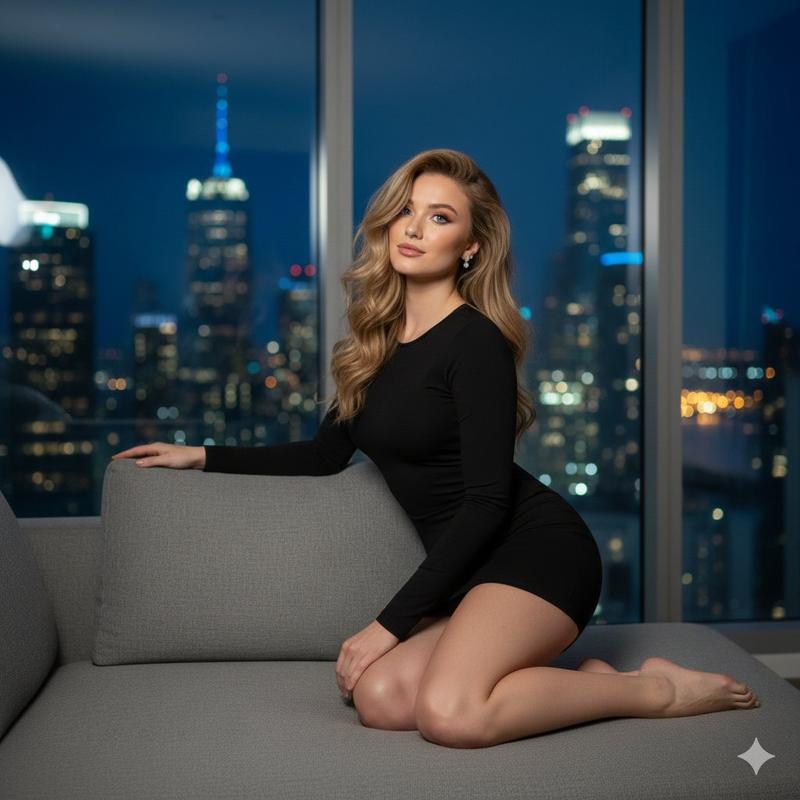
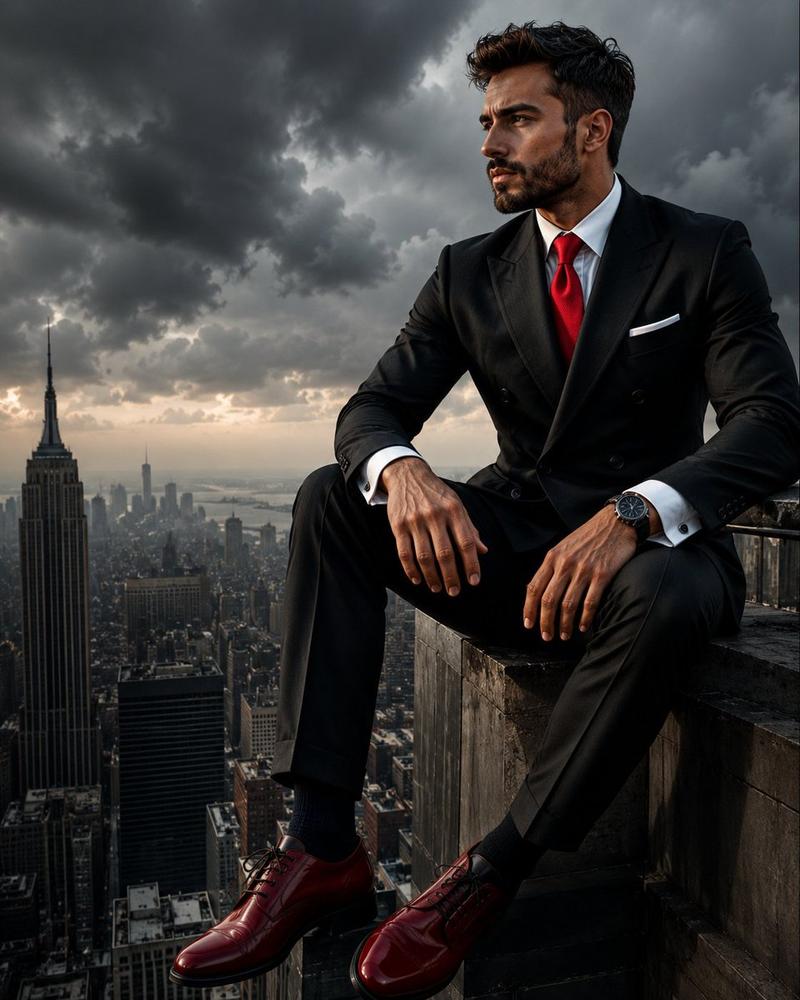
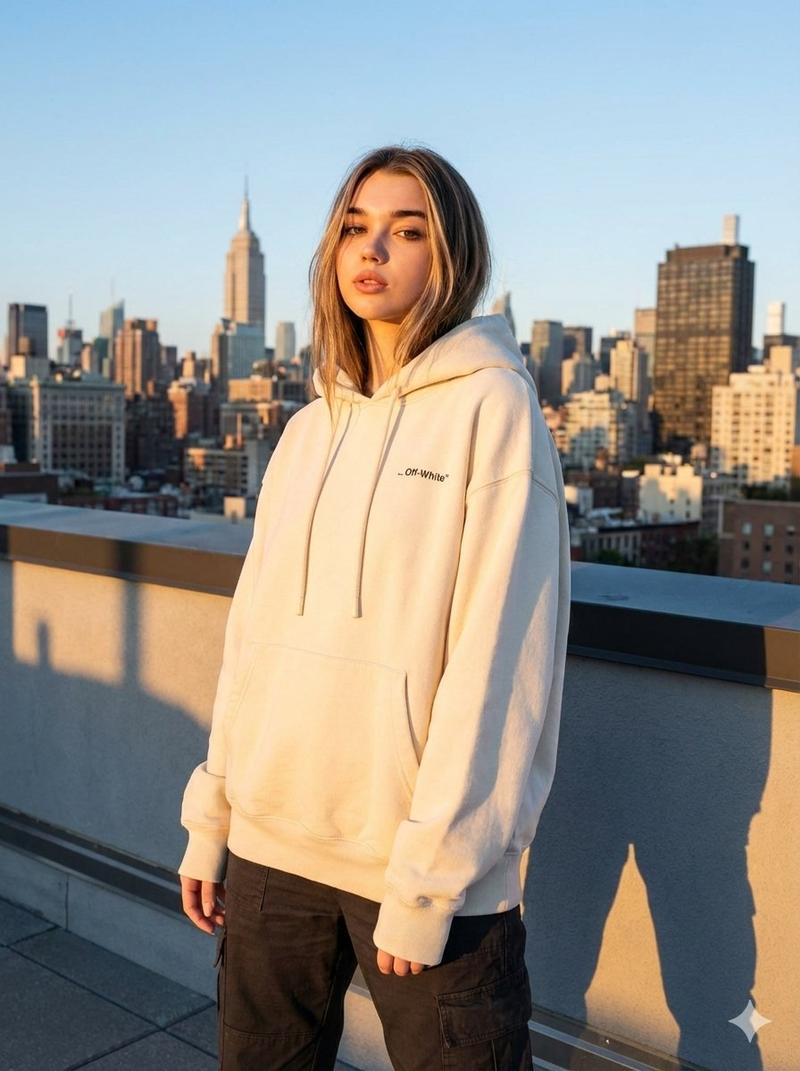
奢华顶层公寓的行政人员夜景
Enlarge

奢华顶层公寓的行政人员夜景

Prompt
Create a cinematic photorealistic scene of {argument name="subject" default="a successful businessman"} sitting alone in a sleek black leather lounge chair inside a luxurious high-rise penthouse office at night. He wears a {argument name="suit color" default="deep navy tailored suit"}, dark dress shirt, polished black shoes, and a wristwatch, seated with legs crossed while holding a phone to his ear in a calm, focused pose. His face is softly obscured and anonymous. Floor-to-ceiling windows dominate the left side, revealing a dramatic nighttime {argument name="city skyline" default="New York City skyline with the Empire State Building brightly lit"} under a dark blue stormy sky. A small round glass side table with a tumbler of water sits beside him. The interior is dark, modern, and expensive, with glossy black marble floors reflecting the city lights, recessed ceiling spotlights, a sofa in the background, illuminated shelving, and a large moody abstract wall artwork. Use low-key lighting, deep blue and charcoal tones, crisp reflections, high contrast, realistic architectural photography, executive luxury atmosphere, quiet success, solitude, ambition, 16:9 square-cropped composition, ultra-detailed, GPT Image 2 photorealism.
Category
Charts & Infographics
Model
GPT Image 2
Creator
Zyro
Views4
Source ID
18702
Published
May 6, 2026

Guide

About "奢华顶层公寓的行政人员夜景"

What is this prompt for?

"奢华顶层公寓的行政人员夜景" AI image prompt for GPT Image 2 (Charts & Infographics). 生成一张电影级写实照片,展现一位匿名行政人员在夜晚俯瞰城市天际线的豪华顶层公寓中。 Copy it on Picva and recreate the look in on…

The full copyable prompt and example visuals above are ready for AI image generation or one-click recreate in Picva.

How to use this prompt

  1. Step 1

    Open the prompt detail

    Review the example visuals, category, and full prompt text for "奢华顶层公寓的行政人员夜景".

  2. Step 2

    Copy the prompt

    Copy the prompt body from this page, or load it directly in Studio.

  3. Step 3

    Pick a model (GPT Image 2)

    Prefer GPT Image 2. If you switch models, keep subject and composition and tweak style terms.

  4. Step 4

    Generate and export

    Recreate the look in Picva, or export into your workflow for editing and publishing.

FAQ

What is the "奢华顶层公寓的行政人员夜景" prompt?
It is an AI image-generation prompt for GPT Image 2 in the Charts & Infographics category. This page includes the full prompt text, example visuals, and a one-click recreate path in Picva.
How do I use this prompt to generate an image?
Copy the prompt from this page, or use Generate / Studio. Paste it into a compatible image model, or recreate the look in Picva with optional reference images.
Which model is this prompt for?
This page lists GPT Image 2. Most descriptive prompts also transfer to nearby image models such as GPT Image, Flux, or Midjourney with light style tweaks.
Can I use the result commercially?
You can usually copy the prompt for creation, but commercial use of the final image depends on the model terms, reference-image rights, and the generated content. Follow the source author and platform rules.