17

Night smartphone selfie portrait: GPT Image 2 prompt
Enlarge

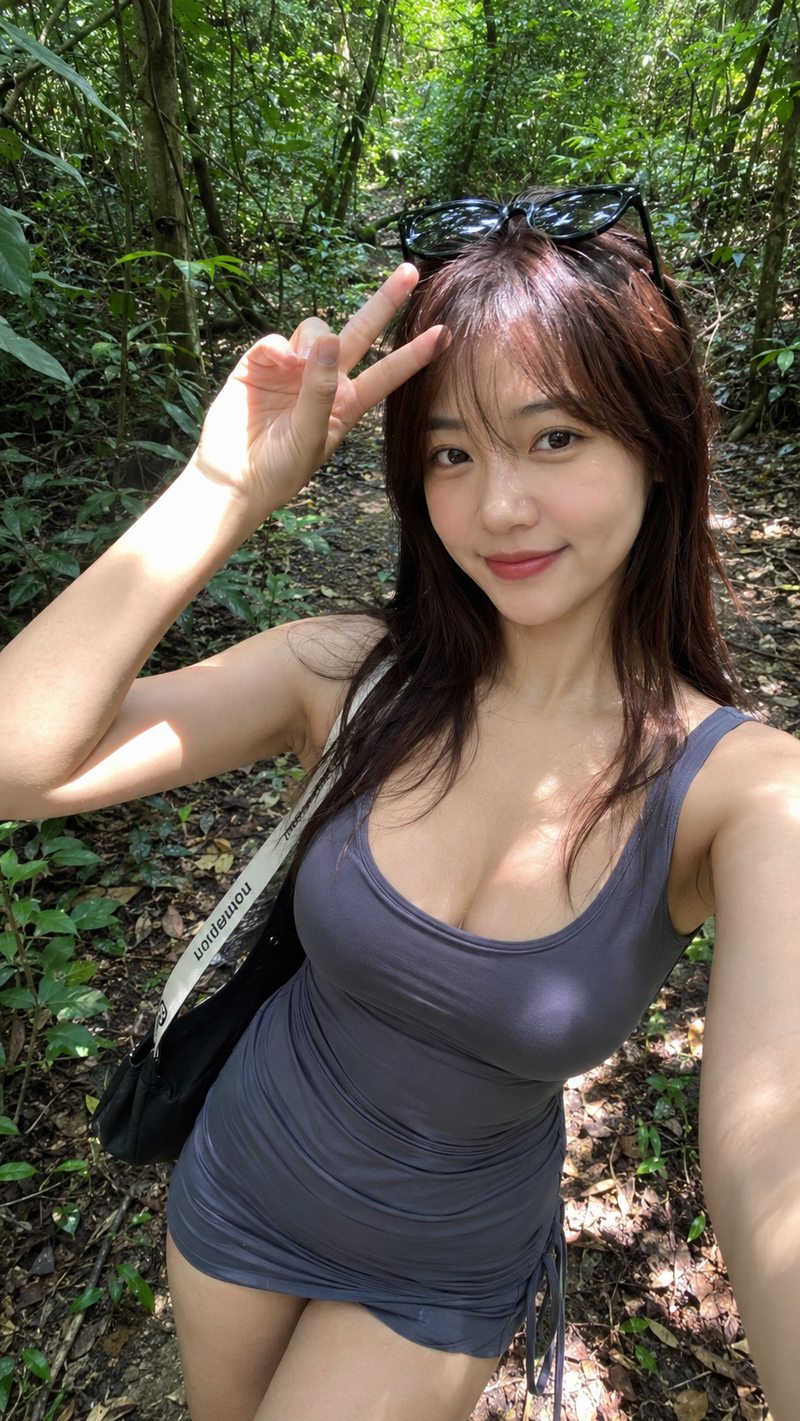
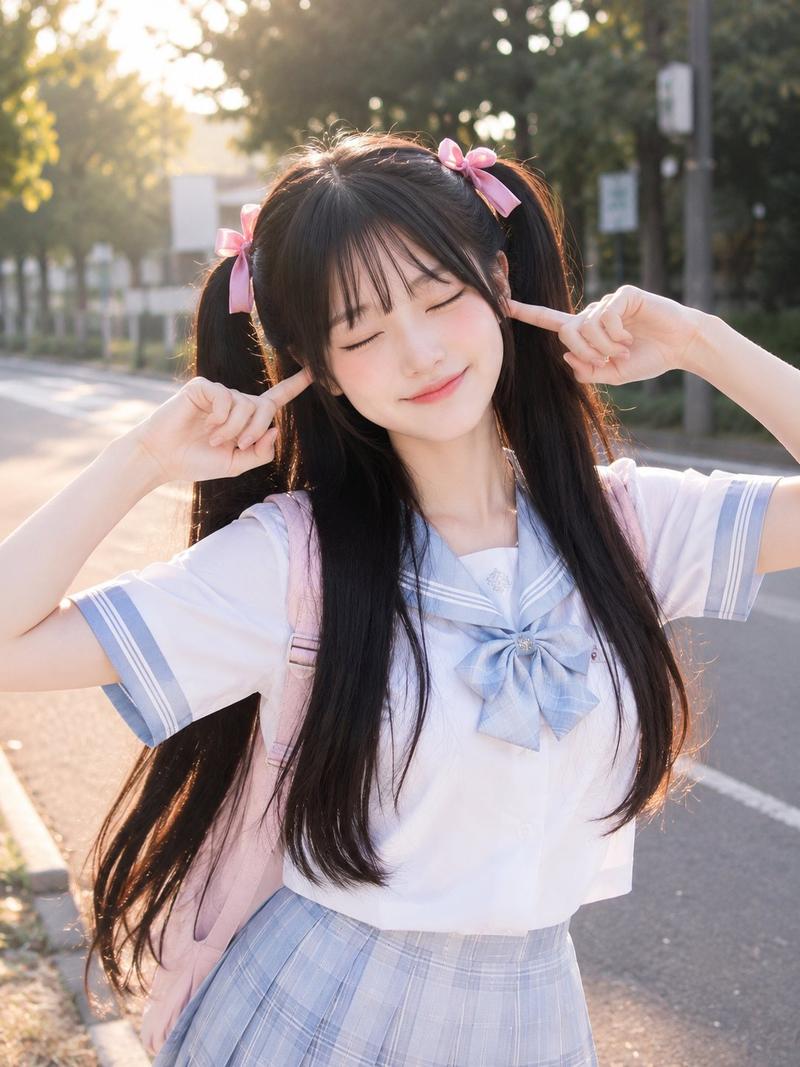
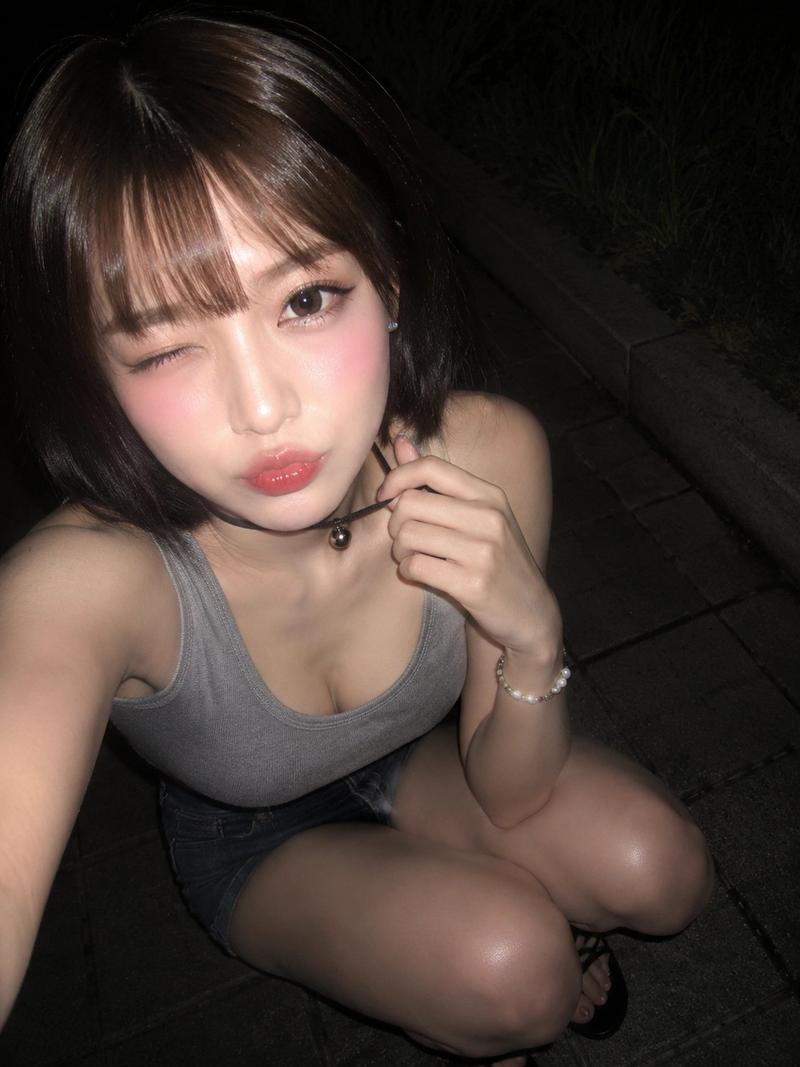
Example images

Night smartphone selfie portrait: GPT Image 2 prompt

Prompt
Ultra-realistic smartphone selfie taken with a mobile phone at night, looks genuinely captured on an iPhone/mobile camera, not a DSLR. A beautiful young East Asian woman with long, slightly messy dark brown hair flowing naturally in the breeze, fair porcelain skin, large expressive brown eyes, soft natural makeup, subtle blush, and glossy pink lips making a cute duck-face expression. Wearing a fitted gray spaghetti-strap camisole, holding a smartphone casually in one hand while walking along a quiet tree-lined city sidewalk at night. Warm streetlights illuminate her face with soft shadows, parked cars, green trees, and an empty road in the background. Slight handheld motion blur, natural phone HDR, realistic skin texture, authentic hair strands, mild digital noise, front-camera perspective, candid lifestyle aesthetic, casual late-night walk, Instagram-style selfie, high detail, photorealistic, clearly looks like an unedited mobile phone photo, not AI or studio photography.
Category
Photography & Realism
Model
GPT Image 2
Views2
Source ID
2076146935866720540
Published
Jul 12, 2026

Guide

About "Night smartphone selfie portrait: GPT Image 2 prompt"

What is this prompt for?

"Night smartphone selfie portrait: GPT Image 2 prompt" AI image prompt for GPT Image 2 (Photography & Realism). Ultra-realistic smartphone selfie taken with a…

The full copyable prompt and example visuals above are ready for AI image generation or one-click recreate in Picva.

How to use this prompt

  1. Step 1

    Open the prompt detail

    Review the example visuals, category, and full prompt text for "Night smartphone selfie portrait: GPT Image 2 prompt".

  2. Step 2

    Copy the prompt

    Copy the prompt body from this page, or load it directly in Studio.

  3. Step 3

    Pick a model (GPT Image 2)

    Prefer GPT Image 2. If you switch models, keep subject and composition and tweak style terms.

  4. Step 4

    Generate and export

    Recreate the look in Picva, or export into your workflow for editing and publishing.

FAQ

What is the "Night smartphone selfie portrait: GPT Image 2 prompt" prompt?
It is an AI image-generation prompt for GPT Image 2 in the Photography & Realism category. This page includes the full prompt text, example visuals, and a one-click recreate path in Picva.
How do I use this prompt to generate an image?
Copy the prompt from this page, or use Generate / Studio. Paste it into a compatible image model, or recreate the look in Picva with optional reference images.
Which model is this prompt for?
This page lists GPT Image 2. Most descriptive prompts also transfer to nearby image models such as GPT Image, Flux, or Midjourney with light style tweaks.
Can I use the result commercially?
You can usually copy the prompt for creation, but commercial use of the final image depends on the model terms, reference-image rights, and the generated content. Follow the source author and platform rules.