19

Minimalist character: GPT Image 2 prompt
Enlarge

Minimalist character: GPT Image 2 prompt

Prompt
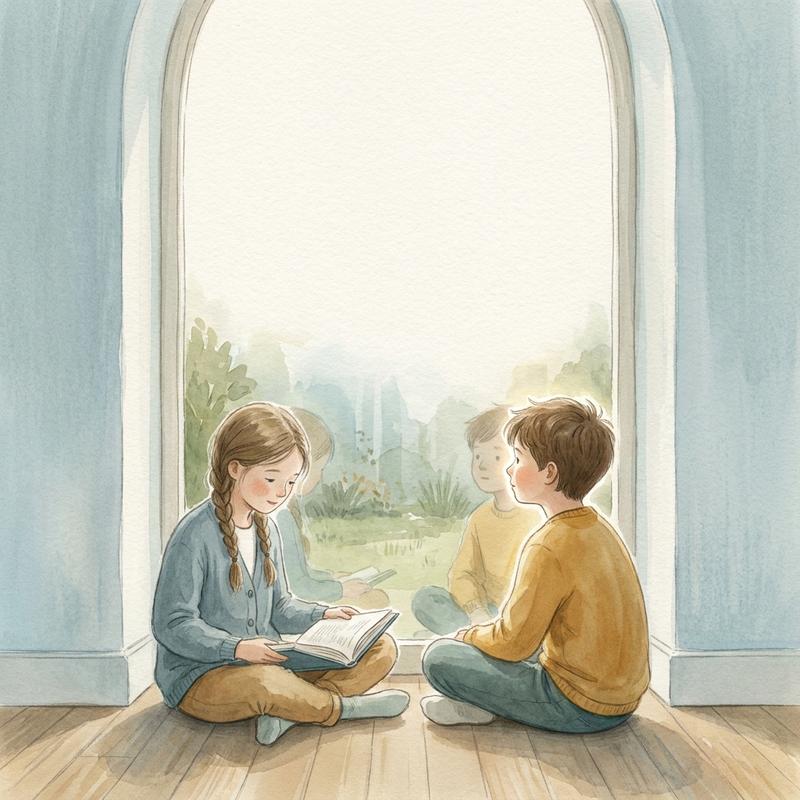
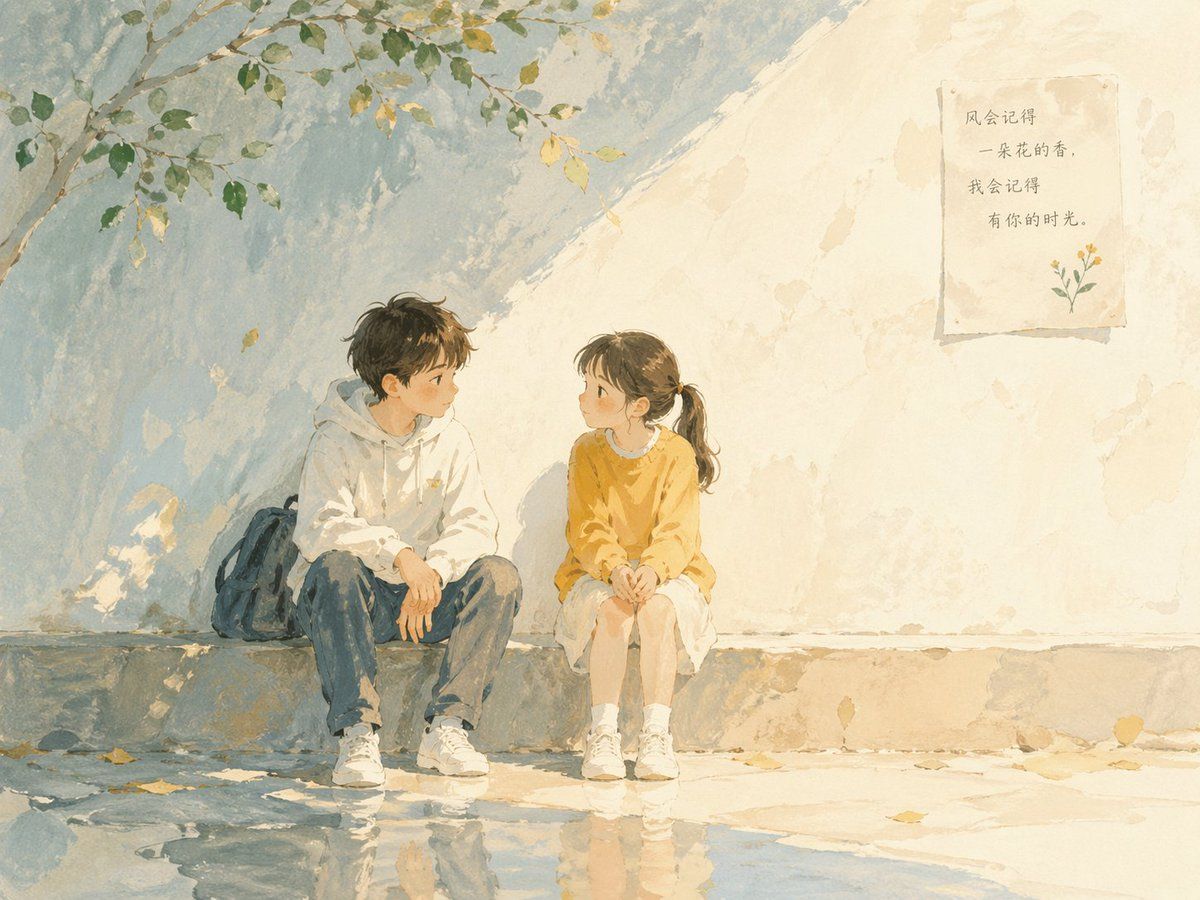
Soft poetic children's book illustration with watercolor and gouache textures.Clear gentle daylight with slightly brighter highlights.Muted pastel colors with soft blue and warm tones.Visible brush strokes and paper grain.Minimalist composition with large negative space.Calm, thoughtful, slightly open-ended atmosphere.

Child character (around 12 years old).Subtle visual metaphors like light, shadow, perspective, reflection.Hand-painted picture book style, not cartoon, not anime, not 3D.

Two children in calm conversation,soft connection forming.
Category
Illustration & Art
Model
GPT Image 2
Creator
dotey
Views0
Source ID
awesome-poster-61
Published
Apr 29, 2026

Guide

About "Minimalist character: GPT Image 2 prompt"

What is this prompt for?

"Minimalist character: GPT Image 2 prompt" AI image prompt for GPT Image 2 (Illustration & Art). Soft poetic children's book illustration with watercolor and g…

The full copyable prompt and example visuals above are ready for AI image generation or one-click recreate in Picva.

How to use this prompt

  1. Step 1

    Open the prompt detail

    Review the example visuals, category, and full prompt text for "Minimalist character: GPT Image 2 prompt".

  2. Step 2

    Copy the prompt

    Copy the prompt body from this page, or load it directly in Studio.

  3. Step 3

    Pick a model (GPT Image 2)

    Prefer GPT Image 2. If you switch models, keep subject and composition and tweak style terms.

  4. Step 4

    Generate and export

    Recreate the look in Picva, or export into your workflow for editing and publishing.

FAQ

What is the "Minimalist character: GPT Image 2 prompt" prompt?
It is an AI image-generation prompt for GPT Image 2 in the Illustration & Art category. This page includes the full prompt text, example visuals, and a one-click recreate path in Picva.
How do I use this prompt to generate an image?
Copy the prompt from this page, or use Generate / Studio. Paste it into a compatible image model, or recreate the look in Picva with optional reference images.
Which model is this prompt for?
This page lists GPT Image 2. Most descriptive prompts also transfer to nearby image models such as GPT Image, Flux, or Midjourney with light style tweaks.
Can I use the result commercially?
You can usually copy the prompt for creation, but commercial use of the final image depends on the model terms, reference-image rights, and the generated content. Follow the source author and platform rules.