16

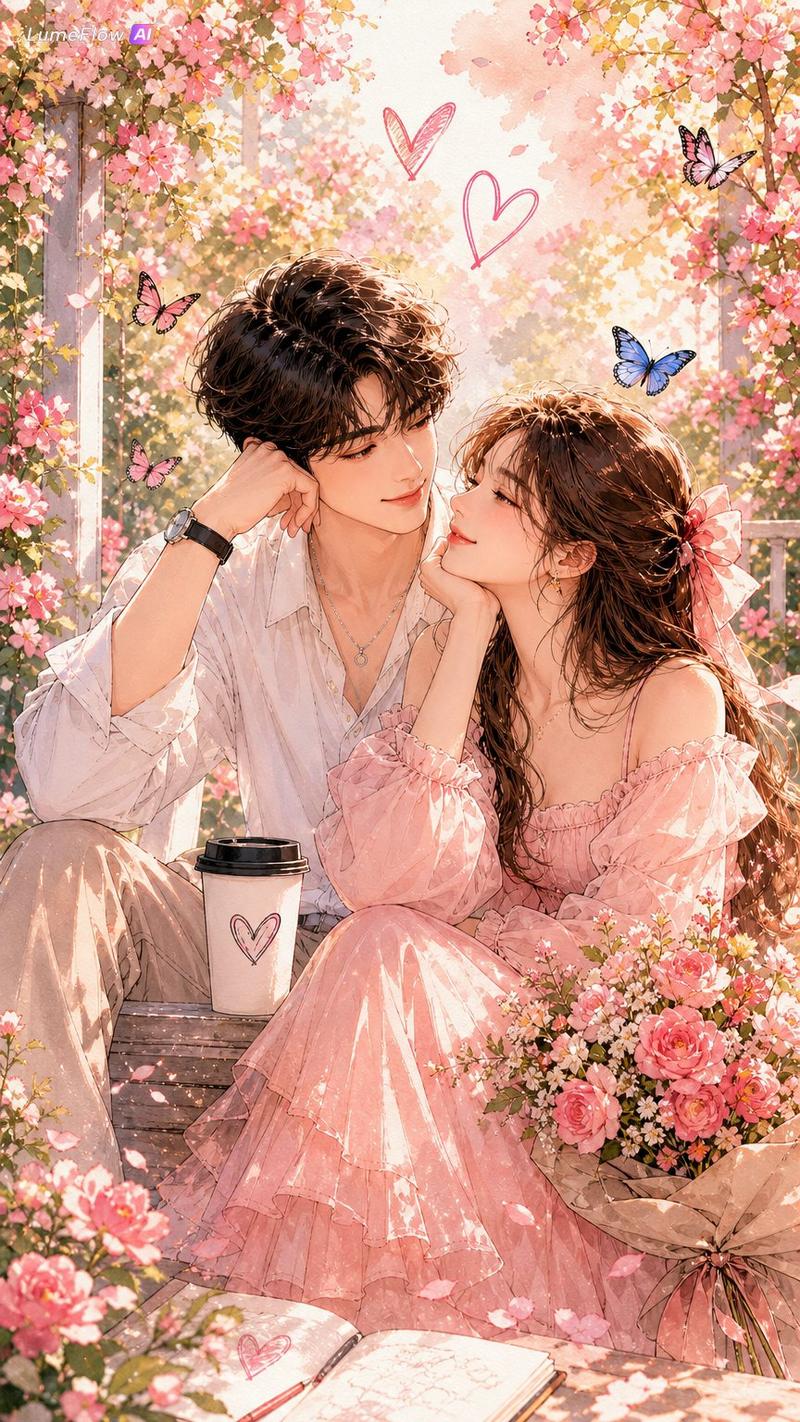
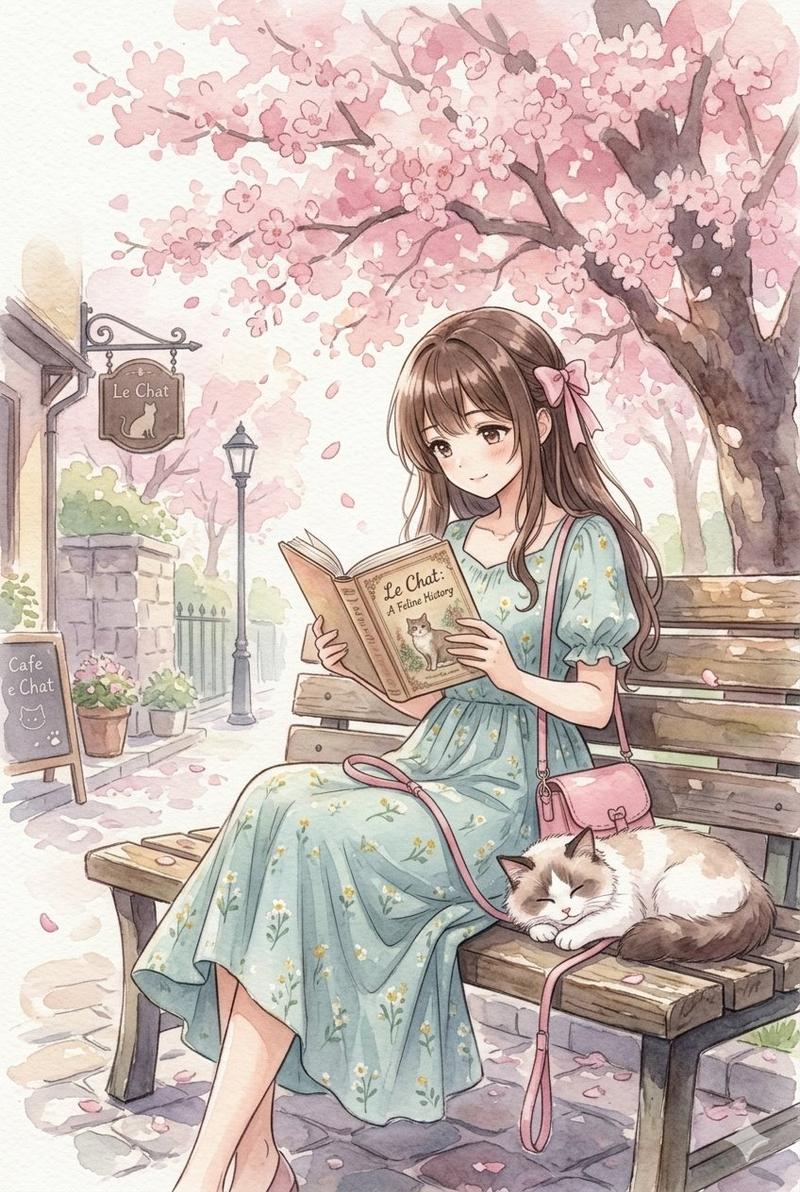
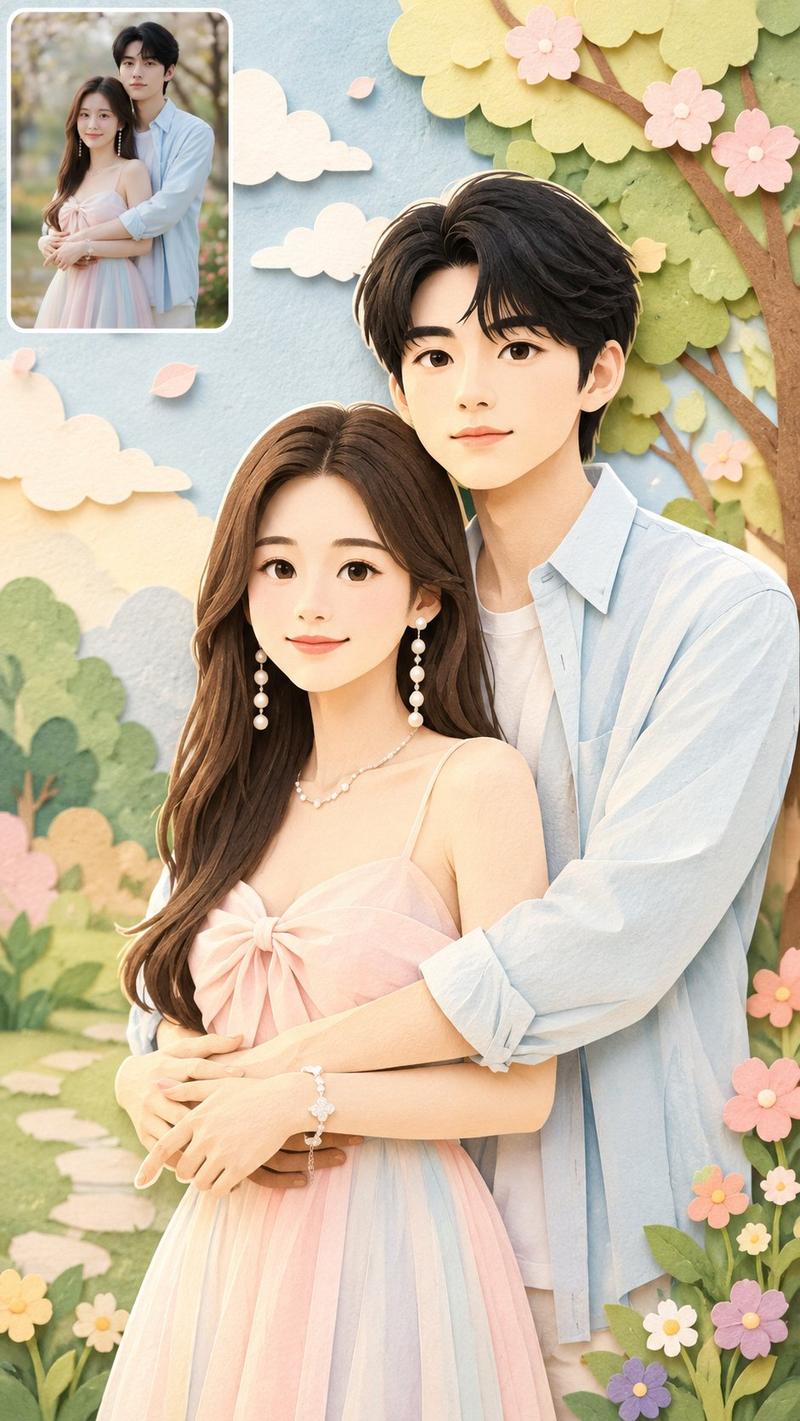
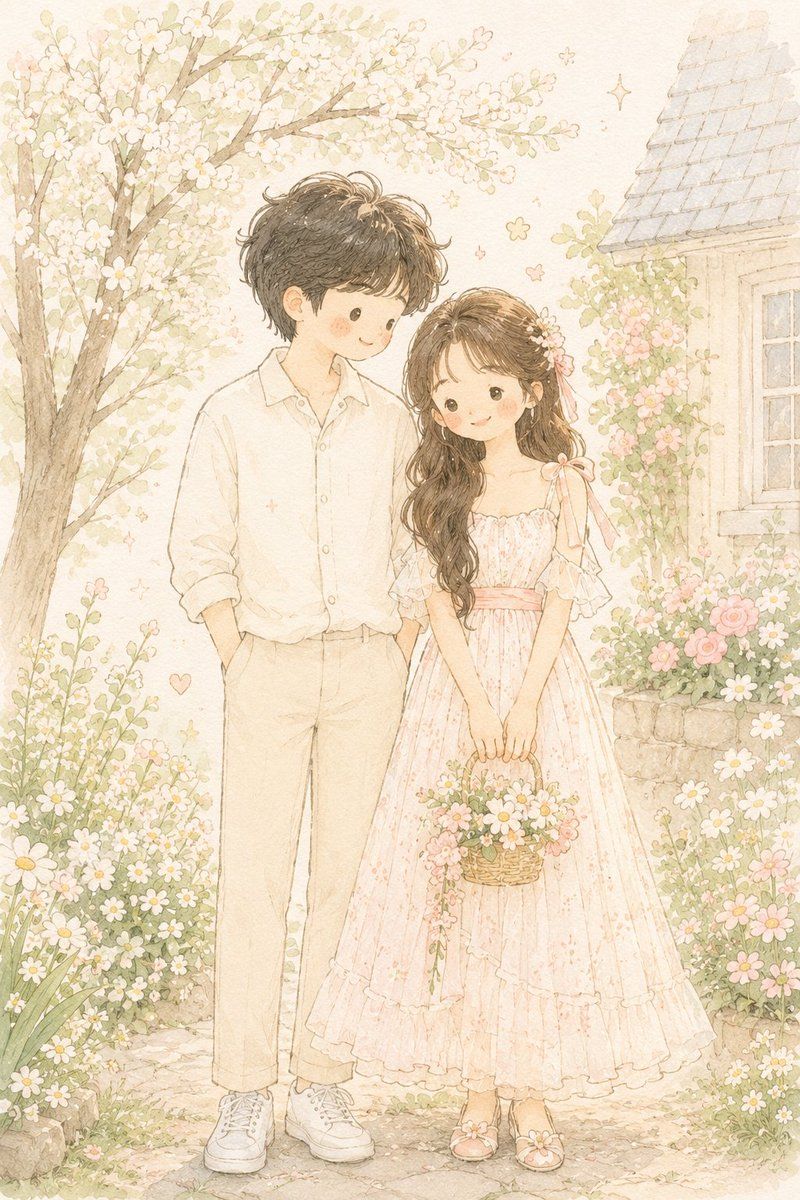
手绘风故事书肖像插画
Enlarge

Example images

手绘风故事书肖像插画

Prompt
Transform {argument name="source" default="the photo"} into a delicate minimalist hand-drawn children’s storybook illustration with a soft {argument name="aesthetic" default="Korean and Japanese pastel aesthetic"}. 

Keep the exact pose, composition, clothing colors, hairstyle, and overall photo structure from the original image, but simplify the characters into {argument name="subject style" default="cute doll-like storybook figures"} with tiny facial features, rosy cheeks, round dot eyes, soft smiles, and slightly simplified anatomy.

Use thin imperfect pencil lines, subtle sketch texture, watercolor softness, soft pastel shading, and airy cream-white tones. The illustration should feel light, innocent, cozy, romantic, and whimsical.

Maintain a clean minimal background with tiny flowers, sparkles, stars, or small decorative doodles. Add subtle paper texture and gentle hand-drawn imperfections.

The clothing should look soft and simplified with elegant pastel fabric shapes and tiny decorative embroidery details.

Style inspiration: modern Scandinavian nursery postcard, Korean children’s illustration, soft Japanese storybook art, delicate Pinterest watercolor sketch aesthetic.

Avoid photorealism, realistic facial structure, sharp jawlines, glossy rendering, cinematic lighting, strong contrast, thick outlines, detailed fingers, hyper-detail, 3D rendering, anime style, Pixar style, oil painting texture, complex shadows, or saturated colors.
Category
Charts & Infographics
Model
GPT Image 2
Creator
Kollab
Views5
Source ID
21892
Published
May 21, 2026

Guide

About "手绘风故事书肖像插画"

What is this prompt for?

"手绘风故事书肖像插画" AI image prompt for GPT Image 2 (Charts & Infographics). 一个充满奇思妙想的提示词,可将照片转换为极简手绘故事书插画,呈现柔和的粉彩美学。 Copy it on Picva and recreate the look in one cl…

The full copyable prompt and example visuals above are ready for AI image generation or one-click recreate in Picva.

How to use this prompt

  1. Step 1

    Open the prompt detail

    Review the example visuals, category, and full prompt text for "手绘风故事书肖像插画".

  2. Step 2

    Copy the prompt

    Copy the prompt body from this page, or load it directly in Studio.

  3. Step 3

    Pick a model (GPT Image 2)

    Prefer GPT Image 2. If you switch models, keep subject and composition and tweak style terms.

  4. Step 4

    Generate and export

    Recreate the look in Picva, or export into your workflow for editing and publishing.

FAQ

What is the "手绘风故事书肖像插画" prompt?
It is an AI image-generation prompt for GPT Image 2 in the Charts & Infographics category. This page includes the full prompt text, example visuals, and a one-click recreate path in Picva.
How do I use this prompt to generate an image?
Copy the prompt from this page, or use Generate / Studio. Paste it into a compatible image model, or recreate the look in Picva with optional reference images.
Which model is this prompt for?
This page lists GPT Image 2. Most descriptive prompts also transfer to nearby image models such as GPT Image, Flux, or Midjourney with light style tweaks.
Can I use the result commercially?
You can usually copy the prompt for creation, but commercial use of the final image depends on the model terms, reference-image rights, and the generated content. Follow the source author and platform rules.