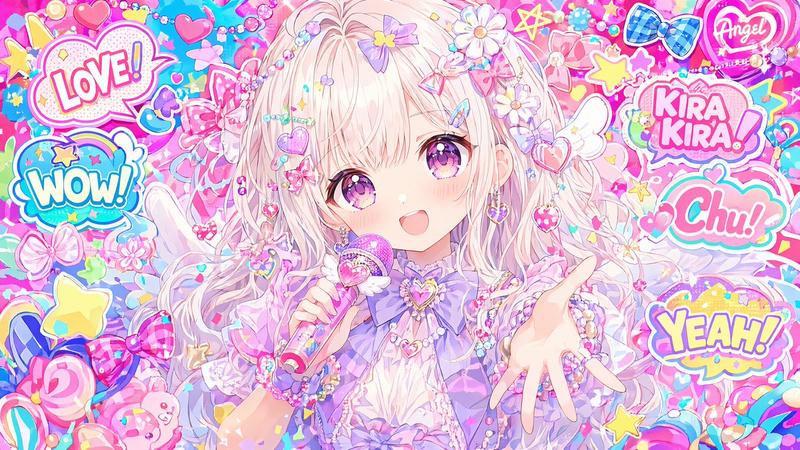
Sketch portrait: GPT Image 2 prompt
Prompt
A glossy pastel pink anime banner in a wide cinematic layout, themed around cute romance and sweets. Place a confident teenage anime girl on the right side, shown from about thigh-up, with short fluffy bob hair in {argument name="hair color" default="soft pink"}, large pink-magenta eyes, a small gentle smile, and arms crossed. She wears a Japanese school uniform: 1 brown blazer, 1 white shirt, 1 red ribbon bow at the collar, and 1 dark navy-and-purple plaid skirt. Add 2 red ribbon hair accessories, one larger bow on the side and one smaller ribbon accent. On the left half, feature the large handwritten script name {argument name="character name" default="Natsuki"} in bold glossy 3D cursive, white-to-pink fill with bright pink outline, soft bevel, subtle drop shadow, sparkles, and a small heart flourish integrated into the lettering. The background should be a layered scrapbook collage in blush pink tones with notebook paper texture, faint grid and torn paper details, scattered doodled hearts, flower petals, sparkles, and cute bakery motifs. Include exactly 4 pinned or taped sketch-style portrait cards of the same girl behind her on the upper-right and mid-right, arranged like overlapping polaroids. Add exactly 2 cupcakes in the foreground near the bottom left and lower center-left, both with pink frosting, striped wrappers, and tiny heart toppers or candy accents. Frame the composition with flowing satin ribbons and bows: exactly 4 major ribbon elements visible, including 1 bow near the top left, 1 bow near the bottom left, and 2 long curling ribbons sweeping across the top and right edges. Use a soft high-detail anime illustration style, polished lighting, dreamy bloom, romantic Valentine palette, delicate textures, and a clean impactful thumbnail-like composition.- Category
- Characters & People
- Model
- GPT Image 2
- Creator
- mirochill
- Source ID
- awesome-ui-98
- Published
- Apr 29, 2026
Views0