13

信息图可视化设计
Enlarge

信息图可视化设计

Prompt
[中文]
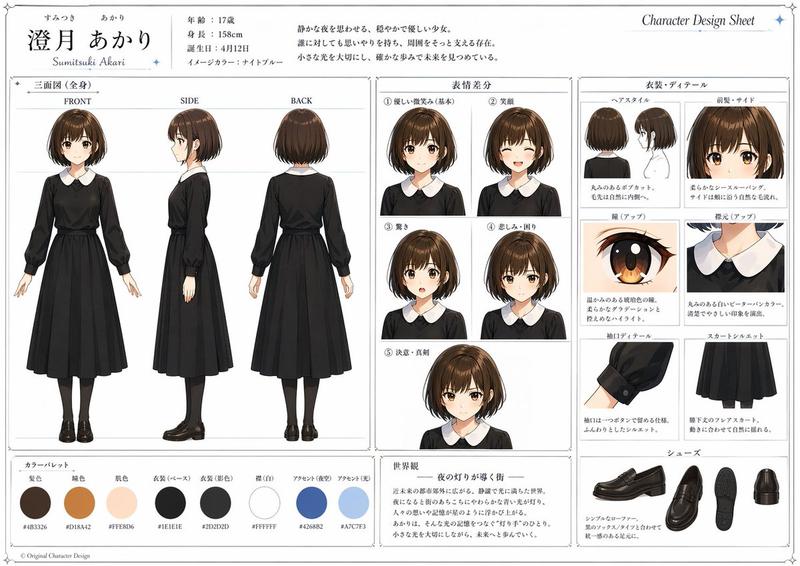
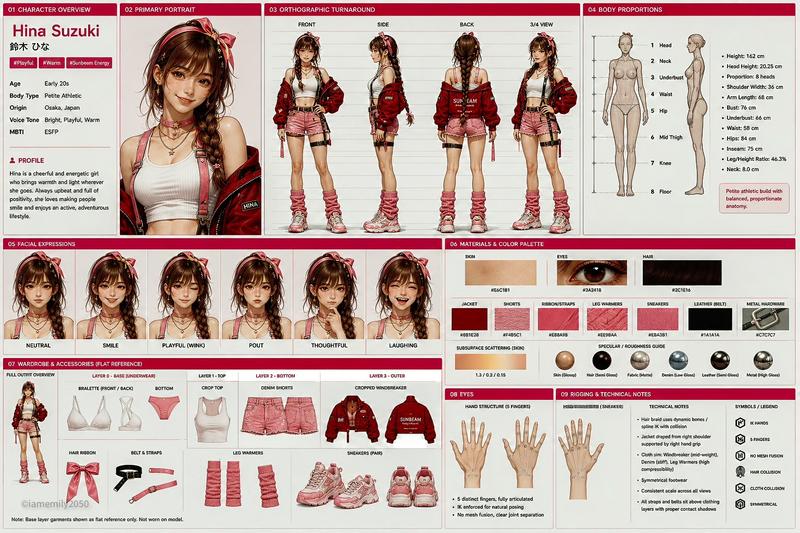
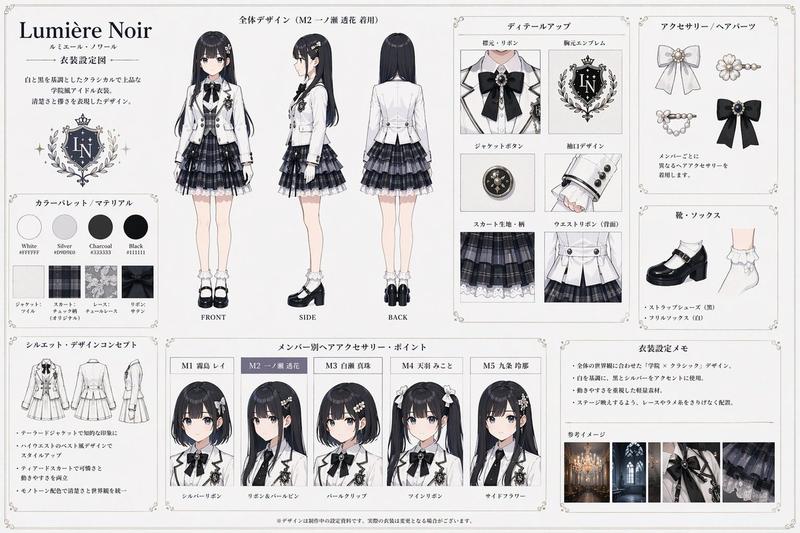
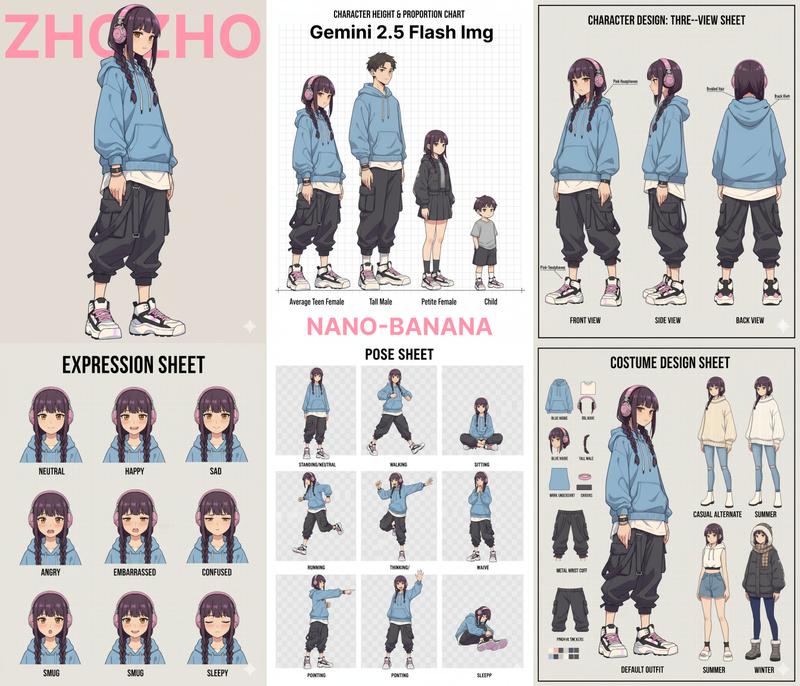
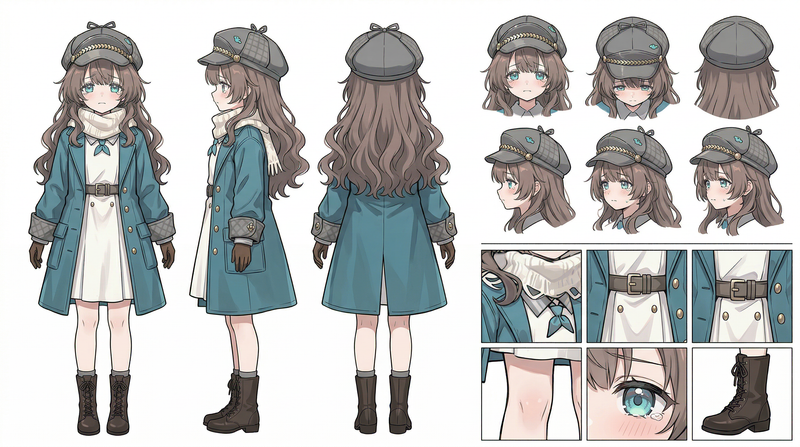
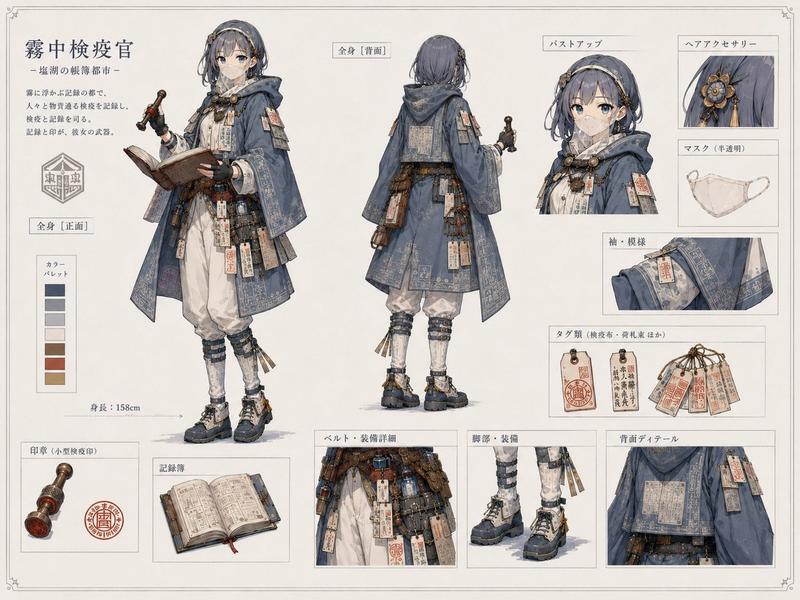
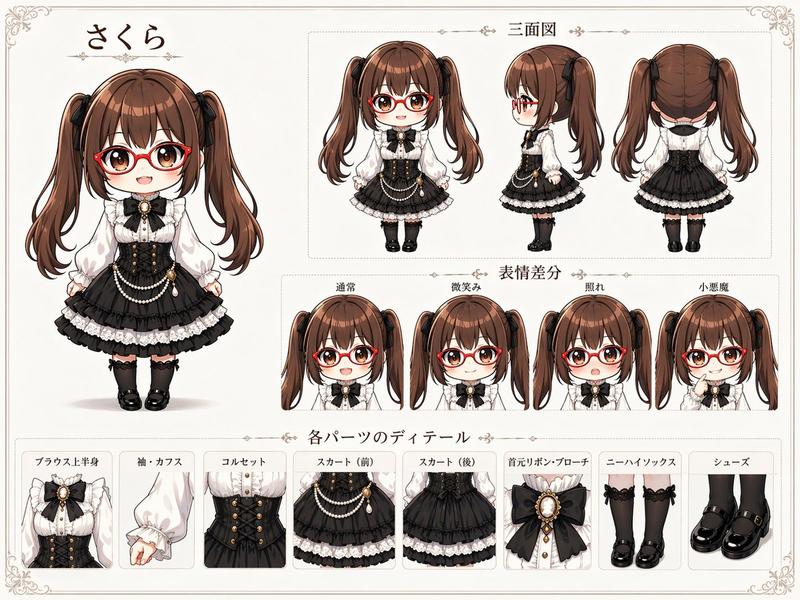
このキャラクターと背景を元に、 公式設定資料のようなキャラクターシートを作成してください。
・正面、側面、背面の3面図を含める ・キャラクターの表情バリエーションを追加
・衣装や装備の詳細パーツを分解して表示 ・カラーパレットを追加 ・世界観の簡単な説明を入れる
・全体は整理されたレイアウト
(白背景、図解風)
・アスペクト比16:9  ←

高解像度、プロのコンセプトアートスタイル

[English]
Based on this character and background, please create a character sheet like an official setting material.
・Include front, side, and back 3-view drawings ・Add character expression variations
・Disassemble and display detailed parts of costumes and equipment ・Add a color palette ・Include a brief explanation of the world view
・Overall organized layout
(White background, diagrammatic style)
・Aspect ratio 16:9  ←
High resolution, professional concept art style
Category
Characters & People
Model
GPT Image 2
Views3
Source ID
270

Guide

About "信息图可视化设计"

What is this prompt for?

"信息图可视化设计" AI image prompt for GPT Image 2 (Characters & People). [中文] このキャラクターと背景を元に、 公式設定資料のようなキャラクターシートを作成してください。 ・正面、側面、背面の3面図を含める ・キャラクターの表情バリエーションを追加 ・衣装…

The full copyable prompt and example visuals above are ready for AI image generation or one-click recreate in Picva.

How to use this prompt

  1. Step 1

    Open the prompt detail

    Review the example visuals, category, and full prompt text for "信息图可视化设计".

  2. Step 2

    Copy the prompt

    Copy the prompt body from this page, or load it directly in Studio.

  3. Step 3

    Pick a model (GPT Image 2)

    Prefer GPT Image 2. If you switch models, keep subject and composition and tweak style terms.

  4. Step 4

    Generate and export

    Recreate the look in Picva, or export into your workflow for editing and publishing.

FAQ

What is the "信息图可视化设计" prompt?
It is an AI image-generation prompt for GPT Image 2 in the Characters & People category. This page includes the full prompt text, example visuals, and a one-click recreate path in Picva.
How do I use this prompt to generate an image?
Copy the prompt from this page, or use Generate / Studio. Paste it into a compatible image model, or recreate the look in Picva with optional reference images.
Which model is this prompt for?
This page lists GPT Image 2. Most descriptive prompts also transfer to nearby image models such as GPT Image, Flux, or Midjourney with light style tweaks.
Can I use the result commercially?
You can usually copy the prompt for creation, but commercial use of the final image depends on the model terms, reference-image rights, and the generated content. Follow the source author and platform rules.