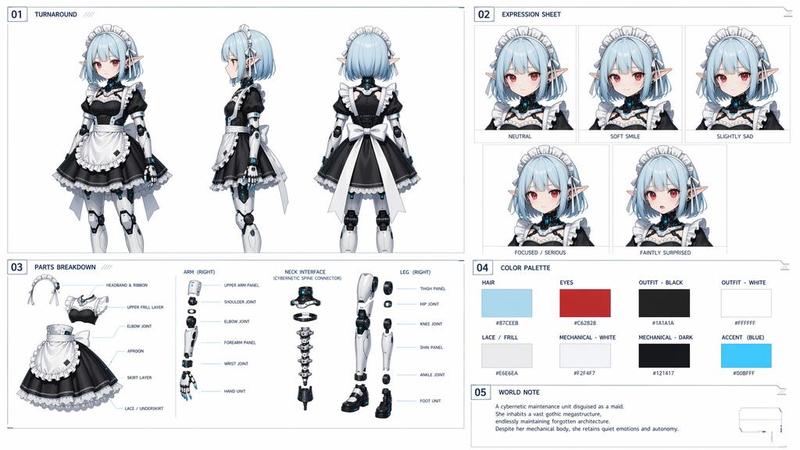
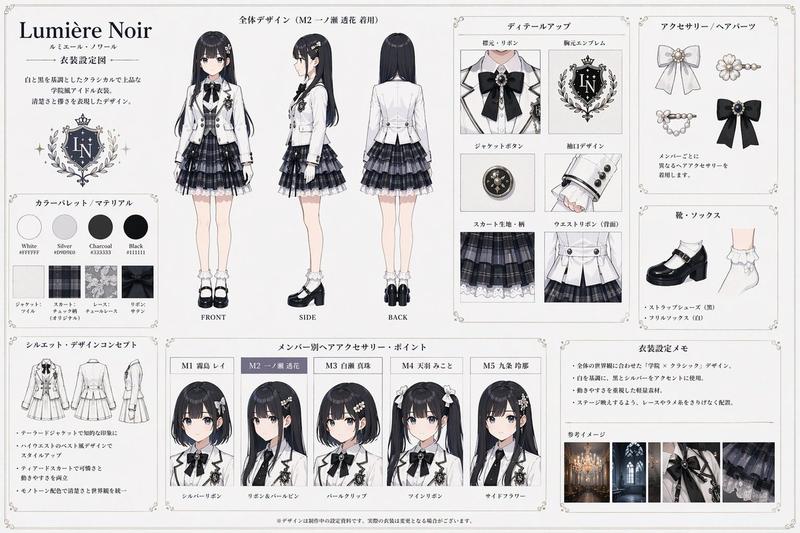
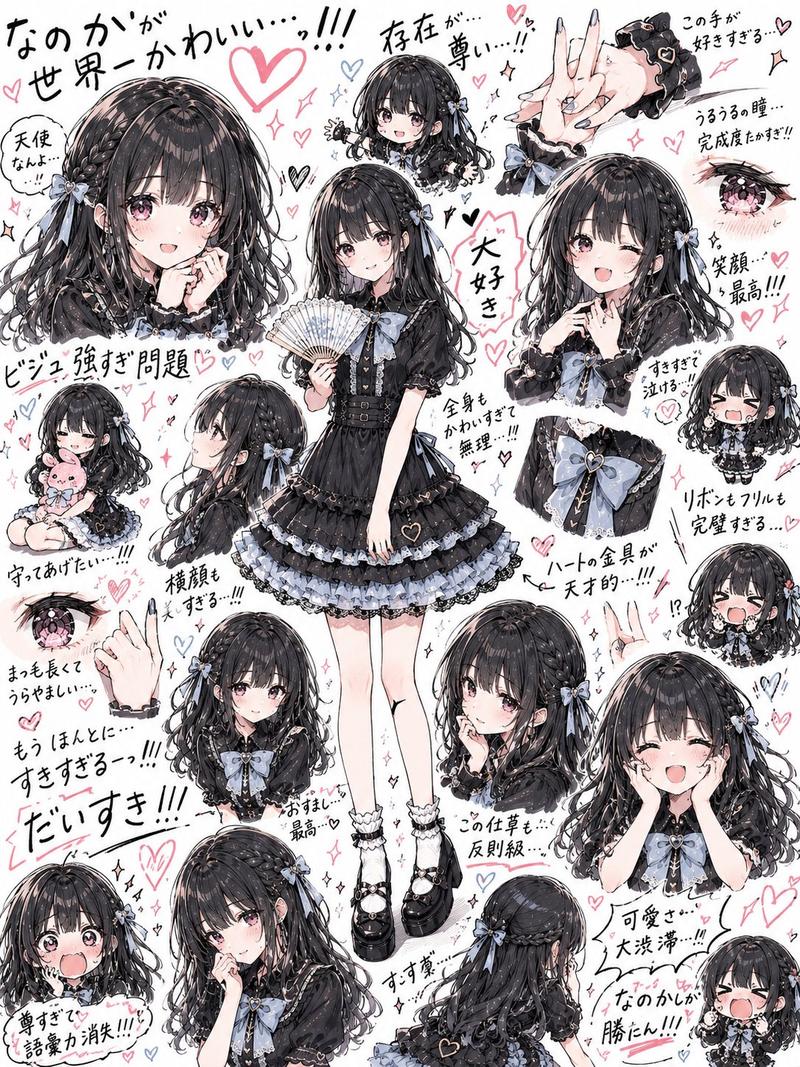
哥特萝莉角色设定集
Prompt
{"type":"anime character design reference sheet","style":"clean polished Japanese anime illustration with soft shading, crisp line art, slightly chibi proportions, elegant gothic lolita fashion, neutral light background, ornamental vintage border, neat catalog-like presentation","character":{"name":"{argument name=\"character name\" default=\"さくら\"}","gender_presentation":"cute girl","build":"small chibi body with a large head","hair":{"color":"{argument name=\"hair color\" default=\"medium chestnut brown\"}","style":"long twin ponytails tied with black ribbons, straight-cut bangs, softly curled ends"},"face":{"eyes":"red anime eyes behind red rectangular glasses","expression":"calm neutral"},"outfit":{"theme":"black and white gothic lolita dress","blouse":"white long-sleeve frilled blouse with puffed sleeves and ruffled front","corset":"black lace-up corset bodice with gold buttons and trim","skirt":"tiered black ruffled skirt with white lace underskirt and decorative pearl chains","neck":"large black ribbon bow with an oval cameo brooch","legwear":"black knee-high socks with lace garters","shoes":"black Mary Jane shoes with straps"}},"layout":{"background":"plain off-white sheet","border":"thin decorative antique frame in light brown","sections":[{"title":"{argument name=\"name text\" default=\"さくら\"}","position":"top left","count":1,"labels":["character name heading above the main figure"]},{"title":"三面図","position":"top right","count":3,"labels":["front view","side view","back view"]},{"title":"表情差分","position":"middle right","count":4,"labels":["通常","微笑み","照れ","小悪魔"]},{"title":"各パーツのディテール","position":"bottom full width","count":8,"labels":["ブラウス上半身","袖・カフス","コルセット","スカート(前)","スカート(後)","首元リボン・ブローチ","ニーハイソックス","シューズ"]}],"centerpiece":"large full-body front-facing character on the left side"},"composition":{"main_figure":"one large full-body standing pose on the left","three_view_panel":"three smaller full-body views on the upper right inside a bordered panel","expression_panel":"four close-up head-and-shoulder portraits in a row on the middle right inside a bordered panel","detail_panel":"eight rectangular close-up boxes along the bottom showing clothing and accessory parts"},"rendering_notes":"make it look like a professional model sheet for character design, evenly spaced panels, Japanese labels in a refined serif-like style, soft shadows under the character, highly readable outfit details, consistent proportions across all views","aspect_ratio":"4:3"}- Category
- Posters & Typography
- Model
- GPT Image 2
- Creator
- 如月 佐倉(きさらぎ さくら)
- Source ID
- 17400
- Published
- Apr 30, 2026
Views2