17

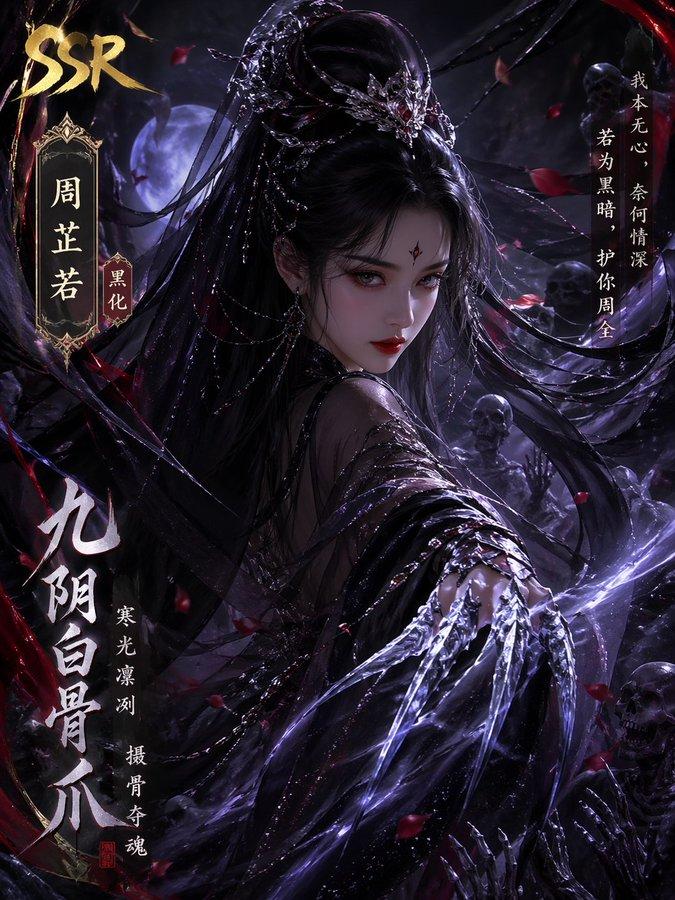
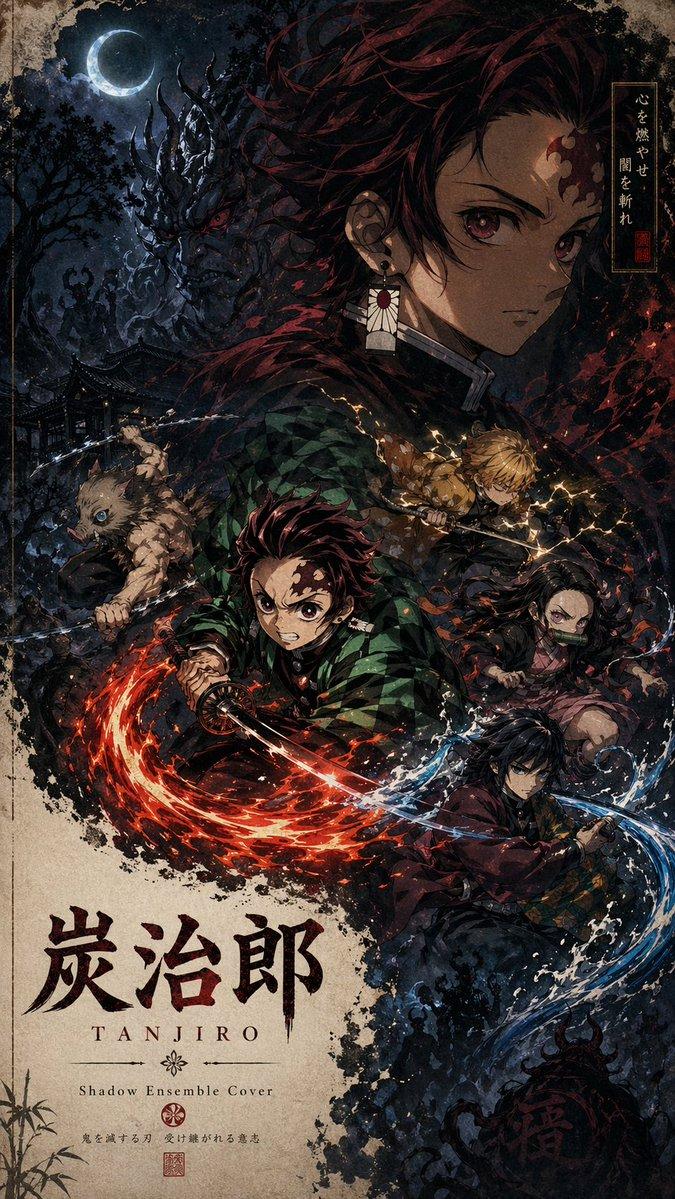
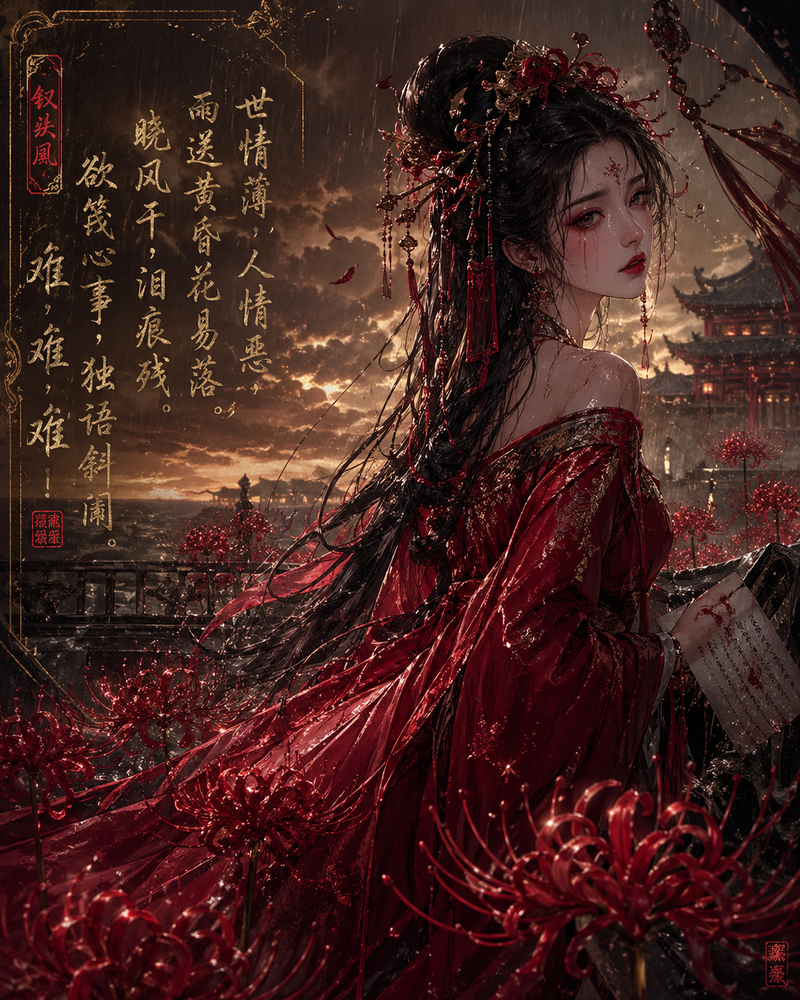
西楚霸王国风暗黑海报
Enlarge

西楚霸王国风暗黑海报

Prompt
竖版国风暗黑海报,黑色纯背景,中央巨大的中文标题字,占据画面大部分空间,字体为粗粝做旧的米白色石刻/旧纸质感,带明显颗粒、磨损、裂痕与噪点;整体构图层次丰富,强烈黑白金红对比,东方审美,神秘、压抑、欲望与审判感并存 电影海报质感 高级平面设计,极致细节 纸张纹理 印章落款 小字标语,4K
Category
Posters & Typography
Model
GPT Image 2
Views1
Source ID
352

Guide

About "西楚霸王国风暗黑海报"

What is this prompt for?

"西楚霸王国风暗黑海报" AI image prompt for GPT Image 2 (Posters & Typography). 竖版国风暗黑海报,黑色纯背景,中央巨大的中文标题字,占据画面大部分空间,字体为粗粝做旧的米白色石刻/旧纸质感,带明显颗粒、磨损、裂痕与噪点;整体构图层次丰富,强烈黑白金红对比,东方…

The full copyable prompt and example visuals above are ready for AI image generation or one-click recreate in Picva.

How to use this prompt

  1. Step 1

    Open the prompt detail

    Review the example visuals, category, and full prompt text for "西楚霸王国风暗黑海报".

  2. Step 2

    Copy the prompt

    Copy the prompt body from this page, or load it directly in Studio.

  3. Step 3

    Pick a model (GPT Image 2)

    Prefer GPT Image 2. If you switch models, keep subject and composition and tweak style terms.

  4. Step 4

    Generate and export

    Recreate the look in Picva, or export into your workflow for editing and publishing.

FAQ

What is the "西楚霸王国风暗黑海报" prompt?
It is an AI image-generation prompt for GPT Image 2 in the Posters & Typography category. This page includes the full prompt text, example visuals, and a one-click recreate path in Picva.
How do I use this prompt to generate an image?
Copy the prompt from this page, or use Generate / Studio. Paste it into a compatible image model, or recreate the look in Picva with optional reference images.
Which model is this prompt for?
This page lists GPT Image 2. Most descriptive prompts also transfer to nearby image models such as GPT Image, Flux, or Midjourney with light style tweaks.
Can I use the result commercially?
You can usually copy the prompt for creation, but commercial use of the final image depends on the model terms, reference-image rights, and the generated content. Follow the source author and platform rules.