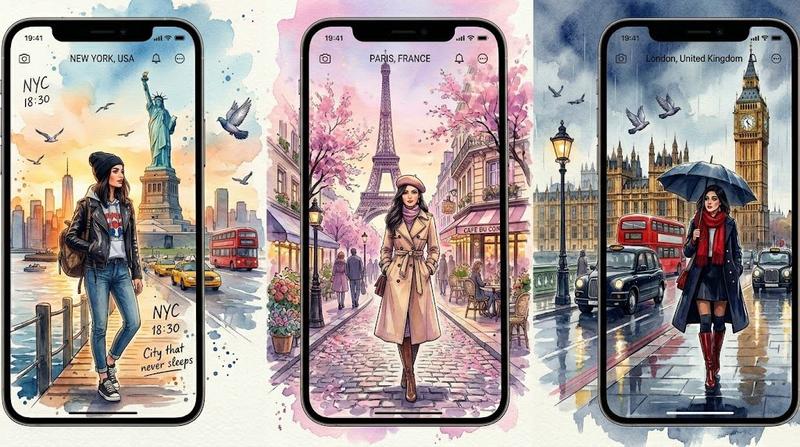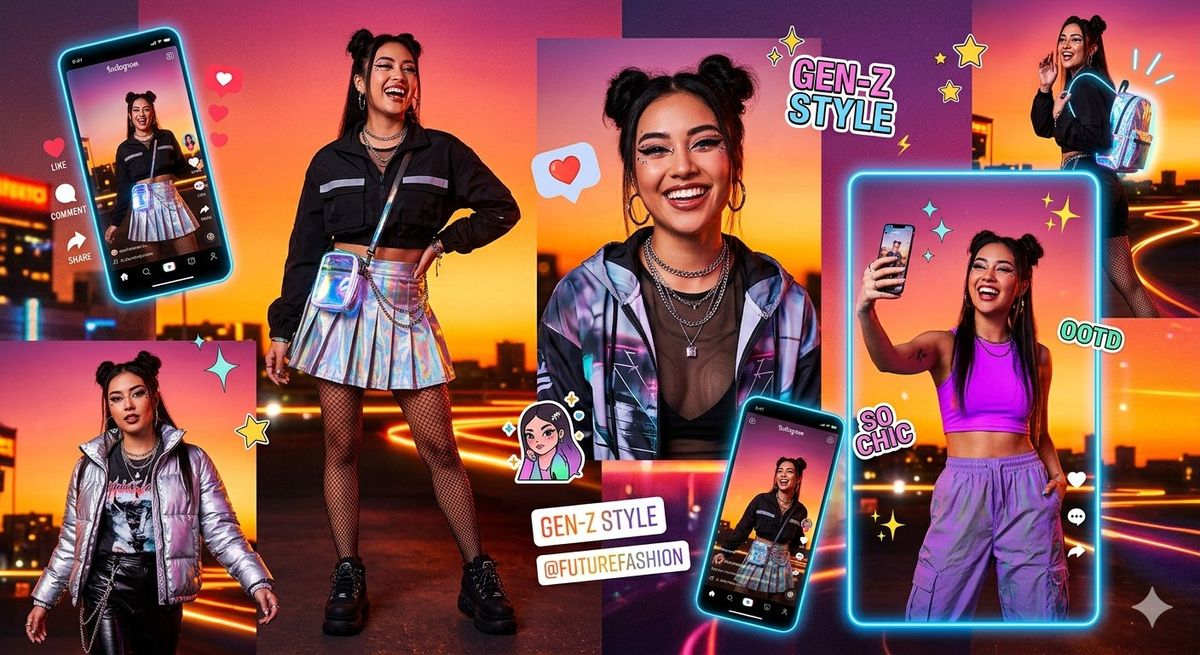
Gen-Z 霓虹时尚拼贴画
Prompt
Goal: Create a vibrant Gen-Z fashion social media collage poster featuring {argument name="character name" default="a young fashion influencer"} in futuristic streetwear, with all faces intentionally obscured by soft rectangular blur blocks for an anonymous viral-aesthetic look.

Canvas: Wide 16:9 landscape poster, approximately 1200 x 675 px, saturated cyberpunk sunset color palette with hot pink, orange, purple, and electric cyan. Background is a rooftop or elevated city overlook at sunset with blurred skyline silhouettes, glowing traffic light trails, and neon rim lighting.

Layout: Build a dense editorial collage with exactly 7 visible depictions of the same influencer: 1 large full-body standing figure slightly left of center wearing a black cropped jacket, holographic pleated mini skirt, fishnet tights, chunky black platform shoes, layered chain necklaces, and a shiny crossbody pouch; 1 tilted smartphone mockup on the far left showing the same outfit in a vertical social-video interface; 1 smaller full-body figure in the bottom-left wearing a metallic silver puffer jacket over dark streetwear; 1 large close-up portrait in the center wearing a reflective iridescent jacket, black top, layered necklaces, hoop earrings, and two space buns; 1 small figure at the top-right turned sideways wearing a backpack with cyan glow accents; 1 large neon-framed vertical photo on the right showing the influencer taking a mirror/selfie pose in a purple crop top and baggy lavender cargo pants; 1 smaller tilted smartphone mockup near the bottom-center showing the black jacket and holographic skirt outfit again.

Subject details: The influencer has {argument name="hairstyle" default="two high space buns with long face-framing strands"}, medium-dark skin, hoop earrings, layered silver chains, trendy Y2K cyber streetwear, confident poses, and glossy editorial lighting. Keep the face area obscured in every depiction with a simple soft-edged rectangular blur, not a mask or emoji.

Graphic elements: Include exactly 12 decorative social-media/sticker elements: 1 large cyan neon outline around the right vertical photo, 1 cyan glow outline around the left tilted phone, 1 red heart sticker near the center portrait, 1 vertical stack of three floating red hearts beside the left phone, 1 white “LIKE” label with heart icon, 1 white “COMMENT” label with speech bubble icon, 1 white “SHARE” label with arrow icon, 1 comic text sticker reading “GEN-Z STYLE” near the top center-right, 1 sticker reading “OOTD” near the right figure, 1 sticker reading “SO CHIC” near the lower right, 1 white tag sticker reading “GEN-Z STYLE” and “@FUTUREFASHION” near the lower center, and 1 small cartoon avatar sticker near the center-bottom.

Text content: Use bold playful bubble typography with white fills, pastel cyan and pink shadows, and black outlines. Preserve these exact visible phrases: {argument name="main sticker text" default="GEN-Z STYLE"}, {argument name="handle text" default="@FUTUREFASHION"}, “OOTD”, “SO CHIC”, “LIKE”, “COMMENT”, and “SHARE”. The phone interfaces may show tiny pseudo-social media UI text but it should not dominate.

Visual style: High-energy TikTok/Instagram fashion moodboard, glossy neon cyberpunk lighting, sticker-bomb composition, holographic fabric reflections, rim-lit silhouettes, saturated gradients, playful stars and sparkles, crisp cutout edges, depth from overlapping panels and phones, modern youth culture aesthetic.

Constraints: Use exactly 7 influencer depictions and the 12 listed decorative elements. Do not add extra people. Keep the composition busy but readable. No watermark, no brand logos other than generic social media UI styling, and no photorealistic unblurred face.- Category
- UI & Interfaces
- Model
- GPT Image 2
- Creator
- Cherry 2.O
- Source ID
- 25268
- Published
- Jun 11, 2026
Views6