19

九十年代高级时尚天鹅绒写真
Enlarge

九十年代高级时尚天鹅绒写真

Prompt
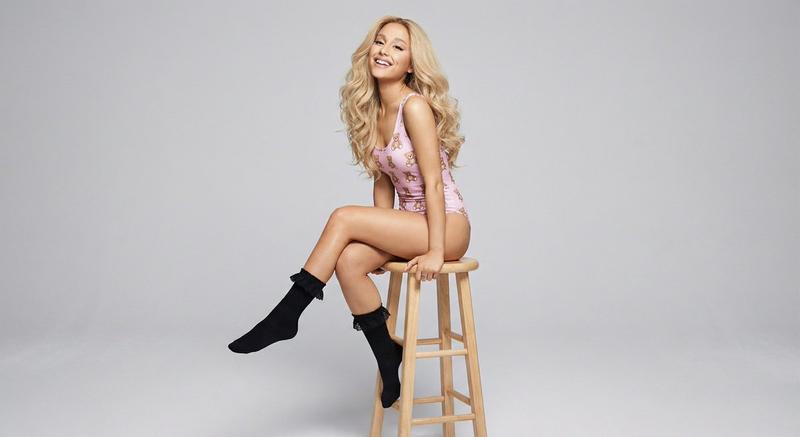
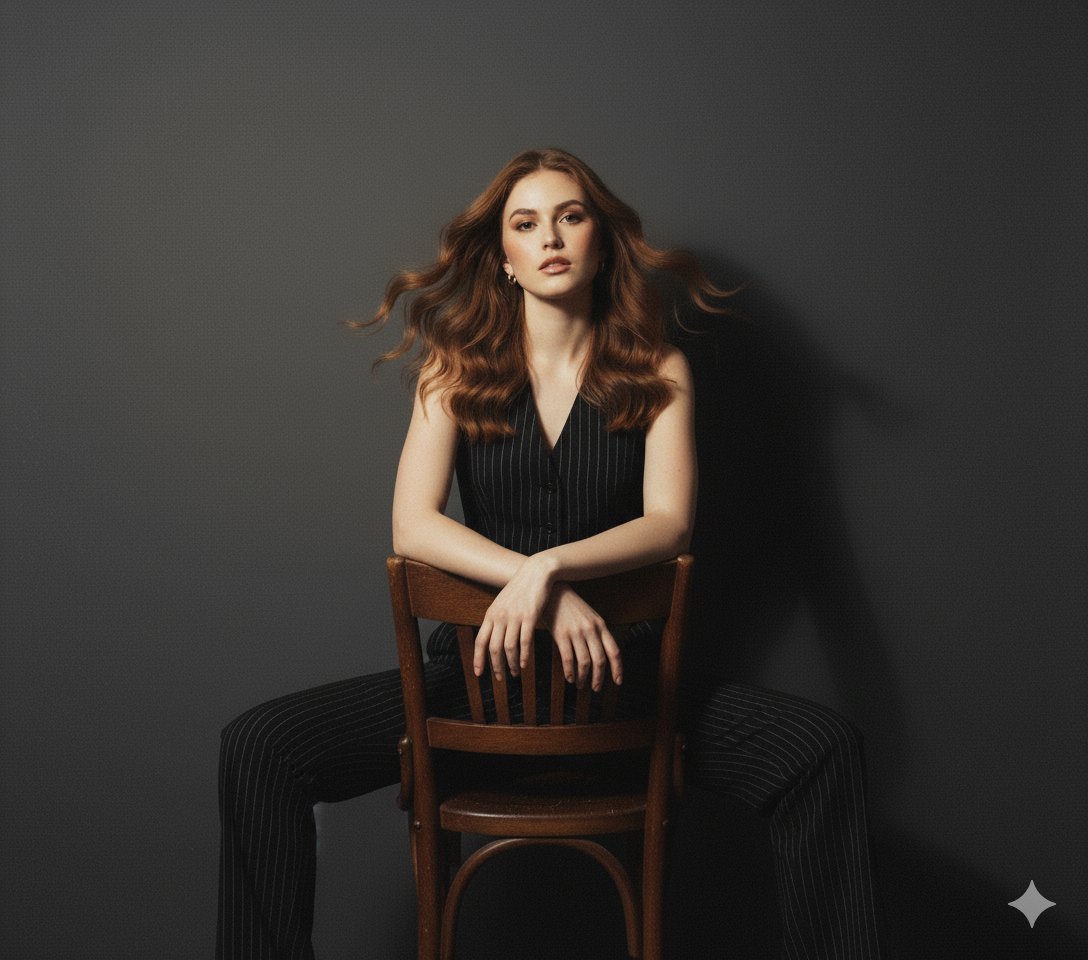
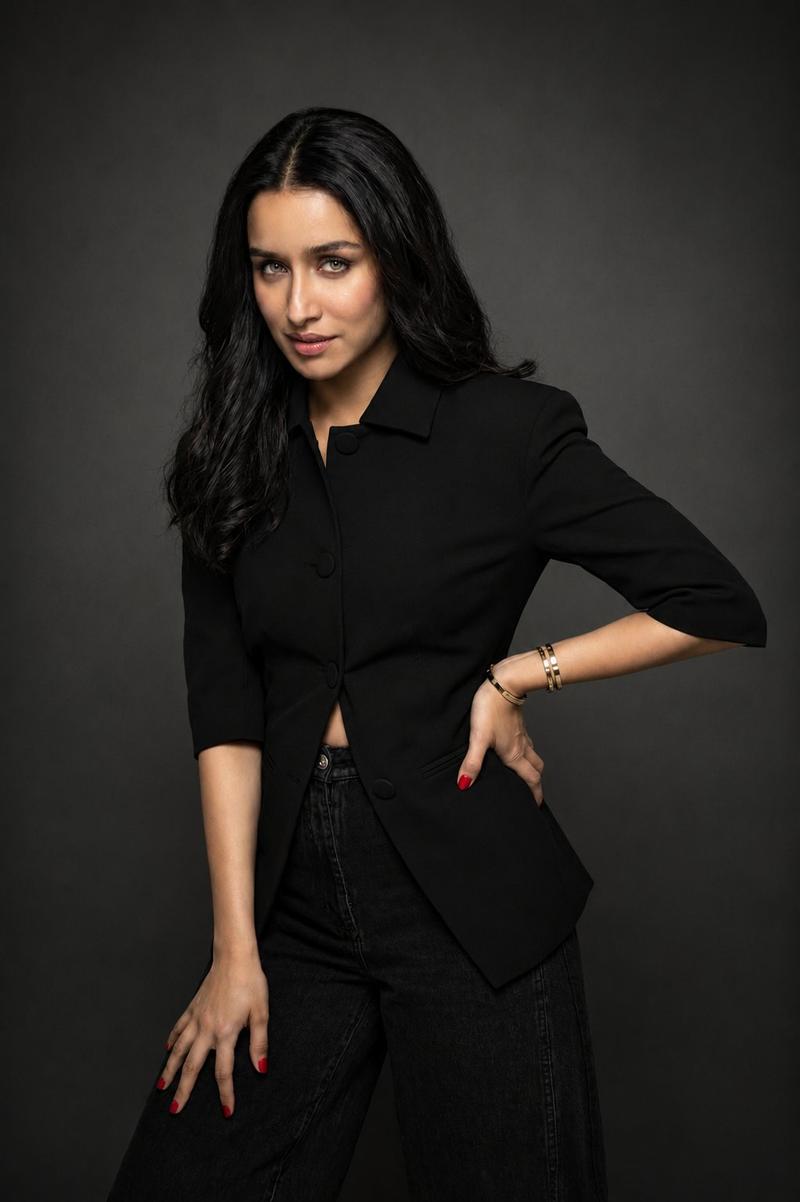
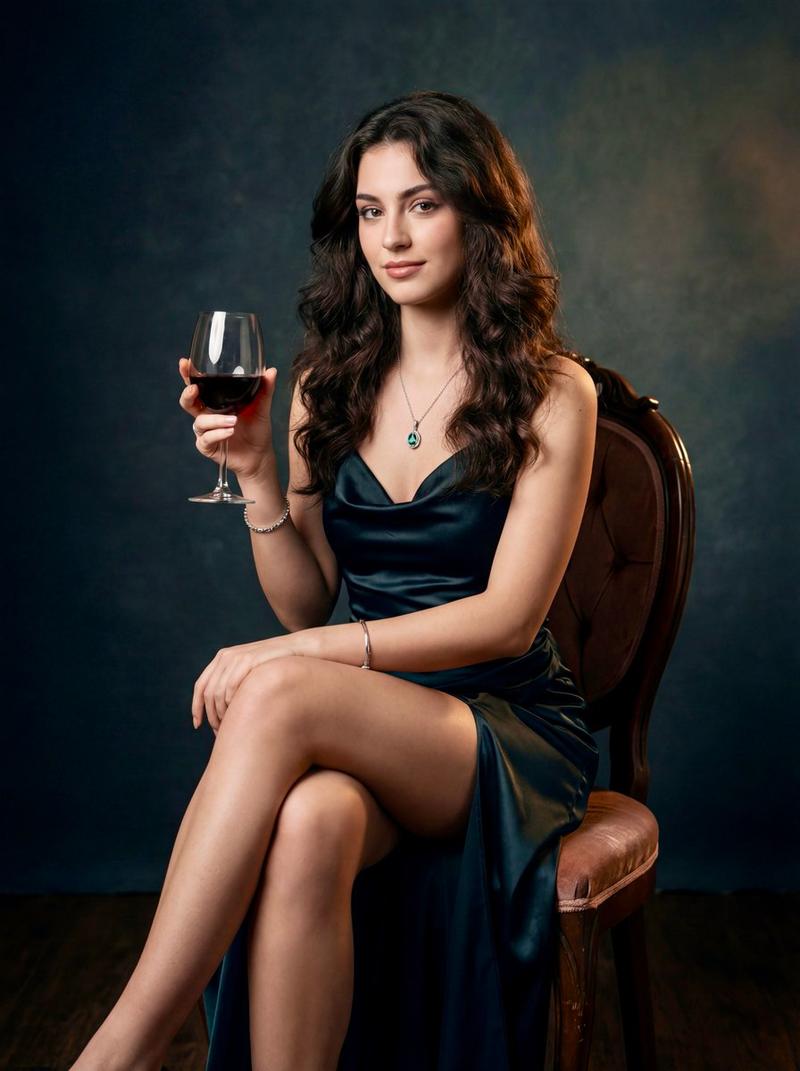
{ "prompt": "Ultra realistic 1990s high-fashion studio portrait of attached celebrity , sitting on a high stool with legs crossed at the knees, hands resting on thighs, intense direct gaze toward camera, wearing a fitted black velvet short dress with white piping details and decorative arrow graphics pointing inward on the front, short sleeves with white trim, open-front design with visible white buttons, black high-heeled sandals, long dark hair with soft waves and bangs, bold makeup with defined eyes and glossy lips, dramatic high-contrast studio lighting with strong key light and soft shadows, classic 1990s fashion magazine editorial style, photorealistic, shot on medium format film with anamorphic lenses, ultra detailed velvet texture and white trim contrast, natural skin appearance, non-AI generated look" }
Category
Posters & Typography
Model
Nano Banana Pro
Creator
@briellaai
Views22
Source ID
12429
Published
Apr 18, 2026

Guide

About "九十年代高级时尚天鹅绒写真"

What is this prompt for?

"九十年代高级时尚天鹅绒写真" AI image prompt for Nano Banana Pro (Posters & Typography). { "prompt": "超现实主义 1990 年代高定时装影棚肖像,附带名人,坐在高凳上,双腿交叉,双手放在大腿上,目光锐利直视镜头,身穿合身黑色天鹅绒短裙,白色滚…

The full copyable prompt and example visuals above are ready for AI image generation or one-click recreate in Picva.

How to use this prompt

  1. Step 1

    Open the prompt detail

    Review the example visuals, category, and full prompt text for "九十年代高级时尚天鹅绒写真".

  2. Step 2

    Copy the prompt

    Copy the prompt body from this page, or load it directly in Studio.

  3. Step 3

    Pick a model (Nano Banana Pro)

    Prefer Nano Banana Pro. If you switch models, keep subject and composition and tweak style terms.

  4. Step 4

    Generate and export

    Recreate the look in Picva, or export into your workflow for editing and publishing.

FAQ

What is the "九十年代高级时尚天鹅绒写真" prompt?
It is an AI image-generation prompt for Nano Banana Pro in the Posters & Typography category. This page includes the full prompt text, example visuals, and a one-click recreate path in Picva.
How do I use this prompt to generate an image?
Copy the prompt from this page, or use Generate / Studio. Paste it into a compatible image model, or recreate the look in Picva with optional reference images.
Which model is this prompt for?
This page lists Nano Banana Pro. Most descriptive prompts also transfer to nearby image models such as GPT Image, Flux, or Midjourney with light style tweaks.
Can I use the result commercially?
You can usually copy the prompt for creation, but commercial use of the final image depends on the model terms, reference-image rights, and the generated content. Follow the source author and platform rules.