14

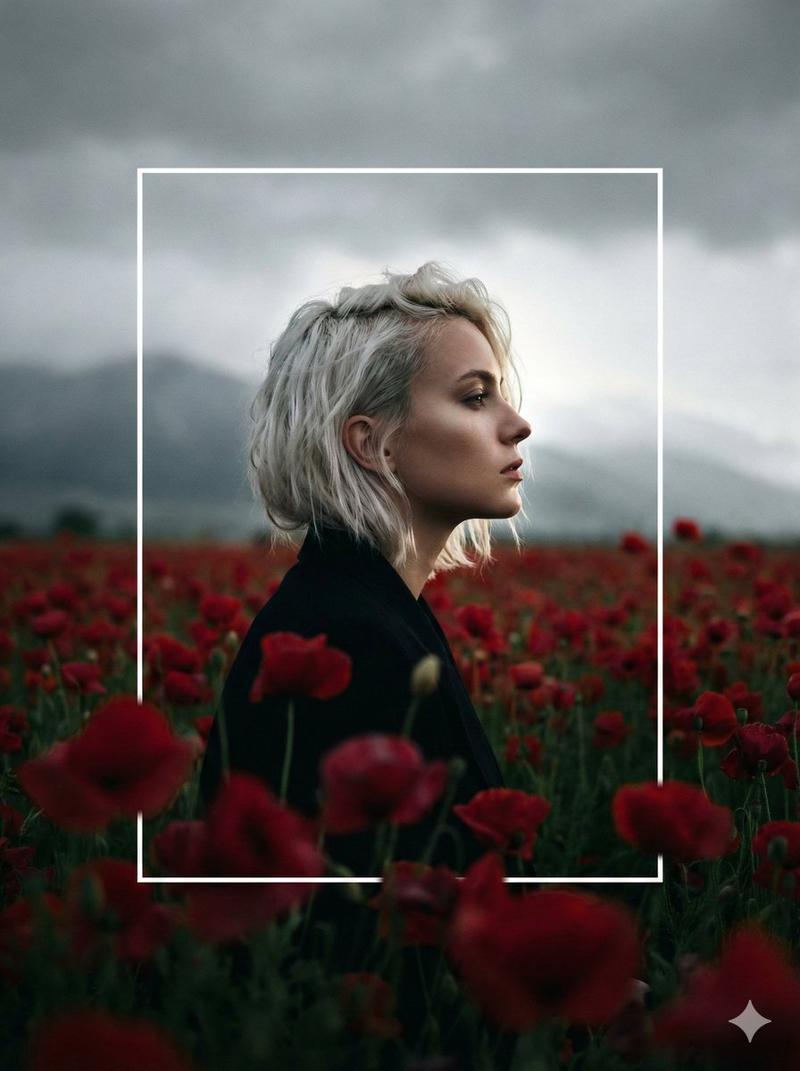
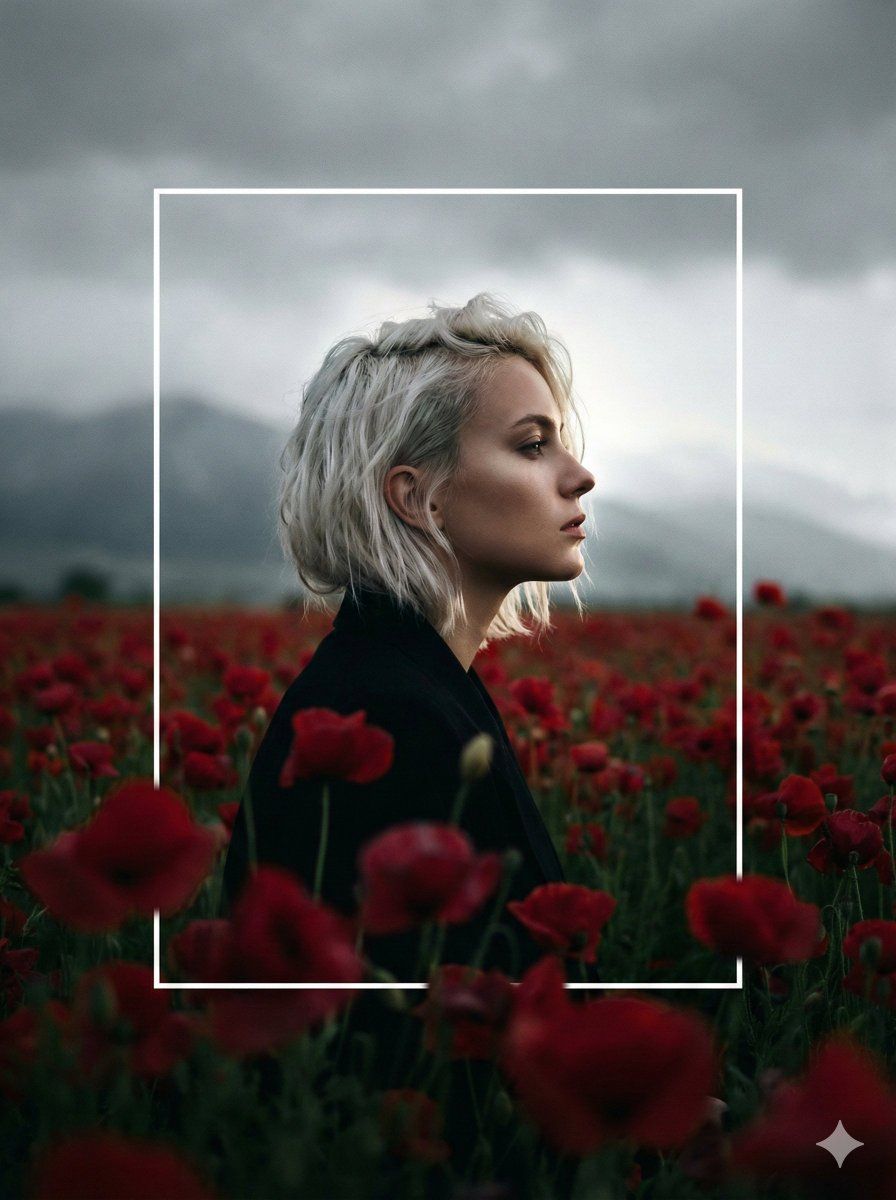
破框而出的暗调花海侧颜
Enlarge

破框而出的暗调花海侧颜

Prompt
A cinematic, high-contrast profile portrait of a woman with short, platinum-blonde hair, standing in a vast field of deep crimson flowers. The scene is set under a heavy, overcast grey sky with a moody, melancholic atmosphere. A thin, white rectangular frame is superimposed in the center of the composition; the woman's head and shoulders overlap and break the top and bottom edges of the frame for a modern, artistic effect. The lighting is soft and diffused from behind, creating a subtle rim light on her profile and hair. The foreground flowers are softly blurred with a shallow depth of field, and a faint, misty mountain silhouette is visible in the distant background. High-grain, filmic aesthetic.
Category
Posters & Typography
Model
Nano Banana Pro
Creator
@rovvmut_
Views135
Source ID
12406
Published
Apr 9, 2026

Guide

About "破框而出的暗调花海侧颜"

What is this prompt for?

"破框而出的暗调花海侧颜" AI image prompt for Nano Banana Pro (Posters & Typography). 一张电影般高对比度的女性侧面肖像,她留着铂金色短发,置身于一片广阔的深红色花海中。场景设定在阴沉多云的灰色天空下,营造出一种忧郁而沉重的情绪氛围。构图中央叠加了一个细长的…

The full copyable prompt and example visuals above are ready for AI image generation or one-click recreate in Picva.

How to use this prompt

  1. Step 1

    Open the prompt detail

    Review the example visuals, category, and full prompt text for "破框而出的暗调花海侧颜".

  2. Step 2

    Copy the prompt

    Copy the prompt body from this page, or load it directly in Studio.

  3. Step 3

    Pick a model (Nano Banana Pro)

    Prefer Nano Banana Pro. If you switch models, keep subject and composition and tweak style terms.

  4. Step 4

    Generate and export

    Recreate the look in Picva, or export into your workflow for editing and publishing.

FAQ

What is the "破框而出的暗调花海侧颜" prompt?
It is an AI image-generation prompt for Nano Banana Pro in the Posters & Typography category. This page includes the full prompt text, example visuals, and a one-click recreate path in Picva.
How do I use this prompt to generate an image?
Copy the prompt from this page, or use Generate / Studio. Paste it into a compatible image model, or recreate the look in Picva with optional reference images.
Which model is this prompt for?
This page lists Nano Banana Pro. Most descriptive prompts also transfer to nearby image models such as GPT Image, Flux, or Midjourney with light style tweaks.
Can I use the result commercially?
You can usually copy the prompt for creation, but commercial use of the final image depends on the model terms, reference-image rights, and the generated content. Follow the source author and platform rules.