19

日落玫瑰花田人像转换
Enlarge

Example images

日落玫瑰花田人像转换

Prompt
Use the uploaded portrait only as identity reference. Preserve the person’s real face shape, facial features, hairstyle, hair length, skin tone, and natural proportions. Do not copy the original portrait’s clothes, background, lighting, pose, or image quality.

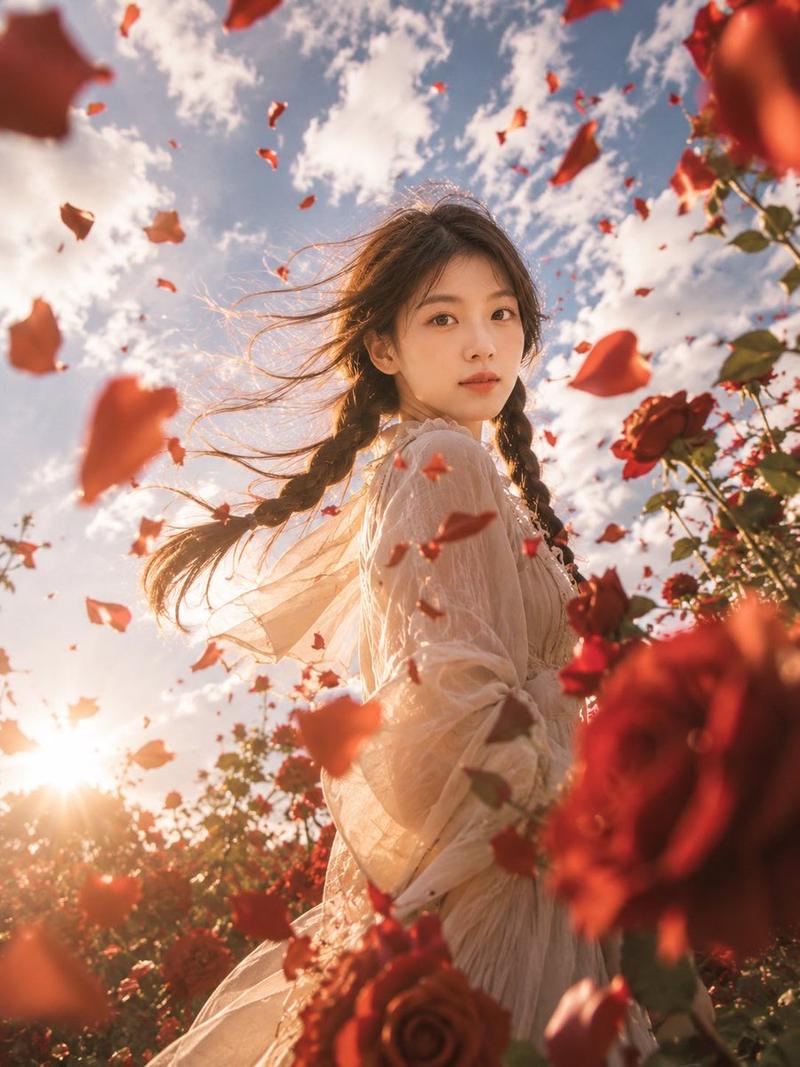
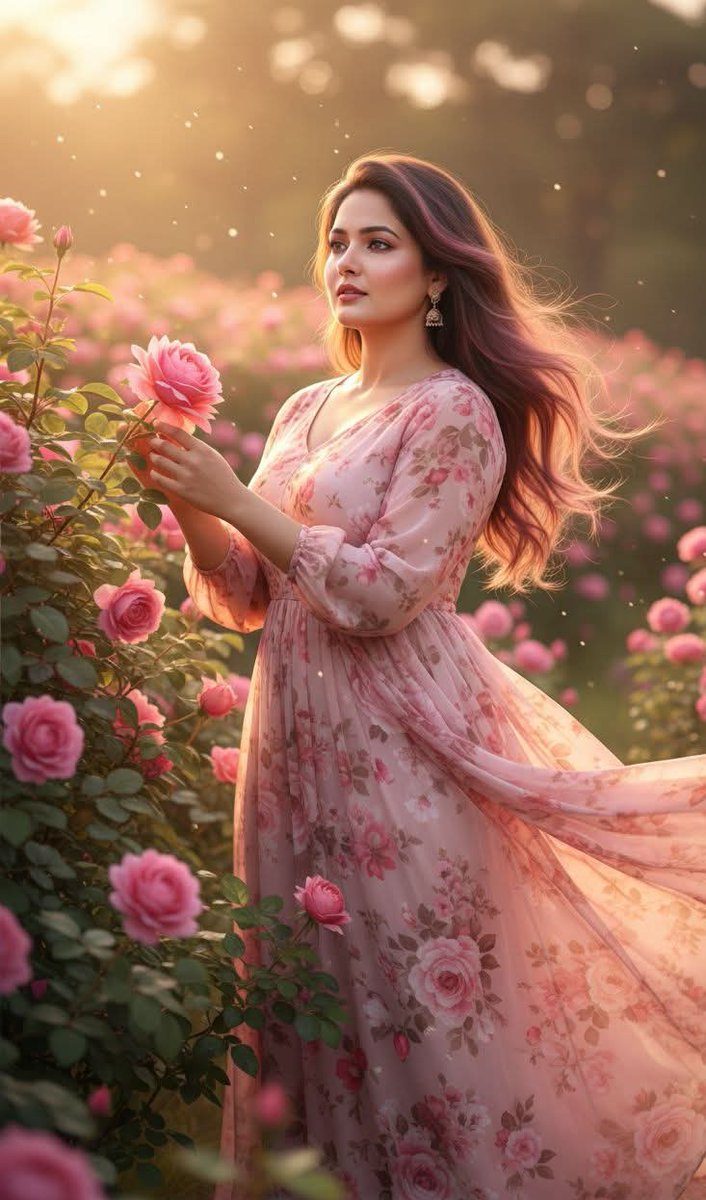
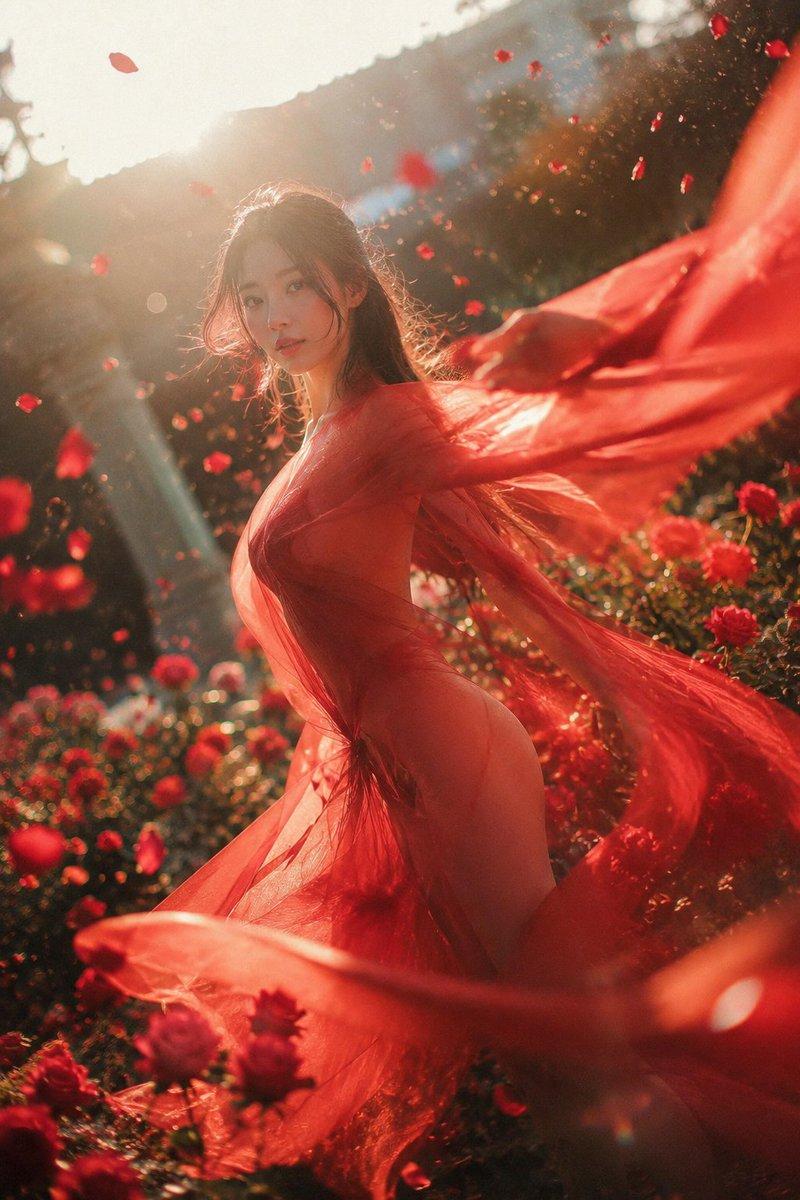
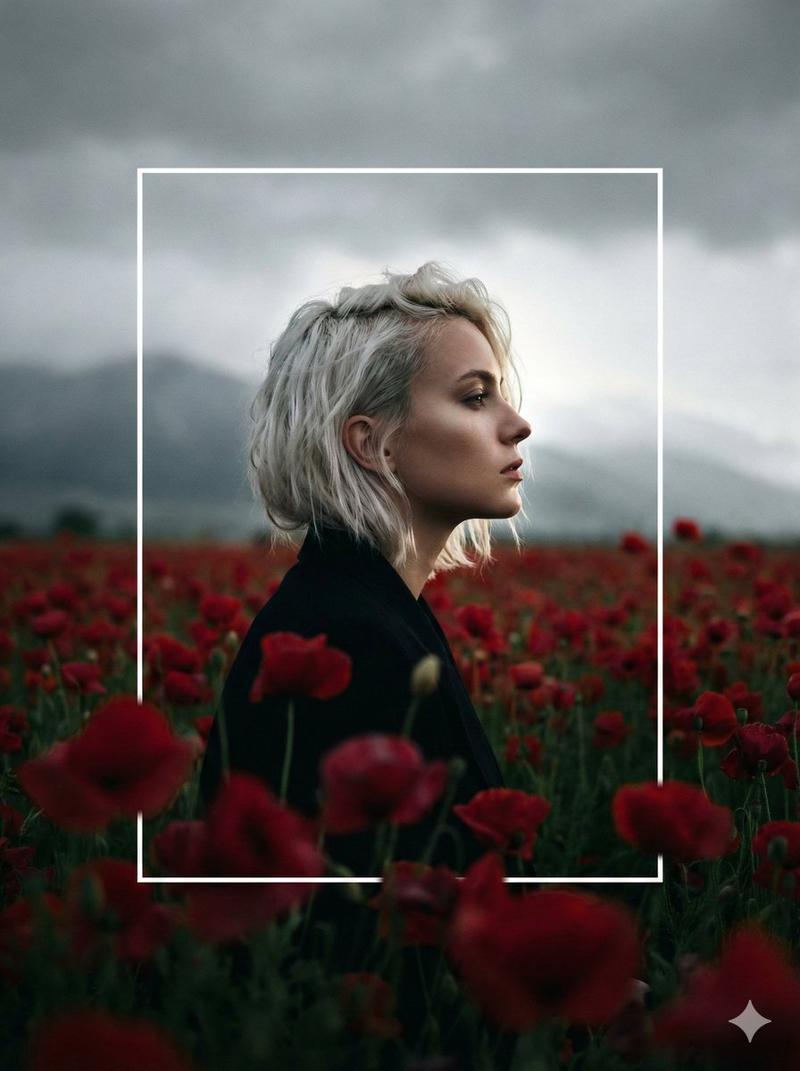
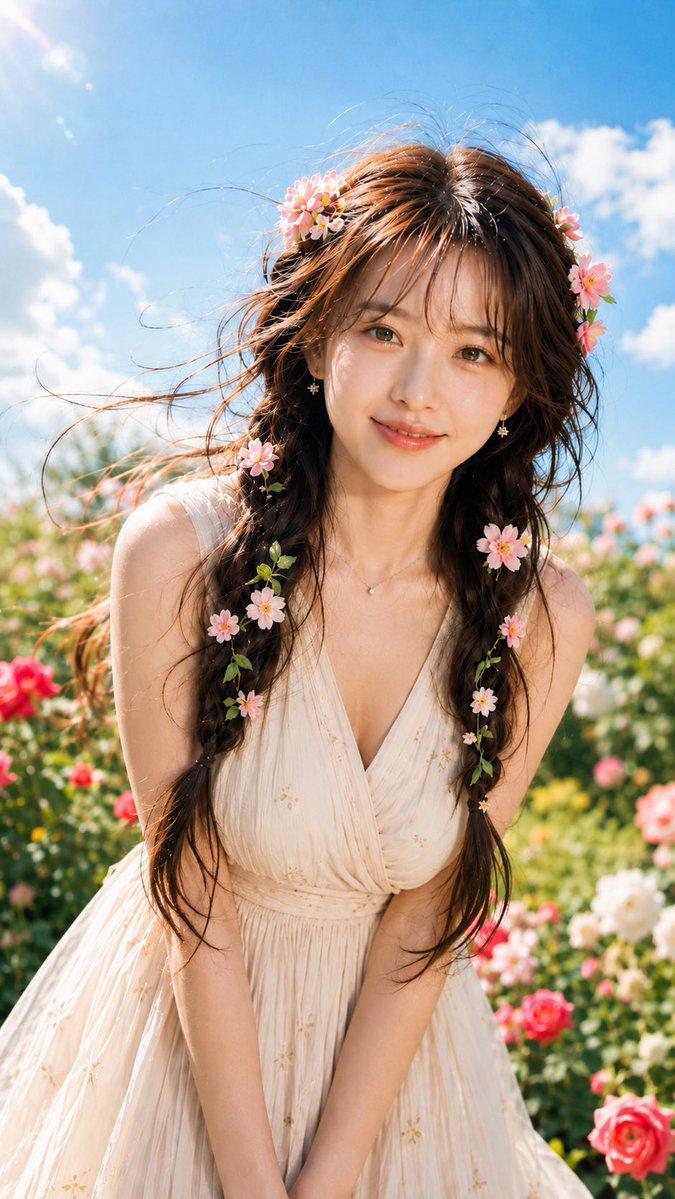
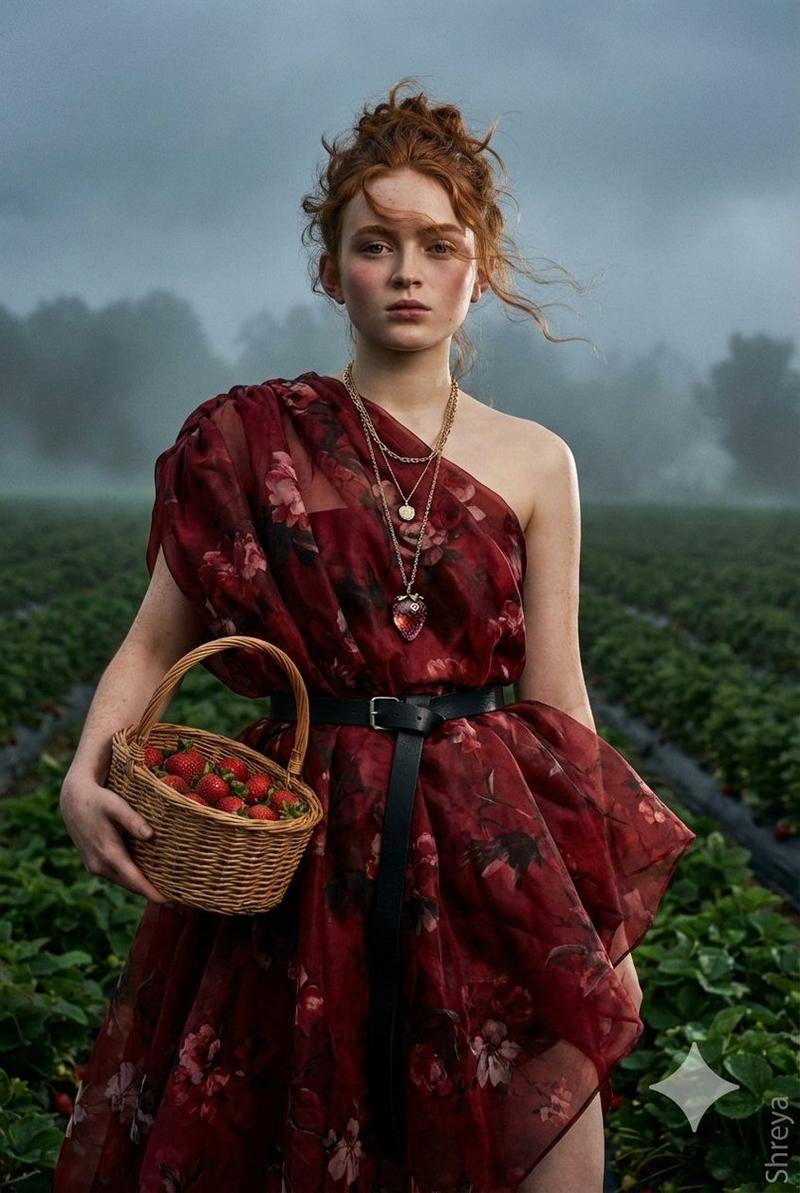
Create a realistic cinematic portrait inspired by a romantic {argument name="setting" default="sunset rose field"}. The subject is standing among endless {argument name="flowers" default="deep red roses"}, holding a bouquet of {argument name="bouquet" default="soft yellow roses"}, wearing a simple pale yellow blouse. She looks slightly upward with a calm, dreamy, emotional expression. Golden sunset backlight, warm sky, soft flying red petals, a few yellow butterflies around her hair and shoulders. Foreground roses slightly blurred, shallow depth of field, natural skin texture, real pores, soft cinematic color grading, elegant dreamy atmosphere, high-end outdoor photography, 9:16 vertical composition.

No text, no logo, no watermark.

Negative Prompt:

anime, cartoon, illustration, plastic skin, fake face, over-smoothed skin, doll-like face, bad anatomy, distorted hands, extra fingers, blurry face, low quality, harsh AI look, unnatural eyes, messy hair, duplicated face, overexposed skin, watermark, text, logo, signature
Category
Charts & Infographics
Model
GPT Image 2
Creator
Shinning
Views7
Source ID
22286
Published
May 24, 2026

Guide

About "日落玫瑰花田人像转换"

What is this prompt for?

"日落玫瑰花田人像转换" AI image prompt for GPT Image 2 (Charts & Infographics). 一个将身份参考照片转换为日落时分红玫瑰丛中浪漫电影感人像的提示词。 Copy it on Picva and recreate the look in one click.

The full copyable prompt and example visuals above are ready for AI image generation or one-click recreate in Picva.

How to use this prompt

  1. Step 1

    Open the prompt detail

    Review the example visuals, category, and full prompt text for "日落玫瑰花田人像转换".

  2. Step 2

    Copy the prompt

    Copy the prompt body from this page, or load it directly in Studio.

  3. Step 3

    Pick a model (GPT Image 2)

    Prefer GPT Image 2. If you switch models, keep subject and composition and tweak style terms.

  4. Step 4

    Generate and export

    Recreate the look in Picva, or export into your workflow for editing and publishing.

FAQ

What is the "日落玫瑰花田人像转换" prompt?
It is an AI image-generation prompt for GPT Image 2 in the Charts & Infographics category. This page includes the full prompt text, example visuals, and a one-click recreate path in Picva.
How do I use this prompt to generate an image?
Copy the prompt from this page, or use Generate / Studio. Paste it into a compatible image model, or recreate the look in Picva with optional reference images.
Which model is this prompt for?
This page lists GPT Image 2. Most descriptive prompts also transfer to nearby image models such as GPT Image, Flux, or Midjourney with light style tweaks.
Can I use the result commercially?
You can usually copy the prompt for creation, but commercial use of the final image depends on the model terms, reference-image rights, and the generated content. Follow the source author and platform rules.