17

电影感男士旅行肖像海报
Enlarge

电影感男士旅行肖像海报

Prompt
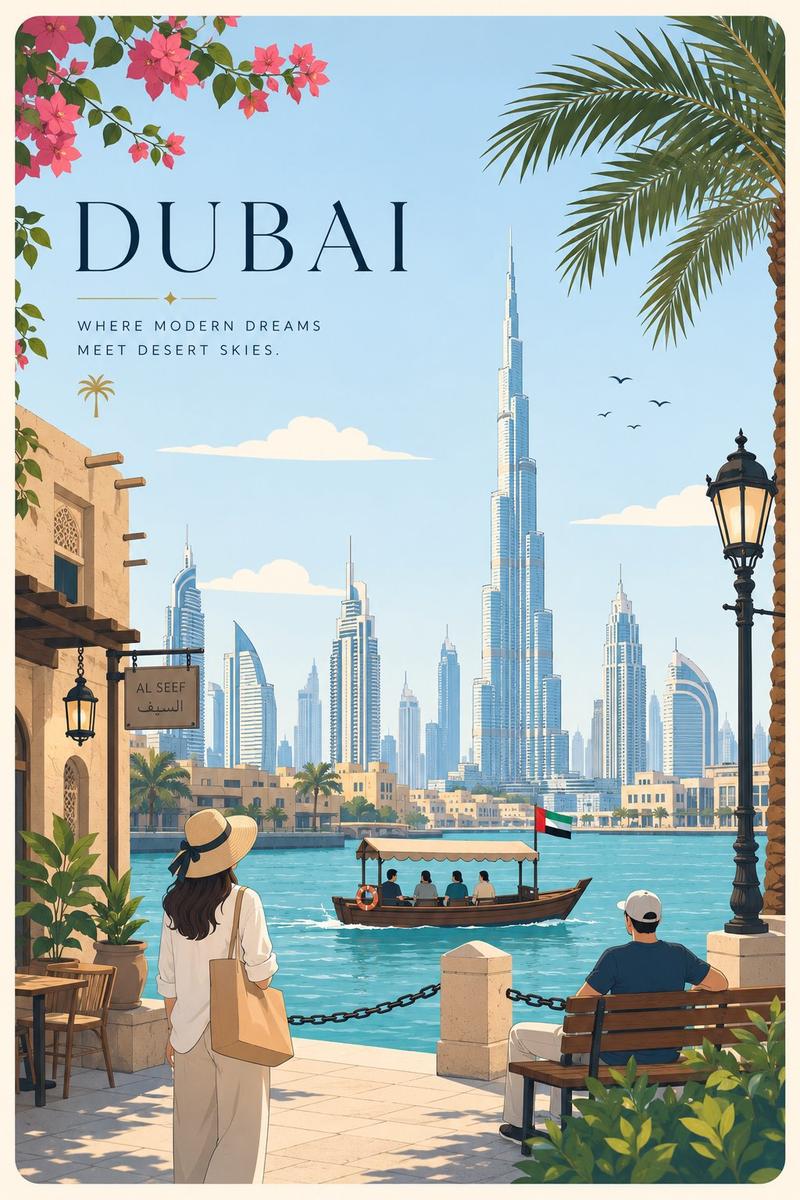
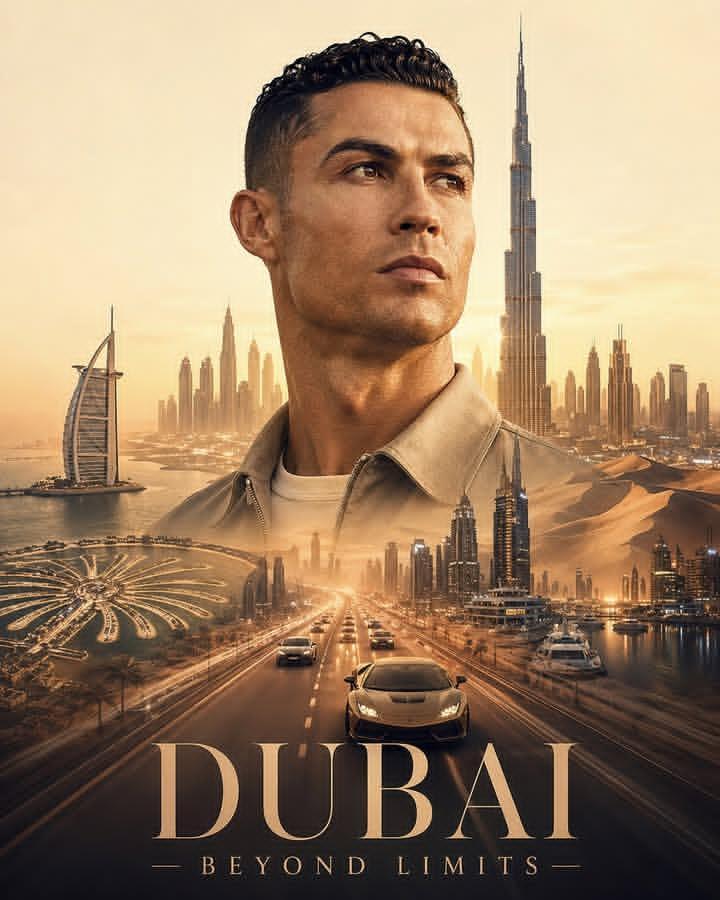
A cinematic double exposure portrait of a young male traveler in side profile, wearing sunglasses, a casual jacket, and a backpack, holding a map and a camera hanging around his neck. Inside his silhouette, a stunning Dubai cityscape is blended seamlessly  featuring the Burj Khalifa, modern skyscrapers, desert dunes, palm trees, and a coastal shoreline during golden sunset.
Warm golden light fills the composition, with soft clouds and birds in the sky. The double exposure is clean and well-balanced, with smooth blending between portrait and landscape. Minimal light beige background for a premium poster feel.
Highly detailed, ultra-realistic textures, cinematic lighting, soft shadows, 85mm lens look, sharp focus, professional travel advertisement style, 8K resolution
Category
Charts & Infographics
Model
ChatGPT
Creator
@Taaruk_
Views236
Source ID
13918
Published
May 1, 2026

Guide

About "电影感男士旅行肖像海报"

What is this prompt for?

"电影感男士旅行肖像海报" AI image prompt for ChatGPT (Charts & Infographics). 一幅年轻男性旅行者的电影级双重曝光侧面肖像,戴着墨镜,穿着休闲夹克,背着背包,手里拿着地图,脖子上挂着相机。在他的剪影内部,令人惊叹的迪拜城市景观被无缝融合,展示了哈利法塔、现代摩天大…

The full copyable prompt and example visuals above are ready for AI image generation or one-click recreate in Picva.

How to use this prompt

  1. Step 1

    Open the prompt detail

    Review the example visuals, category, and full prompt text for "电影感男士旅行肖像海报".

  2. Step 2

    Copy the prompt

    Copy the prompt body from this page, or load it directly in Studio.

  3. Step 3

    Pick a model (ChatGPT)

    Prefer ChatGPT. If you switch models, keep subject and composition and tweak style terms.

  4. Step 4

    Generate and export

    Recreate the look in Picva, or export into your workflow for editing and publishing.

FAQ

What is the "电影感男士旅行肖像海报" prompt?
It is an AI image-generation prompt for ChatGPT in the Charts & Infographics category. This page includes the full prompt text, example visuals, and a one-click recreate path in Picva.
How do I use this prompt to generate an image?
Copy the prompt from this page, or use Generate / Studio. Paste it into a compatible image model, or recreate the look in Picva with optional reference images.
Which model is this prompt for?
This page lists ChatGPT. Most descriptive prompts also transfer to nearby image models such as GPT Image, Flux, or Midjourney with light style tweaks.
Can I use the result commercially?
You can usually copy the prompt for creation, but commercial use of the final image depends on the model terms, reference-image rights, and the generated content. Follow the source author and platform rules.