15

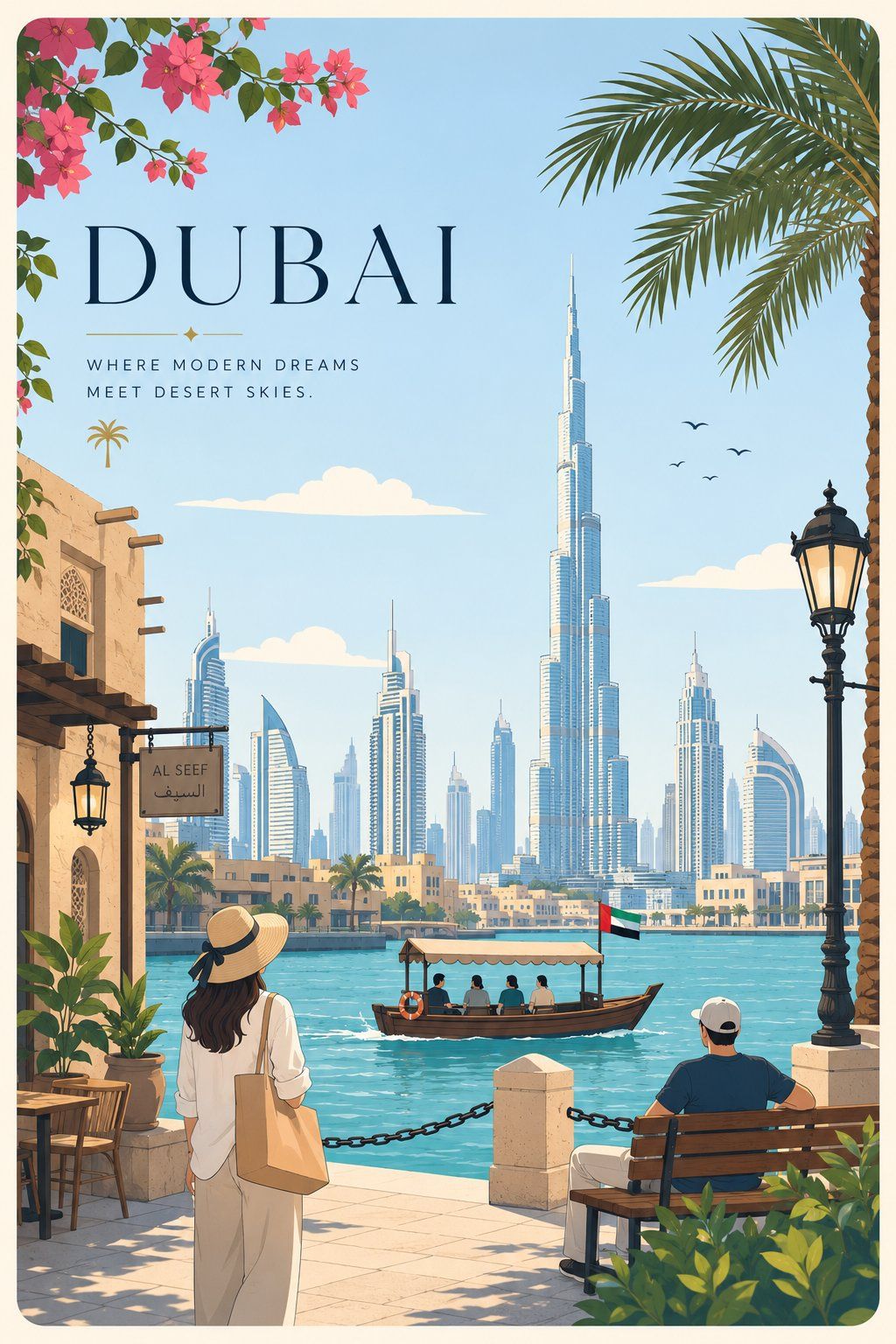
高级极简平面矢量城市旅游海报
Enlarge

高级极简平面矢量城市旅游海报

Prompt
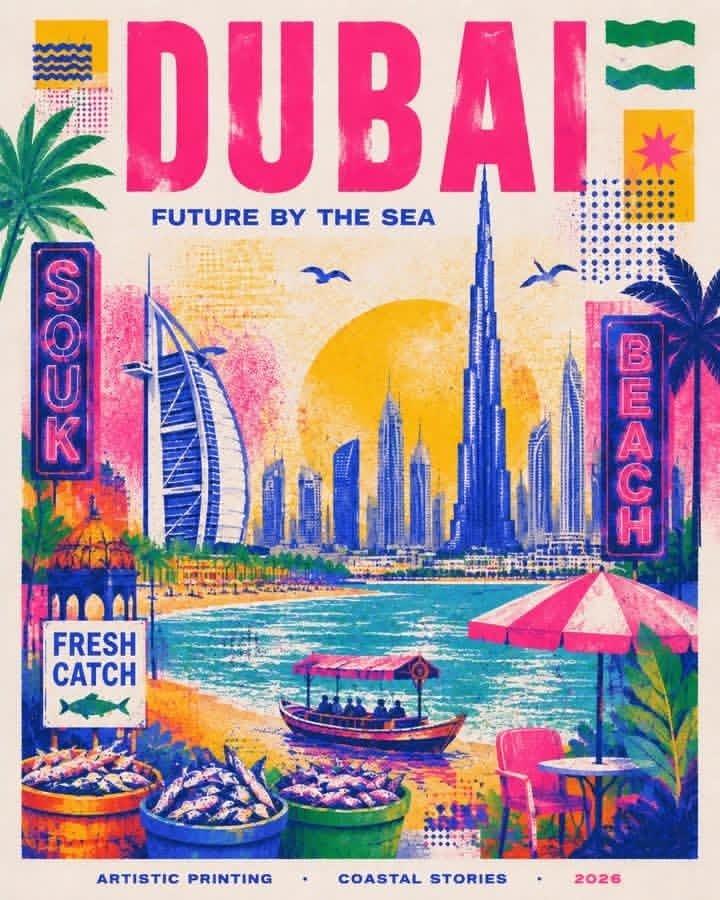
Premium minimal flat-vector travel poster for [CITY_NAME], 3:4 vertical. Create a fresh, elegant city-specific travel illustration with the city’s iconic landmark as the main focus, plus local transport, everyday lifestyle moment, native nature detail, and unique composition. 

Japanese stationery aesthetic, luxury sticker illustration, clean thin outlines, flat colors, soft minimal shapes. Place [CITY_NAME] in the upper-left with premium typography and a short refined caption. Use only 3–6 small natural figures doing city-specific activities. 

Palette: powder blue, sky blue, cream, beige, sage green with tiny blush accents. Calm, airy, high-end postcard style. No realism, no watercolor, no gradients, no heavy shading, no crowded scene, no generic tourist collage, no repeated layouts.
Category
Charts & Infographics
Model
ChatGPT
Views51
Source ID
17165
Published
Jun 30, 2026

Guide

About "高级极简平面矢量城市旅游海报"

What is this prompt for?

"高级极简平面矢量城市旅游海报" AI image prompt for ChatGPT (Charts & Infographics). 为[CITY_NAME]创作的高级极简平面矢量旅游海报,3:4垂直比例。创作一张清新、优雅且具有特定城市特色的旅游插画,以该城市的标志性地标为核心焦点,并加入当地交通、日常生活瞬…

The full copyable prompt and example visuals above are ready for AI image generation or one-click recreate in Picva.

How to use this prompt

  1. Step 1

    Open the prompt detail

    Review the example visuals, category, and full prompt text for "高级极简平面矢量城市旅游海报".

  2. Step 2

    Copy the prompt

    Copy the prompt body from this page, or load it directly in Studio.

  3. Step 3

    Pick a model (ChatGPT)

    Prefer ChatGPT. If you switch models, keep subject and composition and tweak style terms.

  4. Step 4

    Generate and export

    Recreate the look in Picva, or export into your workflow for editing and publishing.

FAQ

What is the "高级极简平面矢量城市旅游海报" prompt?
It is an AI image-generation prompt for ChatGPT in the Charts & Infographics category. This page includes the full prompt text, example visuals, and a one-click recreate path in Picva.
How do I use this prompt to generate an image?
Copy the prompt from this page, or use Generate / Studio. Paste it into a compatible image model, or recreate the look in Picva with optional reference images.
Which model is this prompt for?
This page lists ChatGPT. Most descriptive prompts also transfer to nearby image models such as GPT Image, Flux, or Midjourney with light style tweaks.
Can I use the result commercially?
You can usually copy the prompt for creation, but commercial use of the final image depends on the model terms, reference-image rights, and the generated content. Follow the source author and platform rules.