17

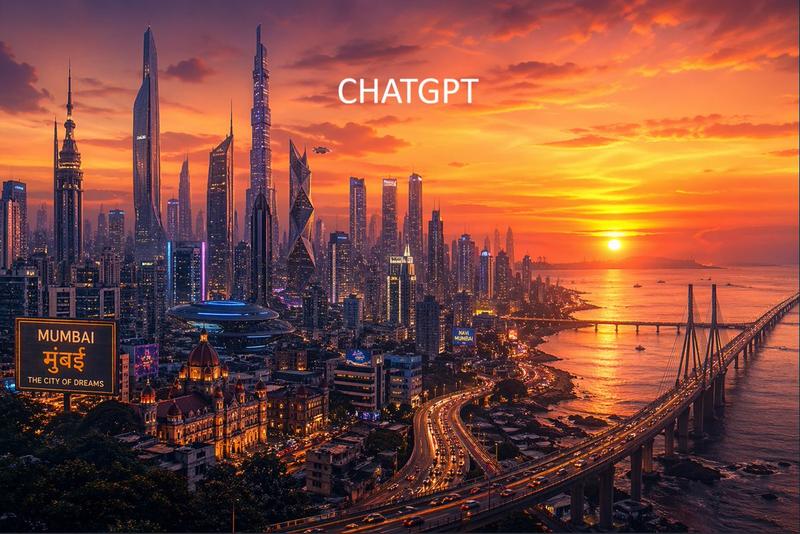
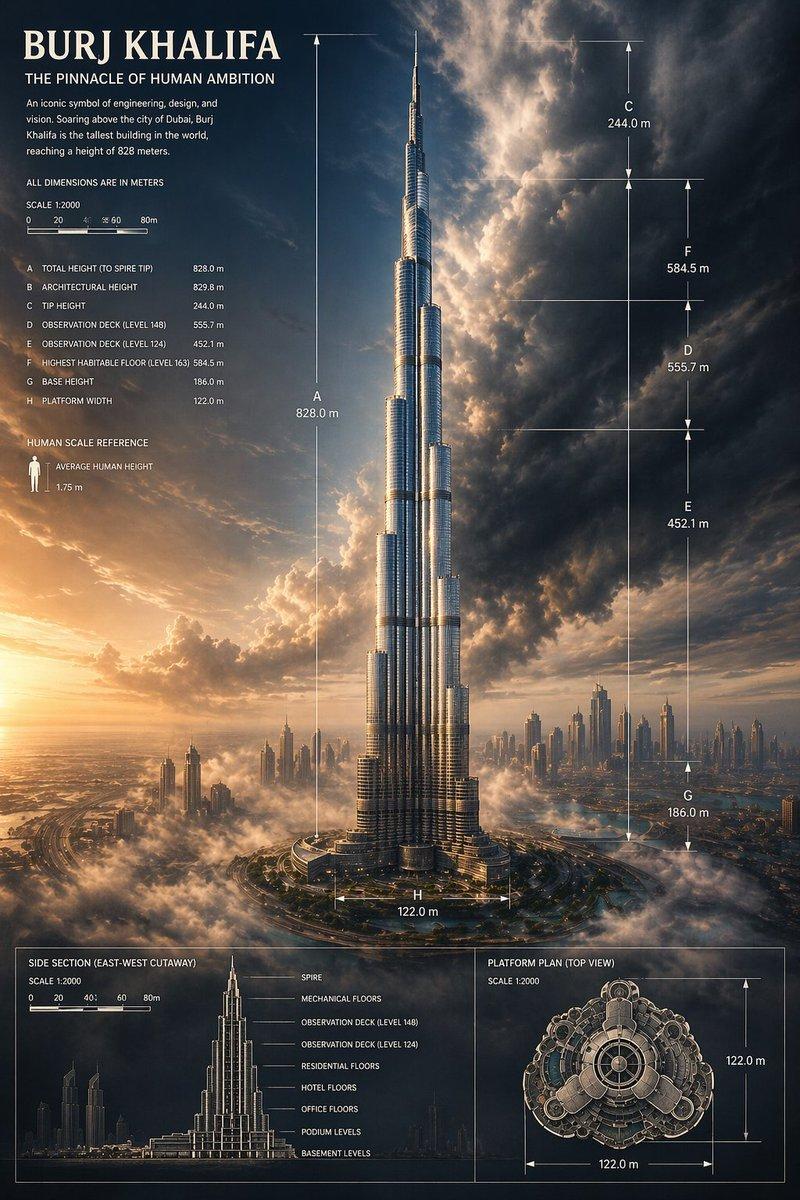
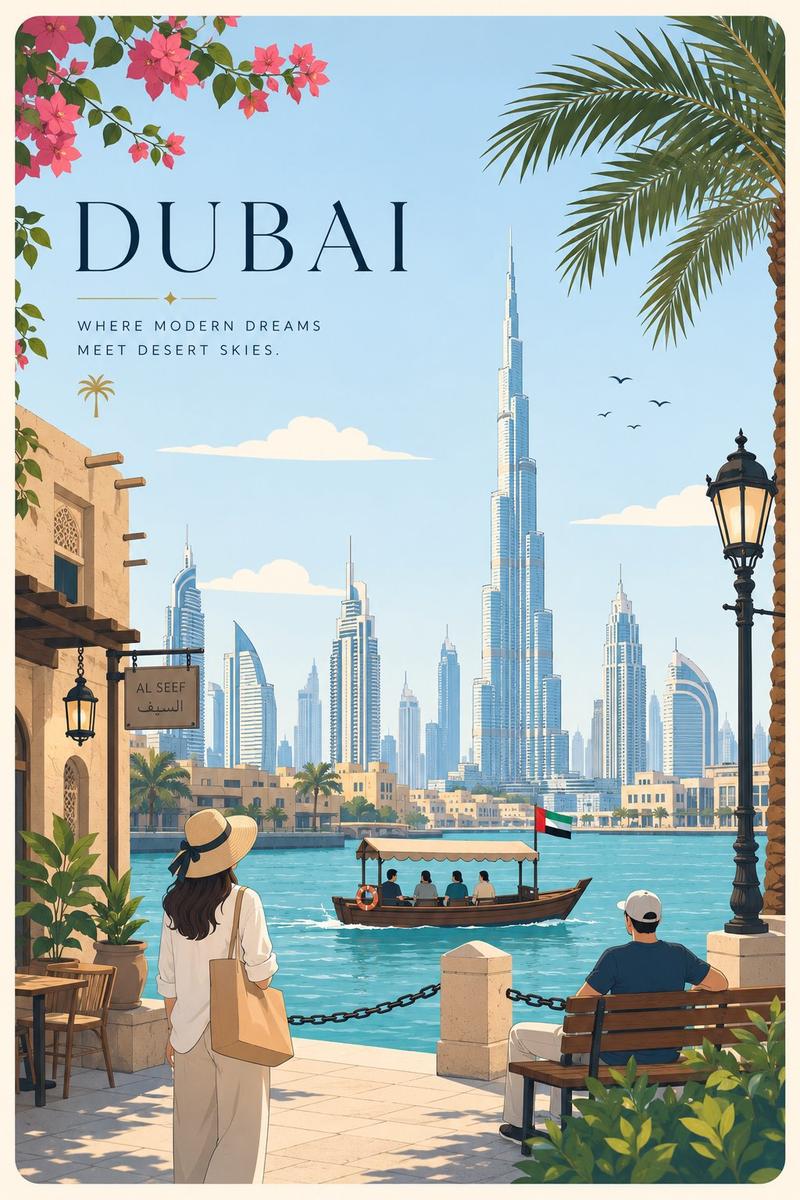
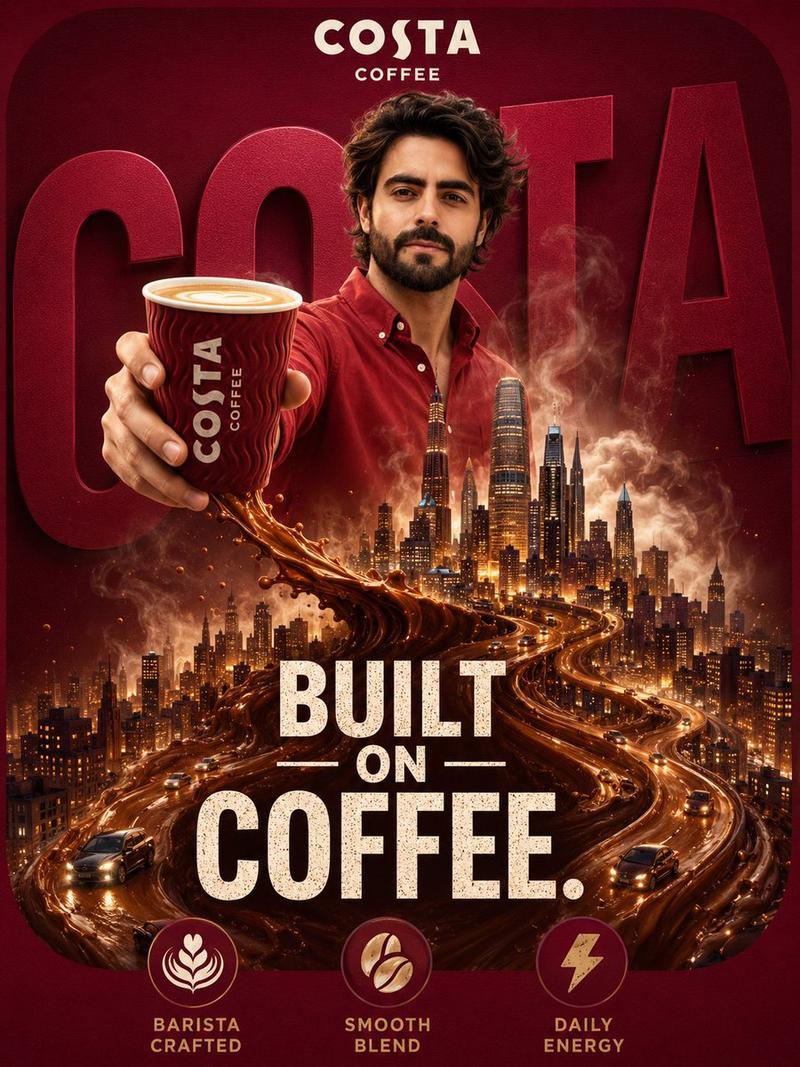
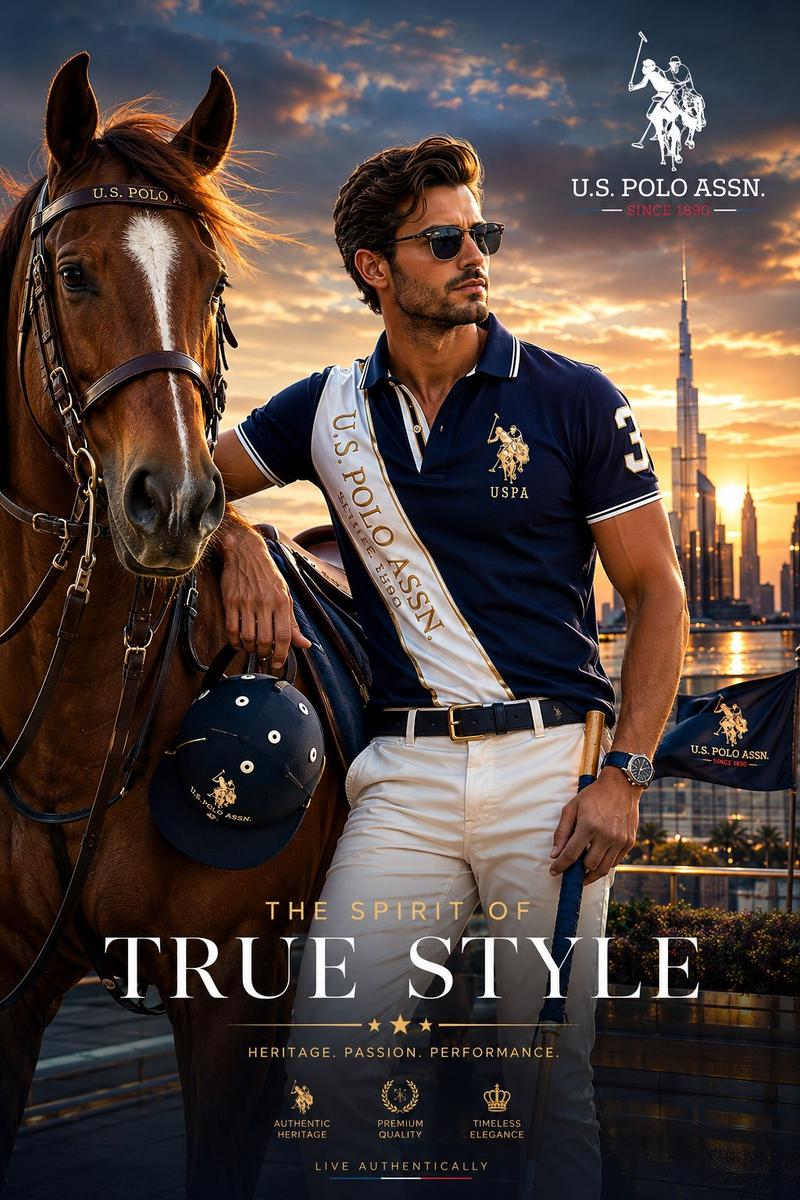
迪拜城市景观双重曝光海报
Enlarge

Example images

迪拜城市景观双重曝光海报

Prompt
Commercial poster design, {argument name="subject" default="handsome male footballer with short curly hair"} wearing beige shirt, confident profile portrait in foreground looking to right. Double exposure effect blending with Dubai cityscape background. Landmarks: Burj Khalifa, Burj Al Arab, Dubai Marina skyline, Palm Jumeirah, desert sand dunes, highway with luxury sports cars, yachts in marina. Golden hour sunset lighting, warm tones, cinematic, epic, luxurious, aspirational. Big bold text at bottom: "DUBAI" with subtitle "BEYOND LIMITS". High detail, 8k, advertising photography, professional color grading, lens flare, photorealistic
Category
Charts & Infographics
Model
GPT Image 2
Creator
Anissa
Views3
Source ID
23573
Published
Jun 1, 2026

Guide

About "迪拜城市景观双重曝光海报"

What is this prompt for?

"迪拜城市景观双重曝光海报" AI image prompt for GPT Image 2 (Charts & Infographics). 一个广告风格的提示词,展示了一位男性足球运动员与迪拜天际线融合的电影级双重曝光效果。 Copy it on Picva and recreate the look in on…

The full copyable prompt and example visuals above are ready for AI image generation or one-click recreate in Picva.

How to use this prompt

  1. Step 1

    Open the prompt detail

    Review the example visuals, category, and full prompt text for "迪拜城市景观双重曝光海报".

  2. Step 2

    Copy the prompt

    Copy the prompt body from this page, or load it directly in Studio.

  3. Step 3

    Pick a model (GPT Image 2)

    Prefer GPT Image 2. If you switch models, keep subject and composition and tweak style terms.

  4. Step 4

    Generate and export

    Recreate the look in Picva, or export into your workflow for editing and publishing.

FAQ

What is the "迪拜城市景观双重曝光海报" prompt?
It is an AI image-generation prompt for GPT Image 2 in the Charts & Infographics category. This page includes the full prompt text, example visuals, and a one-click recreate path in Picva.
How do I use this prompt to generate an image?
Copy the prompt from this page, or use Generate / Studio. Paste it into a compatible image model, or recreate the look in Picva with optional reference images.
Which model is this prompt for?
This page lists GPT Image 2. Most descriptive prompts also transfer to nearby image models such as GPT Image, Flux, or Midjourney with light style tweaks.
Can I use the result commercially?
You can usually copy the prompt for creation, but commercial use of the final image depends on the model terms, reference-image rights, and the generated content. Follow the source author and platform rules.