17

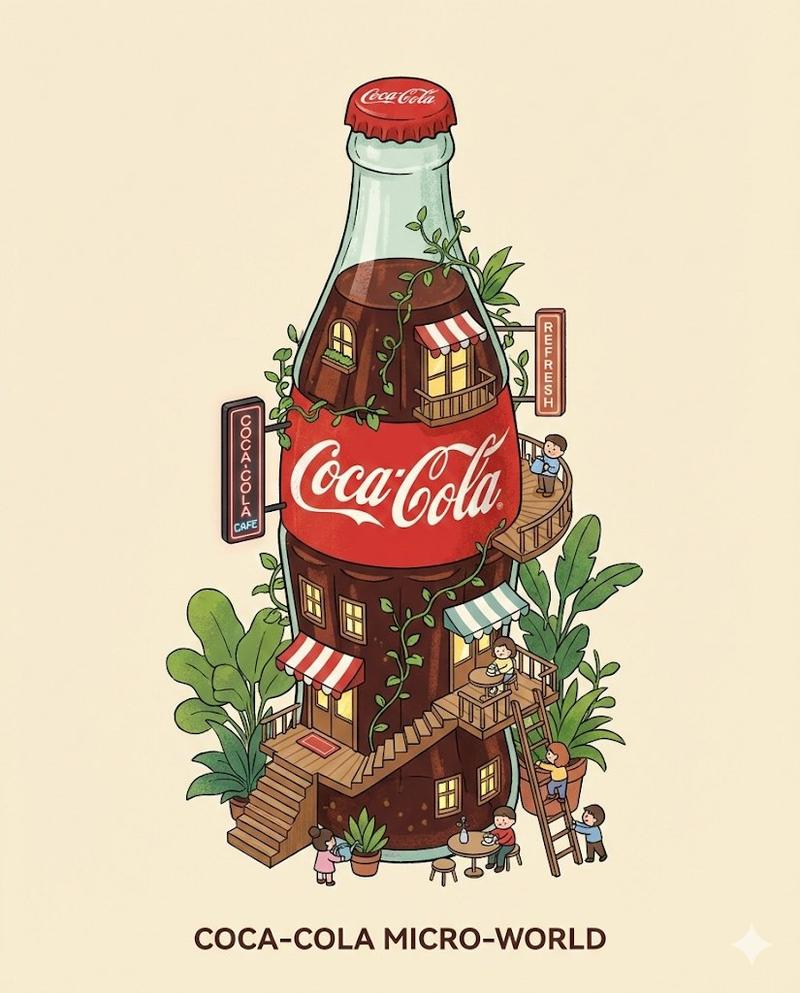
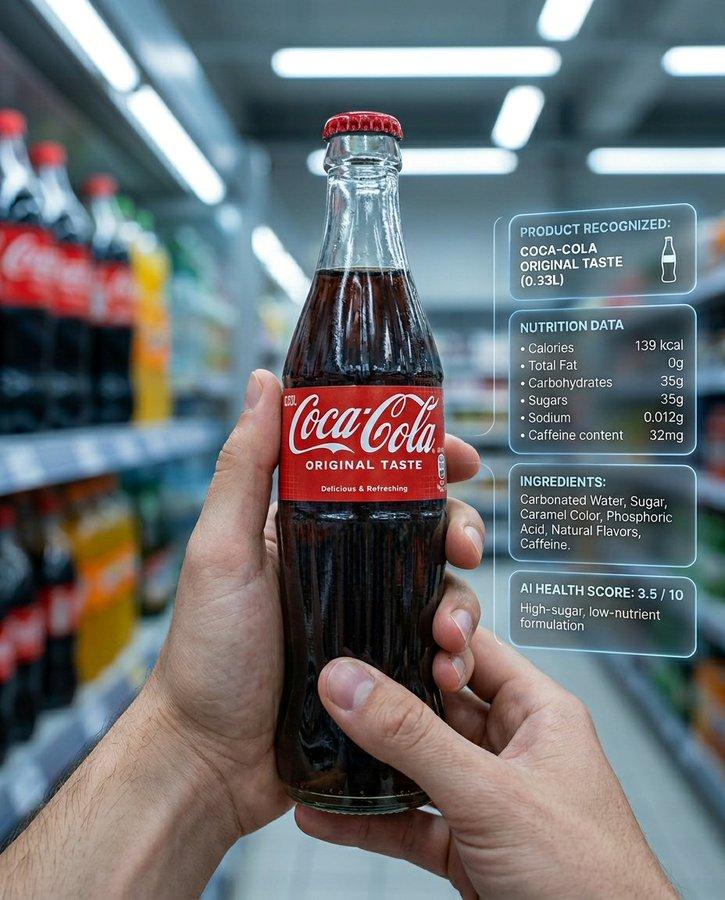
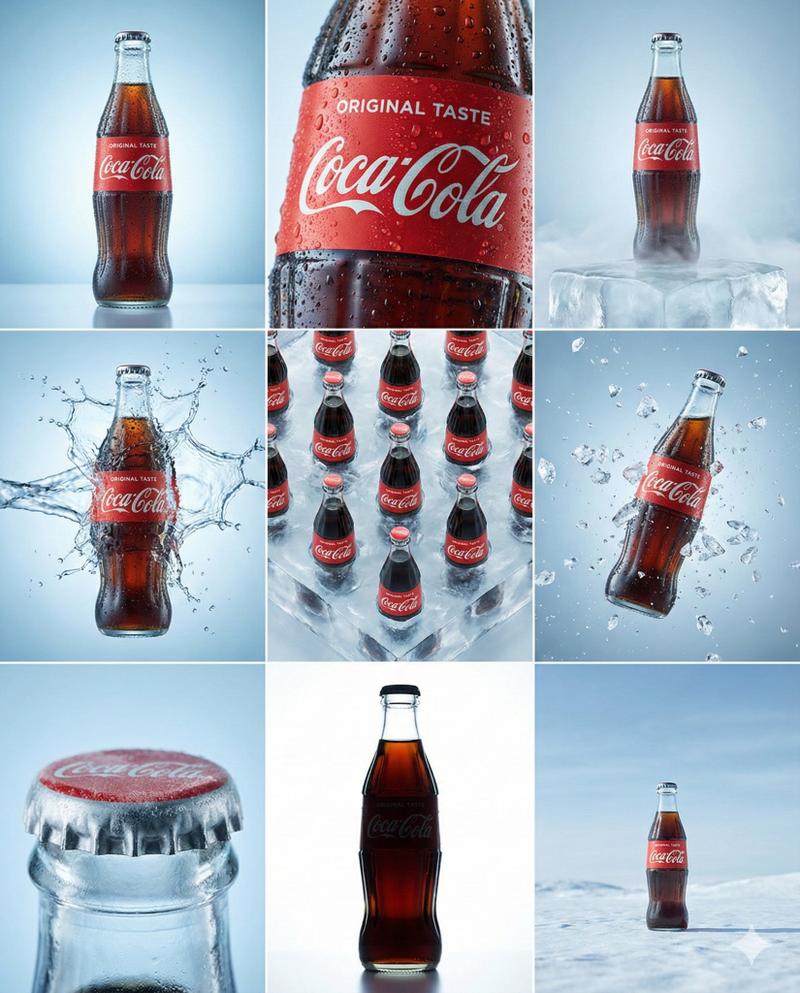
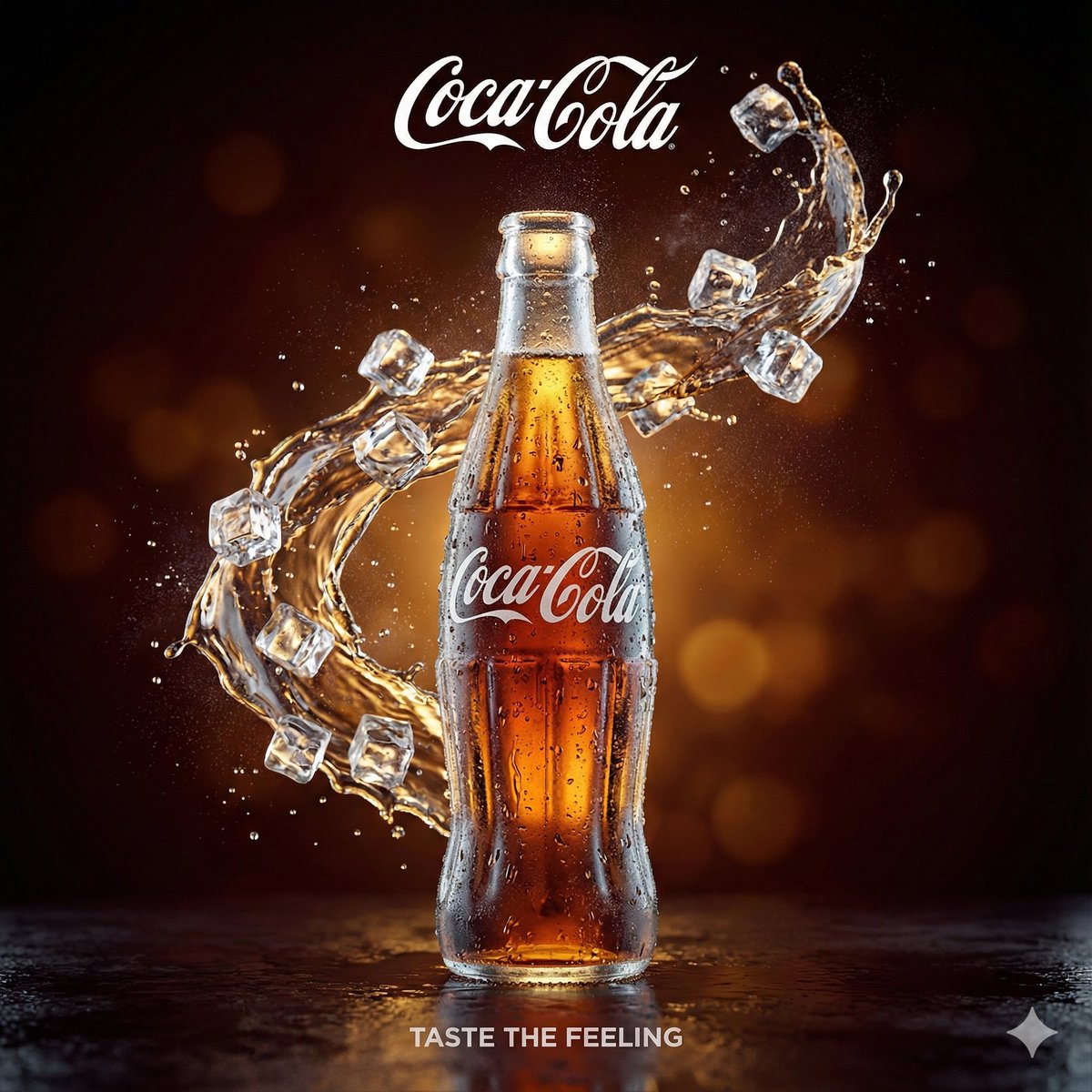
可口可乐瓶构建微距场景
Enlarge

可口可乐瓶构建微距场景

Prompt
A surreal, hyper-realistic macro scene featuring miniature construction workers building a giant {argument name="subject" default="ice-cold Coca-Cola glass bottle"}. Tiny cranes lift transparent glass panels, workers polish condensation droplets, engineers install the iconic {argument name="brand" default="red label"}. The massive {argument name="object" default="Coca-Cola bottle"} rests on a branded Coca-Cola crate with logo visible. Warm studio lighting, playful and imaginative atmosphere, ultra-detailed advertising photography, shallow depth of field, cinematic realism.
Category
Posters & Typography
Model
GPT Image 2
Creator
𝐌
Views0
Source ID
26025
Published
Jun 16, 2026

Guide

About "可口可乐瓶构建微距场景"

What is this prompt for?

"可口可乐瓶构建微距场景" AI image prompt for GPT Image 2 (Posters & Typography). 一个由 GPT Image 2 生成的超现实微距场景,展示了微型工人们正在建造一个巨大的可口可乐瓶,并呈现出精致的玻璃质感和灯光细节。 Copy it on Picva and…

The full copyable prompt and example visuals above are ready for AI image generation or one-click recreate in Picva.

How to use this prompt

  1. Step 1

    Open the prompt detail

    Review the example visuals, category, and full prompt text for "可口可乐瓶构建微距场景".

  2. Step 2

    Copy the prompt

    Copy the prompt body from this page, or load it directly in Studio.

  3. Step 3

    Pick a model (GPT Image 2)

    Prefer GPT Image 2. If you switch models, keep subject and composition and tweak style terms.

  4. Step 4

    Generate and export

    Recreate the look in Picva, or export into your workflow for editing and publishing.

FAQ

What is the "可口可乐瓶构建微距场景" prompt?
It is an AI image-generation prompt for GPT Image 2 in the Posters & Typography category. This page includes the full prompt text, example visuals, and a one-click recreate path in Picva.
How do I use this prompt to generate an image?
Copy the prompt from this page, or use Generate / Studio. Paste it into a compatible image model, or recreate the look in Picva with optional reference images.
Which model is this prompt for?
This page lists GPT Image 2. Most descriptive prompts also transfer to nearby image models such as GPT Image, Flux, or Midjourney with light style tweaks.
Can I use the result commercially?
You can usually copy the prompt for creation, but commercial use of the final image depends on the model terms, reference-image rights, and the generated content. Follow the source author and platform rules.