19

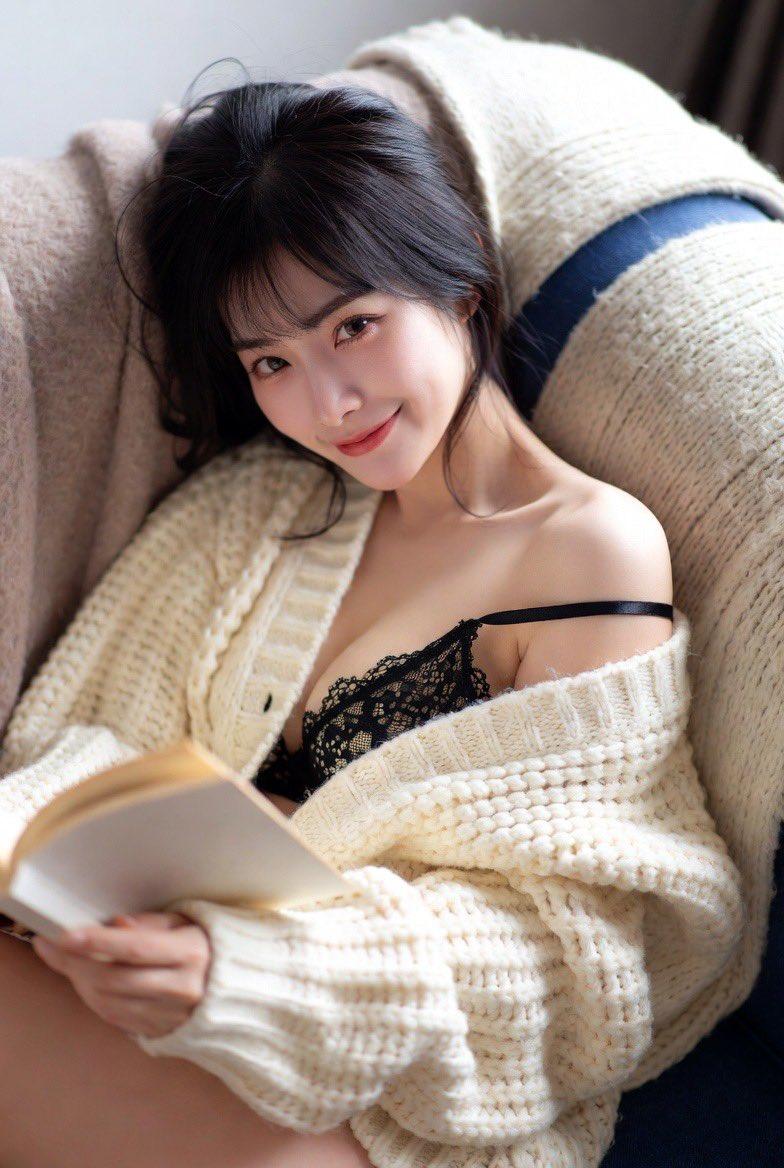
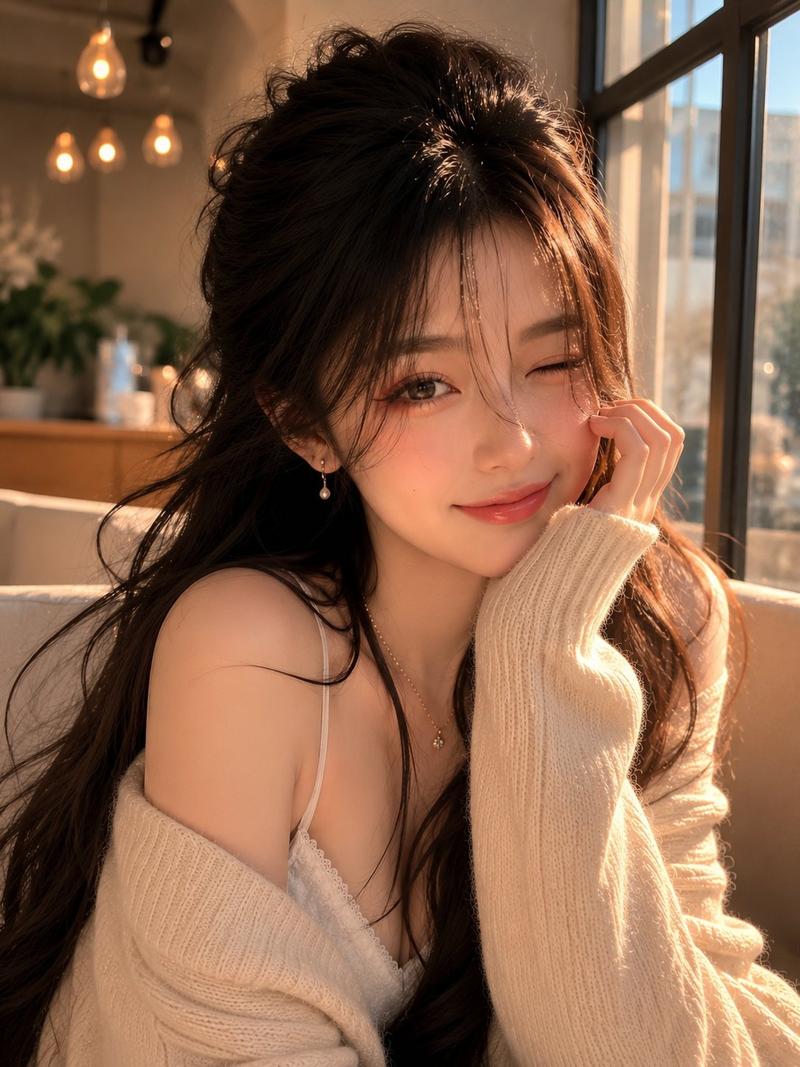
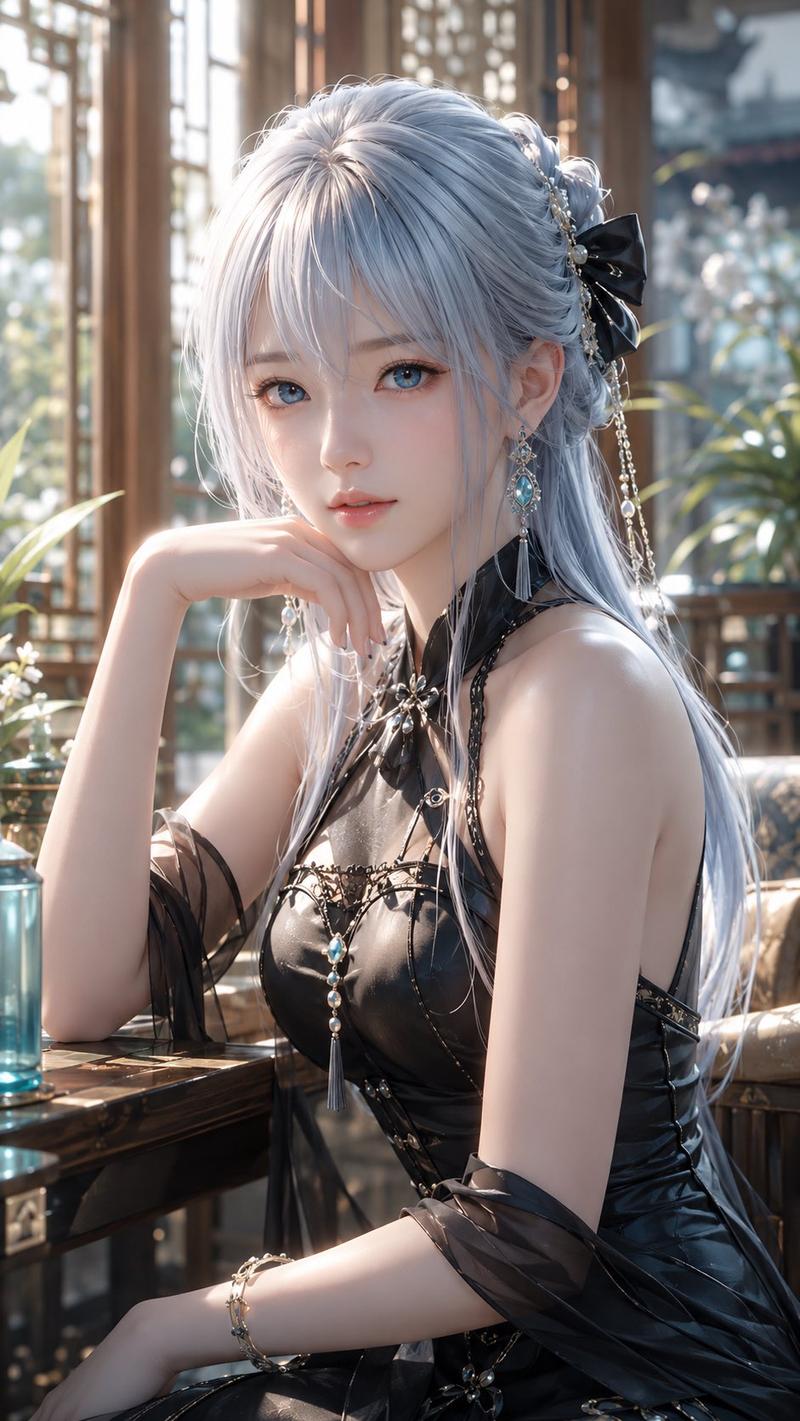
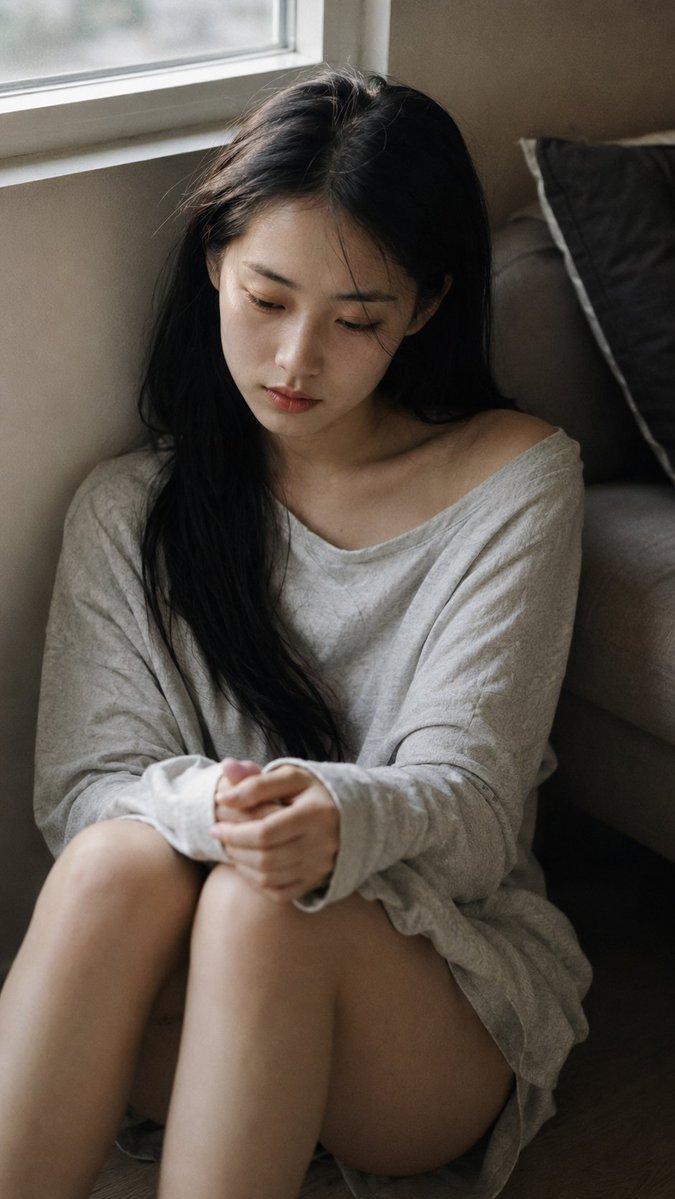
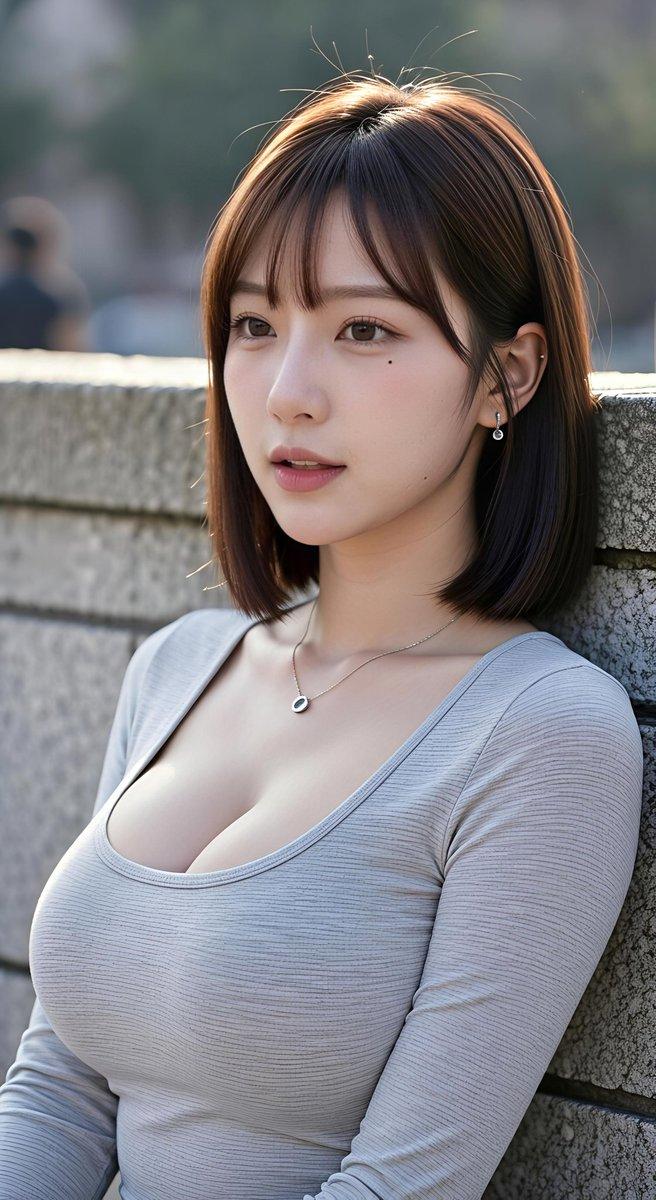
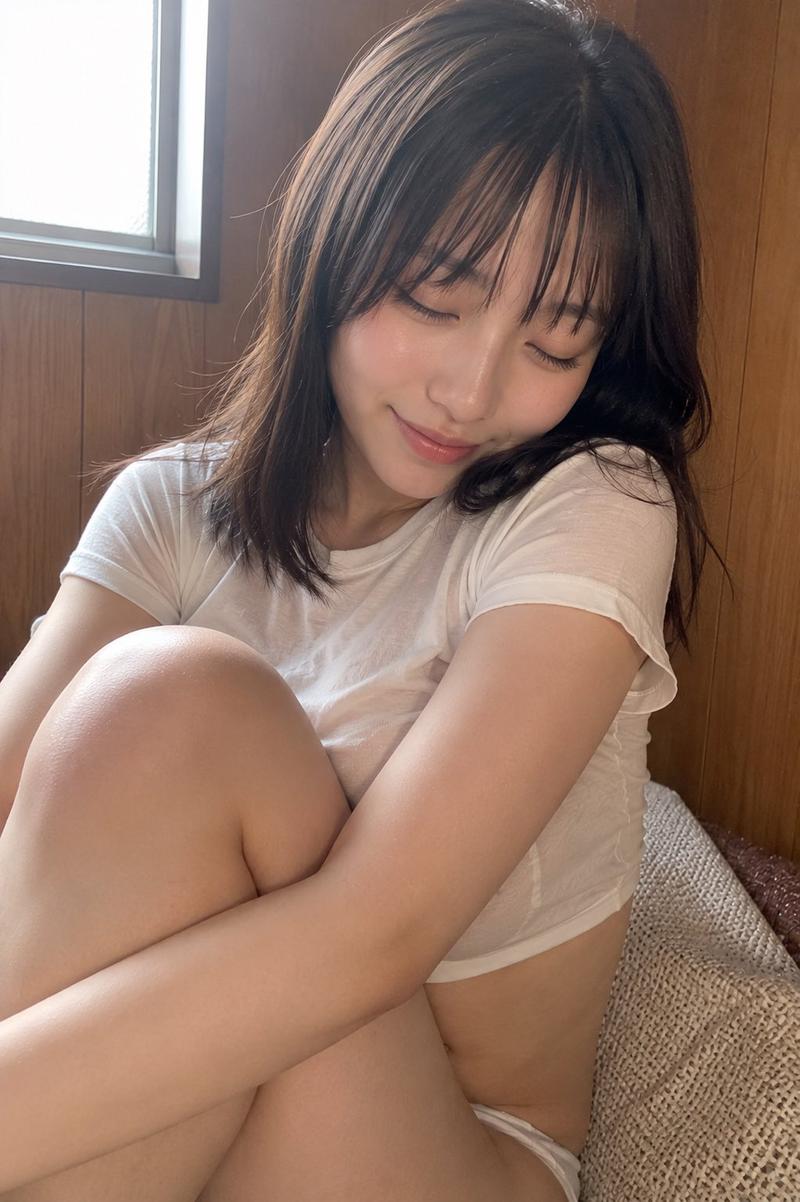
窗边优雅女性慵懒都市街景氛围
Enlarge

Example images

窗边优雅女性慵懒都市街景氛围

Prompt
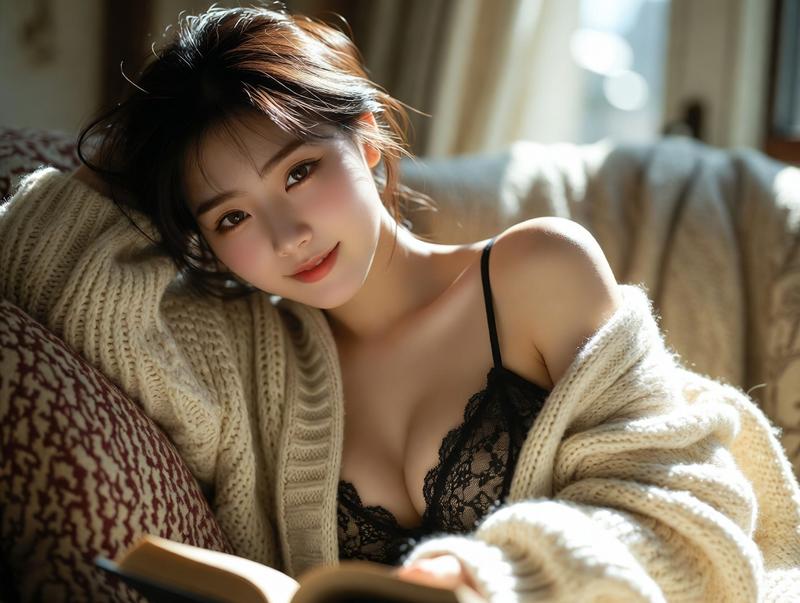
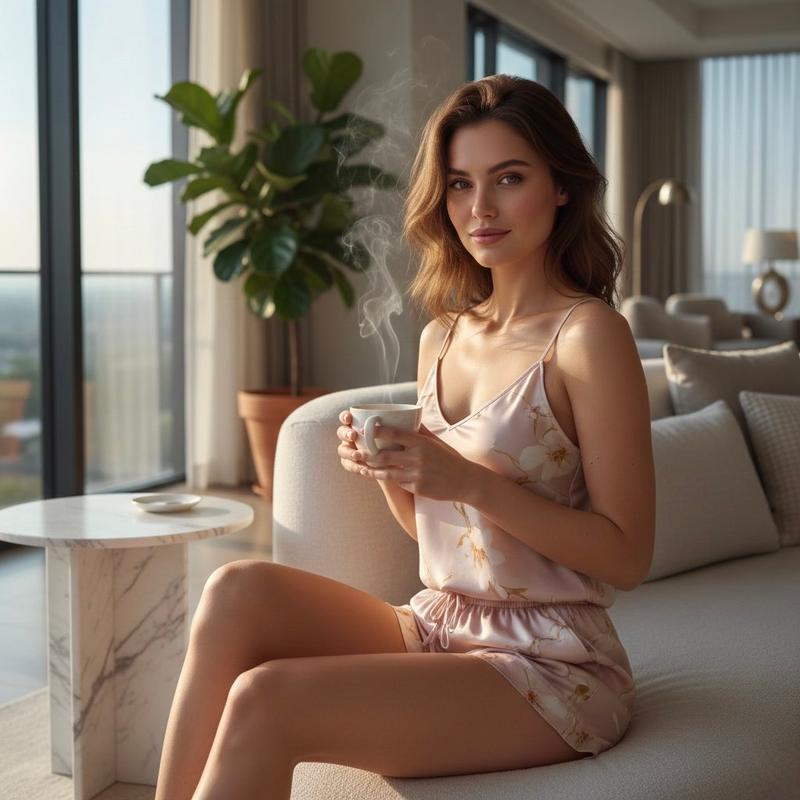
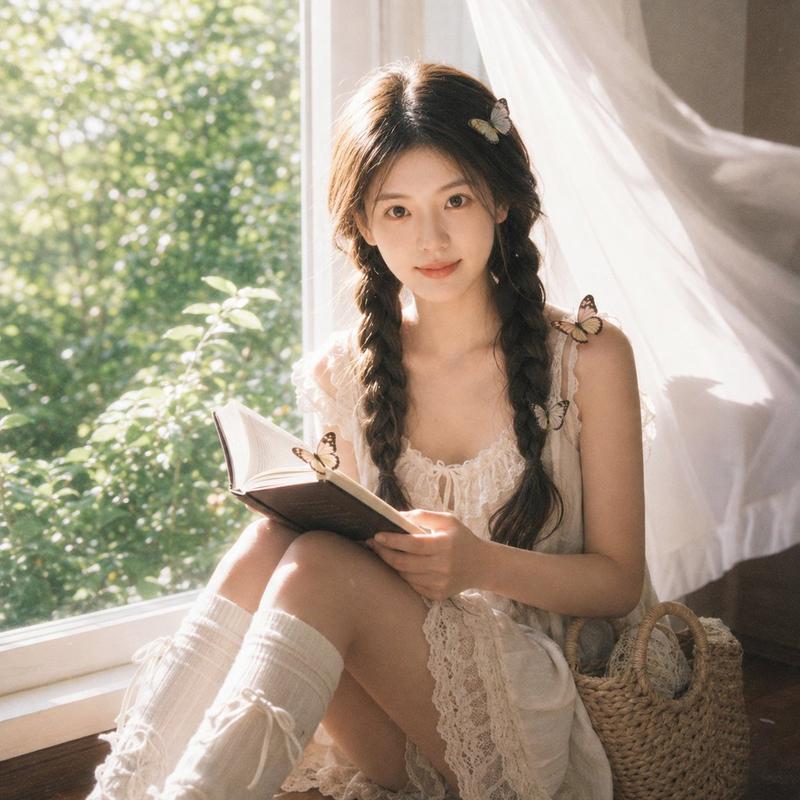
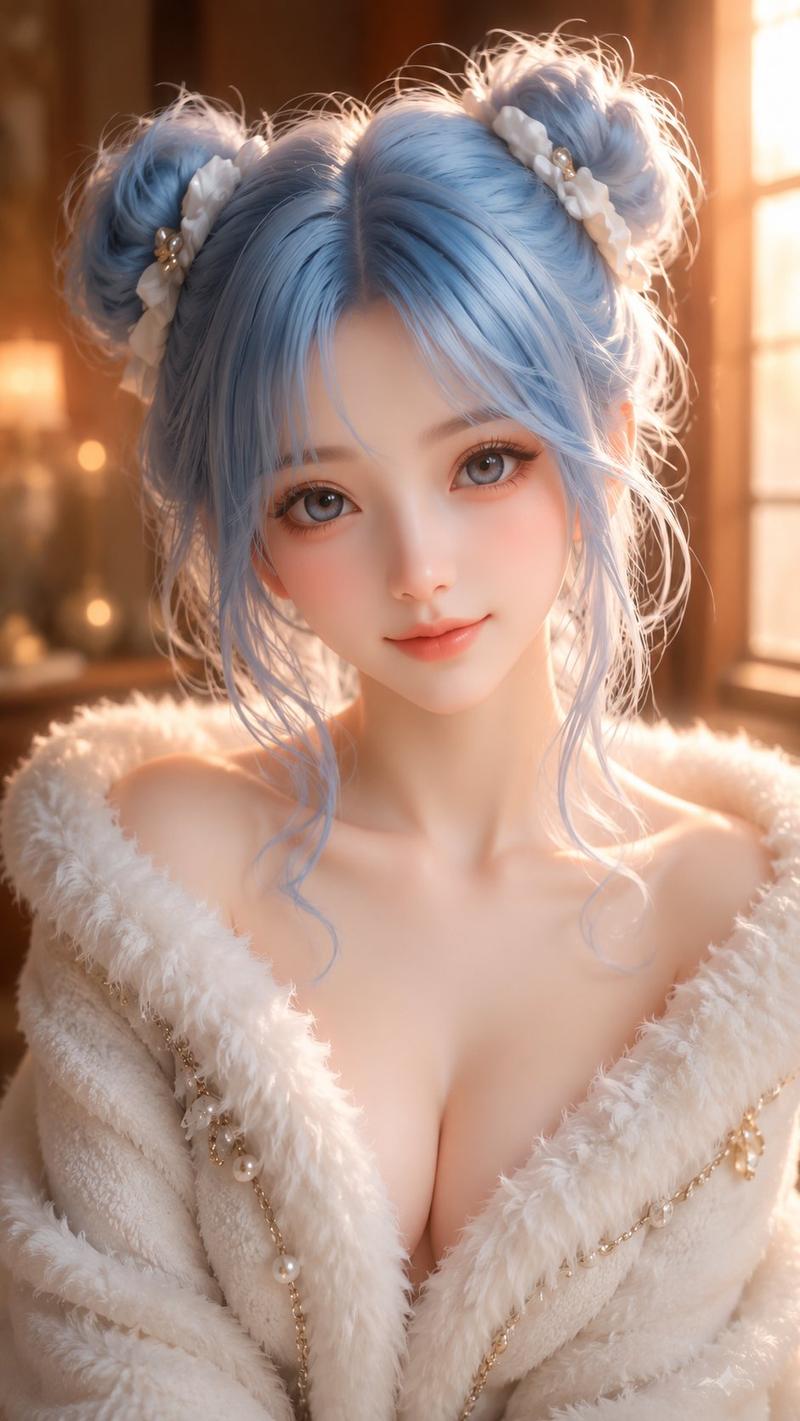
A breathtakingly elegant woman sitting on a plush window seat, her **long, toned legs stretched out before her, crossed slightly at the ankles**. She wears a **cream-colored knit mini skirt**, paired with a **soft beige off-the-shoulder sweater**, creating a cozy yet sultry look. ,The **camera captures her from a slightly elevated side angle, focusing on the smooth line of her legs as the natural light casts a soft glow on her skin**. She holds a book in one hand while lightly brushing the edge of her skirt with the other, subtly revealing a glimpse of her **lace-trimmed thigh-high stockings**.,The background features a **large window with sheer curtains flowing in the breeze, overlooking a stunning cityscape bathed in golden evening light
Category
Architecture & Spaces
Model
ChatGPT
Views78
Source ID
15184
Published
May 29, 2026

Guide

About "窗边优雅女性慵懒都市街景氛围"

What is this prompt for?

"窗边优雅女性慵懒都市街景氛围" AI image prompt for ChatGPT (Architecture & Spaces). 一个美得令人窒息的优雅女人坐在豪华的窗座上,她修长而紧致的双腿向前伸展,脚踝处轻轻交叠。她穿着米白色的针织迷你裙,搭配一件柔软的米色露肩毛衣,营造出一种舒适而性感的造型。镜头从略…

The full copyable prompt and example visuals above are ready for AI image generation or one-click recreate in Picva.

How to use this prompt

  1. Step 1

    Open the prompt detail

    Review the example visuals, category, and full prompt text for "窗边优雅女性慵懒都市街景氛围".

  2. Step 2

    Copy the prompt

    Copy the prompt body from this page, or load it directly in Studio.

  3. Step 3

    Pick a model (ChatGPT)

    Prefer ChatGPT. If you switch models, keep subject and composition and tweak style terms.

  4. Step 4

    Generate and export

    Recreate the look in Picva, or export into your workflow for editing and publishing.

FAQ

What is the "窗边优雅女性慵懒都市街景氛围" prompt?
It is an AI image-generation prompt for ChatGPT in the Architecture & Spaces category. This page includes the full prompt text, example visuals, and a one-click recreate path in Picva.
How do I use this prompt to generate an image?
Copy the prompt from this page, or use Generate / Studio. Paste it into a compatible image model, or recreate the look in Picva with optional reference images.
Which model is this prompt for?
This page lists ChatGPT. Most descriptive prompts also transfer to nearby image models such as GPT Image, Flux, or Midjourney with light style tweaks.
Can I use the result commercially?
You can usually copy the prompt for creation, but commercial use of the final image depends on the model terms, reference-image rights, and the generated content. Follow the source author and platform rules.