20

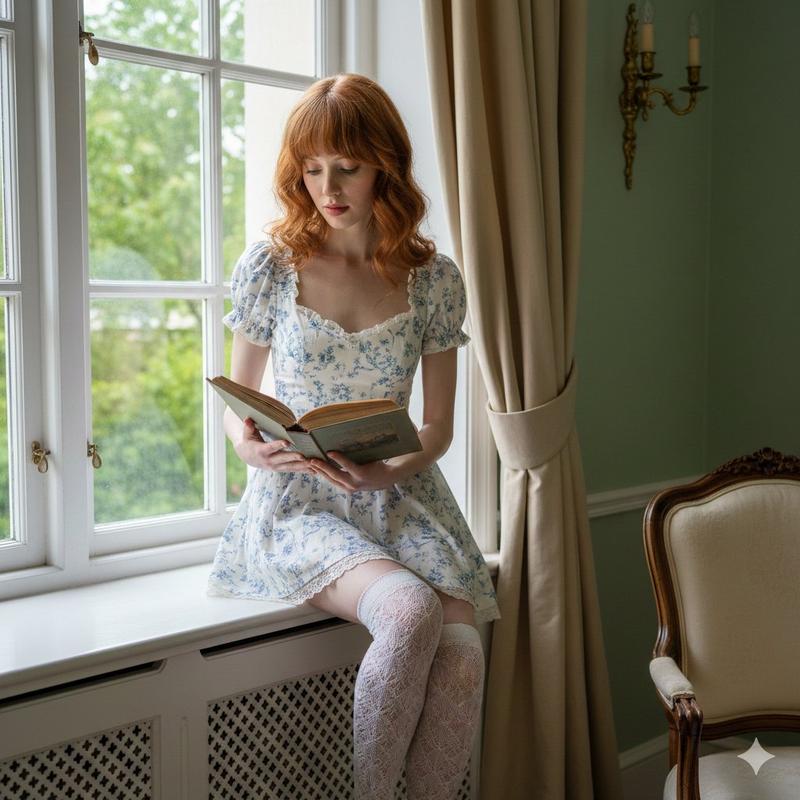
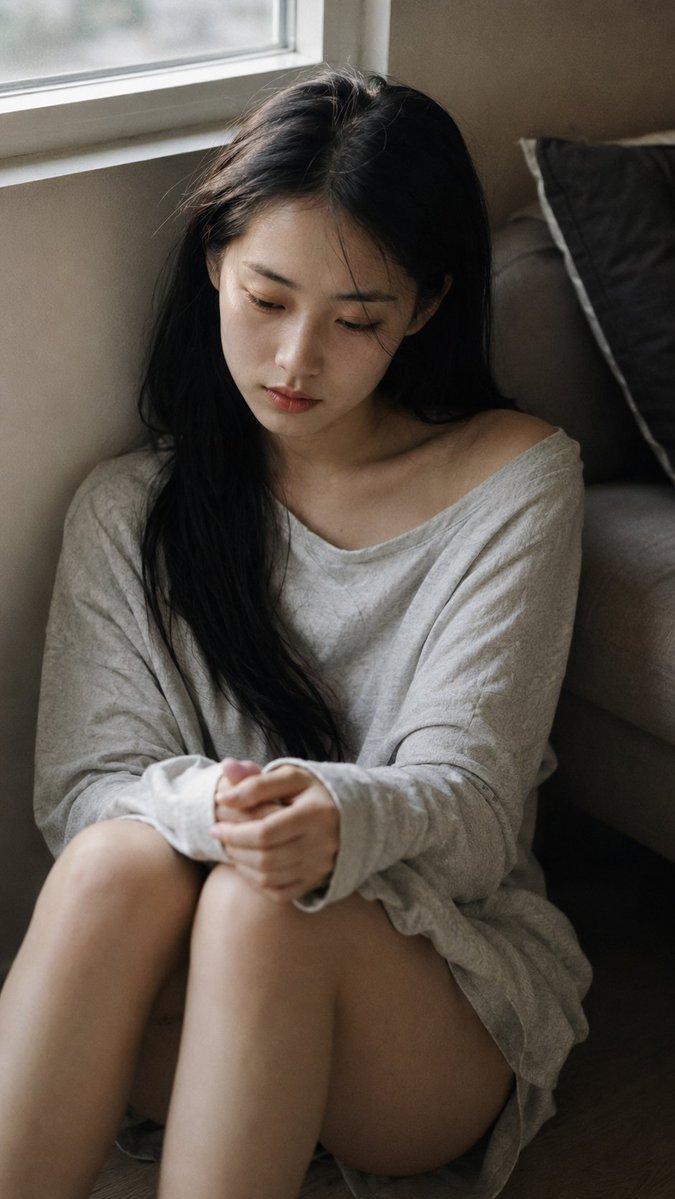
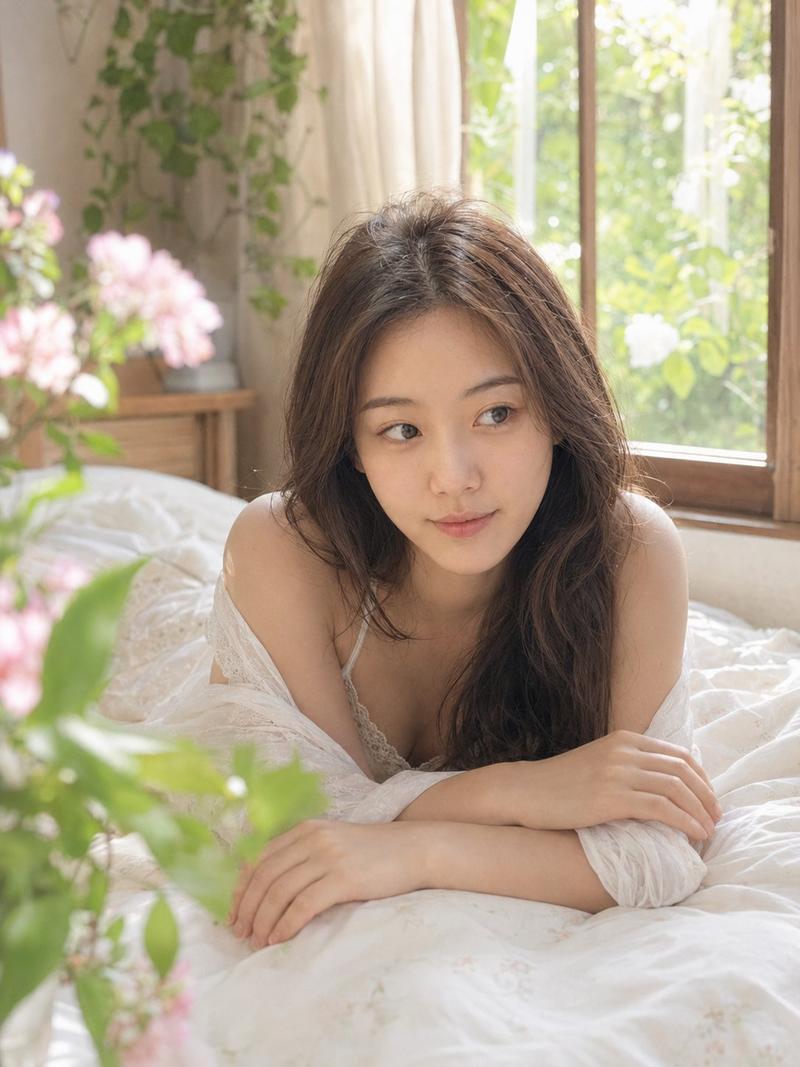
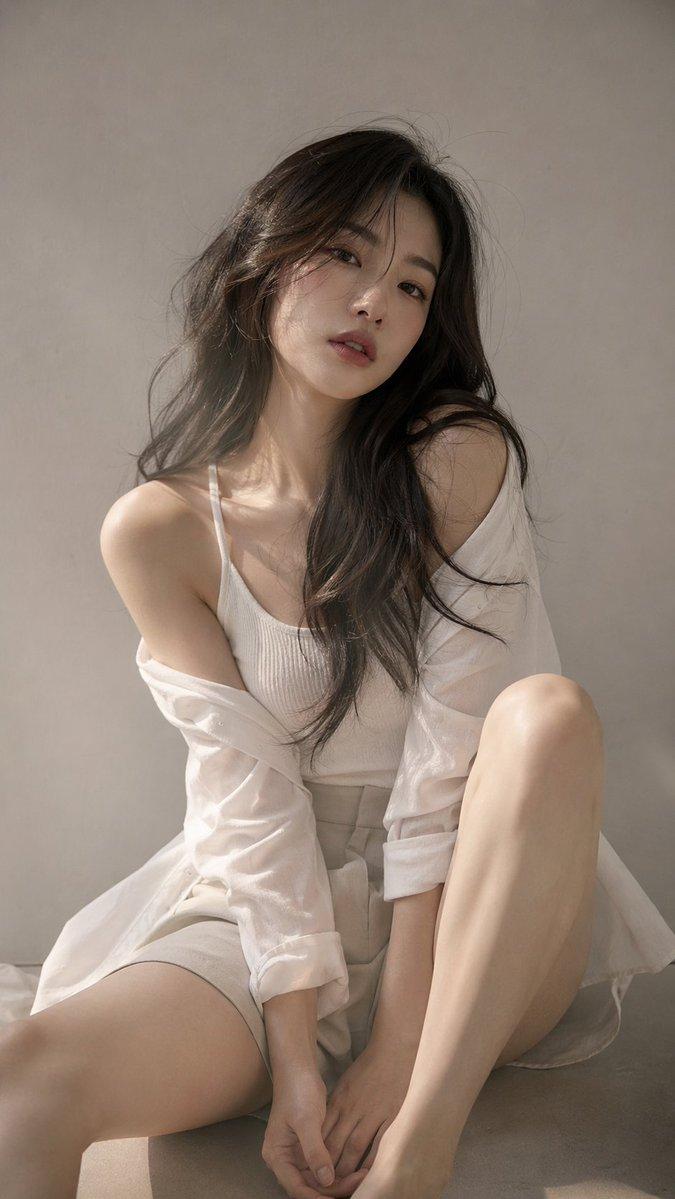
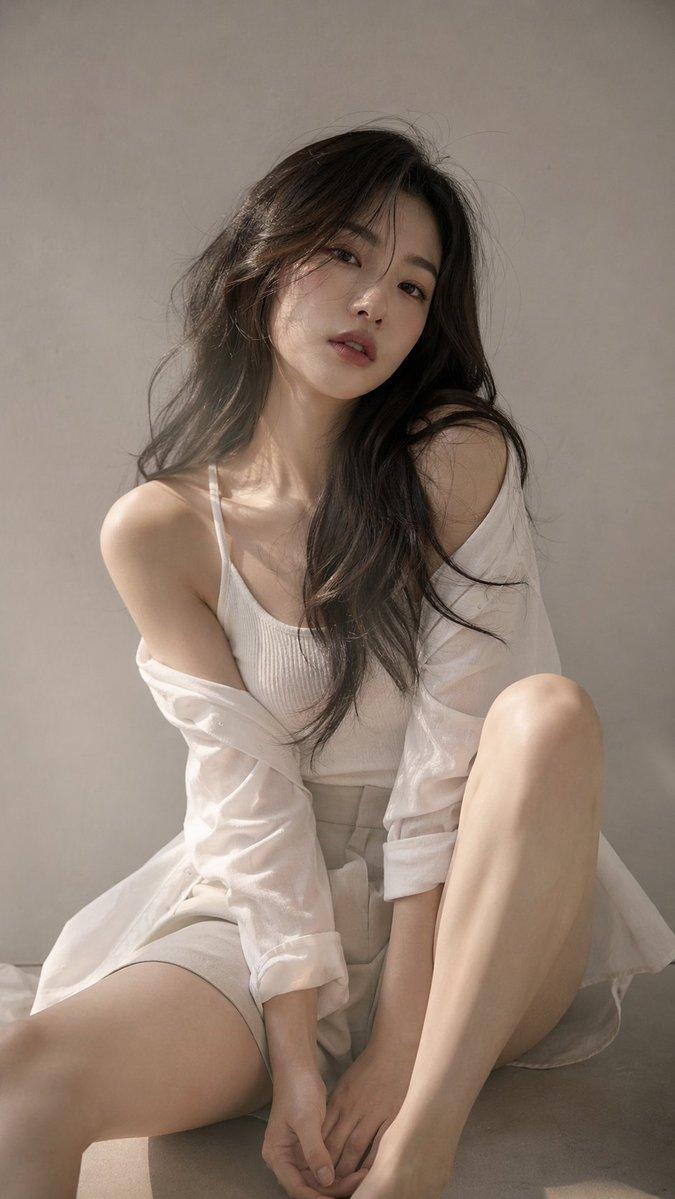
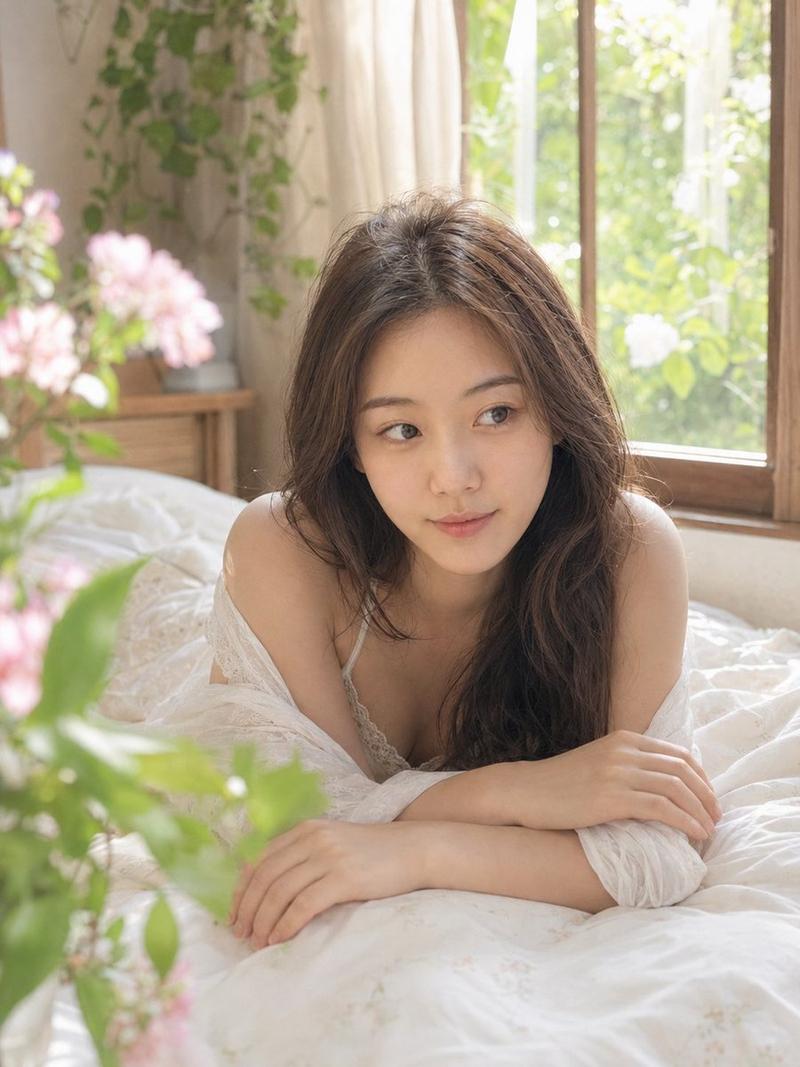
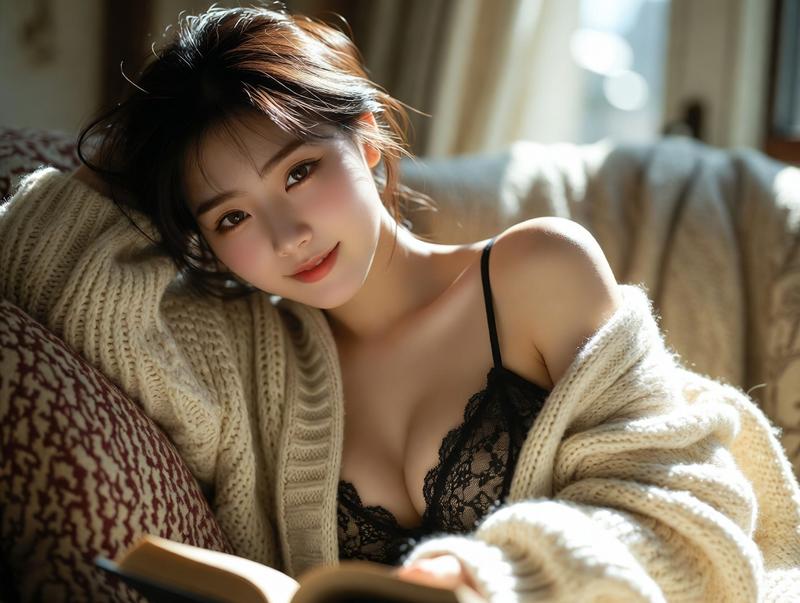
田园风电影感窗边肖像
Enlarge

田园风电影感窗边肖像

Prompt
Use the uploaded portrait only for the subject’s facial identity, hairstyle, skin tone, and natural presence. Recreate the rest from the reference: a dreamy realistic film photo of the subject sitting by a {argument name="location" default="large sunlit window"}, holding an {argument name="prop" default="open book"}, {argument name="outfit" default="soft white summer outfit, lace skirt, long socks, small straw bag"}, butterflies resting gently around the body and hair, lush green garden outside the window, warm backlight, sheer white curtain moving in the sunlight, soft shadows, natural skin texture, cinematic cottagecore atmosphere, 35mm film grain, realistic phone-photo feeling, no over-retouching, no plastic skin, no anime style.

Negative Prompt:

watermark, logo, text, AI look, anime, cartoon, doll face, plastic skin, over-smoothed skin, fake lighting, distorted hands, extra fingers, bad anatomy, blurry face, copied reference face, harsh makeup, unrealistic butterflies, low quality, oversaturated colors.
Category
Posters & Typography
Model
GPT Image 2
Creator
Shinning
Views7
Source ID
22095
Published
May 23, 2026

Guide

About "田园风电影感窗边肖像"

What is this prompt for?

"田园风电影感窗边肖像" AI image prompt for GPT Image 2 (Posters & Typography). 生成一张柔和、梦幻的田园风肖像,展现人物在阳光明媚的窗边与蝴蝶相伴的场景,并保持参考图中的人物特征。 Copy it on Picva and recreate the look…

The full copyable prompt and example visuals above are ready for AI image generation or one-click recreate in Picva.

How to use this prompt

  1. Step 1

    Open the prompt detail

    Review the example visuals, category, and full prompt text for "田园风电影感窗边肖像".

  2. Step 2

    Copy the prompt

    Copy the prompt body from this page, or load it directly in Studio.

  3. Step 3

    Pick a model (GPT Image 2)

    Prefer GPT Image 2. If you switch models, keep subject and composition and tweak style terms.

  4. Step 4

    Generate and export

    Recreate the look in Picva, or export into your workflow for editing and publishing.

FAQ

What is the "田园风电影感窗边肖像" prompt?
It is an AI image-generation prompt for GPT Image 2 in the Posters & Typography category. This page includes the full prompt text, example visuals, and a one-click recreate path in Picva.
How do I use this prompt to generate an image?
Copy the prompt from this page, or use Generate / Studio. Paste it into a compatible image model, or recreate the look in Picva with optional reference images.
Which model is this prompt for?
This page lists GPT Image 2. Most descriptive prompts also transfer to nearby image models such as GPT Image, Flux, or Midjourney with light style tweaks.
Can I use the result commercially?
You can usually copy the prompt for creation, but commercial use of the final image depends on the model terms, reference-image rights, and the generated content. Follow the source author and platform rules.