17

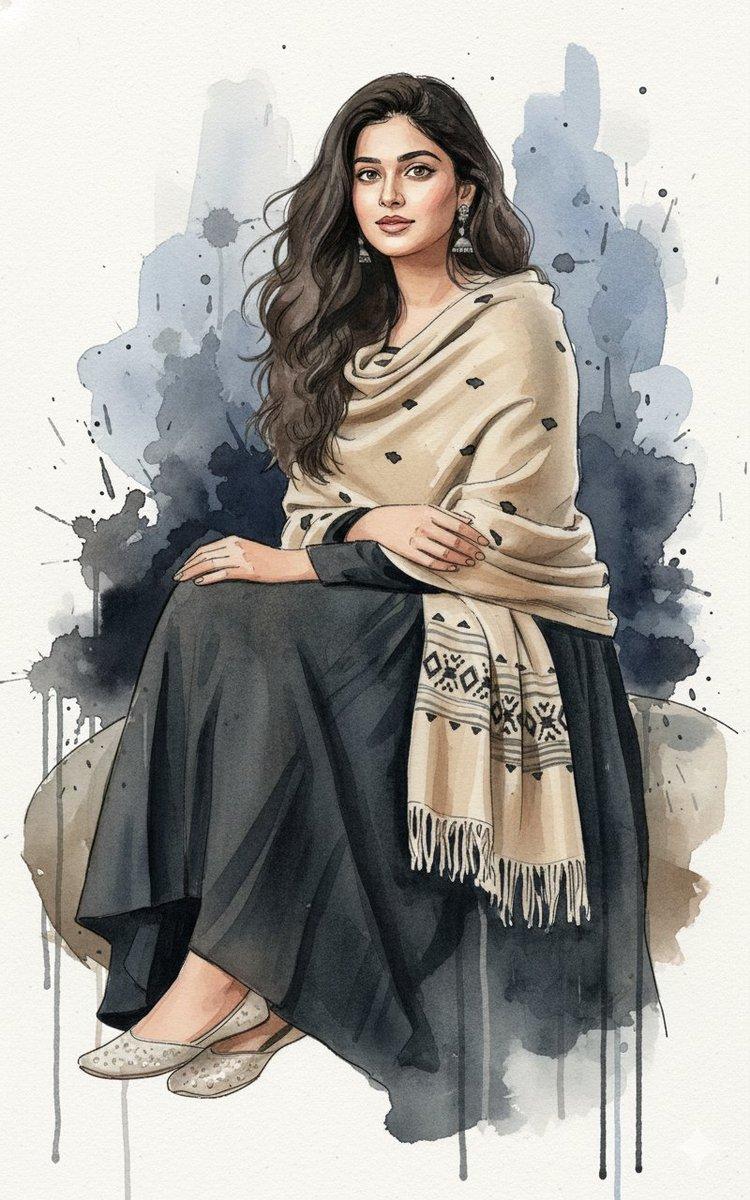
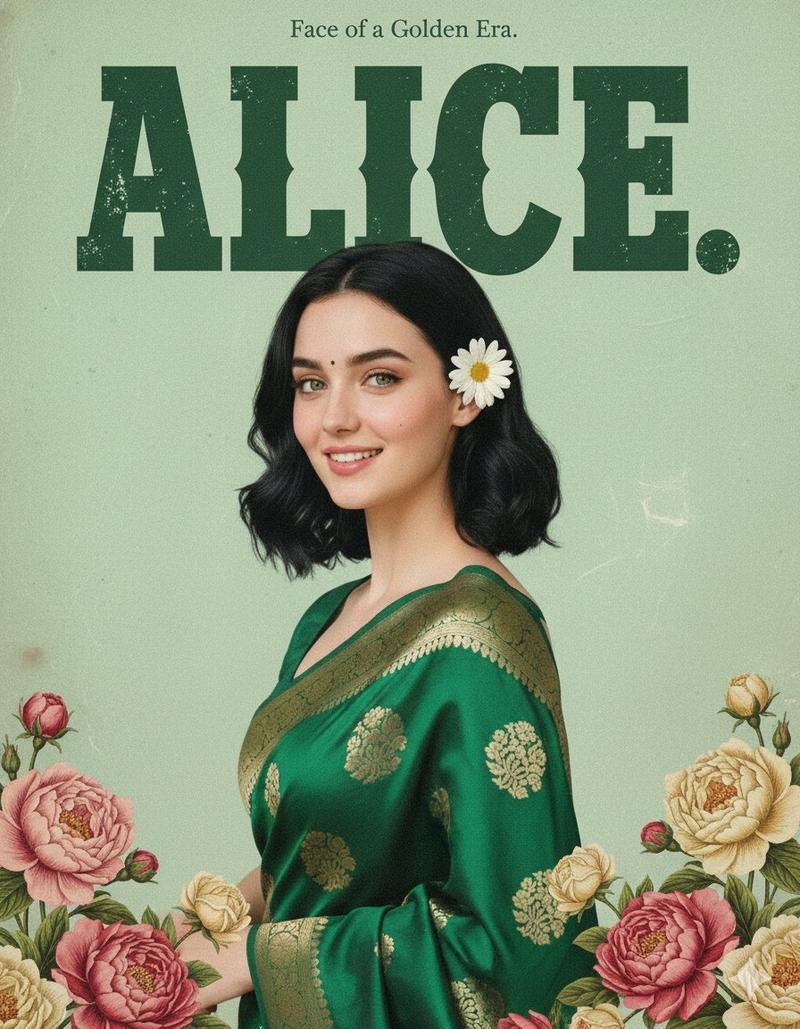
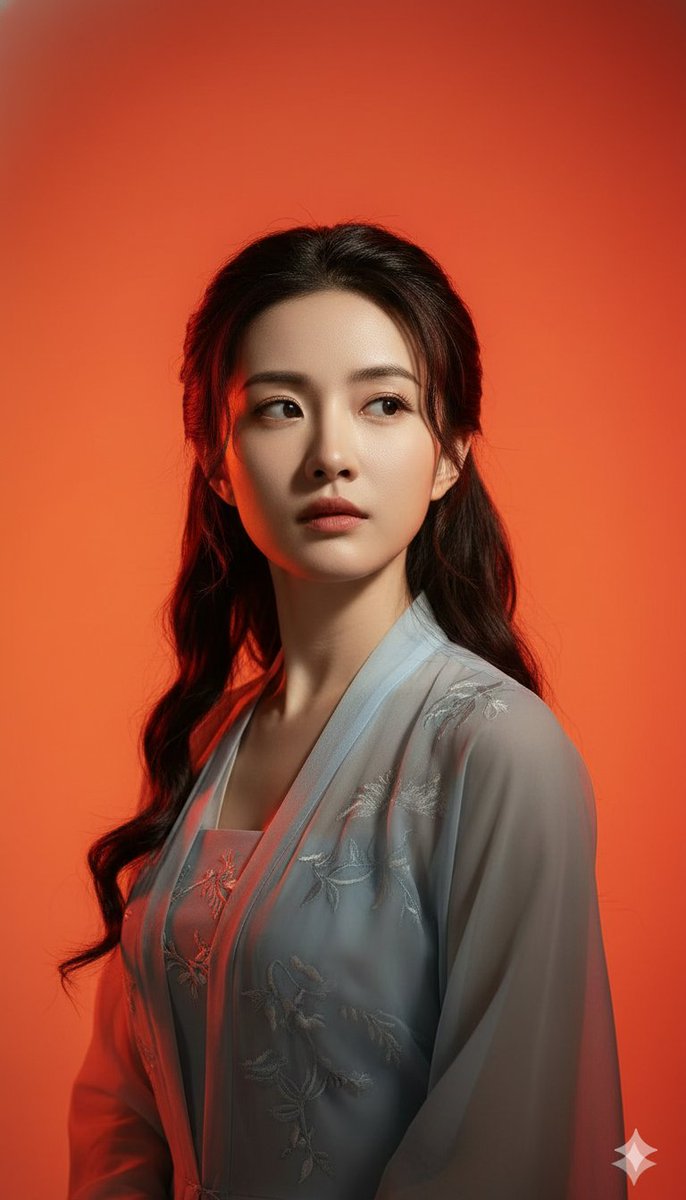
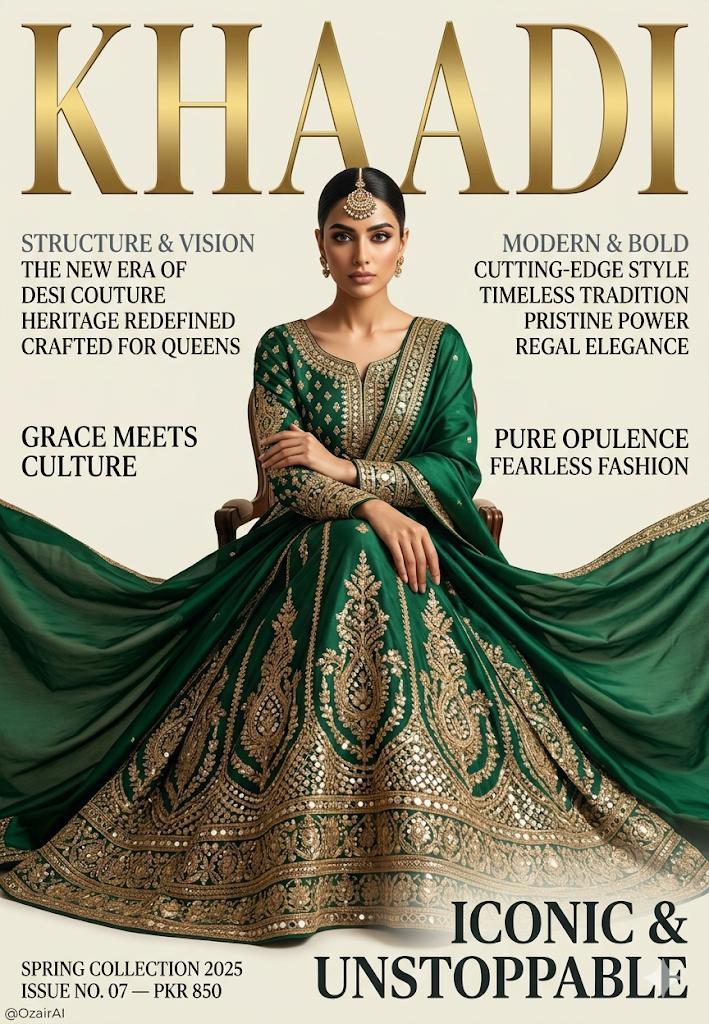
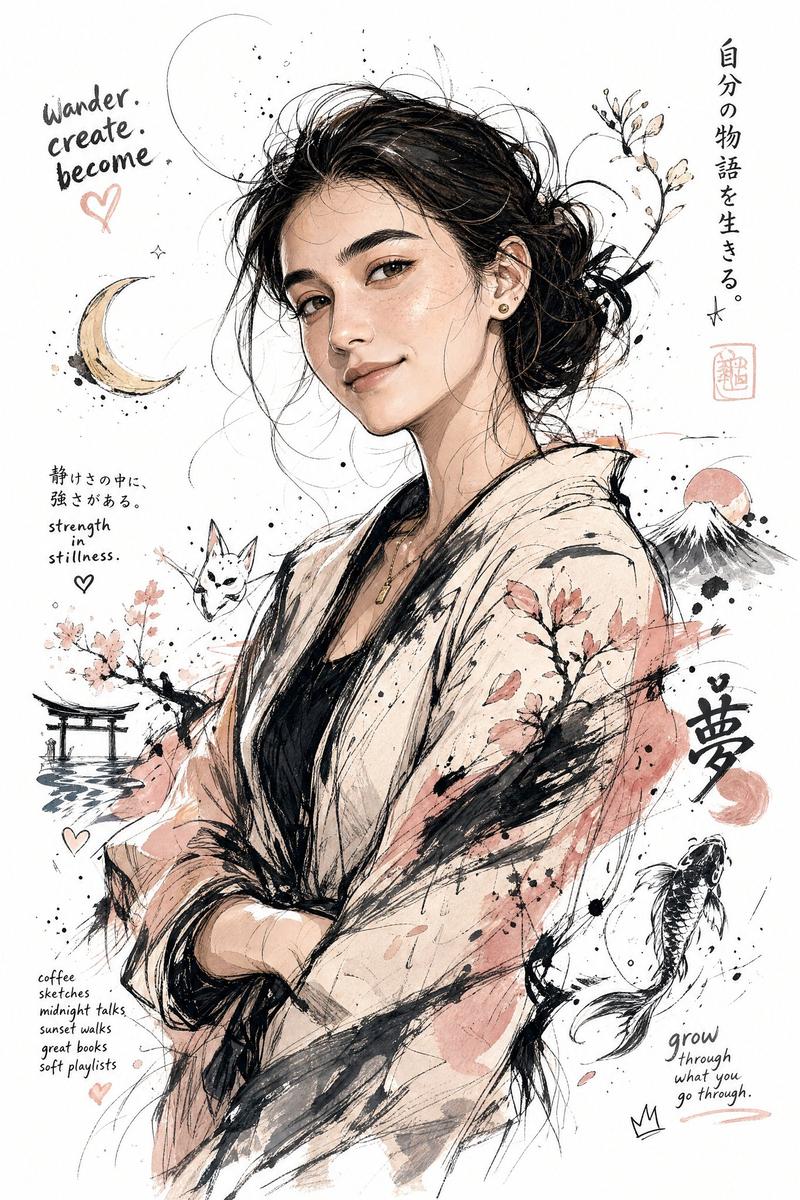
高端现代艺术杂志封面风格插画
Enlarge

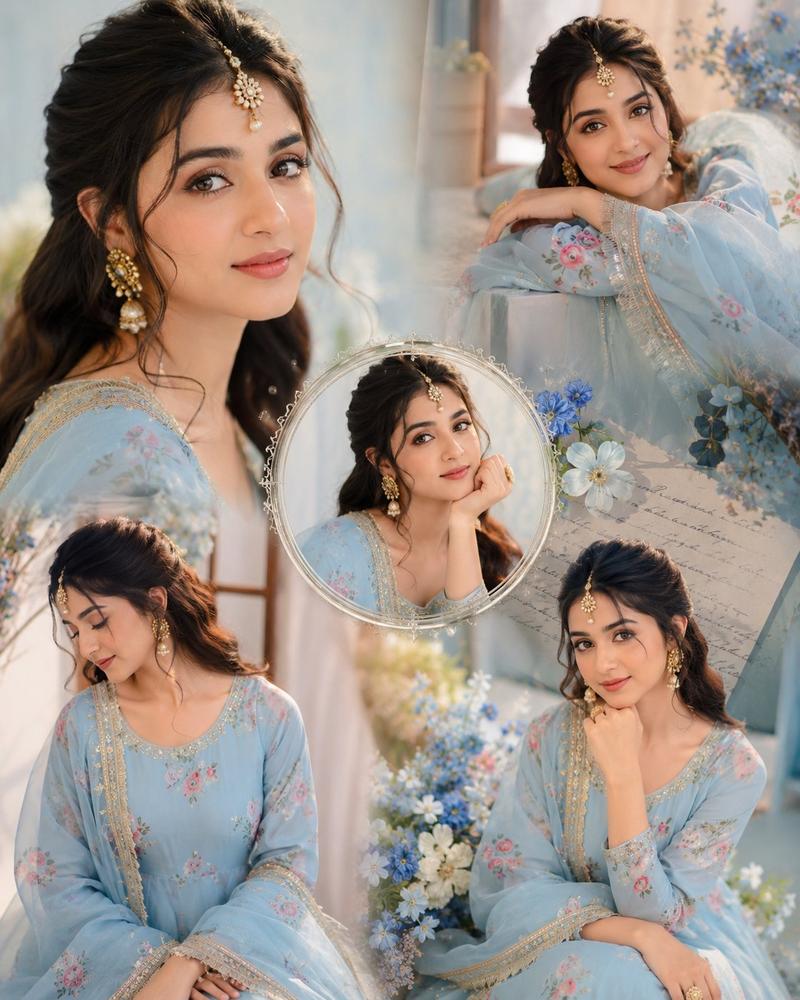
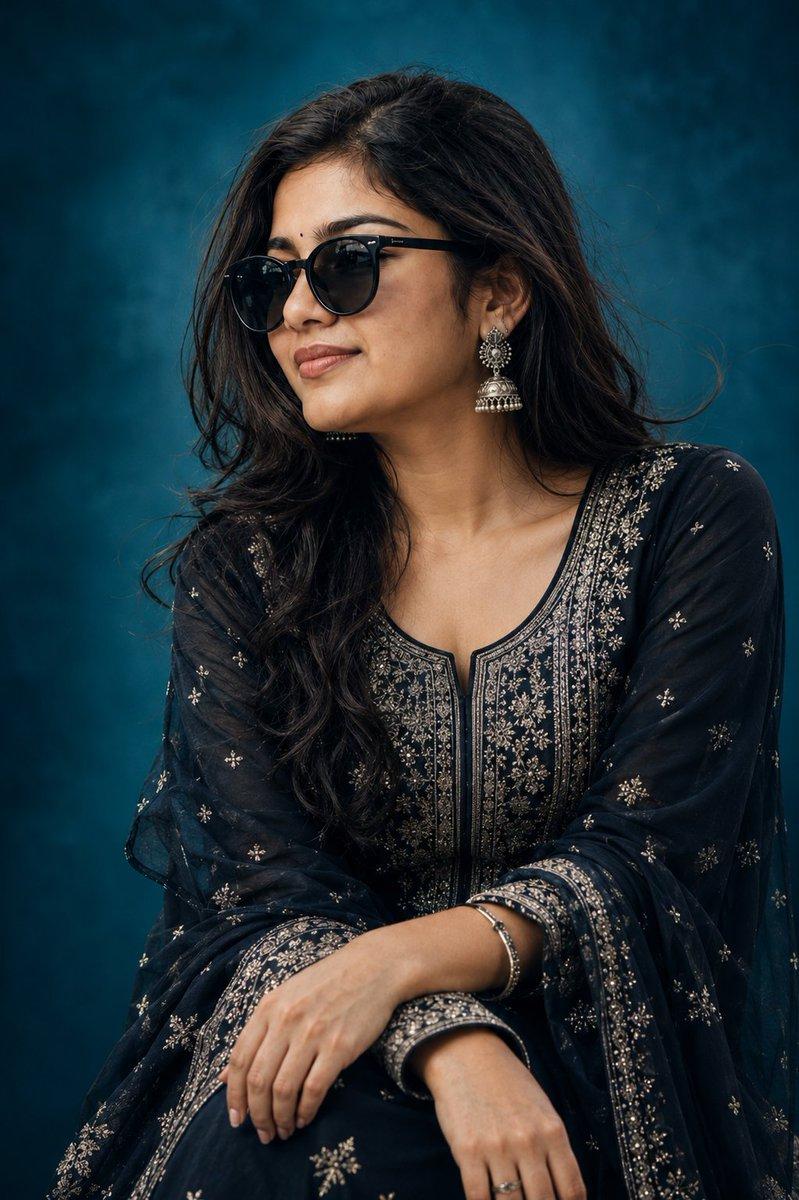
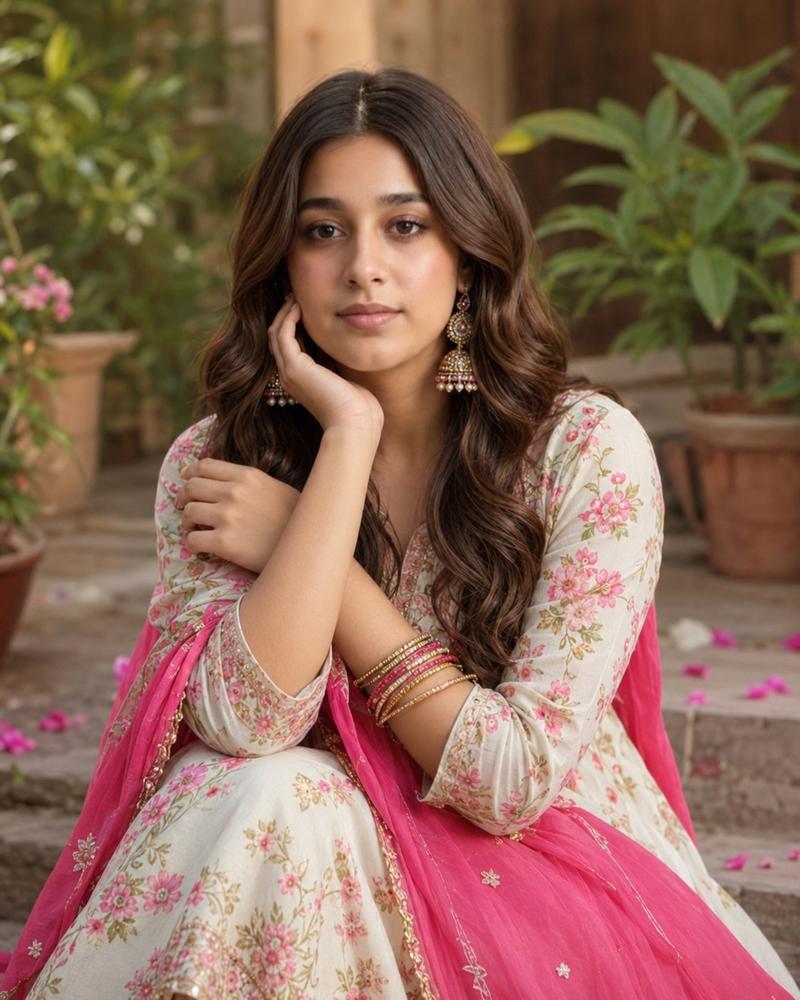
Example images

高端现代艺术杂志封面风格插画

Prompt
High-end modern art magazine cover-style illustration. Use the uploaded portrait as your only reference for identity.
Minimalist modern digital art style.
Use forest green, sage green, moss green, and cream white as the core color palette.

Large areas of negative space and white space design.Soft natural light shines from the upper side, creating clean and distinct large-block light and shadow relationships.

Shape the subject with simple geometric planes and smooth contours.Highly summarized details, but with accurate and elegant form.The composition maintains a high degree of unity and order.

The background is clean and pure, with no complex environment.
The overall style blends the atmosphere of international art magazine covers, Nordic design annuals, boutique lifestyle brand advertisements, and modern art museum posters.

Calm, restrained, sophisticated, and full of breathing room.
No text, no logo, no watermark.
Superb aesthetics.
Category
Posters & Typography
Model
ChatGPT
Views1
Source ID
17480
Published
Jul 6, 2026

Guide

About "高端现代艺术杂志封面风格插画"

What is this prompt for?

"高端现代艺术杂志封面风格插画" AI image prompt for ChatGPT (Posters & Typography). 高端现代艺术杂志封面风格插画。使用上传的肖像作为身份的唯一参考。 极简现代数字艺术风格。 使用森林绿、鼠尾草绿、苔藓绿和奶油白作为核心配色。 大面积负空间和留白设计。柔和的自然光从…

The full copyable prompt and example visuals above are ready for AI image generation or one-click recreate in Picva.

How to use this prompt

  1. Step 1

    Open the prompt detail

    Review the example visuals, category, and full prompt text for "高端现代艺术杂志封面风格插画".

  2. Step 2

    Copy the prompt

    Copy the prompt body from this page, or load it directly in Studio.

  3. Step 3

    Pick a model (ChatGPT)

    Prefer ChatGPT. If you switch models, keep subject and composition and tweak style terms.

  4. Step 4

    Generate and export

    Recreate the look in Picva, or export into your workflow for editing and publishing.

FAQ

What is the "高端现代艺术杂志封面风格插画" prompt?
It is an AI image-generation prompt for ChatGPT in the Posters & Typography category. This page includes the full prompt text, example visuals, and a one-click recreate path in Picva.
How do I use this prompt to generate an image?
Copy the prompt from this page, or use Generate / Studio. Paste it into a compatible image model, or recreate the look in Picva with optional reference images.
Which model is this prompt for?
This page lists ChatGPT. Most descriptive prompts also transfer to nearby image models such as GPT Image, Flux, or Midjourney with light style tweaks.
Can I use the result commercially?
You can usually copy the prompt for creation, but commercial use of the final image depends on the model terms, reference-image rights, and the generated content. Follow the source author and platform rules.