13

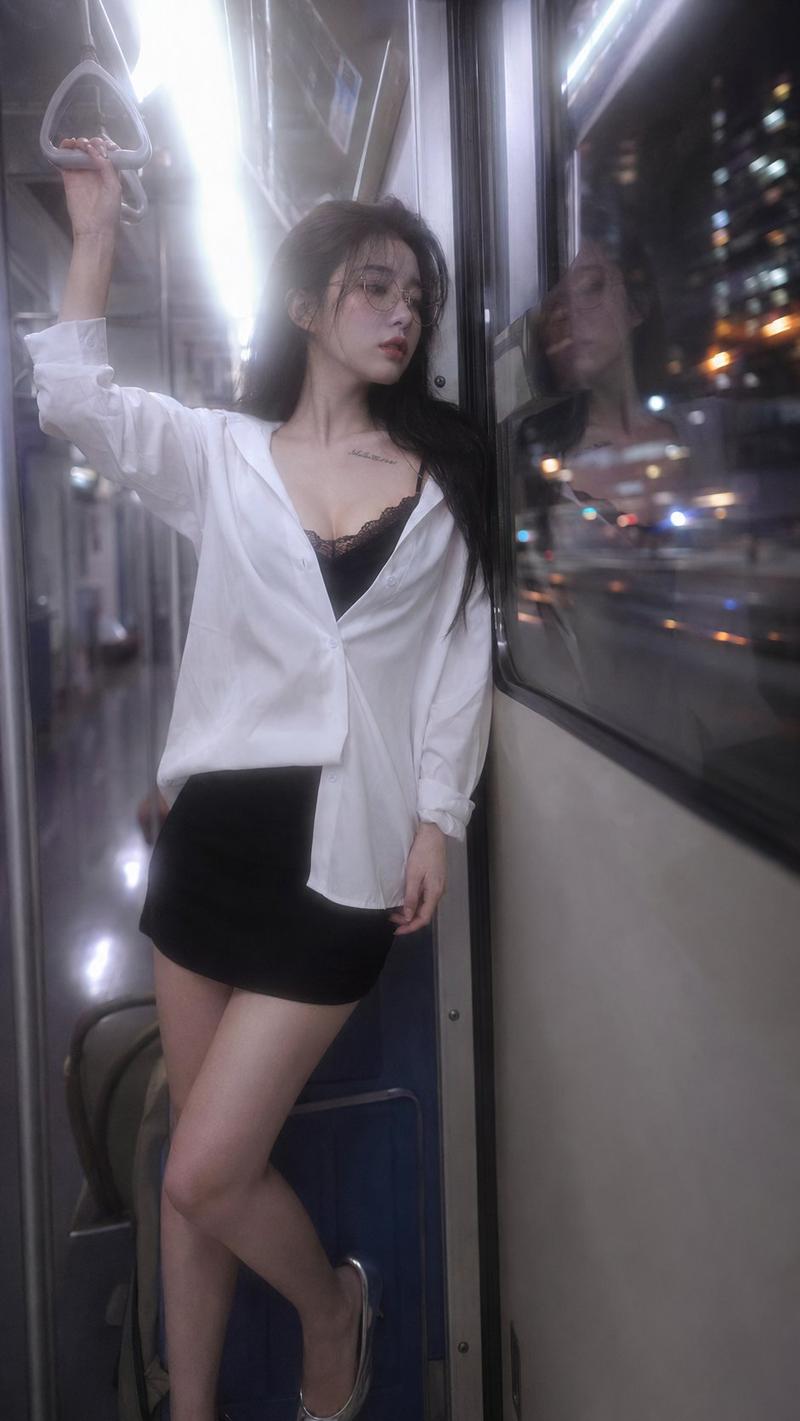
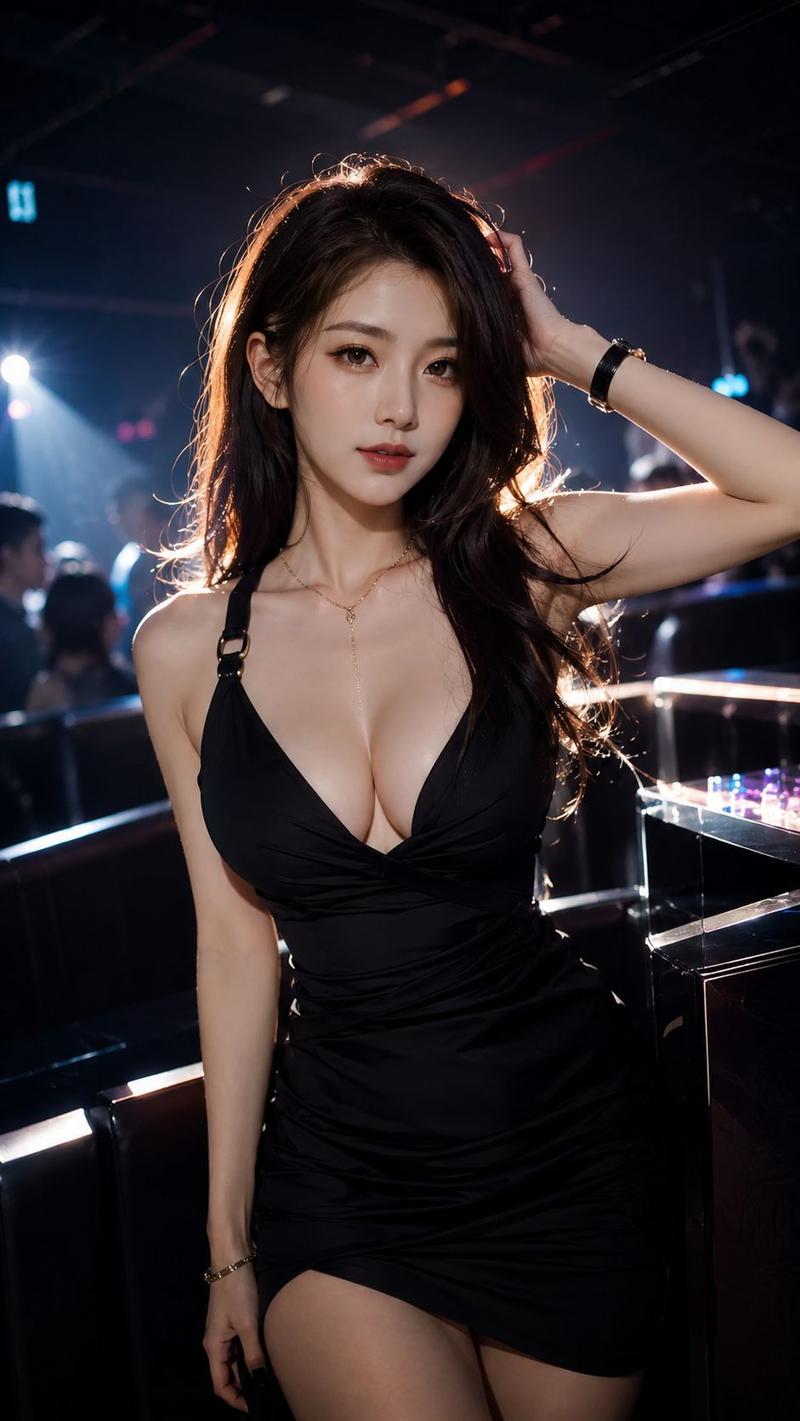
超写实演唱会后台iPhone抓拍
Enlarge

超写实演唱会后台iPhone抓拍

Prompt
Hyper-realistic accidental snapshot style. A selfie from the front camera of an iPhone of the same woman, strictly preserving the identity characteristics, facial features, hairstyle, and body proportions from the reference image. The scene is located in a concert backstage corridor, captured inadvertently while she is walking through. She is slightly turned, with a relaxed and tired post-performance smile, obvious tipsy blush makeup, a gentle smile, hair slightly disheveled by the wind, and a natural expression without any sense of posing.

The image presents an "accidental shutter" effect: arm reaching forward, phone too close to the face, tilted composition, subject off-center, with slight motion blur on hair and arms. Typical iPhone front camera imaging texture, with noise in low-light environments, slight overexposure caused by stage afterglow, lens flare, slightly wandering focus, overall showing natural processing marks directly from the phone.

Softly blurred background: LED strips, equipment boxes, and silhouettes of staff are visible in the backstage corridor, with the distant stage area glowing. Aspect ratio 3:4.
Category
Brand & Logos
Model
ChatGPT
Creator
@ohmuyi
Views143
Source ID
16662
Published
Jun 24, 2026

Guide

About "超写实演唱会后台iPhone抓拍"

What is this prompt for?

"超写实演唱会后台iPhone抓拍" AI image prompt for ChatGPT (Brand & Logos). 超写实偶然抓拍风格。同一位女性的iPhone前置摄像头自拍,严格保留参考图像中的身份特征、五官、发型及身体比例。场景位于演唱会后台走廊,她正穿行其间时被不经意拍下。她微微侧身,面带演出后松弛…

The full copyable prompt and example visuals above are ready for AI image generation or one-click recreate in Picva.

How to use this prompt

  1. Step 1

    Open the prompt detail

    Review the example visuals, category, and full prompt text for "超写实演唱会后台iPhone抓拍".

  2. Step 2

    Copy the prompt

    Copy the prompt body from this page, or load it directly in Studio.

  3. Step 3

    Pick a model (ChatGPT)

    Prefer ChatGPT. If you switch models, keep subject and composition and tweak style terms.

  4. Step 4

    Generate and export

    Recreate the look in Picva, or export into your workflow for editing and publishing.

FAQ

What is the "超写实演唱会后台iPhone抓拍" prompt?
It is an AI image-generation prompt for ChatGPT in the Brand & Logos category. This page includes the full prompt text, example visuals, and a one-click recreate path in Picva.
How do I use this prompt to generate an image?
Copy the prompt from this page, or use Generate / Studio. Paste it into a compatible image model, or recreate the look in Picva with optional reference images.
Which model is this prompt for?
This page lists ChatGPT. Most descriptive prompts also transfer to nearby image models such as GPT Image, Flux, or Midjourney with light style tweaks.
Can I use the result commercially?
You can usually copy the prompt for creation, but commercial use of the final image depends on the model terms, reference-image rights, and the generated content. Follow the source author and platform rules.