17

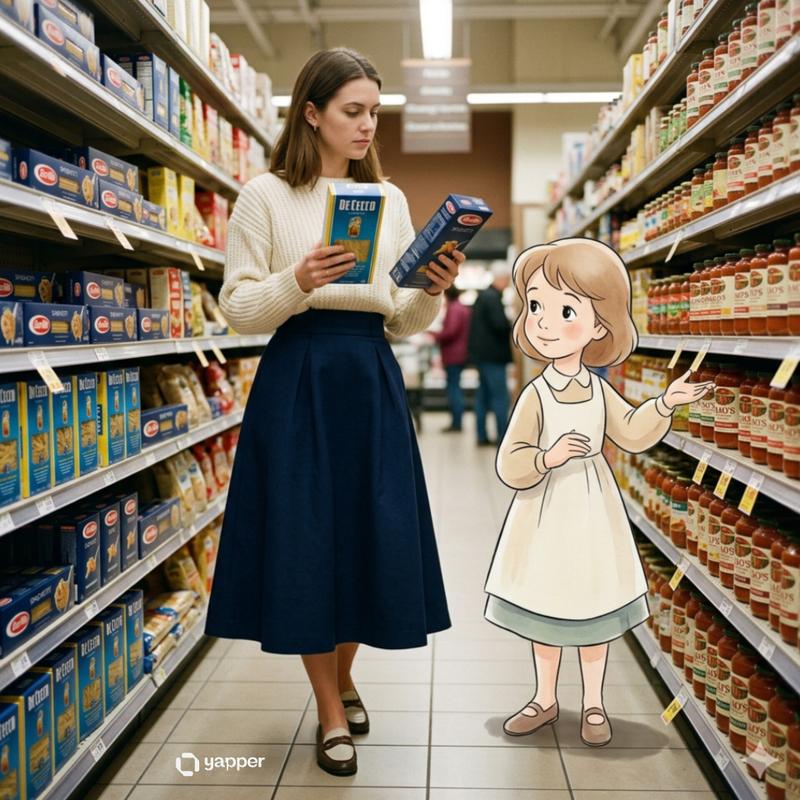
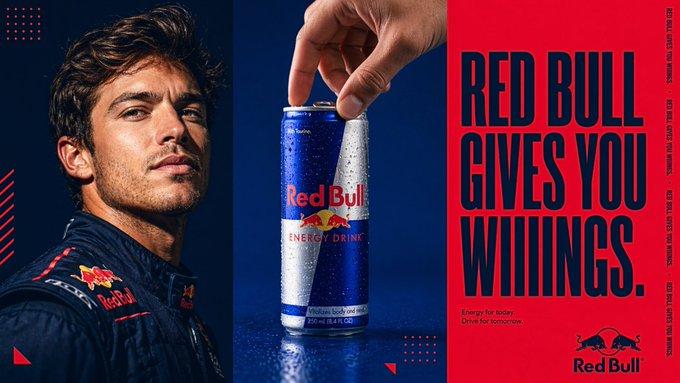
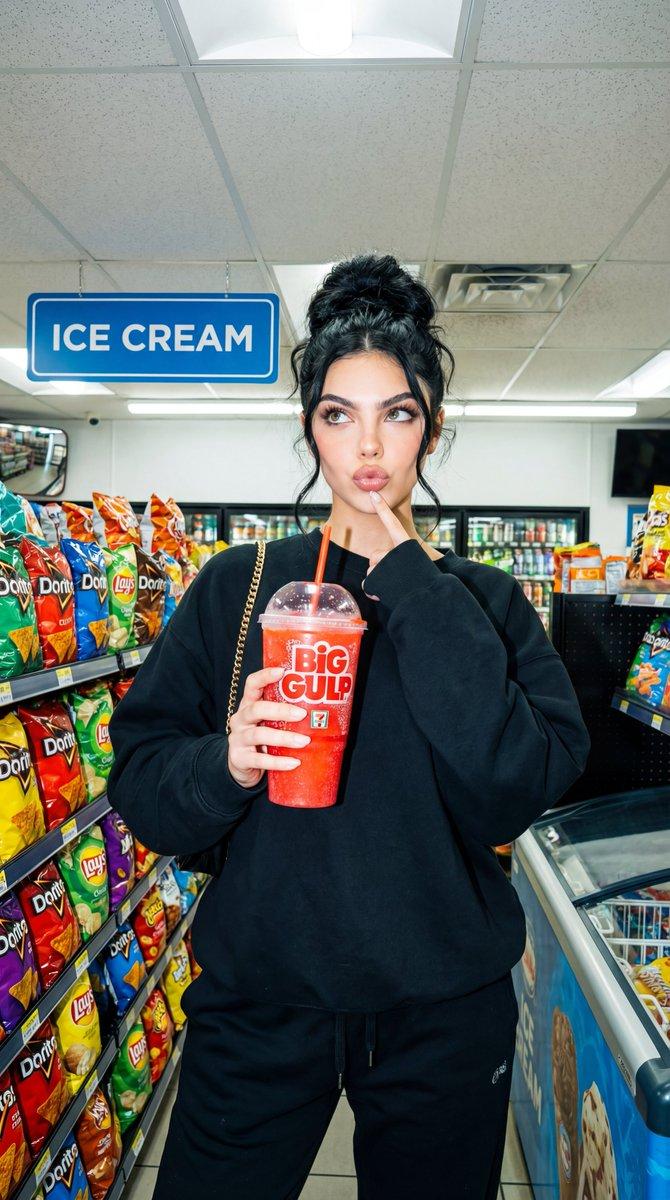
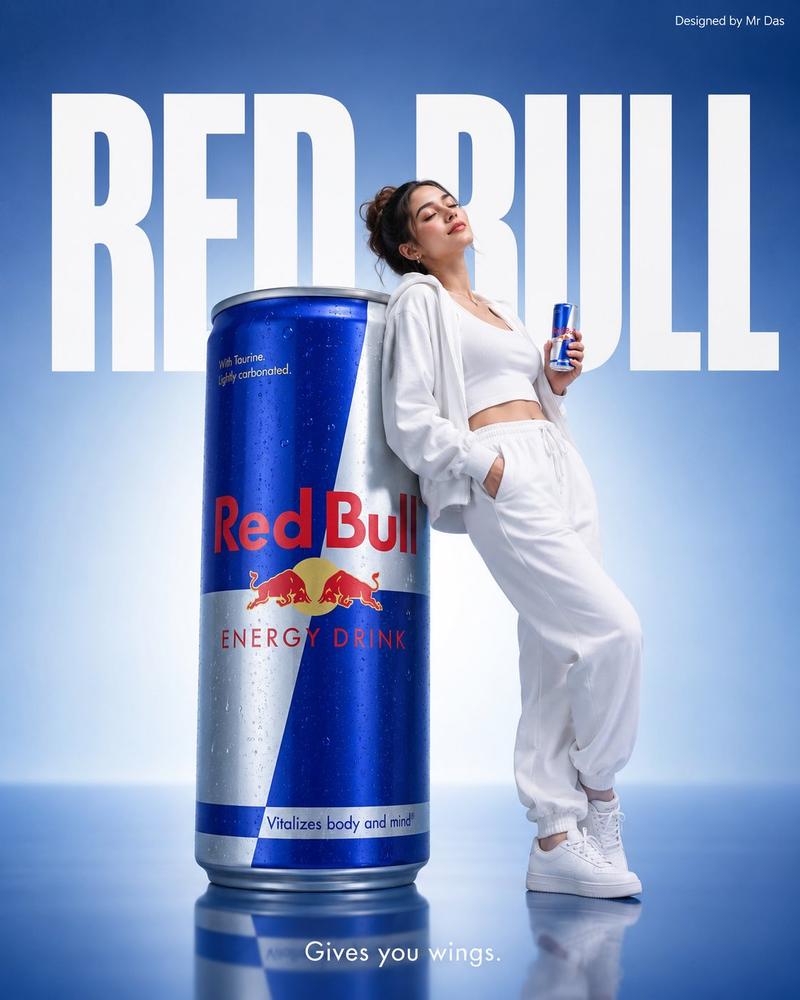
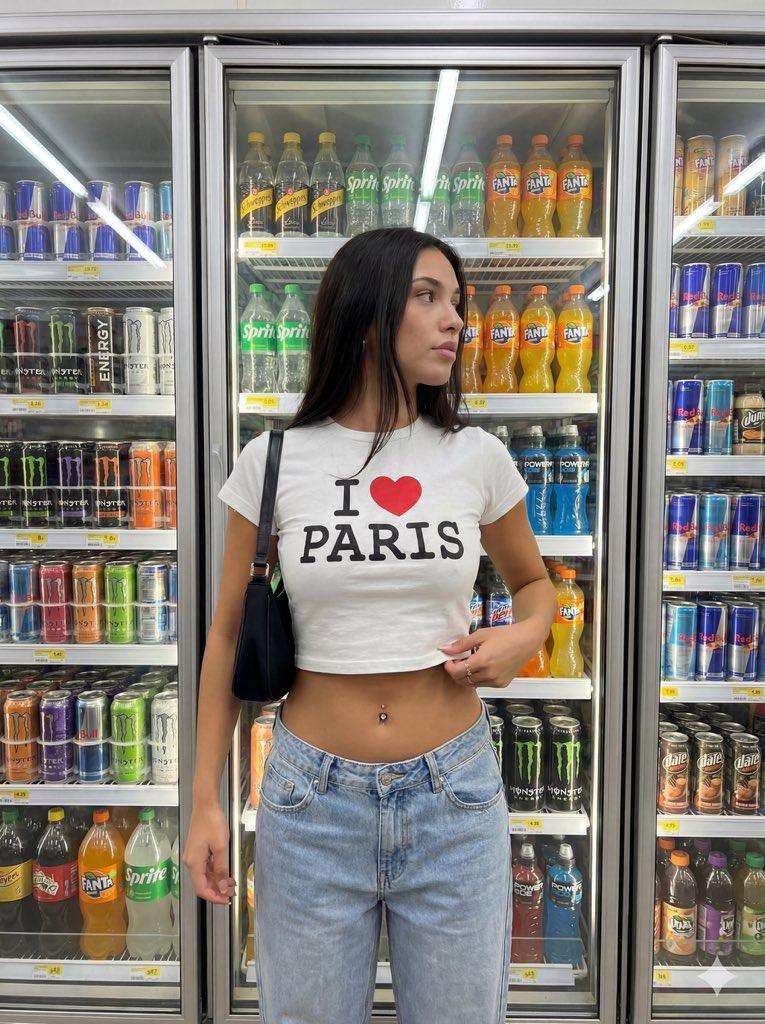
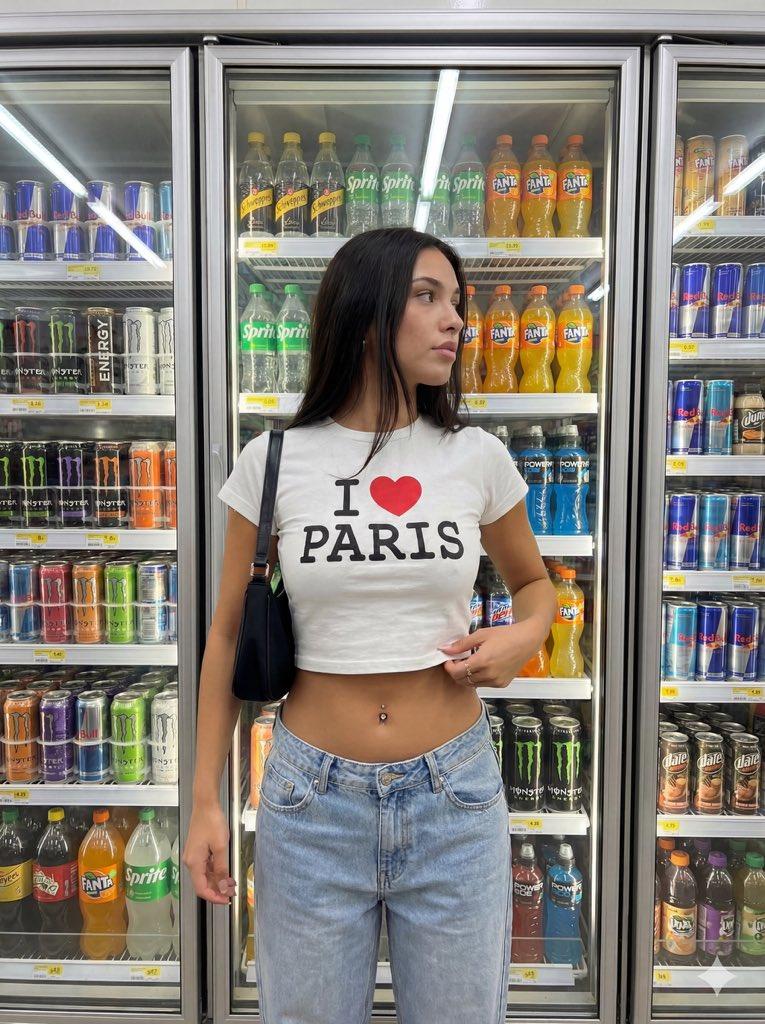
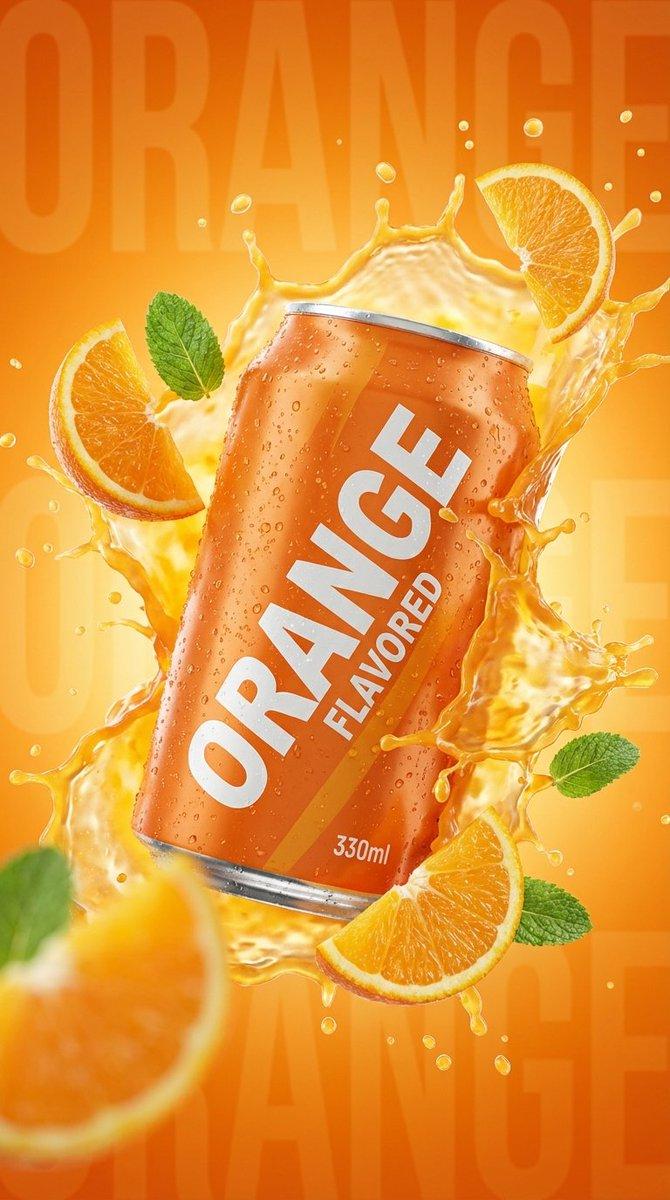
未来超市沉浸式AR智能购物体验
Enlarge

未来超市沉浸式AR智能购物体验

Prompt
First-person perspective inside a brightly lit supermarket aisle or section. Realistic human hands are holding [PRODUCT NAME] close to the camera. The product’s [key visual traits: color, texture, packaging, freshness details] are clearly visible under natural store lighting. The [PRODUCT NAME] is surrounded by a multi-layered holographic augmented reality interface displaying relevant product information, including [nutritional or product data such as calories, protein/sugar/caffeine, vitamins, freshness indicator, origin, expiration date, usage or recipe suggestions]. The AR UI elements smoothly shift and reorganize based on the viewer’s gaze direction, as if dynamically responding to user focus. In the left peripheral vision, a vertical semi-transparent shopping list is visible with checked-off items, where [PRODUCT NAME] is highlighted as the currently active selection. Hyper-realistic mixed reality, clean futuristic AR design, glass-like UI panels, soft ambient glow, realistic lighting and shadows, natural depth of field, immersive first-person interface, showcasing next-generation retail technology.
Category
UI & Interfaces
Model
Nano Banana Pro
Views161
Source ID
10039
Published
Mar 31, 2026

Guide

About "未来超市沉浸式AR智能购物体验"

What is this prompt for?

"未来超市沉浸式AR智能购物体验" AI image prompt for Nano Banana Pro (UI & Interfaces). 明亮超市货架或区域内的第一人称视角。逼真的人手将 [产品名称] 拿到靠近摄像头的位置。在自然的商店灯光下,产品的 [关键视觉特征:颜色、质地、包装、新鲜度细节] 清晰可见。…

The full copyable prompt and example visuals above are ready for AI image generation or one-click recreate in Picva.

How to use this prompt

  1. Step 1

    Open the prompt detail

    Review the example visuals, category, and full prompt text for "未来超市沉浸式AR智能购物体验".

  2. Step 2

    Copy the prompt

    Copy the prompt body from this page, or load it directly in Studio.

  3. Step 3

    Pick a model (Nano Banana Pro)

    Prefer Nano Banana Pro. If you switch models, keep subject and composition and tweak style terms.

  4. Step 4

    Generate and export

    Recreate the look in Picva, or export into your workflow for editing and publishing.

FAQ

What is the "未来超市沉浸式AR智能购物体验" prompt?
It is an AI image-generation prompt for Nano Banana Pro in the UI & Interfaces category. This page includes the full prompt text, example visuals, and a one-click recreate path in Picva.
How do I use this prompt to generate an image?
Copy the prompt from this page, or use Generate / Studio. Paste it into a compatible image model, or recreate the look in Picva with optional reference images.
Which model is this prompt for?
This page lists Nano Banana Pro. Most descriptive prompts also transfer to nearby image models such as GPT Image, Flux, or Midjourney with light style tweaks.
Can I use the result commercially?
You can usually copy the prompt for creation, but commercial use of the final image depends on the model terms, reference-image rights, and the generated content. Follow the source author and platform rules.