超写实商业广告海报产品展示设计
Prompt
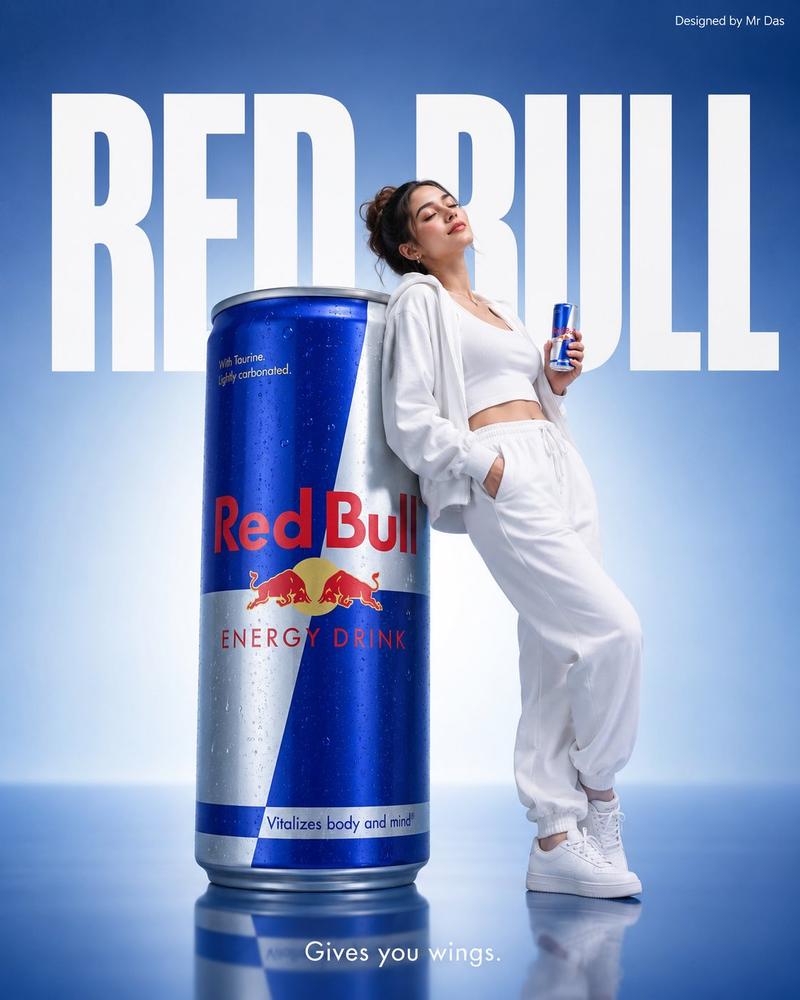
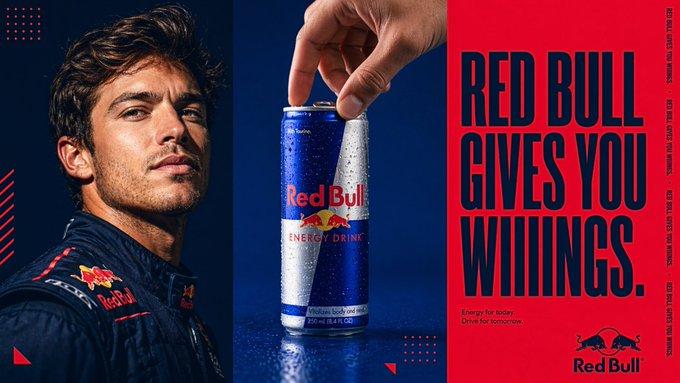
Use the downloaded product image as an exact reference. Fully preserve the shape, packaging, materials, colors, proportions, logo, and brand elements.
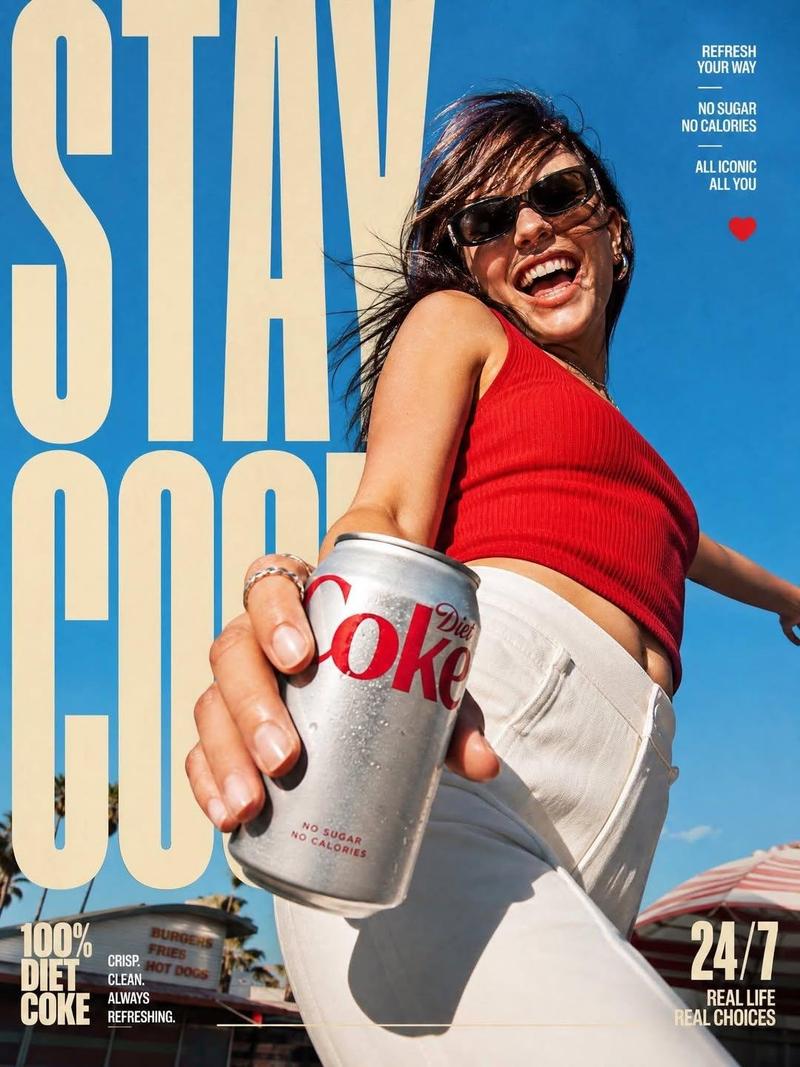
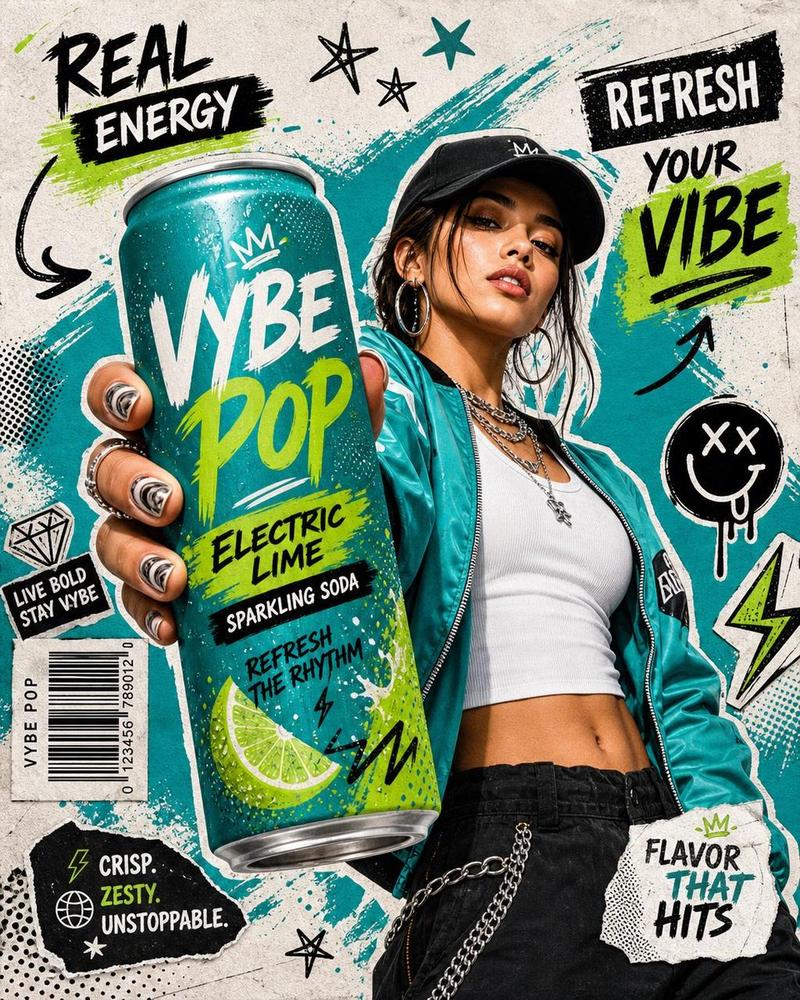
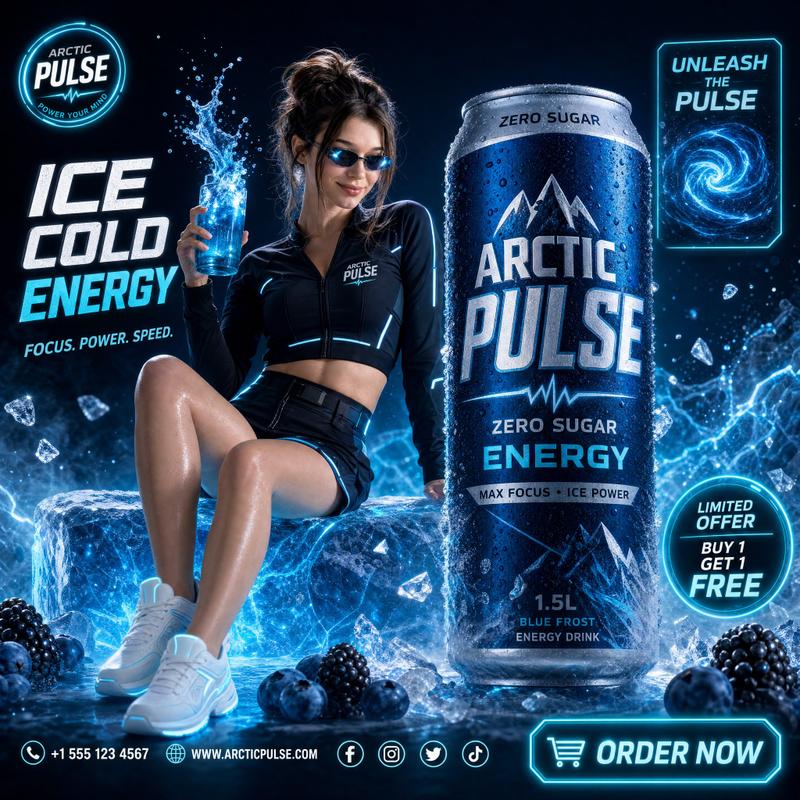
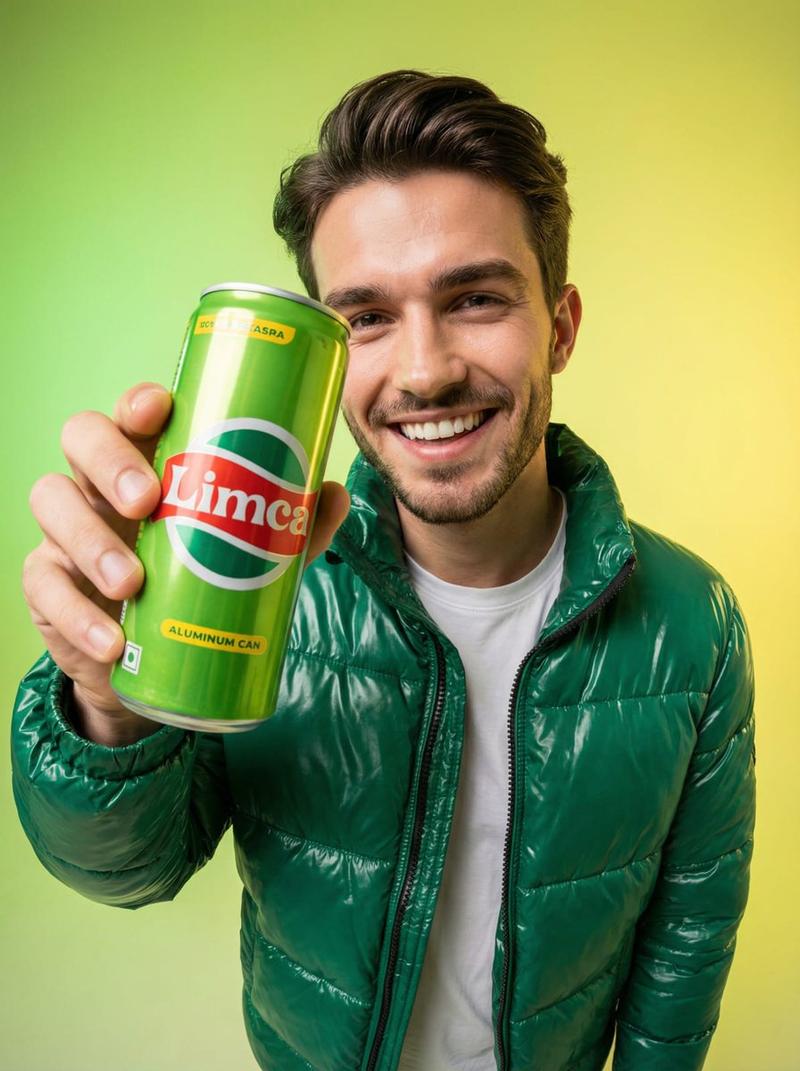
An ultra-realistic commercial advertising poster. A low-angle wide-angle lens view. A confident, stylish model holding the product, directly facing the camera. The product dominates the foreground due to the forced perspective effect.
A modern fashion image, with clothing, accessories, and color palette automatically adapting to the product's style and colors. Dynamic energy, premium brand aesthetics, trendy lifestyle content.
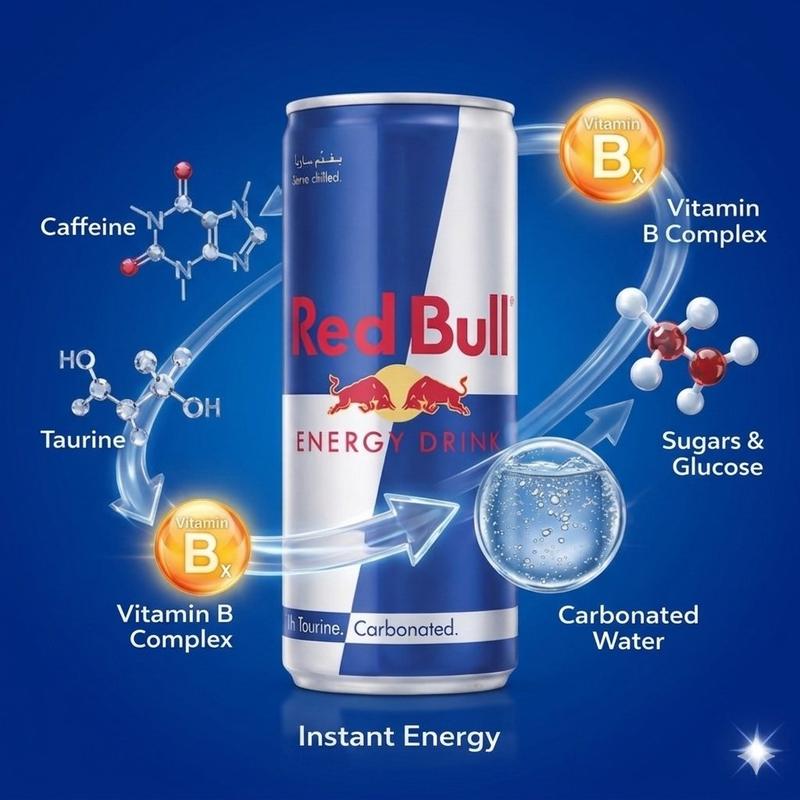
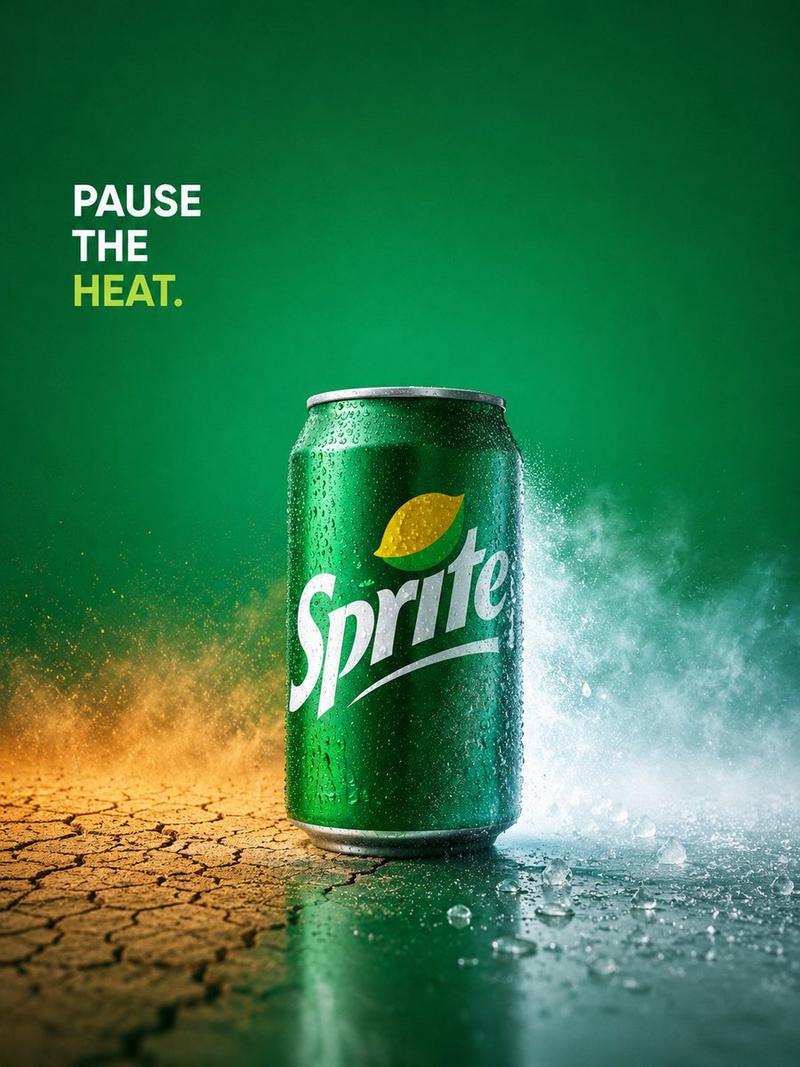
A highly detailed product with realistic textures, reflections, water droplets, and perfectly legible packaging. The background is filled with graphic elements in the brand's colors: graffiti, brush strokes, paint splashes, collage textures, arrows, stars, lightning bolts, stickers, and advertising typography.
All text in the image must be written in Russian, fully legible, grammatically correct, without spelling errors, random symbols, distorted letters, unreadable words, or AI artifacts. All headlines, slogans, descriptions, flavors, characteristics, and advertising phrases should look like a real professional advertisement.
The AI automatically adapts fonts, sizes, composition, and text placement to the poster layout.
Premium magazine design, high contrast, sharp focus, commercial product photography, luxury advertising, fashion editorial, ultra realistic, photorealistic, HDR, 8K.
Avoid: unreadable text, errors in Russian, AI artifacts, CGI, cartoonish style, distorted product, blurriness, watermarks, and low quality.
- Category
- Charts & Infographics
- Model
- ChatGPT
- Creator
- @codewithhajra
- Source ID
- 17116
- Published
- Jun 30, 2026
Views34