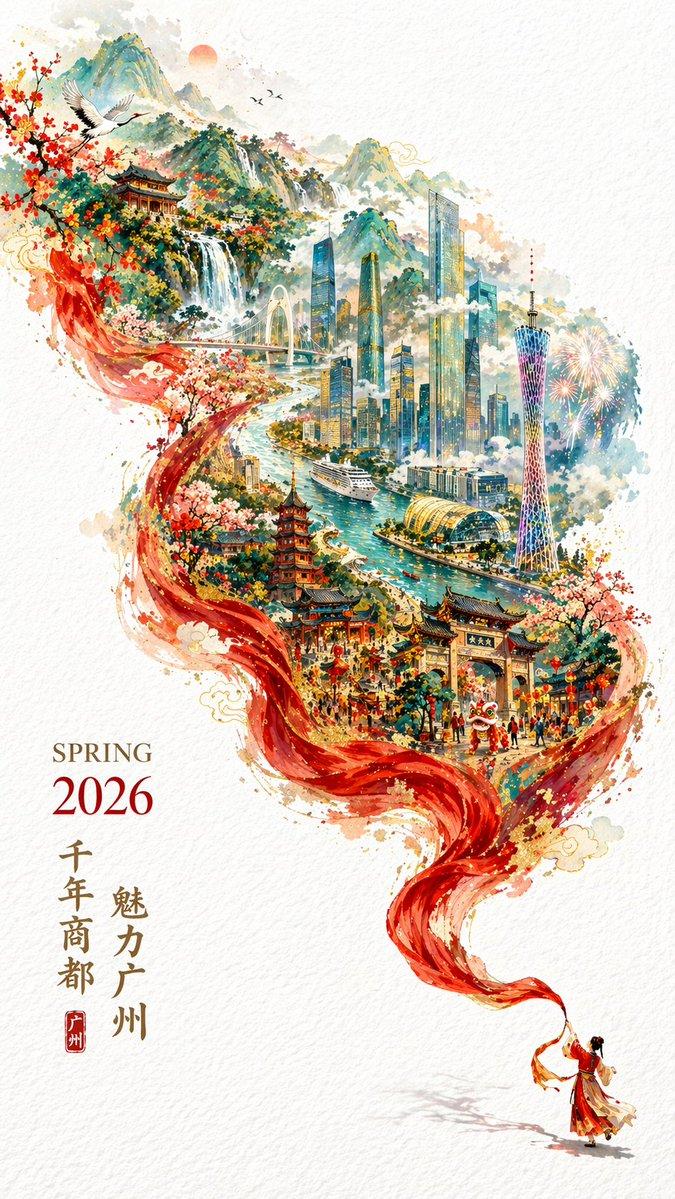
中国城市水墨风海报
Prompt
An elegant vertical Chinese city-poster on textured off-white rice paper, with a large black ink-brush calligraphy character for {argument name="city name" default="广州"} placed in the upper left and a small red seal stamp beside it. Beneath the calligraphy, add two centered lines of refined Chinese promotional copy in a classic serif-like print style, thin and balanced, with a delicate ornamental divider line. In the lower right, place a second red seal containing the city name and the romanized English name “GUANGZHOU” below it in small spaced capitals. The main image should be a sweeping ink-brush stroke that curves diagonally from the lower left toward the upper right, as if painted by a traditional calligraphy brush whose tip is still visible at the top right corner. Inside this single brushstroke, create a highly detailed miniature sculptural landscape that merges heritage and modern city identity: a winding turquoise river, rugged blue-gray mountains, a traditional multi-story pagoda, an arched stone bridge, a dense futuristic skyline, and a very tall landmark tower resembling the Canton Tower rising near the center-right. In the lower left foreground within the brushstroke, include 4 goats total: 1 large standing ram and 3 smaller goats on rocky terrain, referencing the city’s symbolic folklore. Blend clouds, stone textures, flowering shrubs, and architectural details into the scene so it feels like a carved diorama or relief sculpture embedded in paint. Use a restrained palette of ink black, muted teal, slate blue, warm beige stone, soft terracotta, and cinnabar red accents. The composition should feel premium, poetic, and culturally sophisticated, combining traditional Chinese ink painting, seal design, and ultra-detailed 3D miniature cityscape illustration for a high-end tourism publicity poster.- Category
- Charts & Infographics
- Model
- GPT Image 2
- Creator
- 实验式Lab
- Source ID
- 16011
- Published
- Apr 25, 2026
Views4