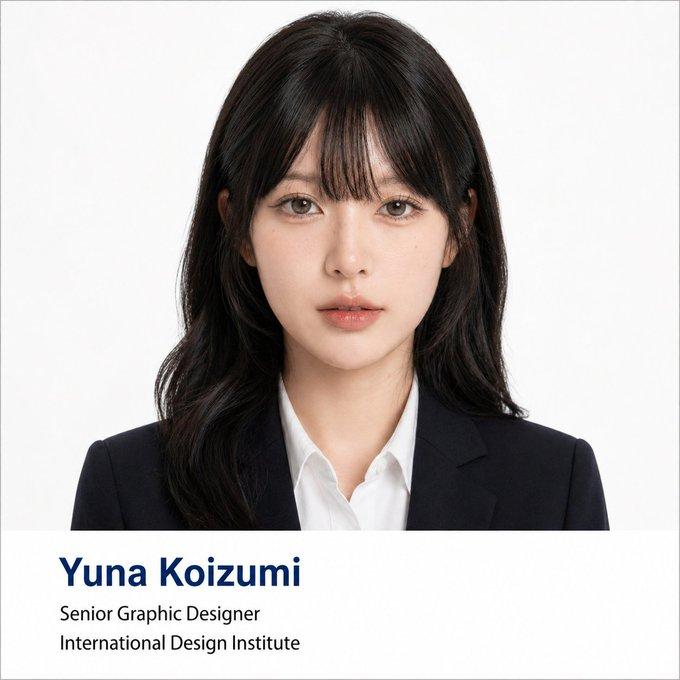
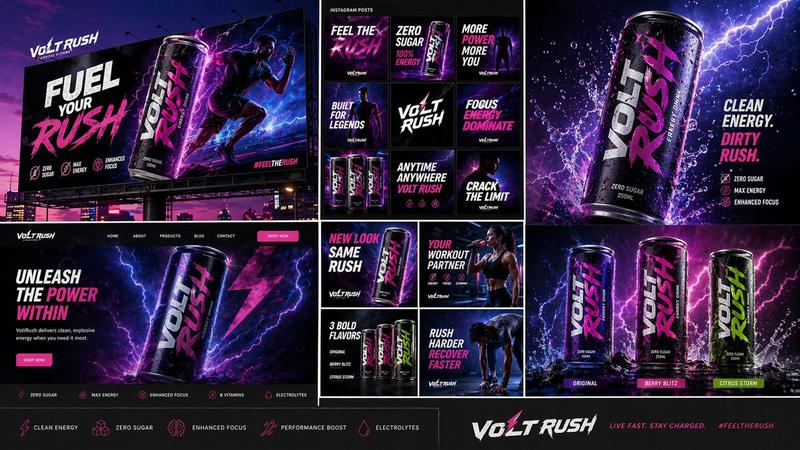
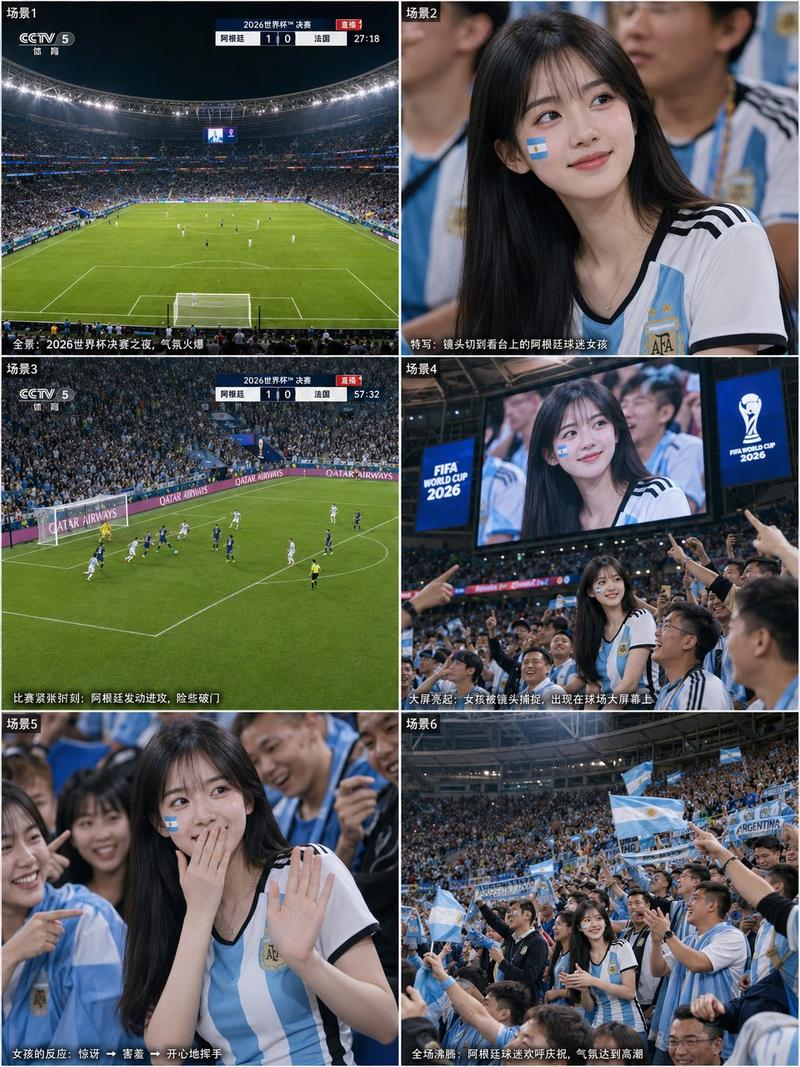
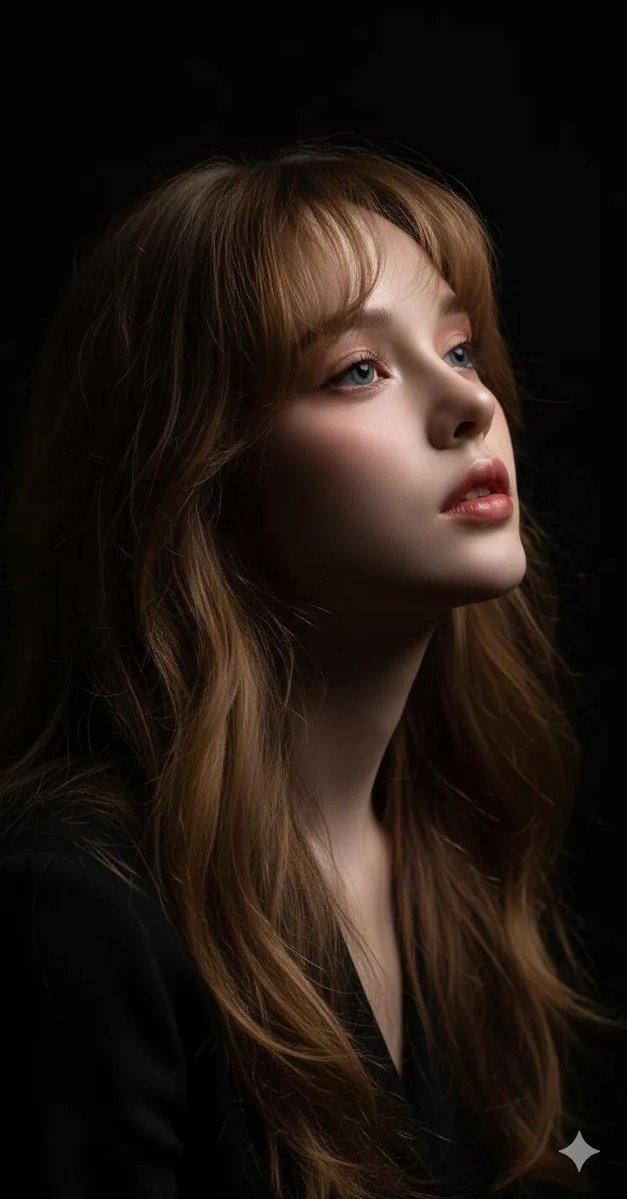
iPhone17Pro超写实黑白人像
Prompt
Create image: use the attached image for facial reference with high precision apply hyper-realistic iPhone 17 Pro rear camera rendering while preserving exact facial structure and natural asymmetry. Maintain realistic proportion while enhancing crisp and clarity.

SCENE:
A young woman leans forward in a dramatic black-and-white indoor portrait, resting one arm near her face while looking intensely into the camera. The mood feels elegant, mysterious, intimate, and editorial but still captured with realistic smartphone sharpness.

CAMERA / SMARTPHONE LOGIC:
Authentic iPhone 17 Pro monochrome smartphone rendering with mixed direct flash-lit contrast and low ambient room light. Ultra-crisp facial micro-details, sharp eye reflections, visible pores, clean hair strand separation, realistic arm texture, and defined lip detail. Slight close-distance perspective distortion, imperfect framing, tight crop, subtle slanting angle, realistic HDR contrast, and deep black shadow retention. No DSLR blur, no cinematic grading, no plastic smoothing.

MAIN SUBJECT / SKIN DETAILS:
Fair skin rendered in luminous grayscale with visible pores, smooth tonal transitions, dewy highlights, realistic under-eye texture, glossy lips, and dimensional cheekbone shadows.

EXPRESSION / MOOD:
Intense expressive eyes with quiet confidence, slightly softened lips, and a mysterious feminine mood.

MAKEUP:
Defined brows, smoky taupe-gray eyeshadow, soft eyeliner, separated lashes, sculpted cheek shadows, luminous skin highlights, and glossy deep-toned lips translated into monochrome.

HAIRSTYLE:
Long dark voluminous hair with soft waves, realistic shine, clean strand separation, and slightly messy movement around the face.

OUTFIT:
Minimal dark sleeveless styling with exposed shoulder line and refined intimate portrait feel.

BACKGROUND / ENVIRONMENT:
Dark minimal indoor background with heavy shadow depth, soft surface texture, and realistic smartphone tonal compression.

COMPOSITION:
Tight close portrait with arm crossing the foreground, face partially framed by hair and shadow, imperfect crop spacing, and natural handheld intimacy.

LIGHTING:
Mixed direct flash-lit highlights and deep ambient shadow. Bright reflections on eyes, lips, nose bridge, and hair while blacks remain rich and dimensional.

--ar 4:5

NEGATIVE PROMPT:
flat grayscale, washed-out blacks, plastic skin, AI beauty filter, DSLR bokeh, blurry eyes, muddy shadows, overprocessed HDR, fake studio lighting, painterly rendering, unrealistic symmetry, low-resolution textures, lifeless expression
- Category
- UI & Interfaces
- Model
- ChatGPT
- Creator
- @Chryzleenprompt
- Source ID
- 14976
- Published
- May 25, 2026
Views72