15

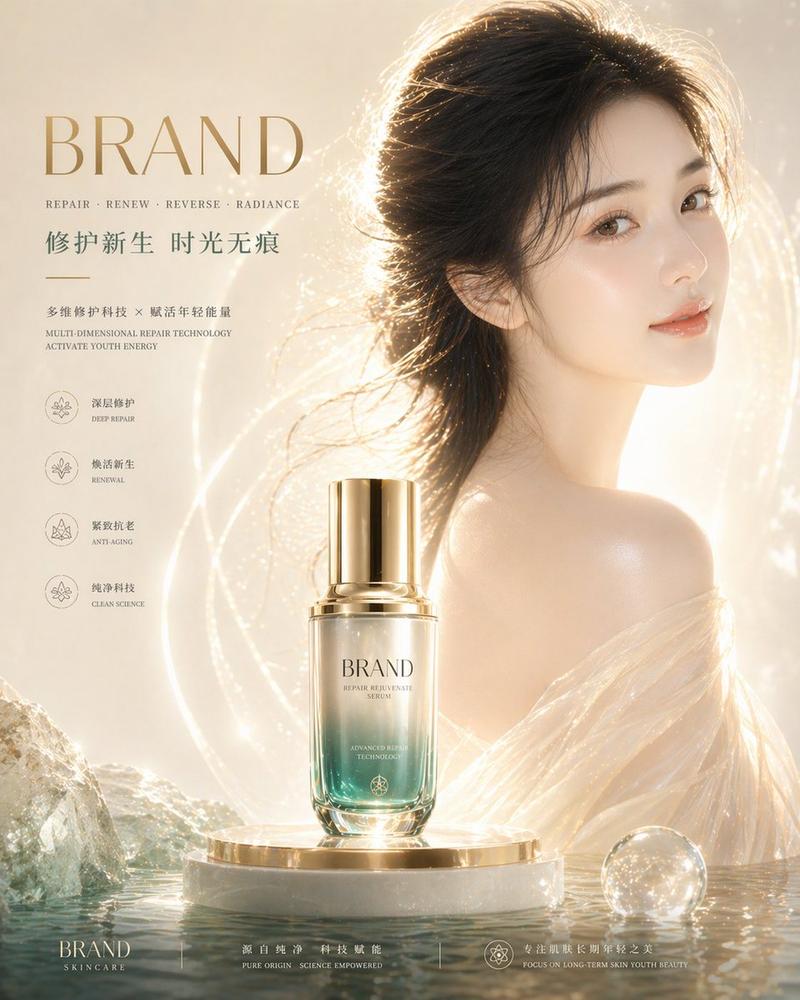
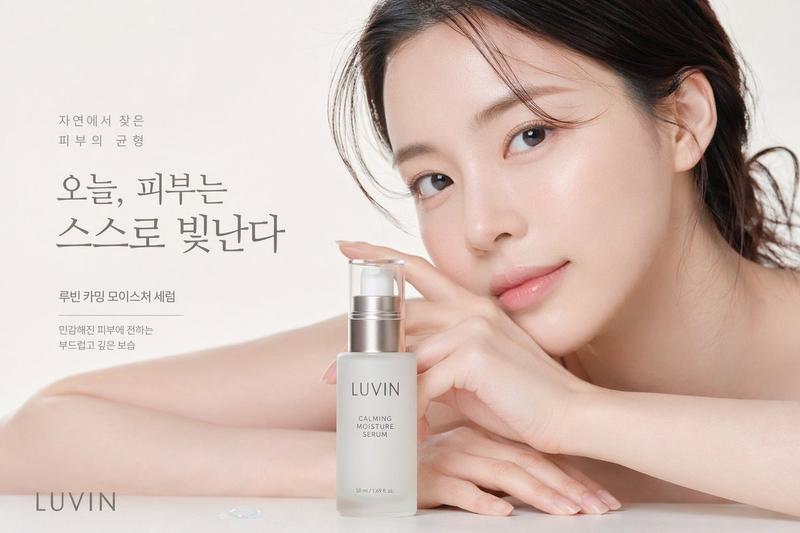
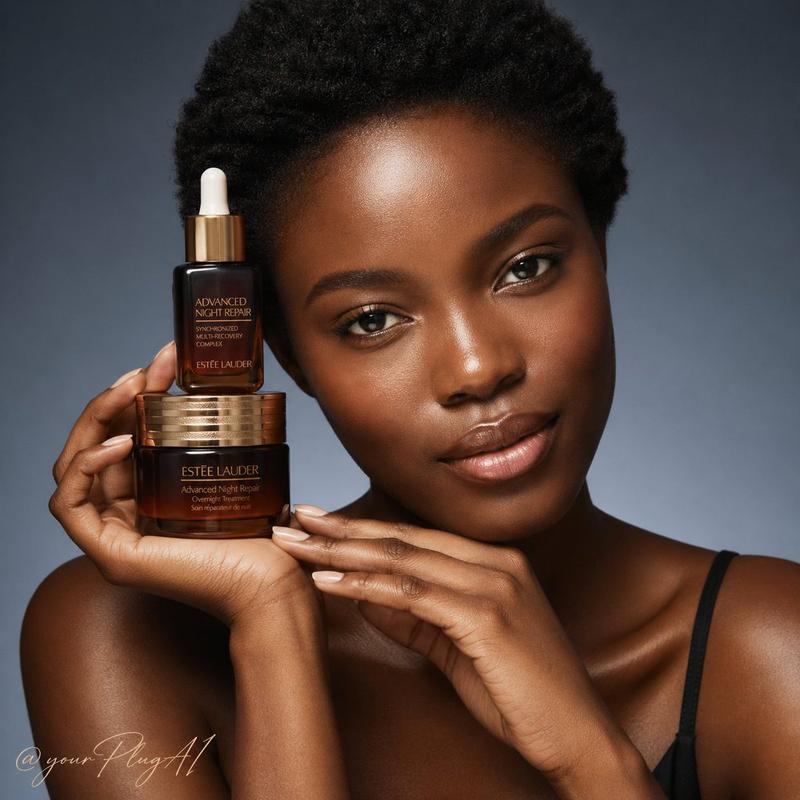
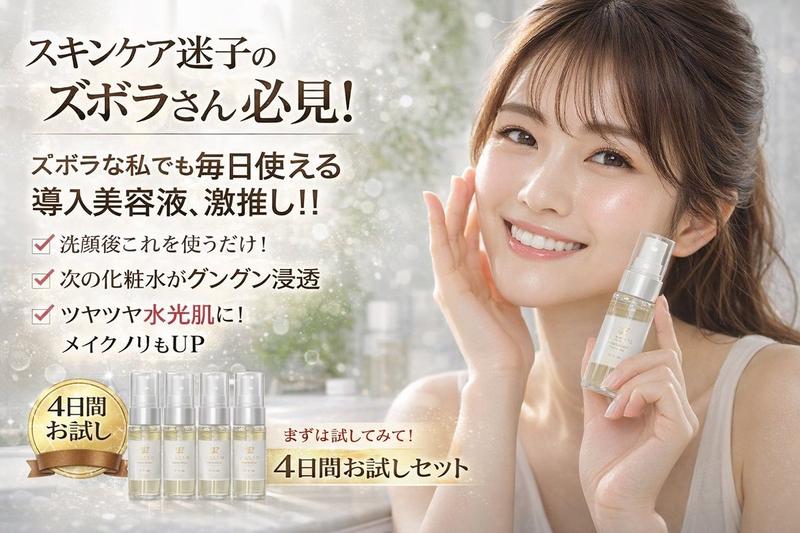
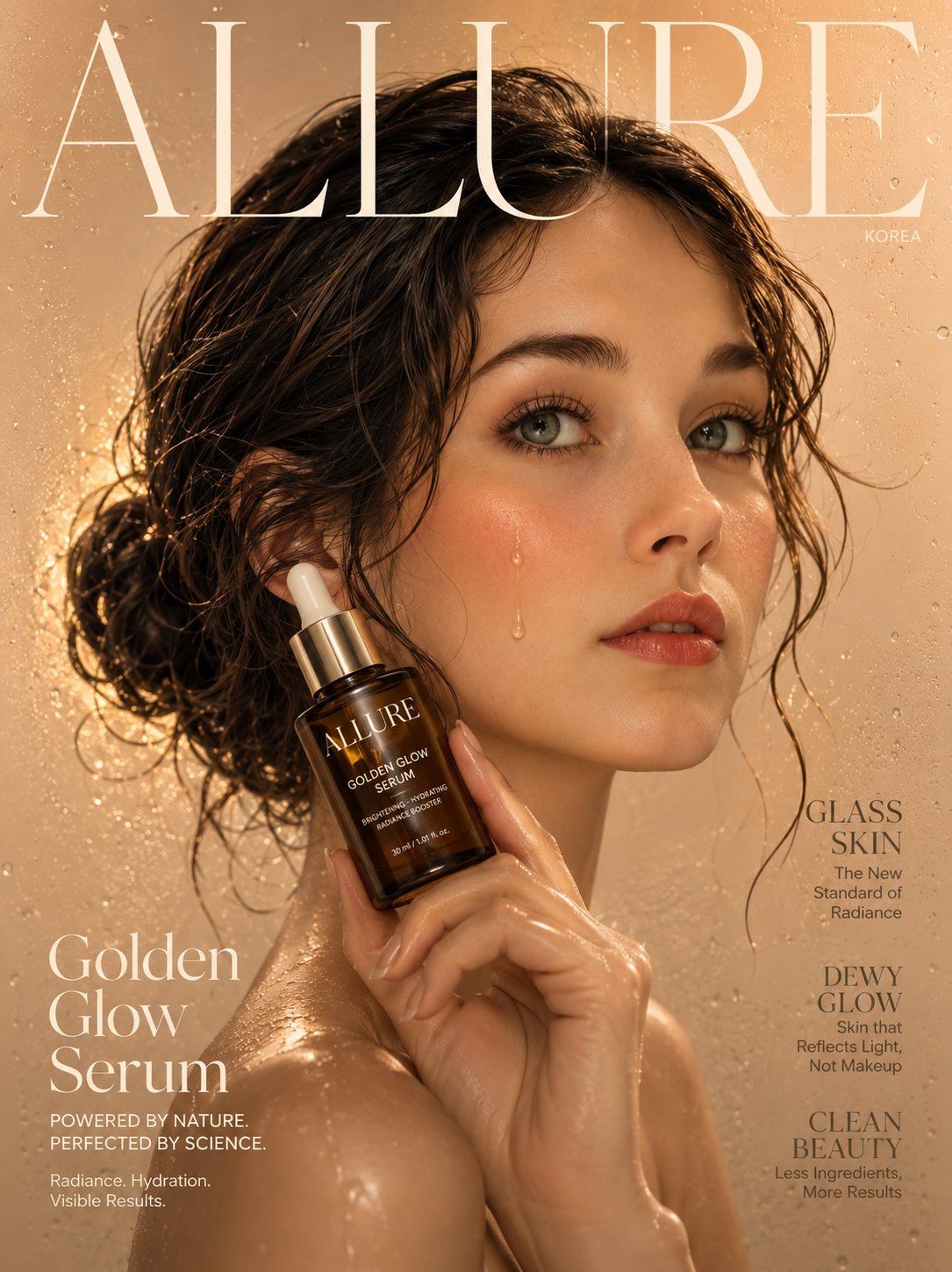
极简水光肌韩系护肤广告封面
Enlarge

Example images

极简水光肌韩系护肤广告封面

Prompt
[Reference Image]
Use the reference photo while keeping the face completely unchanged and identical to the original subject, Ultra-realistic beauty campaign magazine cover featuring a radiant Korean woman with flawless dewy "glass skin" holding an elegant amber-glass luxury serum bottle delicately between two fingers near her cheek, a single drop of golden serum glistening on her skin. Soft glowing complexion, minimal barely-there makeup emphasizing natural radiance, glossy nude lip, dewy highlighter on cheekbones. Hair in a sleek wet-look low bun. Background: seamless soft beige studio with warm golden backlight rim-lighting, water droplet texture overlay for freshness. "ALLURE" masthead in elegant thin serif. Macro-level skin detail, 85mm lens, ultra-realistic product label and glass reflection, 8K beauty campaign photorealistic. Negative: blemishes, cartoon, blurry, watermark, oversaturated, fake skin texture.
Category
Posters & Typography
Model
ChatGPT
Views57
Source ID
16137
Published
Jun 17, 2026

Guide

About "极简水光肌韩系护肤广告封面"

What is this prompt for?

"极简水光肌韩系护肤广告封面" AI image prompt for ChatGPT (Posters & Typography). [参考图像] 使用参考照片,同时保持面部完全不变,且与原始受试者完全一致。超写实美妆活动杂志封面,主角是一位焕发光彩的韩国女性,拥有无暇的水光“玻璃肌”,手指间轻巧地夹着一瓶优雅的琥…

The full copyable prompt and example visuals above are ready for AI image generation or one-click recreate in Picva.

How to use this prompt

  1. Step 1

    Open the prompt detail

    Review the example visuals, category, and full prompt text for "极简水光肌韩系护肤广告封面".

  2. Step 2

    Copy the prompt

    Copy the prompt body from this page, or load it directly in Studio.

  3. Step 3

    Pick a model (ChatGPT)

    Prefer ChatGPT. If you switch models, keep subject and composition and tweak style terms.

  4. Step 4

    Generate and export

    Recreate the look in Picva, or export into your workflow for editing and publishing.

FAQ

What is the "极简水光肌韩系护肤广告封面" prompt?
It is an AI image-generation prompt for ChatGPT in the Posters & Typography category. This page includes the full prompt text, example visuals, and a one-click recreate path in Picva.
How do I use this prompt to generate an image?
Copy the prompt from this page, or use Generate / Studio. Paste it into a compatible image model, or recreate the look in Picva with optional reference images.
Which model is this prompt for?
This page lists ChatGPT. Most descriptive prompts also transfer to nearby image models such as GPT Image, Flux, or Midjourney with light style tweaks.
Can I use the result commercially?
You can usually copy the prompt for creation, but commercial use of the final image depends on the model terms, reference-image rights, and the generated content. Follow the source author and platform rules.