19

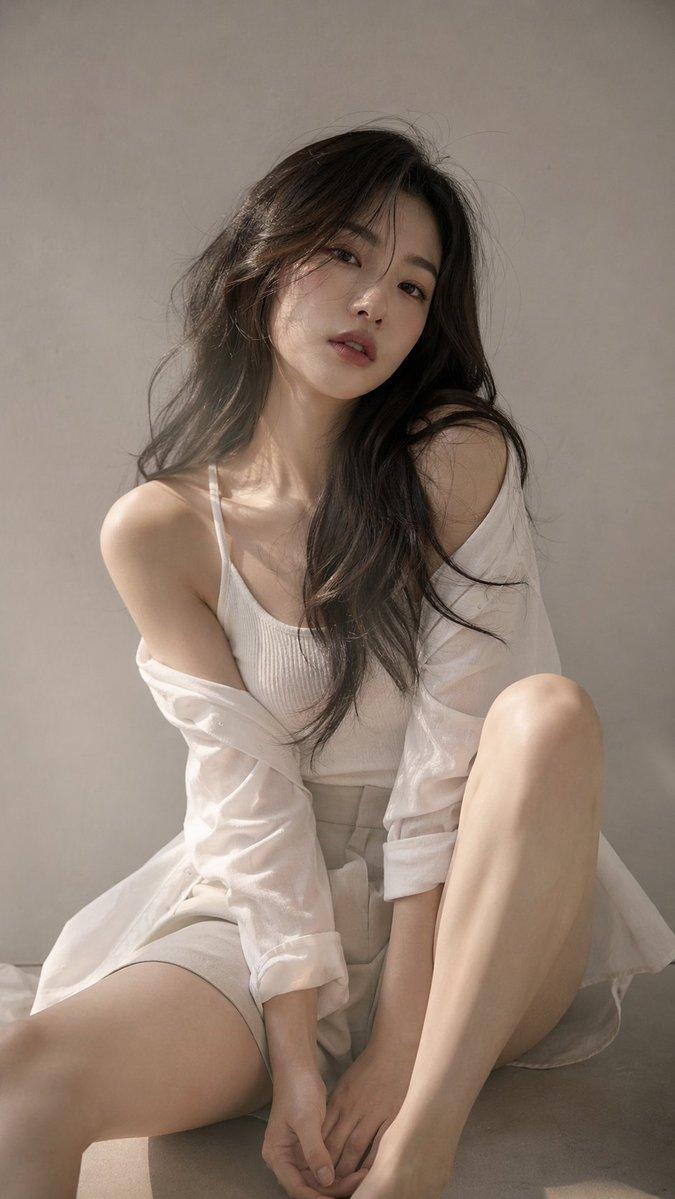
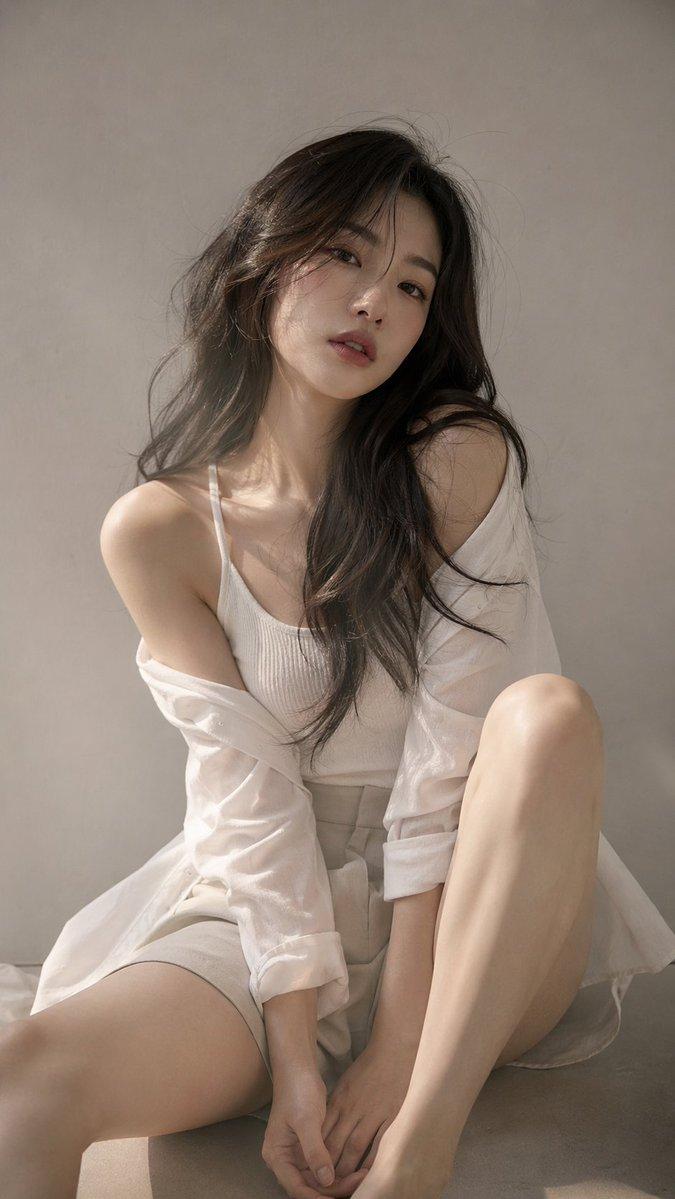
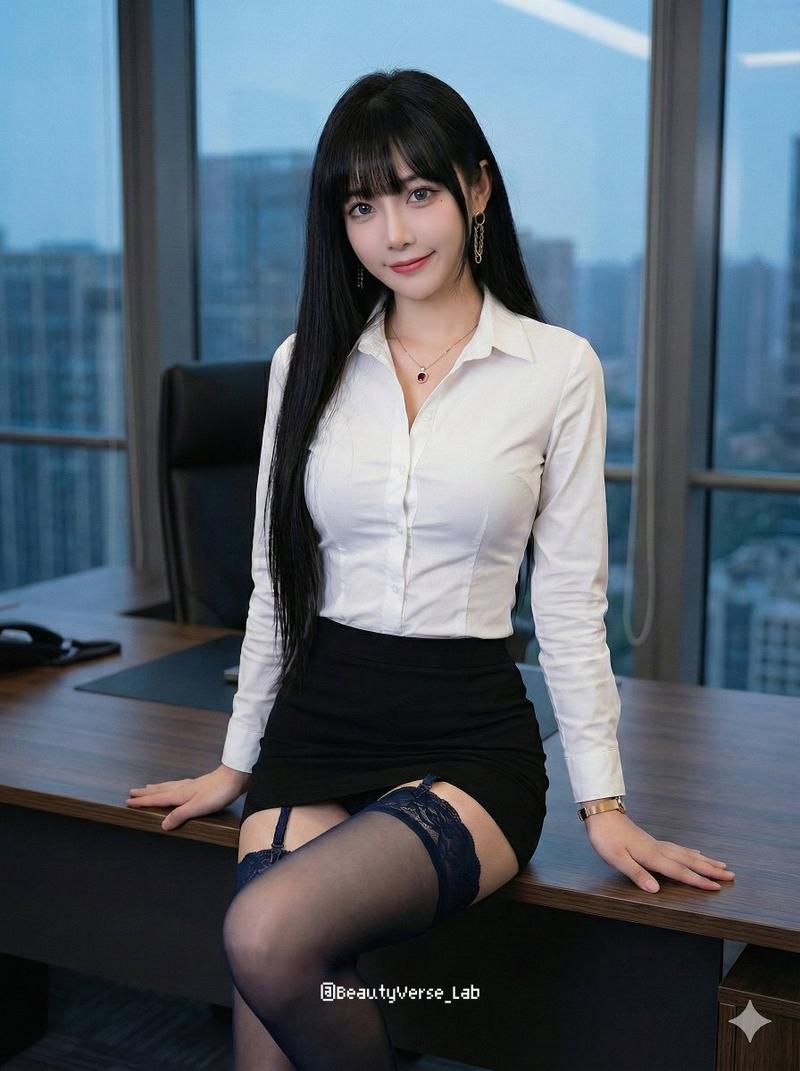
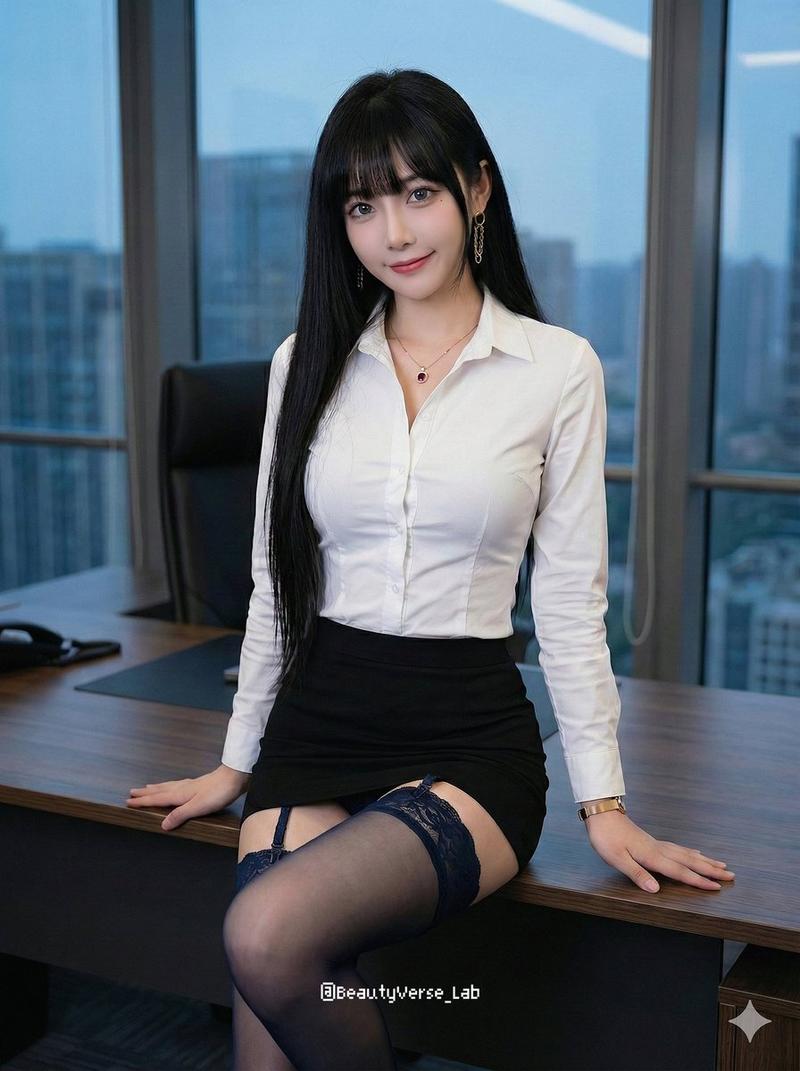
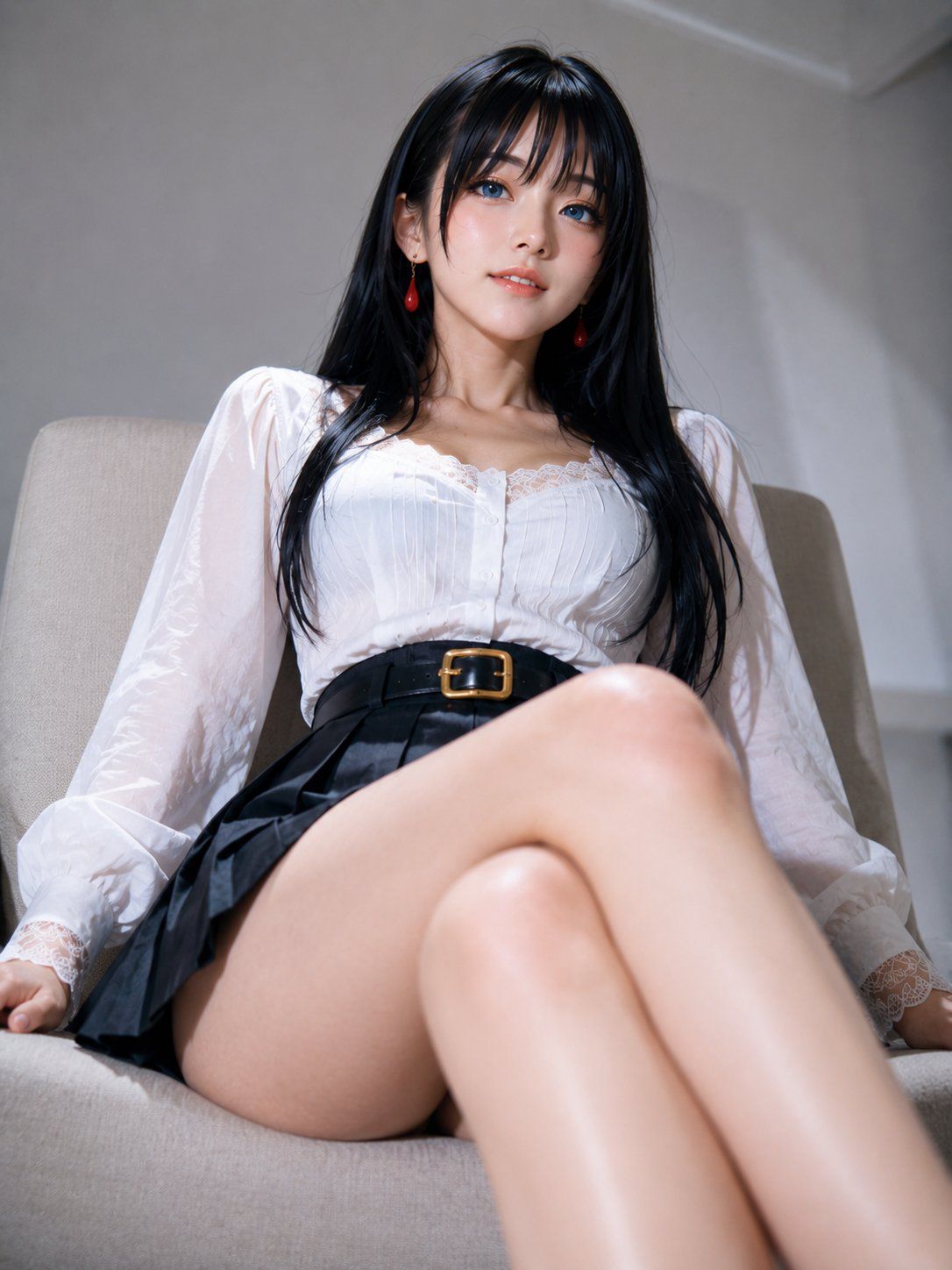
低机位仰拍高级强势坐姿构图
Enlarge

Example images

低机位仰拍高级强势坐姿构图

Prompt
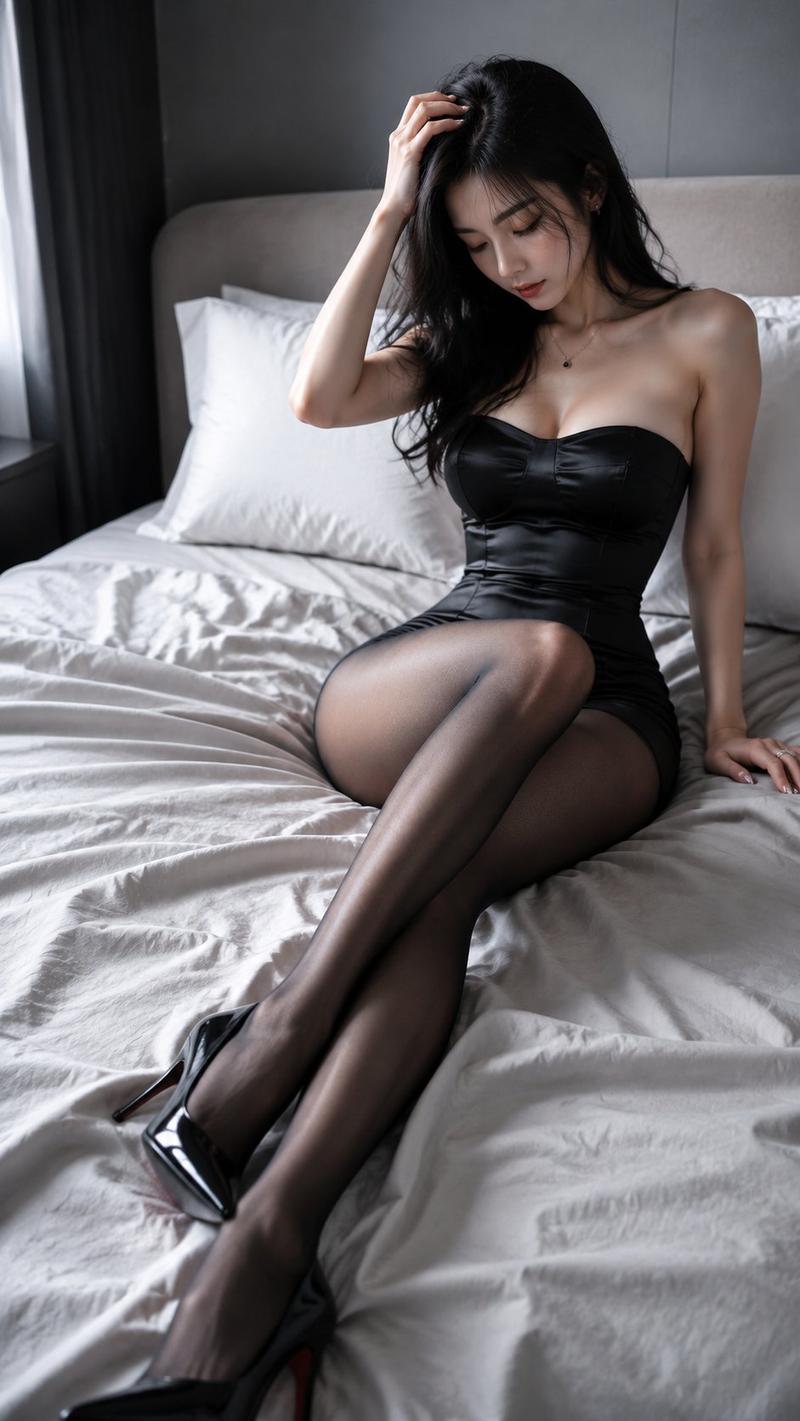
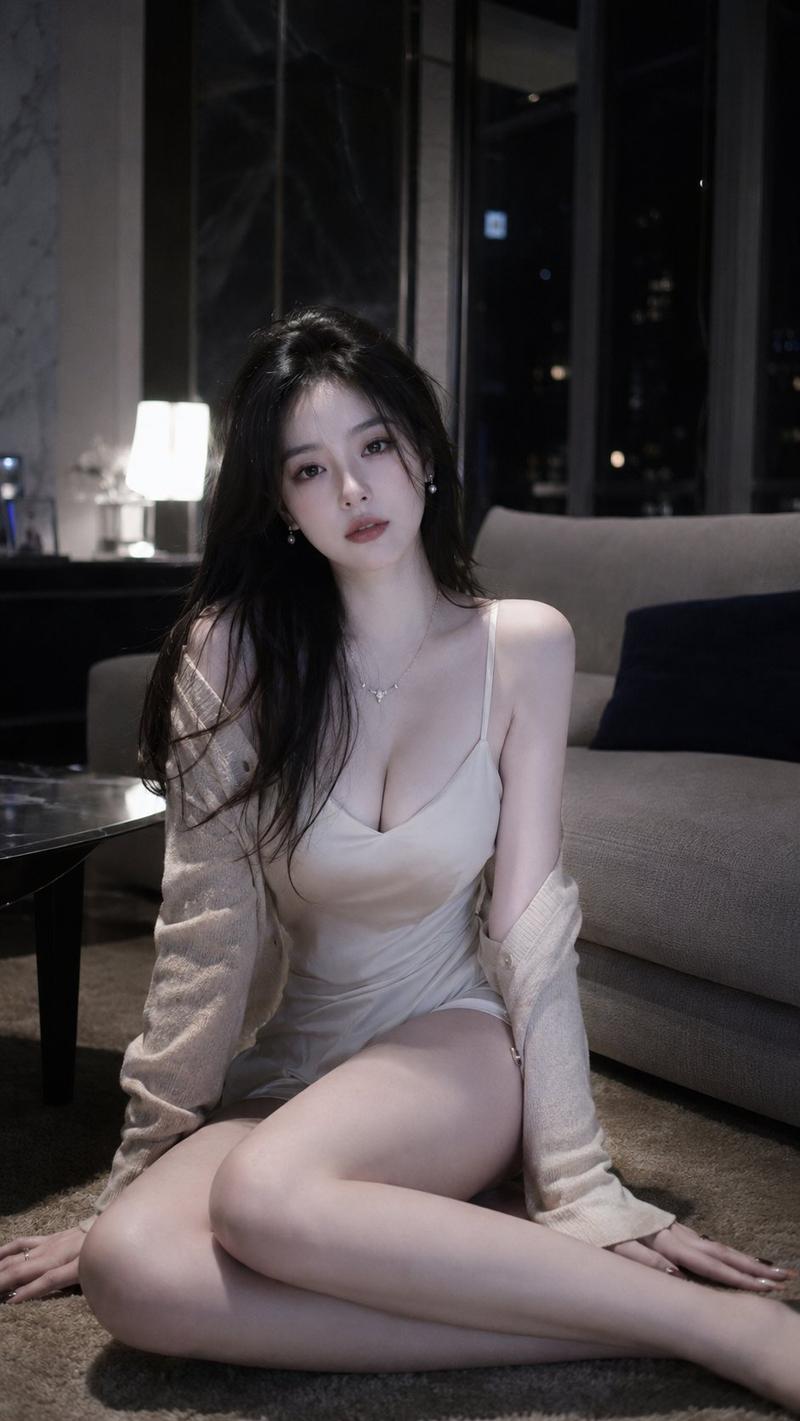
Low-angle close-up shot, the camera is positioned slightly below and in front of the person's legs, vertical close-up composition; the person is sitting on a sofa or chair, body leaning slightly back, upper body tilting slightly toward the camera, head slightly lowered, eyes looking down at the camera, expression calm and confident; one leg is stretched forward close to the camera to create a strong foreground perspective, the other leg is naturally bent and crossed, the legs forming diagonal layers; hands placed on both sides of the body or the edge of the chair to support the center of gravity, the overall posture is high-end, powerful, and oppressive.
Category
Posters & Typography
Model
ChatGPT
Views119
Source ID
17045
Published
Jun 29, 2026

Guide

About "低机位仰拍高级强势坐姿构图"

What is this prompt for?

"低机位仰拍高级强势坐姿构图" AI image prompt for ChatGPT (Posters & Typography). 低机位近距离仰拍,镜头位于人物腿部前方偏下位置,竖版近景构图;人物坐在沙发或椅子上,身体微微后靠,上半身略向镜头倾斜,头部微低,眼神向下看向镜头,表情冷静自信;一条腿靠近镜头向前伸出…

The full copyable prompt and example visuals above are ready for AI image generation or one-click recreate in Picva.

How to use this prompt

  1. Step 1

    Open the prompt detail

    Review the example visuals, category, and full prompt text for "低机位仰拍高级强势坐姿构图".

  2. Step 2

    Copy the prompt

    Copy the prompt body from this page, or load it directly in Studio.

  3. Step 3

    Pick a model (ChatGPT)

    Prefer ChatGPT. If you switch models, keep subject and composition and tweak style terms.

  4. Step 4

    Generate and export

    Recreate the look in Picva, or export into your workflow for editing and publishing.

FAQ

What is the "低机位仰拍高级强势坐姿构图" prompt?
It is an AI image-generation prompt for ChatGPT in the Posters & Typography category. This page includes the full prompt text, example visuals, and a one-click recreate path in Picva.
How do I use this prompt to generate an image?
Copy the prompt from this page, or use Generate / Studio. Paste it into a compatible image model, or recreate the look in Picva with optional reference images.
Which model is this prompt for?
This page lists ChatGPT. Most descriptive prompts also transfer to nearby image models such as GPT Image, Flux, or Midjourney with light style tweaks.
Can I use the result commercially?
You can usually copy the prompt for creation, but commercial use of the final image depends on the model terms, reference-image rights, and the generated content. Follow the source author and platform rules.