16

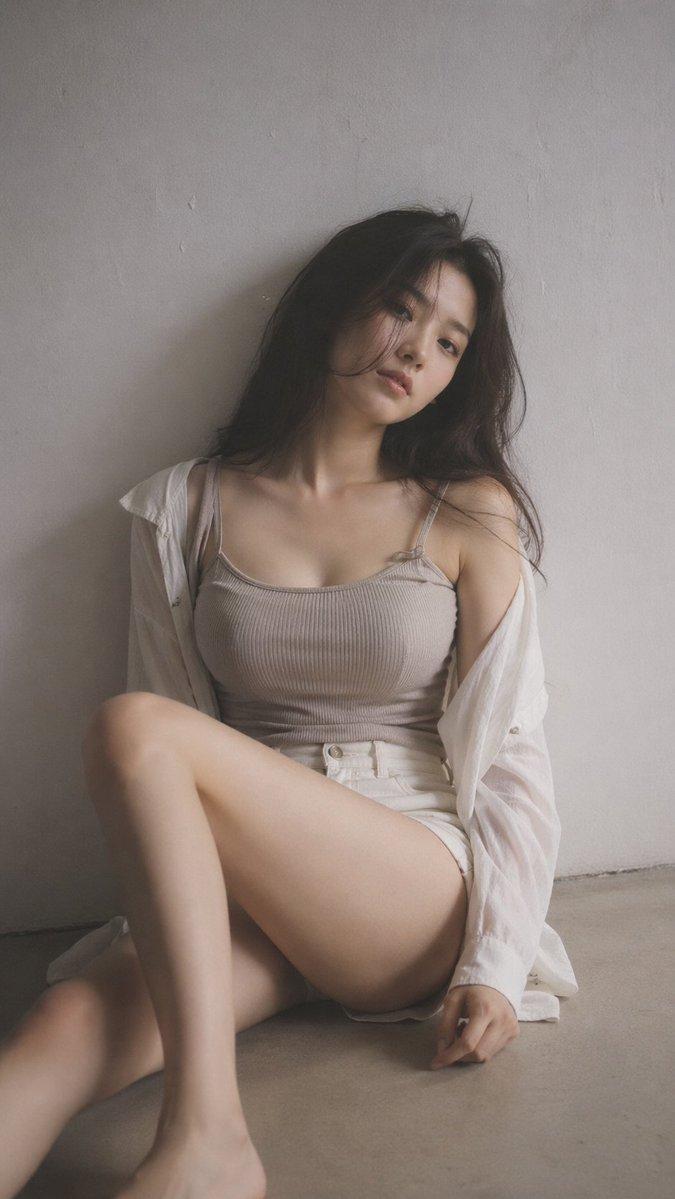
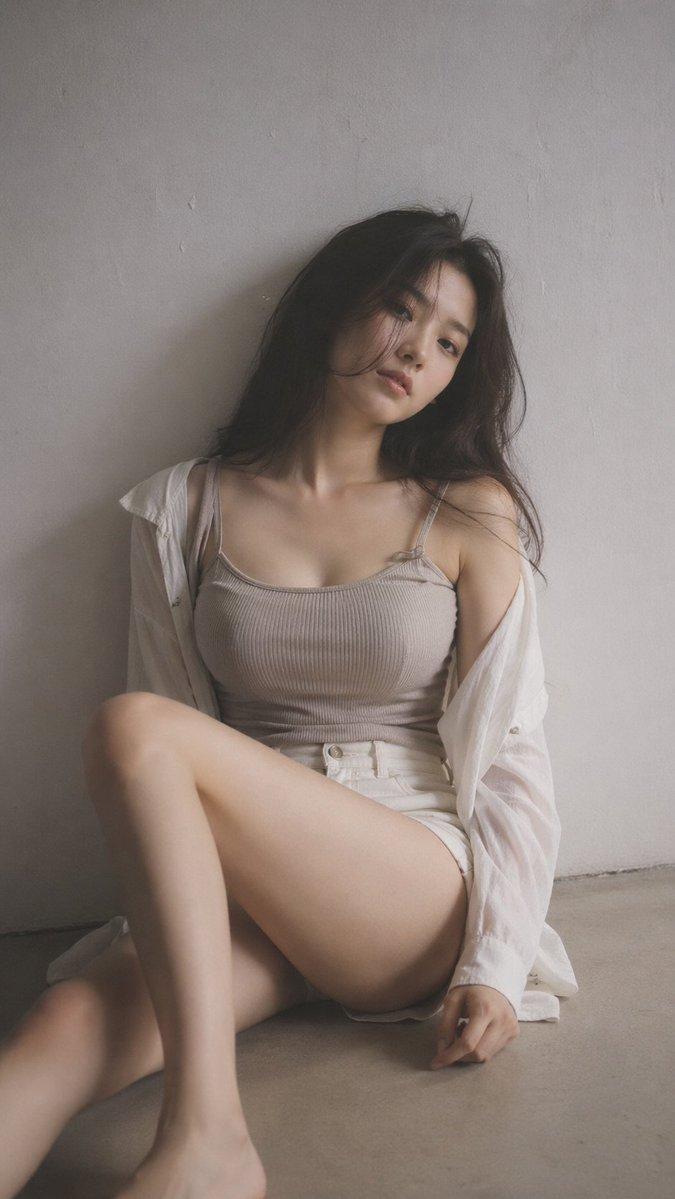
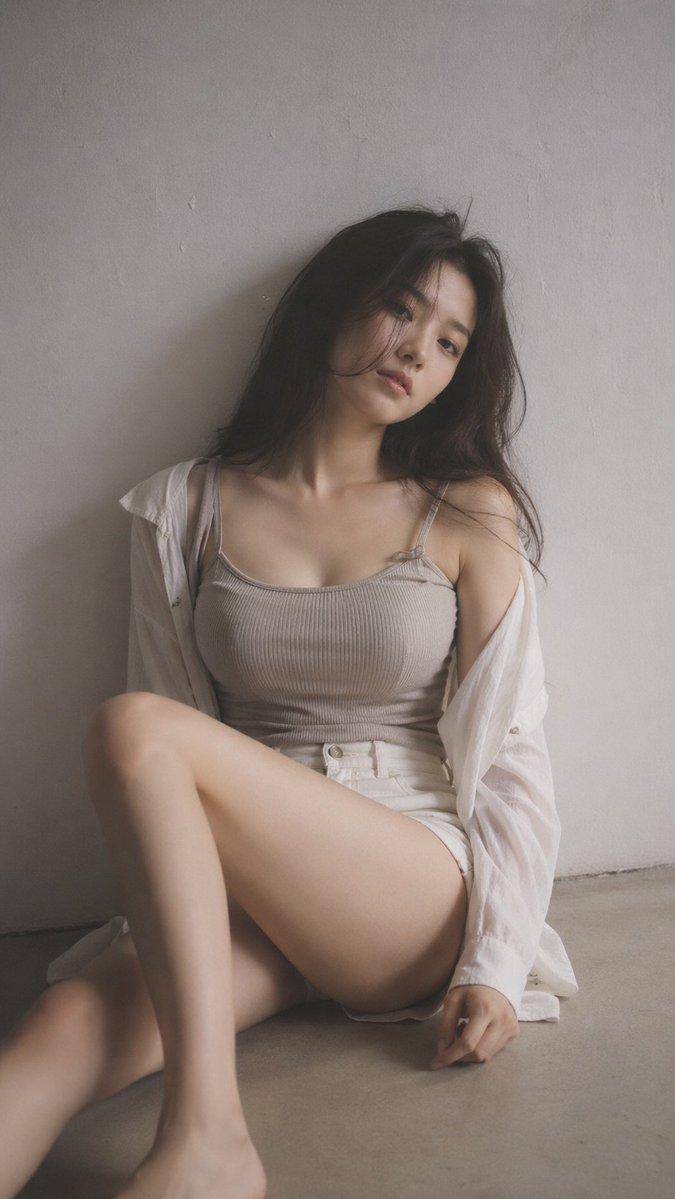
灰色客厅时尚肖像
Enlarge

灰色客厅时尚肖像

Prompt
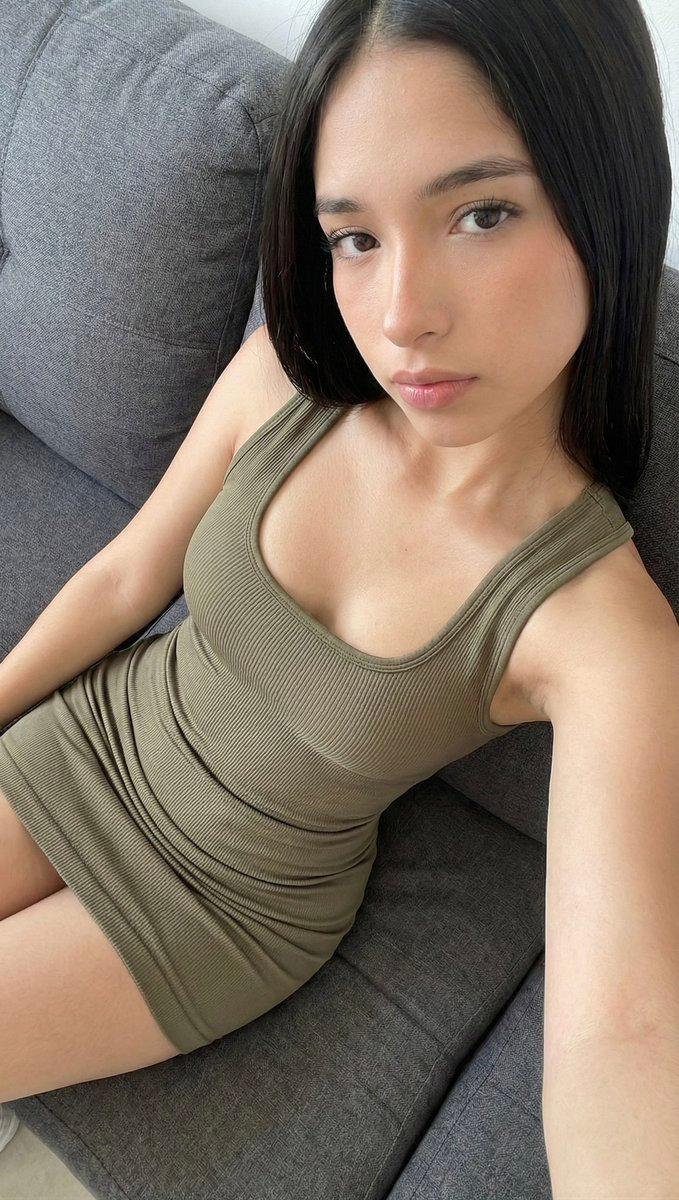
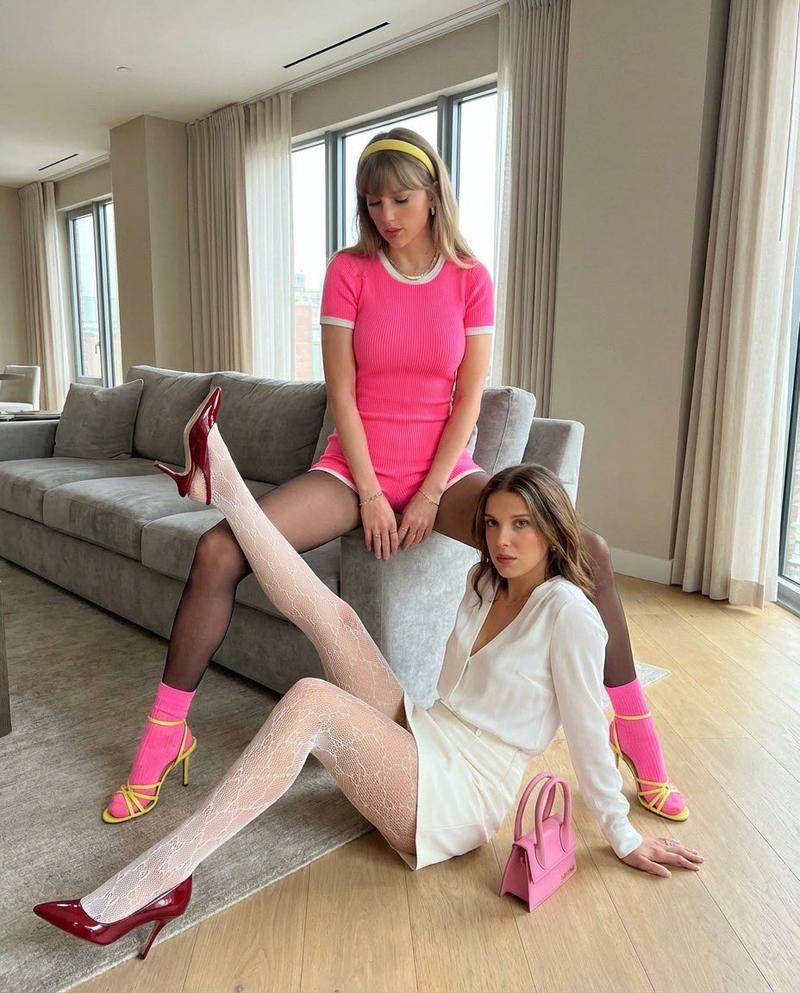
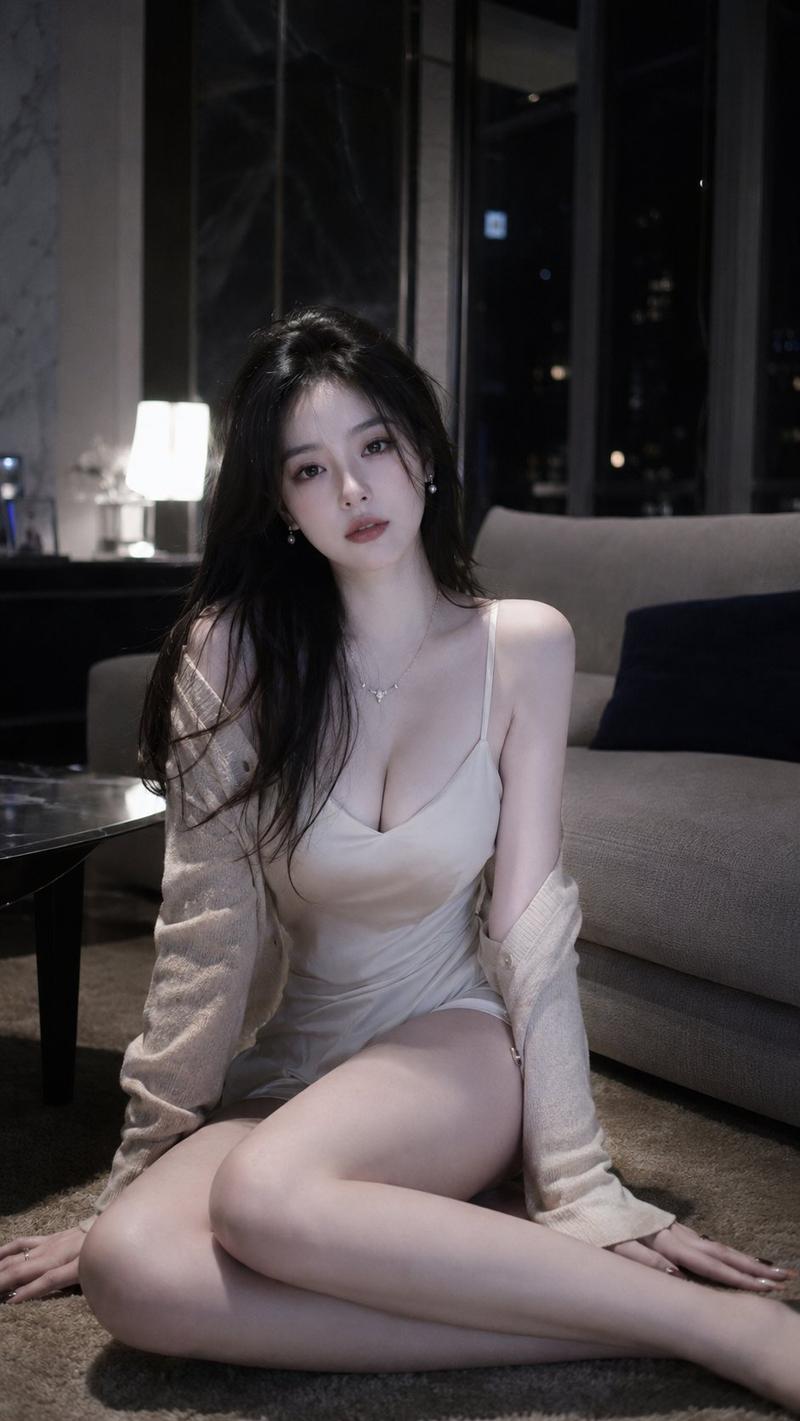
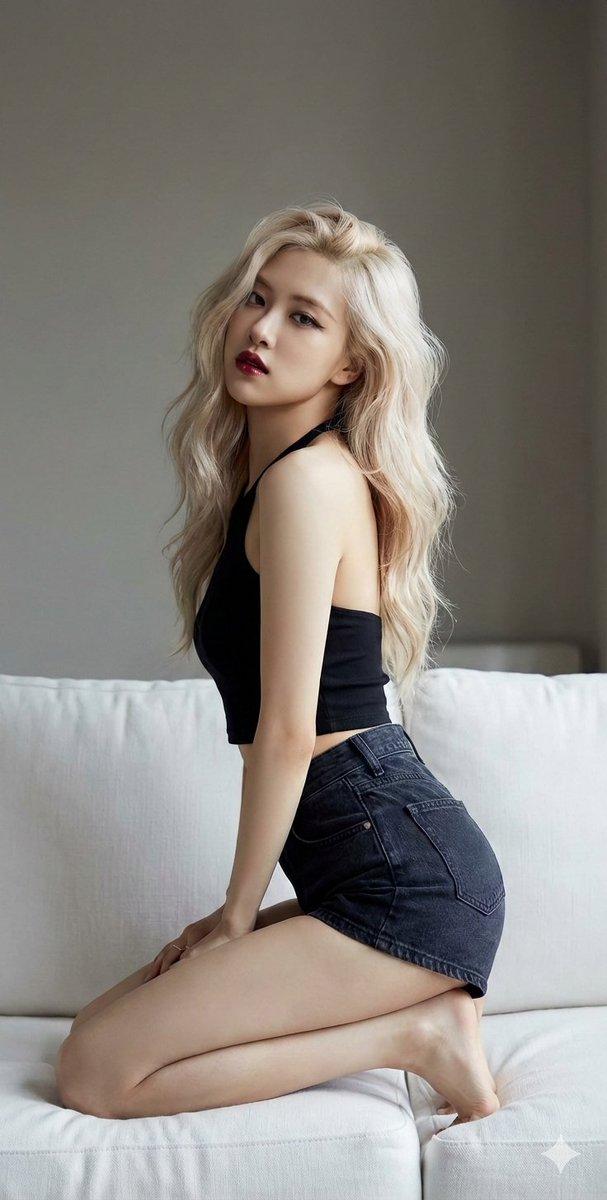
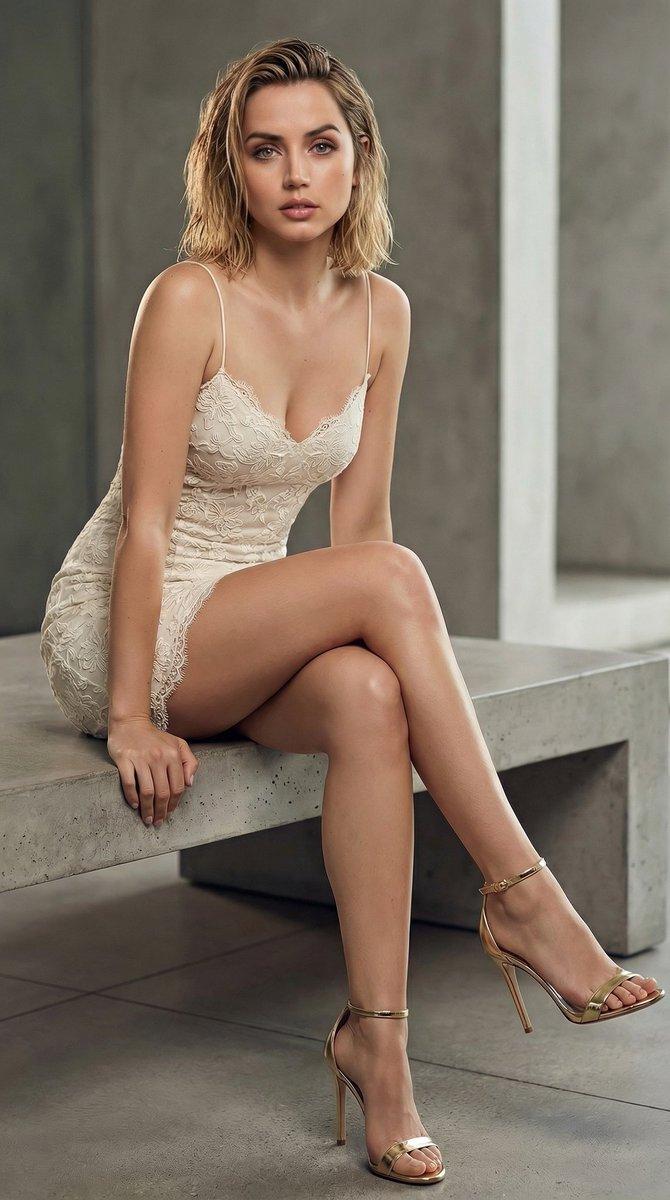
Create a photorealistic fashion portrait of an adult {argument name="subject" default="East Asian woman"} seated on a thick gray shag rug in a modern gray-toned living room, leaning back with one hand on the carpet and the other arm resting casually on a raised knee. She has {argument name="hair style" default="long black hair in a high ponytail with wispy bangs"}, a calm cool expression, and looks directly into the camera. Outfit: a fitted semi-sheer gray lace high-neck long-sleeve top over subtle underlayer, light-wash high-waisted denim shorts, a delicate bracelet, and black ankle-strap stiletto sandals. Pose: one leg extended toward the camera in the foreground, the other knee bent upward, relaxed but confident. Background: a low gray fabric sofa with three visible cushions/pillows, concrete-textured gray wall, muted contemporary interior, soft shadows, no visible text. Use a vertical 4:5 composition, low camera angle near floor level, realistic skin texture, sharp focus on the subject's face and upper body with slight depth-of-field falloff toward the foreground foot and background sofa. Lighting should be soft, moody, and natural-looking, with a desaturated monochrome gray palette and subtle contrast, like an editorial indoor fashion shoot shot on a full-frame camera with a 35mm lens.
Category
Architecture & Spaces
Model
GPT Image 2
Creator
Nine-Shell
Views0
Source ID
27612
Published
Jul 3, 2026

Guide

About "灰色客厅时尚肖像"

What is this prompt for?

"灰色客厅时尚肖像" AI image prompt for GPT Image 2 (Architecture & Spaces). 一张照片级逼真的编辑类时尚肖像,展现了一位姿态优雅的成年女性坐在现代极简主义客厅的灰色地毯上。 Copy it on Picva and recreate the look in o…

The full copyable prompt and example visuals above are ready for AI image generation or one-click recreate in Picva.

How to use this prompt

  1. Step 1

    Open the prompt detail

    Review the example visuals, category, and full prompt text for "灰色客厅时尚肖像".

  2. Step 2

    Copy the prompt

    Copy the prompt body from this page, or load it directly in Studio.

  3. Step 3

    Pick a model (GPT Image 2)

    Prefer GPT Image 2. If you switch models, keep subject and composition and tweak style terms.

  4. Step 4

    Generate and export

    Recreate the look in Picva, or export into your workflow for editing and publishing.

FAQ

What is the "灰色客厅时尚肖像" prompt?
It is an AI image-generation prompt for GPT Image 2 in the Architecture & Spaces category. This page includes the full prompt text, example visuals, and a one-click recreate path in Picva.
How do I use this prompt to generate an image?
Copy the prompt from this page, or use Generate / Studio. Paste it into a compatible image model, or recreate the look in Picva with optional reference images.
Which model is this prompt for?
This page lists GPT Image 2. Most descriptive prompts also transfer to nearby image models such as GPT Image, Flux, or Midjourney with light style tweaks.
Can I use the result commercially?
You can usually copy the prompt for creation, but commercial use of the final image depends on the model terms, reference-image rights, and the generated content. Follow the source author and platform rules.