16

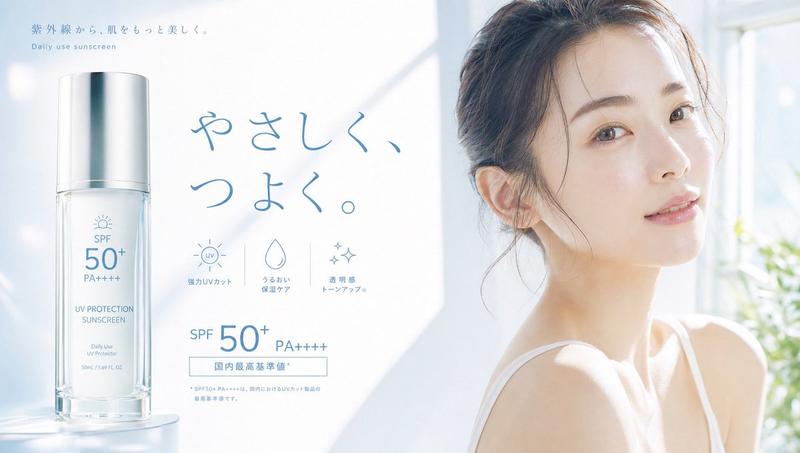
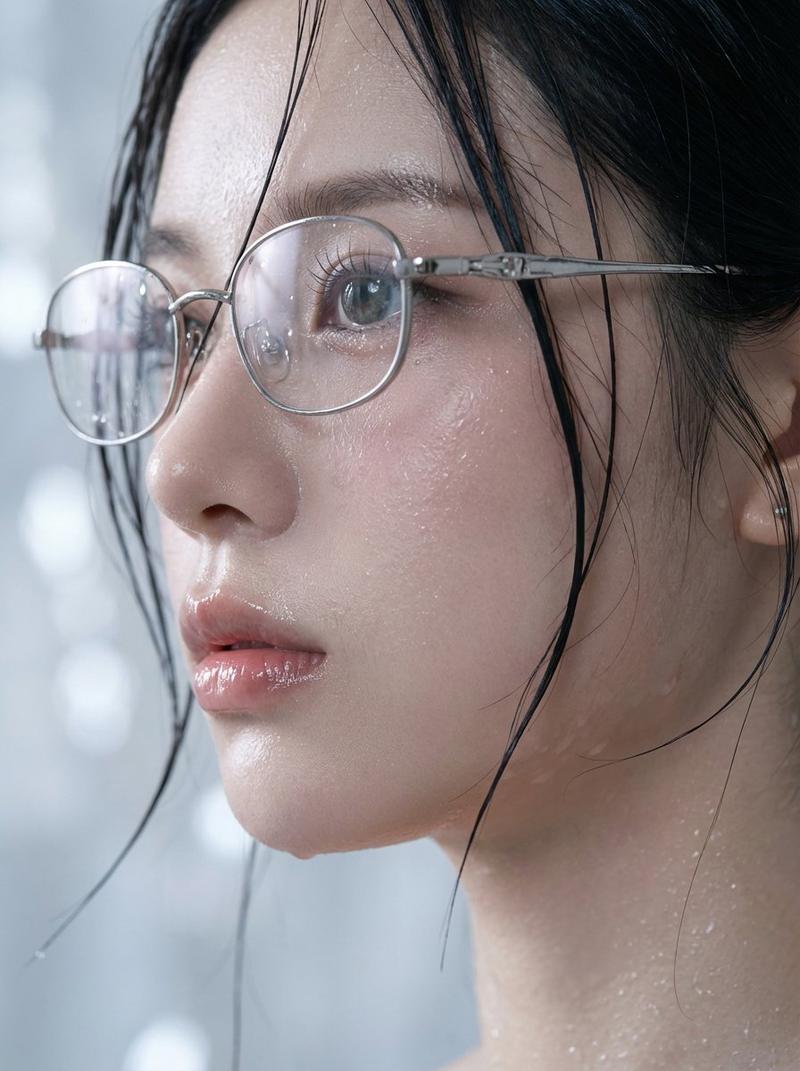
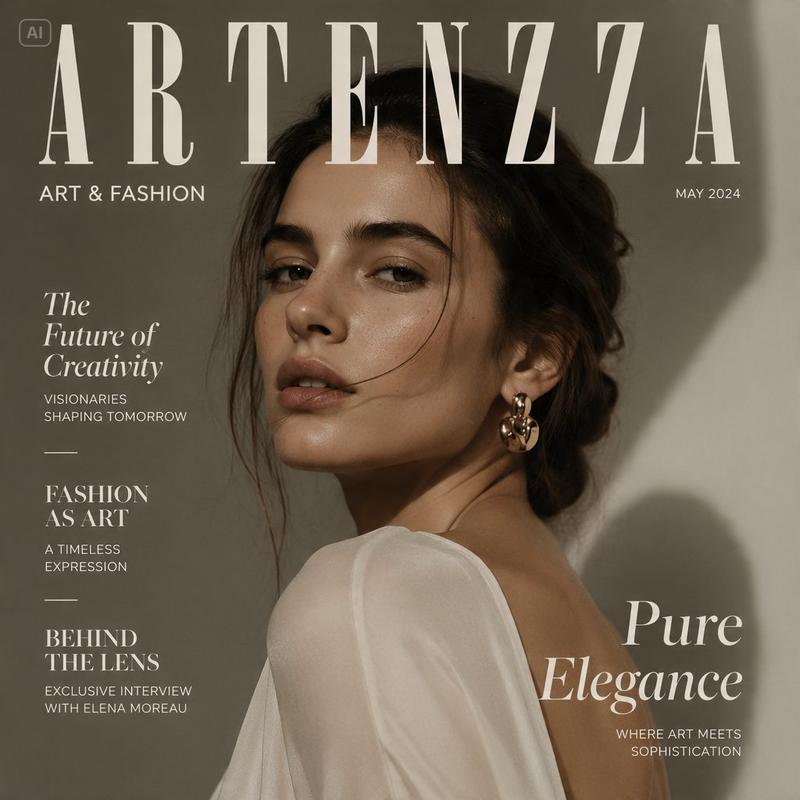
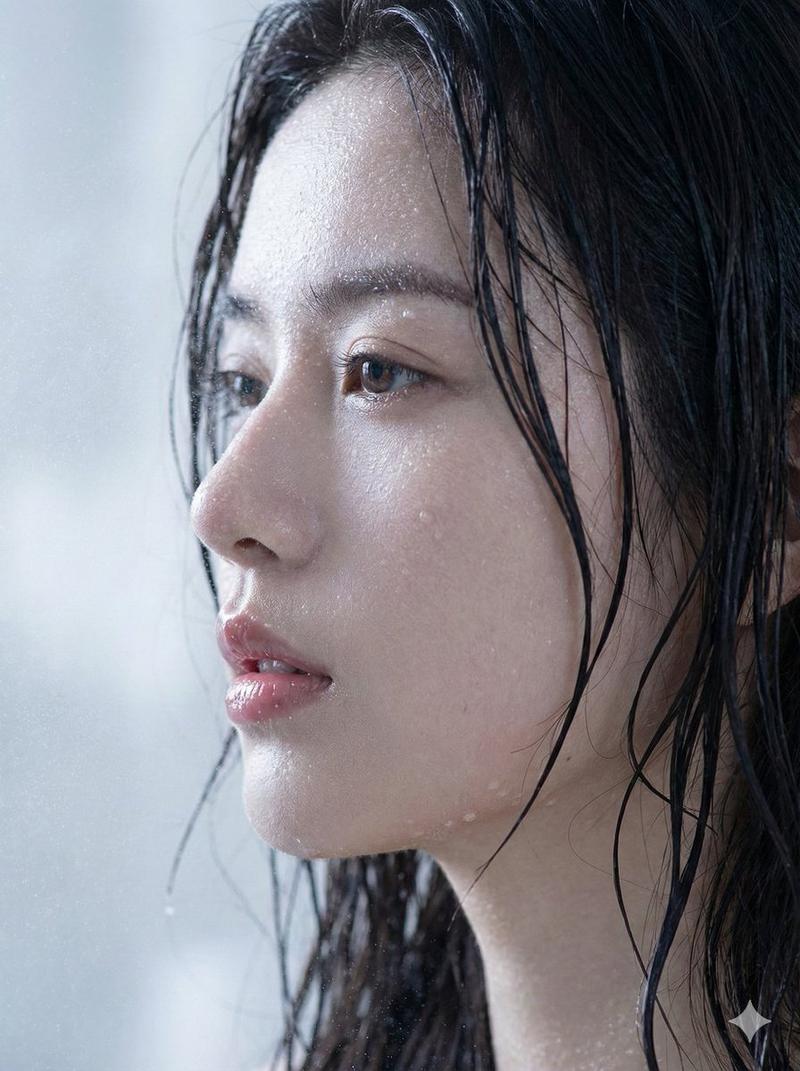
奢华美容商业海报设计
Enlarge

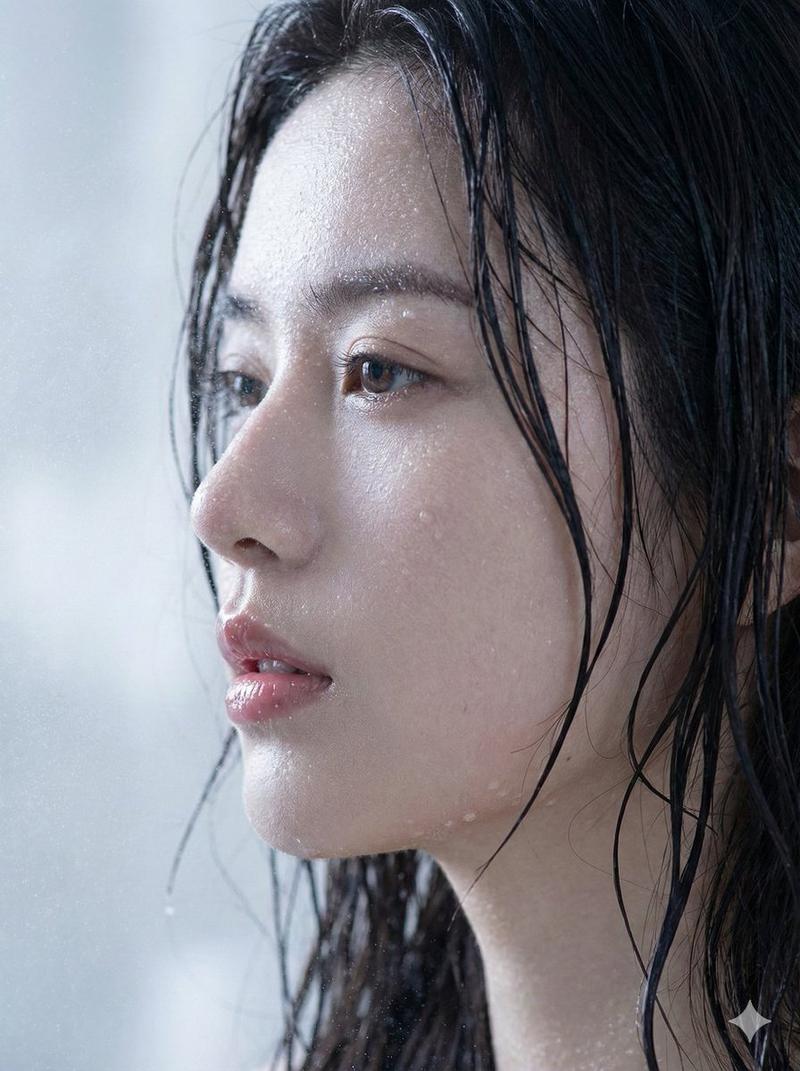
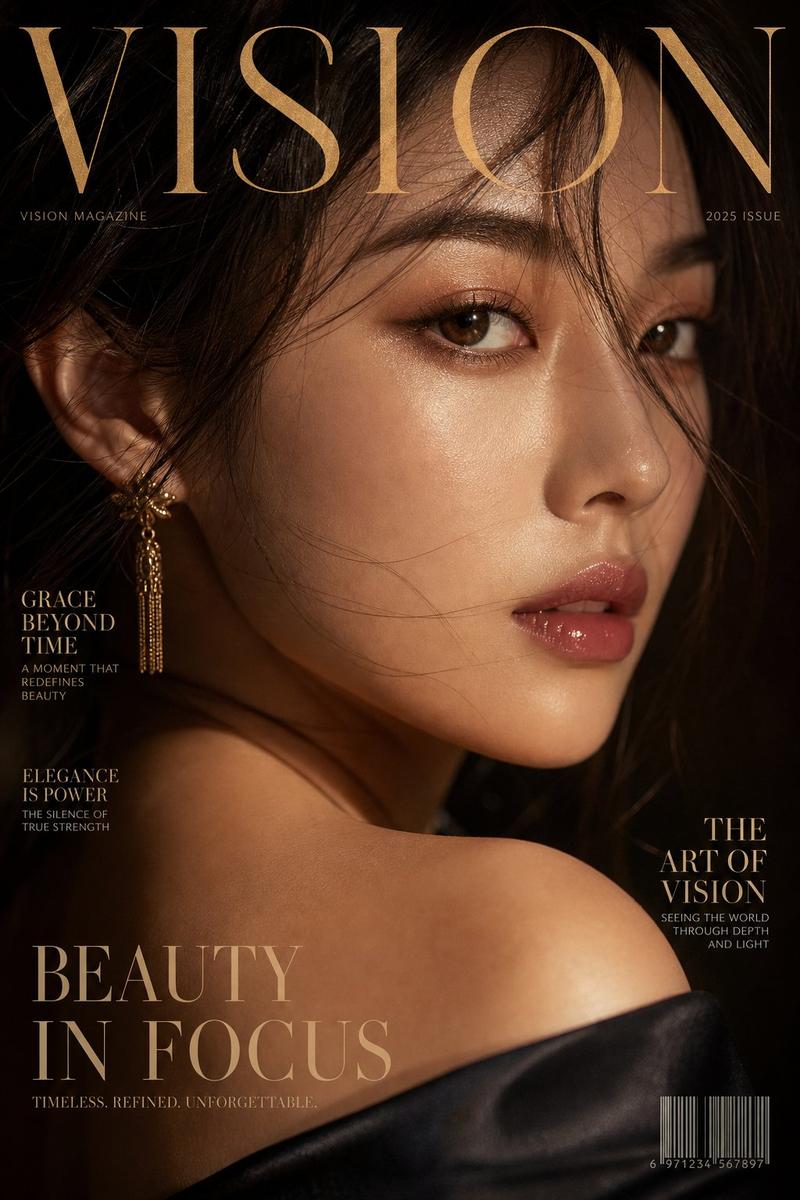
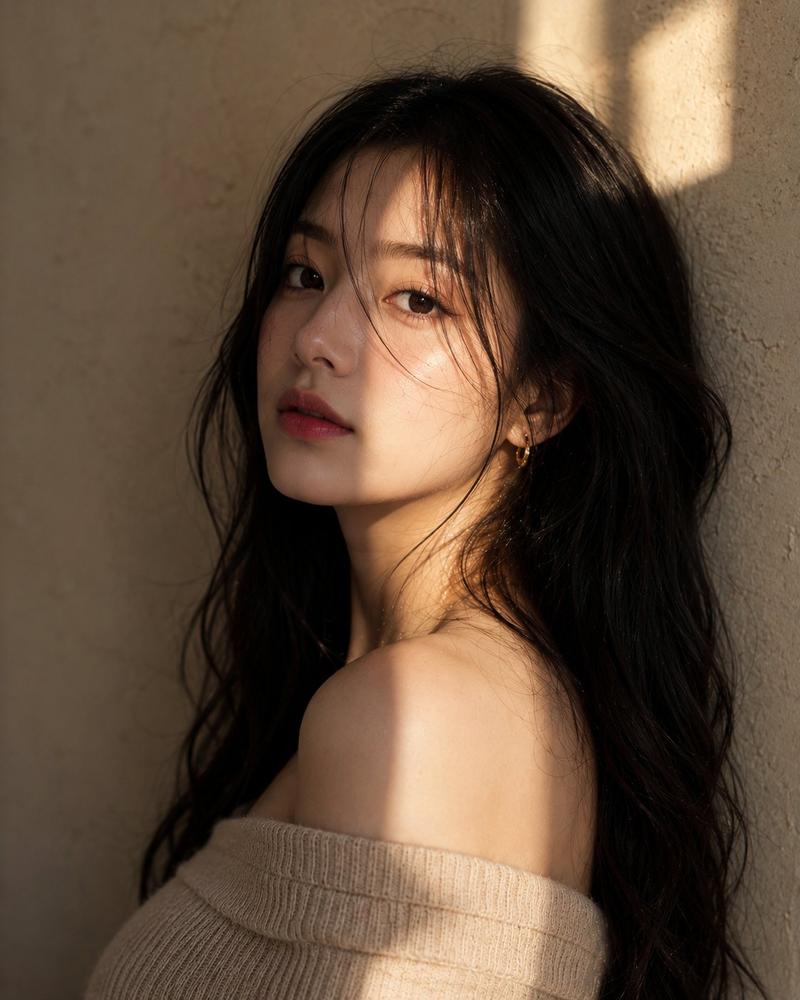
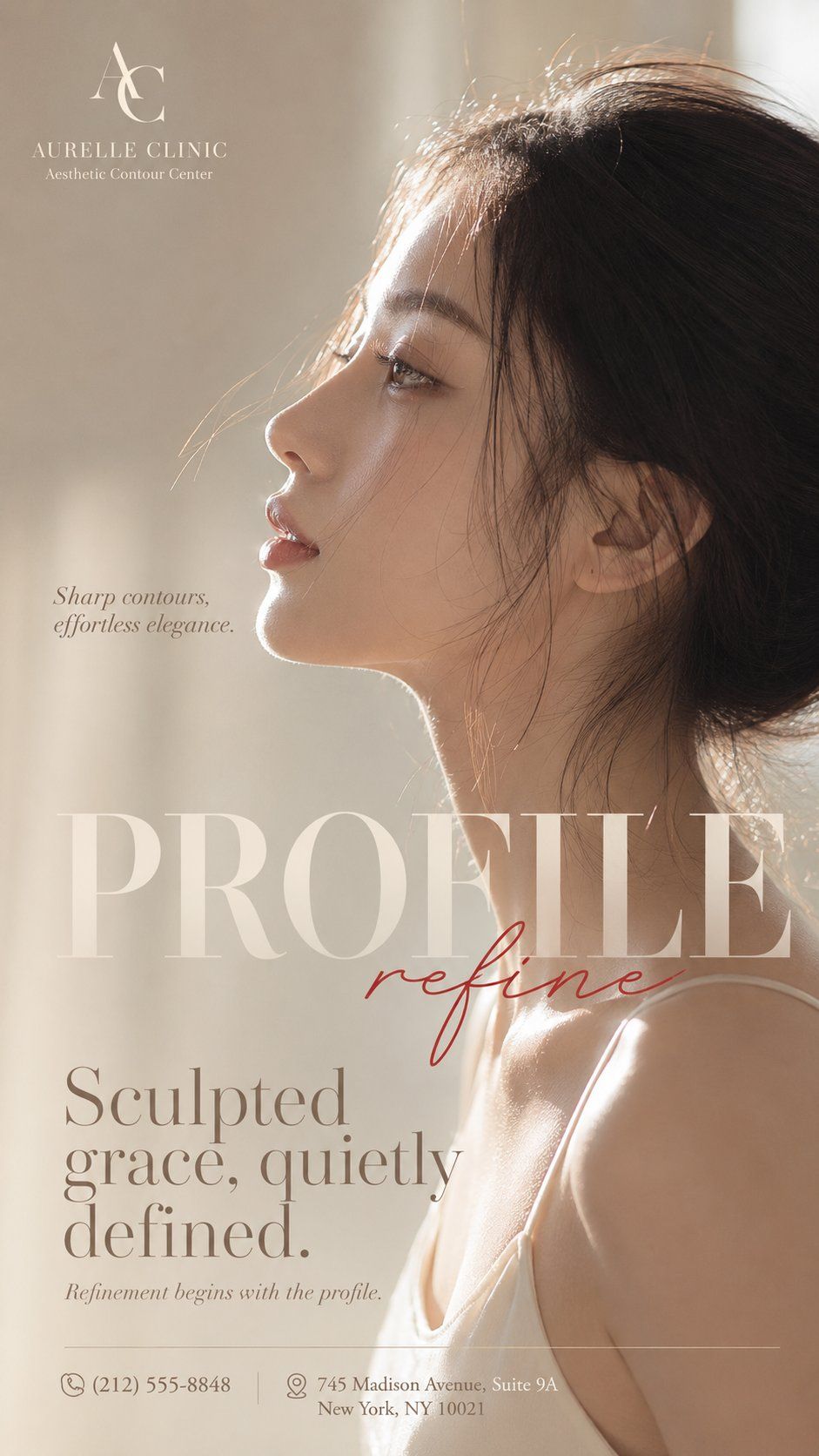
Example images

奢华美容商业海报设计

Prompt
Create a single vertical 9:16 luxury beauty campaign poster.

Brand: [BRAND NAME]
Subtitle: [BRAND SUBTITLE]
Main title: [PROFILE / GLOW / VEIL / ECLAT]
Red script word: [refine / luminous / softly / timeless]
Slogan: [SHORT SLOGAN]
Main copy: [MAIN COPY]
Portrait angle: [left side profile / right side profile / semi-profile / lowered side profile]
Color palette: [cream beige / pearl white / champagne gold / misty rose / soft silver]
Key focus: [jawline / skin glow / neck / fragrance / pearl earring / collarbone]

Use a close-up side-profile female portrait with realistic skin texture, natural makeup, soft lips, elegant neck and collarbone, natural hair strands, and warm reverse light. Create a premium editorial beauty-ad look with a minimal blurred background, oversized translucent serif typography, one red handwritten script accent, small brand logo, slogan, main copy and footer details.

The image should feel like a high-end beauty, skincare, fragrance or jewelry campaign poster: clean, luminous, refined, cinematic and commercial-grade.

Avoid Chinese text, cheap promo style, plastic skin, distorted hands, repeated faces, messy text, cluttered background and overdone AI beauty retouching.
Category
Charts & Infographics
Model
ChatGPT
Creator
@MrLarus
Views98
Source ID
16005
Published
Jun 16, 2026

Guide

About "奢华美容商业海报设计"

What is this prompt for?

"奢华美容商业海报设计" AI image prompt for ChatGPT (Charts & Infographics). 创建一个单张竖屏 9:16 的奢华美容宣传海报。 品牌:[品牌名称] 副标题:[品牌副标题] 主标题:[PROFILE / GLOW / VEIL / ECLAT] 红色手写体词:[re…

The full copyable prompt and example visuals above are ready for AI image generation or one-click recreate in Picva.

How to use this prompt

  1. Step 1

    Open the prompt detail

    Review the example visuals, category, and full prompt text for "奢华美容商业海报设计".

  2. Step 2

    Copy the prompt

    Copy the prompt body from this page, or load it directly in Studio.

  3. Step 3

    Pick a model (ChatGPT)

    Prefer ChatGPT. If you switch models, keep subject and composition and tweak style terms.

  4. Step 4

    Generate and export

    Recreate the look in Picva, or export into your workflow for editing and publishing.

FAQ

What is the "奢华美容商业海报设计" prompt?
It is an AI image-generation prompt for ChatGPT in the Charts & Infographics category. This page includes the full prompt text, example visuals, and a one-click recreate path in Picva.
How do I use this prompt to generate an image?
Copy the prompt from this page, or use Generate / Studio. Paste it into a compatible image model, or recreate the look in Picva with optional reference images.
Which model is this prompt for?
This page lists ChatGPT. Most descriptive prompts also transfer to nearby image models such as GPT Image, Flux, or Midjourney with light style tweaks.
Can I use the result commercially?
You can usually copy the prompt for creation, but commercial use of the final image depends on the model terms, reference-image rights, and the generated content. Follow the source author and platform rules.