18

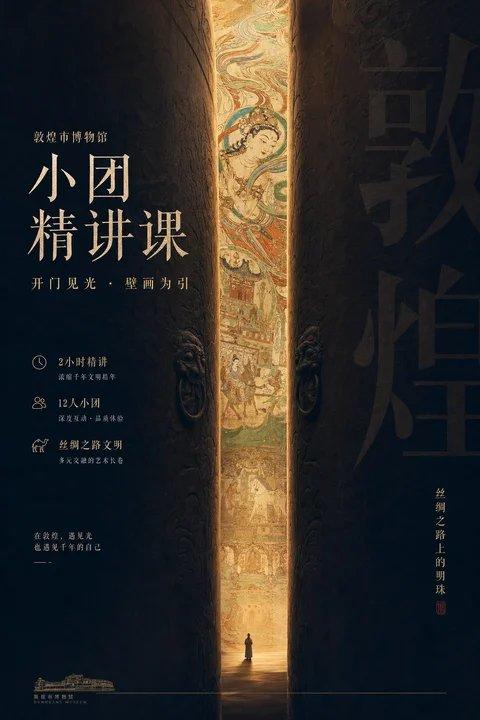
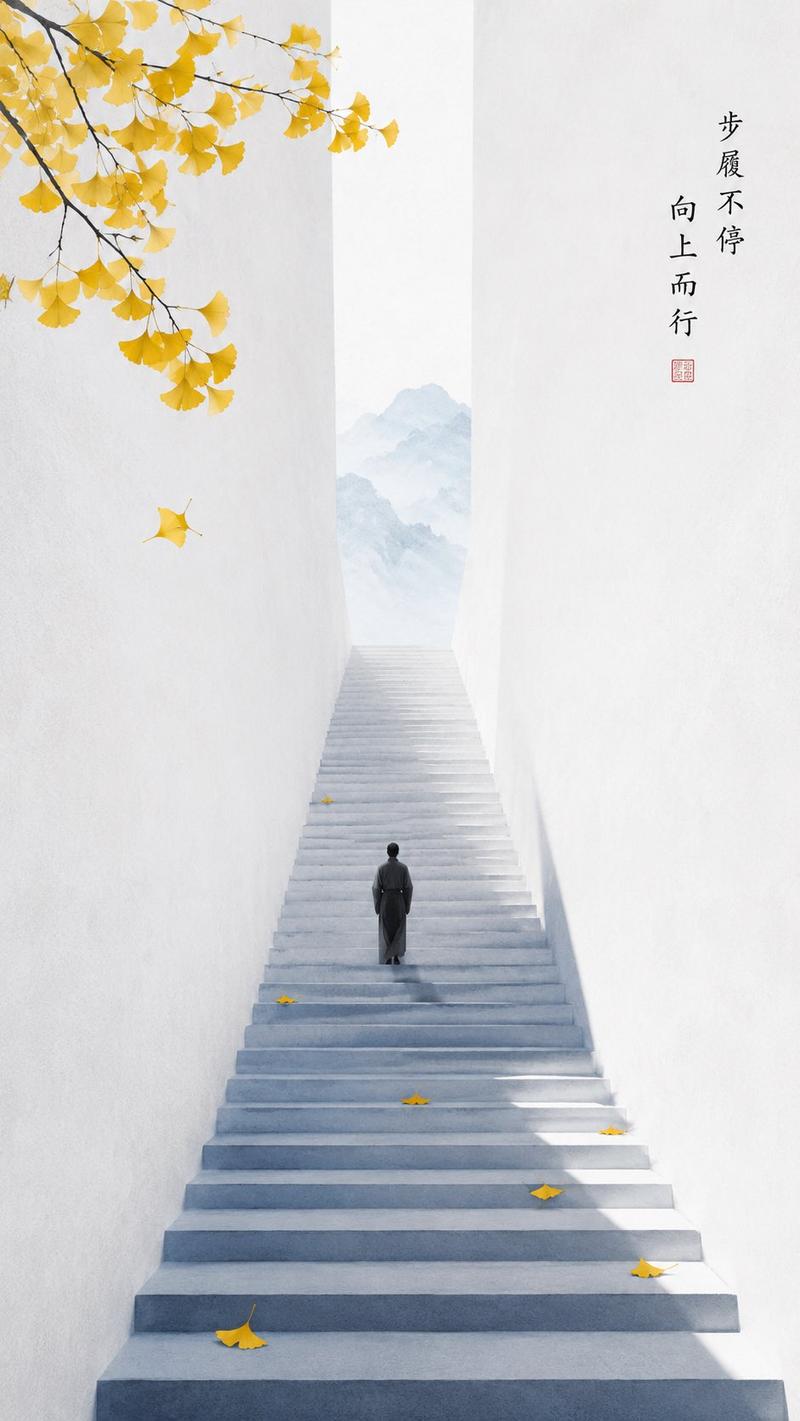
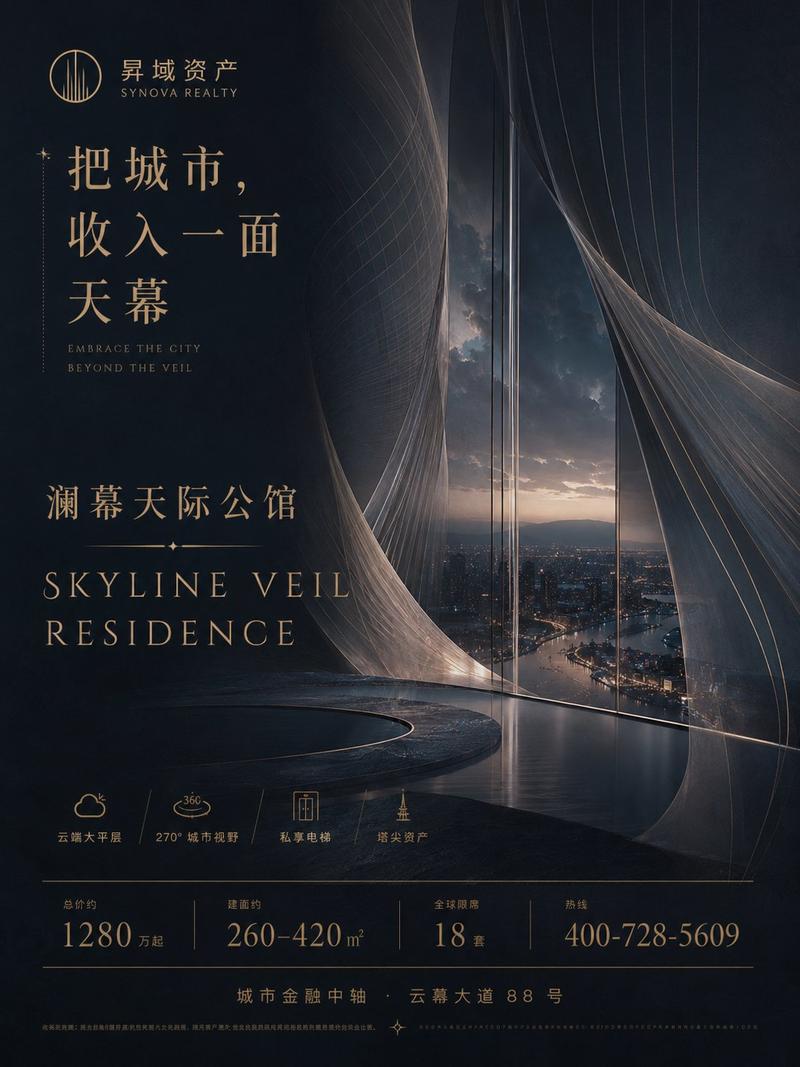
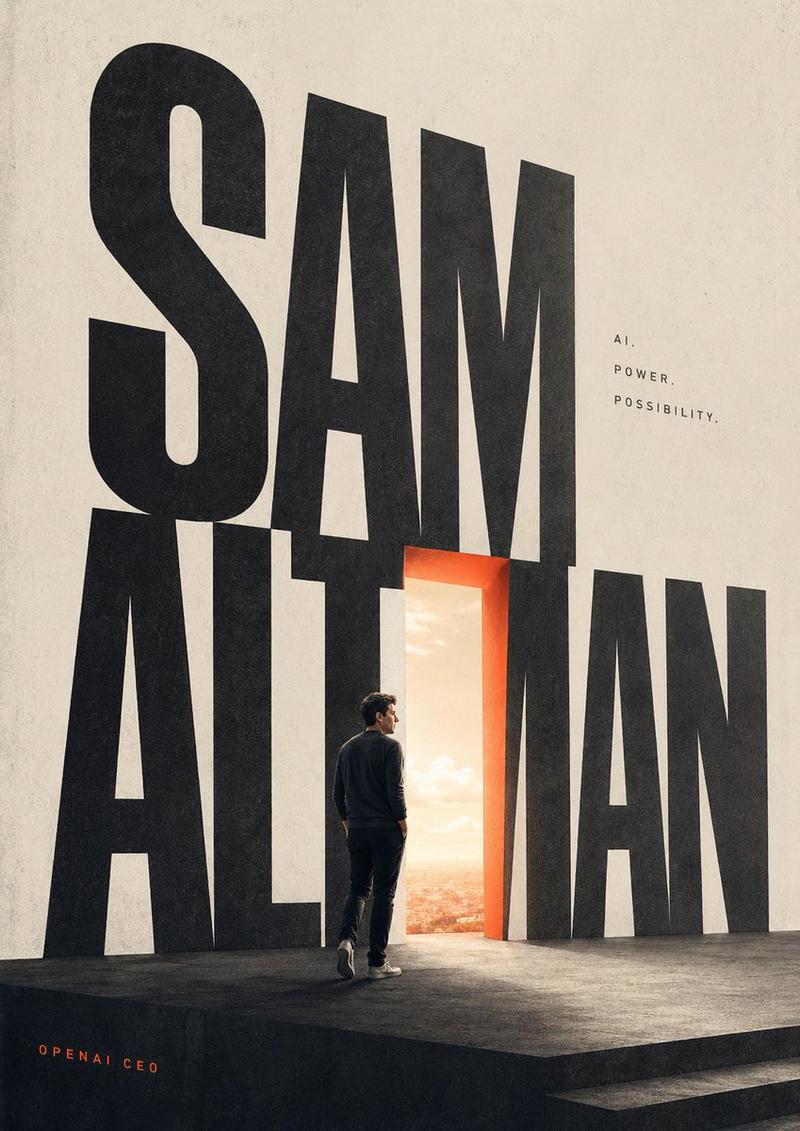
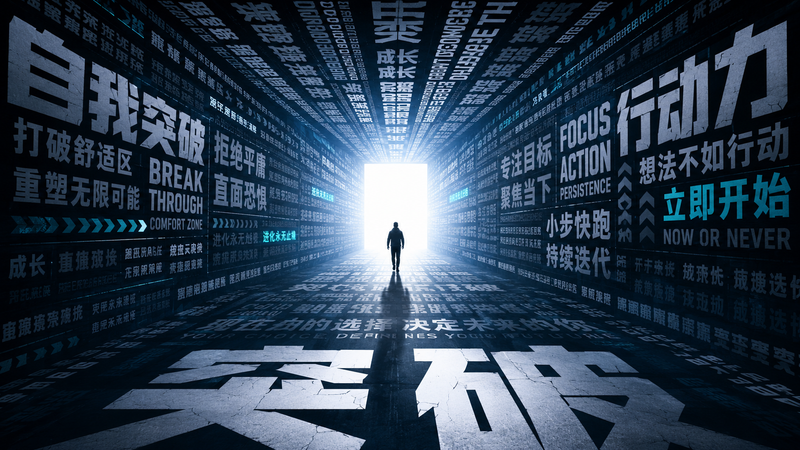
极简高桥流黑白光影海报
Enlarge

极简高桥流黑白光影海报

Prompt
This is an image generation task: Apple designer mindset, top poster master mindset, using Takahashi-style approach to present poster design to present the following text, making it eye-catching and striking at the heart You can intelligently understand the text, not necessarily taking the text verbatim, intelligently organize the text, grasp human nature, and highlight the key points. Especially when I input a large block of text, what you centrally present should be the core text after your understanding and processing Intelligently determine the color matching logic suitable for the text semantics, reasonable layout, and present the copy with a sense of breathing Do not add extra text, display this copy in extra-large font The sun is standing at the door of the night (replaceable)
Category
Posters & Typography
Model
ChatGPT
Views82
Source ID
13776
Published
Apr 26, 2026

Guide

About "极简高桥流黑白光影海报"

What is this prompt for?

"极简高桥流黑白光影海报" AI image prompt for ChatGPT (Posters & Typography). 本次是生成图片任务: 苹果设计师思维,顶级海报大师思维,用高桥流思路 呈现海报设计 表现如下文本,让其抓人,直击人心 你可以智能理解文本,不一定照单全收文本,智能梳理文本, 把握人性,突…

The full copyable prompt and example visuals above are ready for AI image generation or one-click recreate in Picva.

How to use this prompt

  1. Step 1

    Open the prompt detail

    Review the example visuals, category, and full prompt text for "极简高桥流黑白光影海报".

  2. Step 2

    Copy the prompt

    Copy the prompt body from this page, or load it directly in Studio.

  3. Step 3

    Pick a model (ChatGPT)

    Prefer ChatGPT. If you switch models, keep subject and composition and tweak style terms.

  4. Step 4

    Generate and export

    Recreate the look in Picva, or export into your workflow for editing and publishing.

FAQ

What is the "极简高桥流黑白光影海报" prompt?
It is an AI image-generation prompt for ChatGPT in the Posters & Typography category. This page includes the full prompt text, example visuals, and a one-click recreate path in Picva.
How do I use this prompt to generate an image?
Copy the prompt from this page, or use Generate / Studio. Paste it into a compatible image model, or recreate the look in Picva with optional reference images.
Which model is this prompt for?
This page lists ChatGPT. Most descriptive prompts also transfer to nearby image models such as GPT Image, Flux, or Midjourney with light style tweaks.
Can I use the result commercially?
You can usually copy the prompt for creation, but commercial use of the final image depends on the model terms, reference-image rights, and the generated content. Follow the source author and platform rules.