15

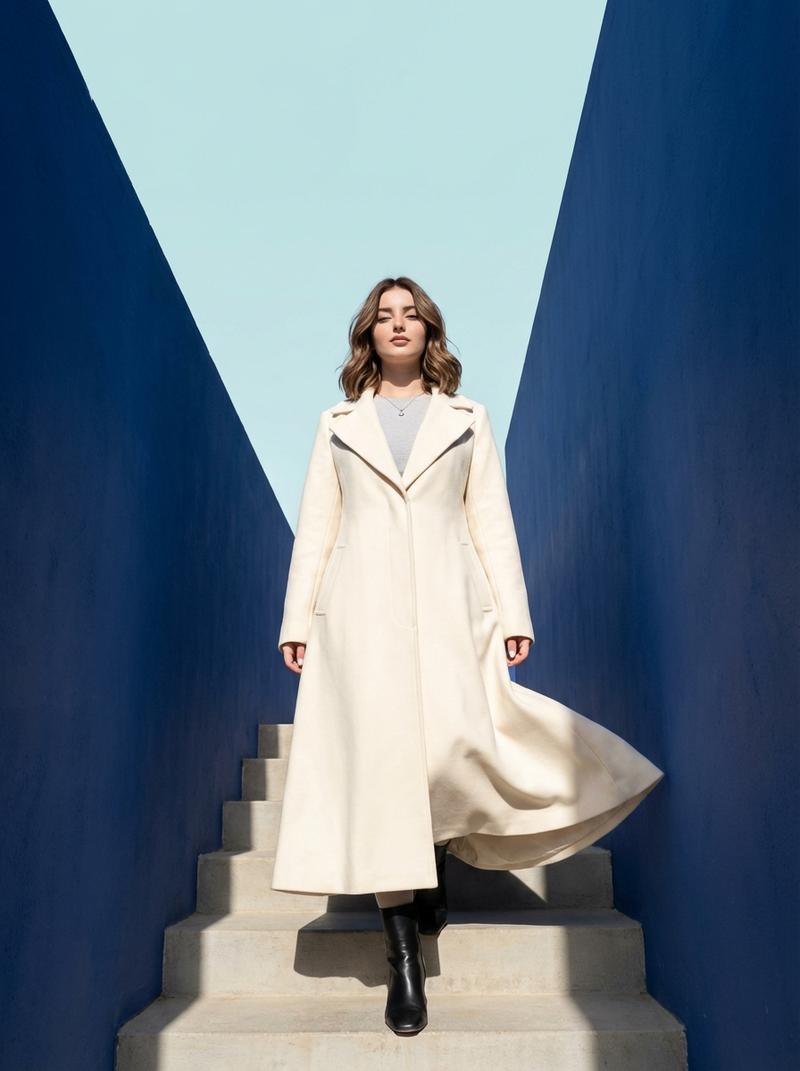
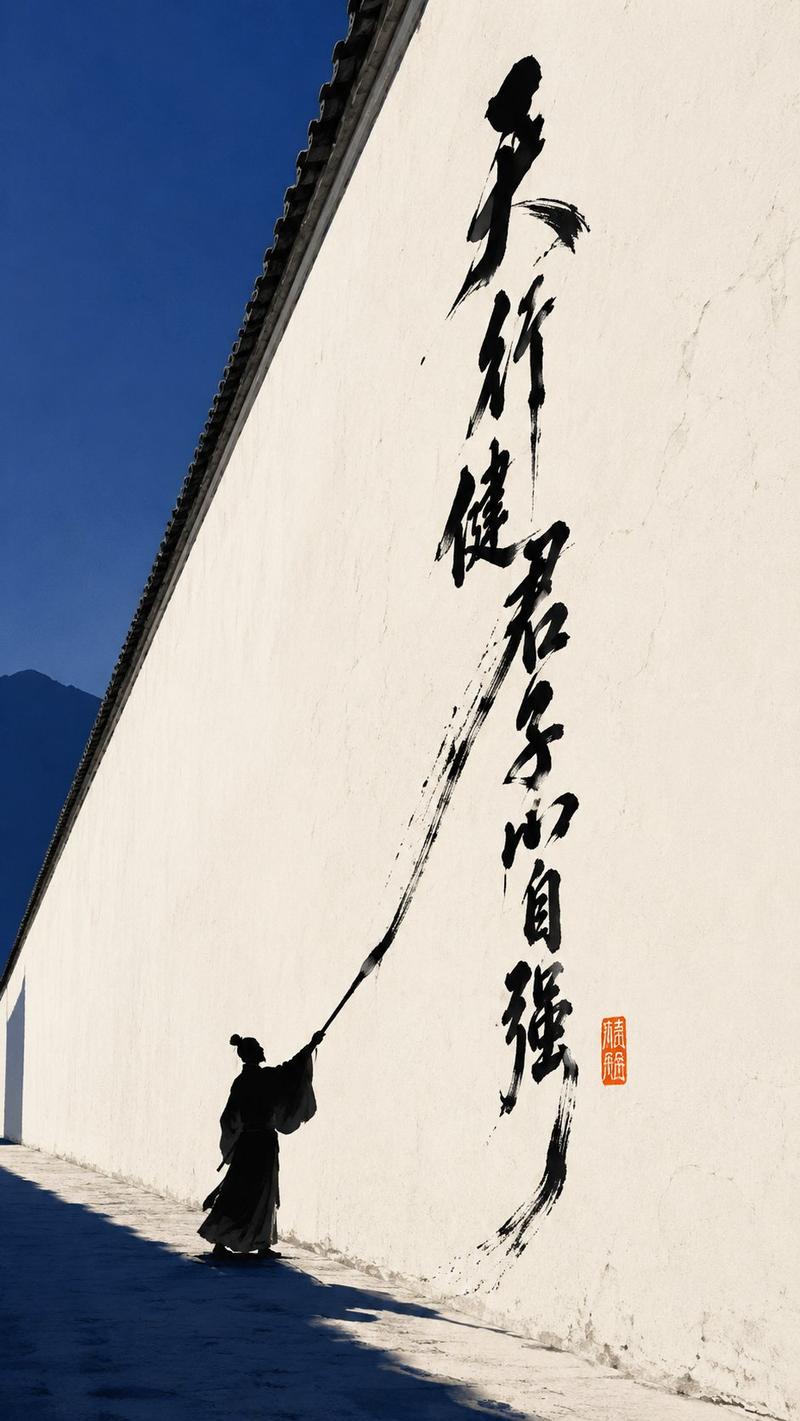
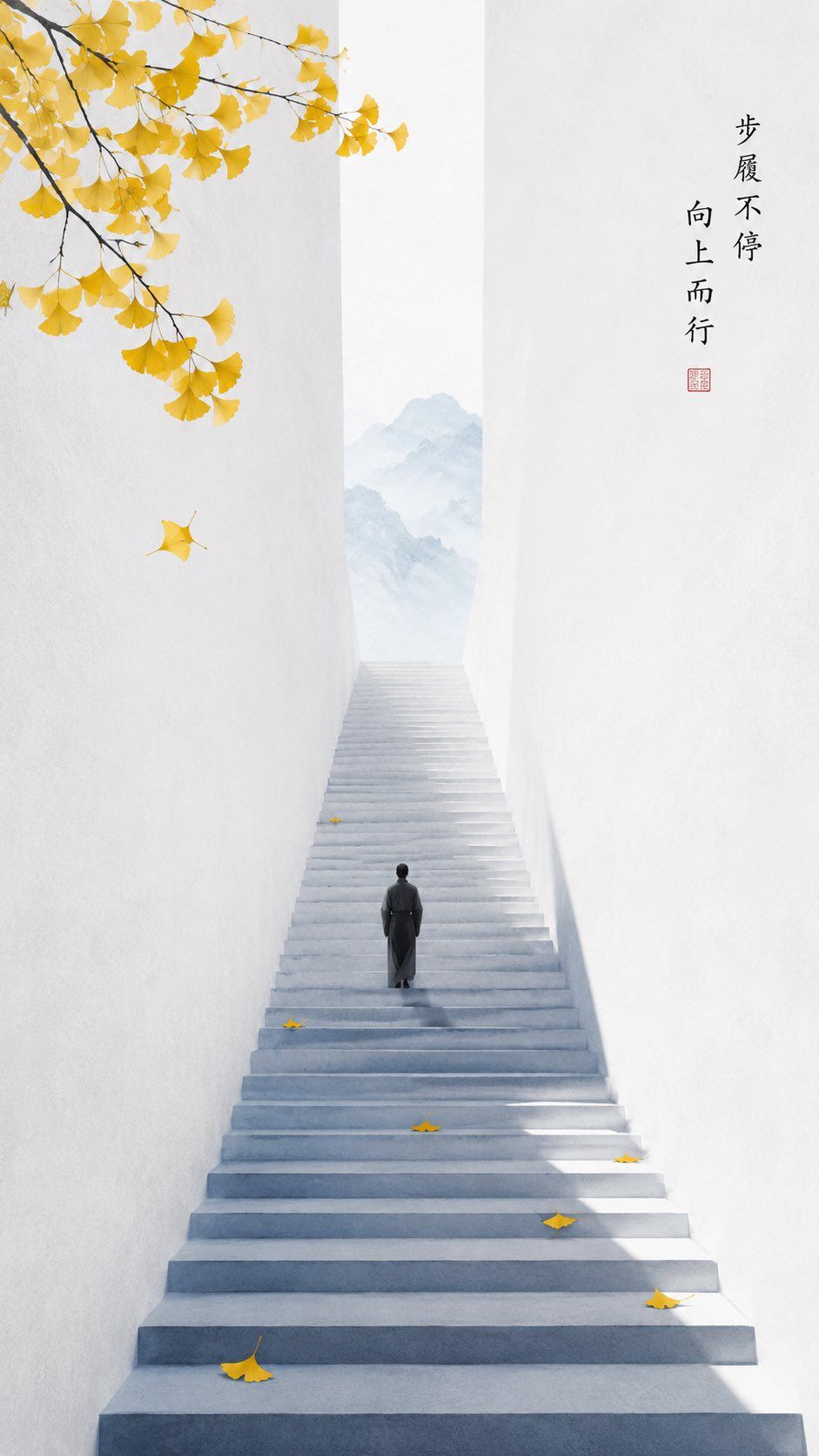
禅意极简秋日阶梯海报
Enlarge

禅意极简秋日阶梯海报

Prompt
主题导向:{argument name="theme" default="东方禅意极简海报"}
风格分支:{argument name="style" default="高对比度季节性风格"}
主体内容:{argument name="subject" default="一个人正缓慢地走上长长的阶梯"}
情感基调:清爽秋日,向上运动,静中蕴含生命力
场景与意象:柠檬黄银杏叶,深蓝色阶梯阴影,冷白色墙面,人物剪影
构图与空间:深远构图,长阶梯向上延伸,人物位于中下部,银杏叶点缀在阶梯和留白区域
色彩控制:以冷白色作为墙面和背景基调,深蓝色用于阶梯阴影和空间层次,柠檬黄作为银杏叶点缀,墨灰色用于人物剪影;避免整体泛黄
光影与质感:明亮的自然光,轻薄纸张质感,边缘清晰,极少颗粒感
纵横比:9:16
附加要求:阶梯应保持极简,银杏叶点缀少量但醒目,整体呈现轻盈通透的质感
Category
Posters & Typography
Model
GPT Image 2
Creator
李岳
Views1
Source ID
28118
Published
Jul 10, 2026

Guide

About "禅意极简秋日阶梯海报"

What is this prompt for?

"禅意极简秋日阶梯海报" AI image prompt for GPT Image 2 (Posters & Typography). 一个关于禅意极简海报的详细提示词,画面主体为一位孤独的身影正拾级而上,长长的阶梯上点缀着黄色的银杏叶。 Copy it on Picva and recreate the look…

The full copyable prompt and example visuals above are ready for AI image generation or one-click recreate in Picva.

How to use this prompt

  1. Step 1

    Open the prompt detail

    Review the example visuals, category, and full prompt text for "禅意极简秋日阶梯海报".

  2. Step 2

    Copy the prompt

    Copy the prompt body from this page, or load it directly in Studio.

  3. Step 3

    Pick a model (GPT Image 2)

    Prefer GPT Image 2. If you switch models, keep subject and composition and tweak style terms.

  4. Step 4

    Generate and export

    Recreate the look in Picva, or export into your workflow for editing and publishing.

FAQ

What is the "禅意极简秋日阶梯海报" prompt?
It is an AI image-generation prompt for GPT Image 2 in the Posters & Typography category. This page includes the full prompt text, example visuals, and a one-click recreate path in Picva.
How do I use this prompt to generate an image?
Copy the prompt from this page, or use Generate / Studio. Paste it into a compatible image model, or recreate the look in Picva with optional reference images.
Which model is this prompt for?
This page lists GPT Image 2. Most descriptive prompts also transfer to nearby image models such as GPT Image, Flux, or Midjourney with light style tweaks.
Can I use the result commercially?
You can usually copy the prompt for creation, but commercial use of the final image depends on the model terms, reference-image rights, and the generated content. Follow the source author and platform rules.