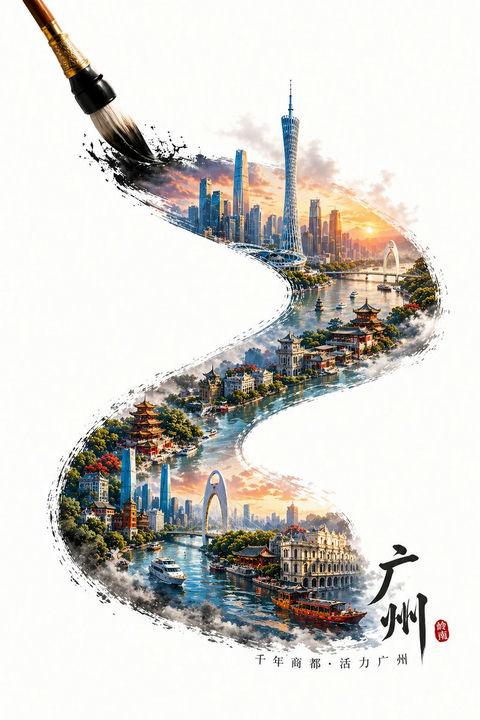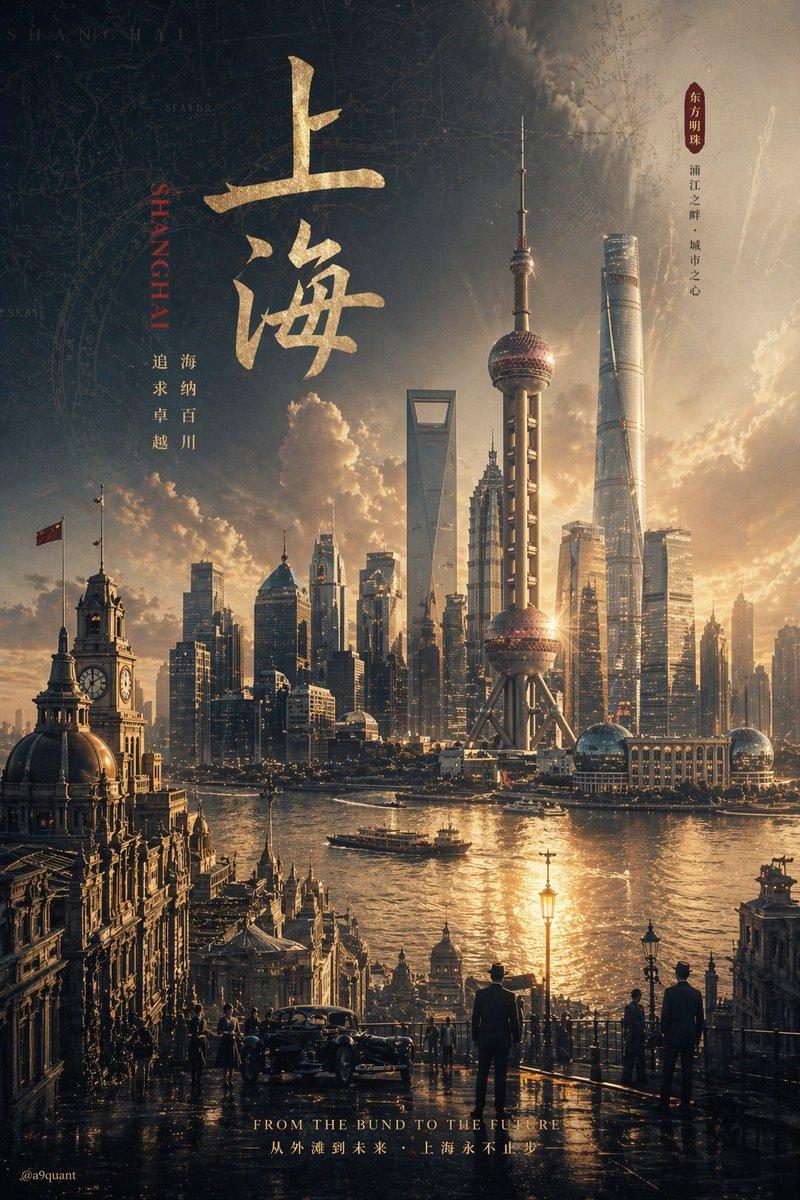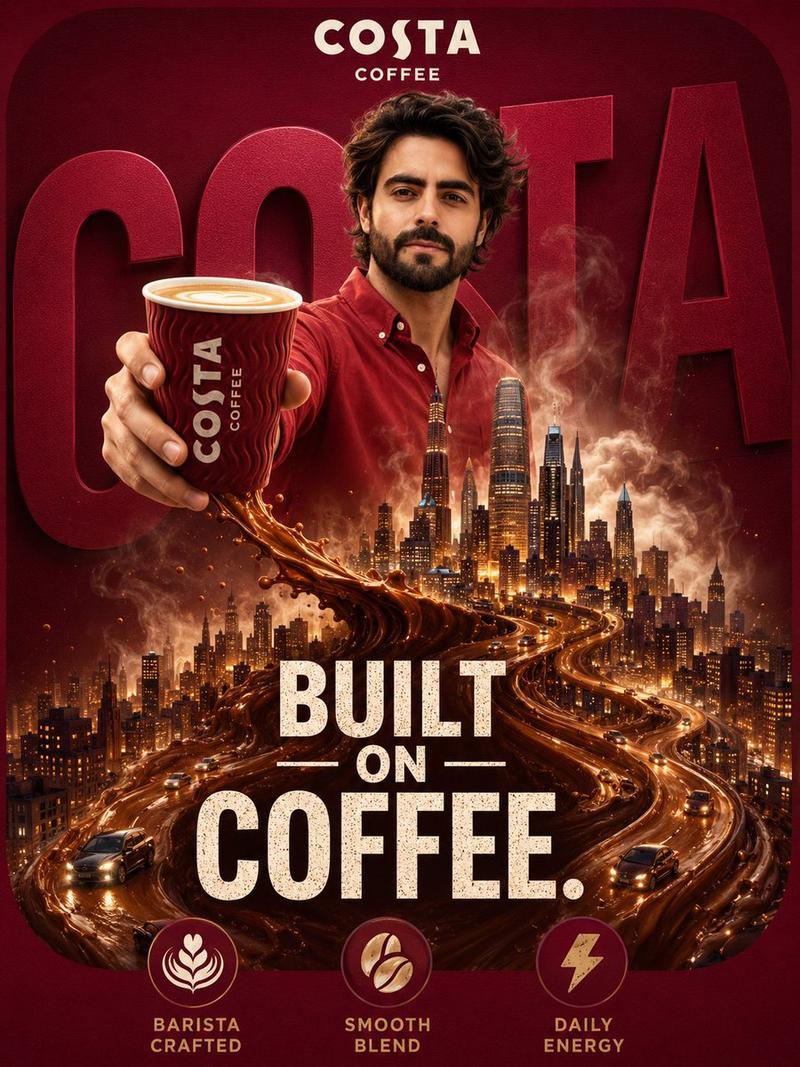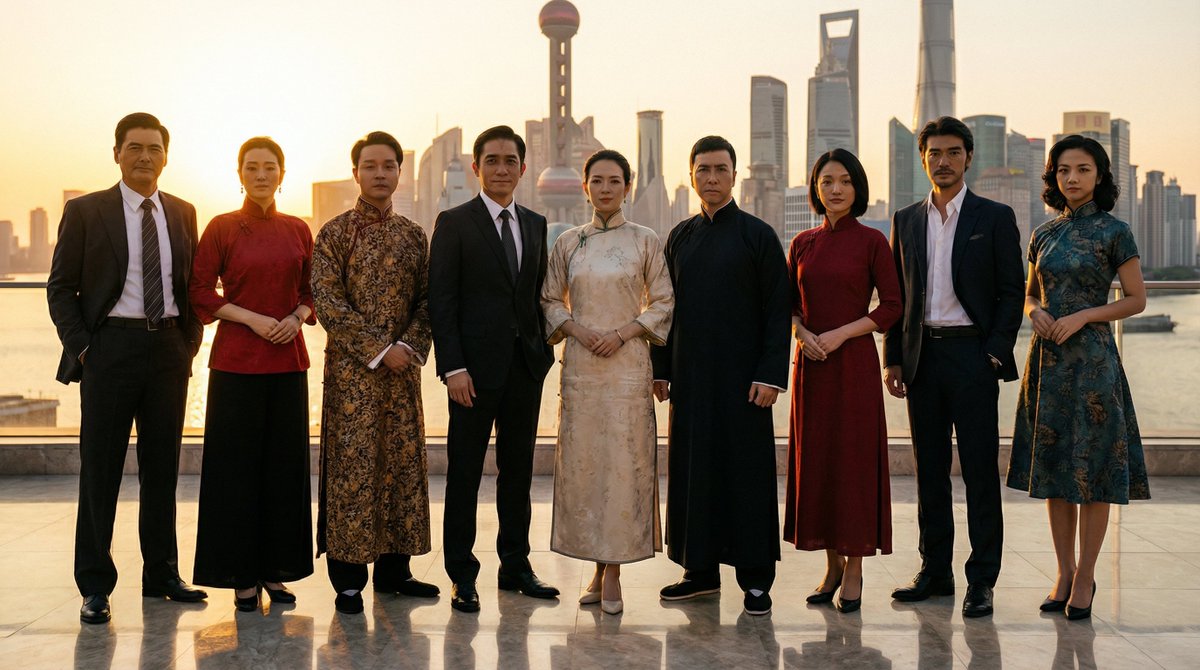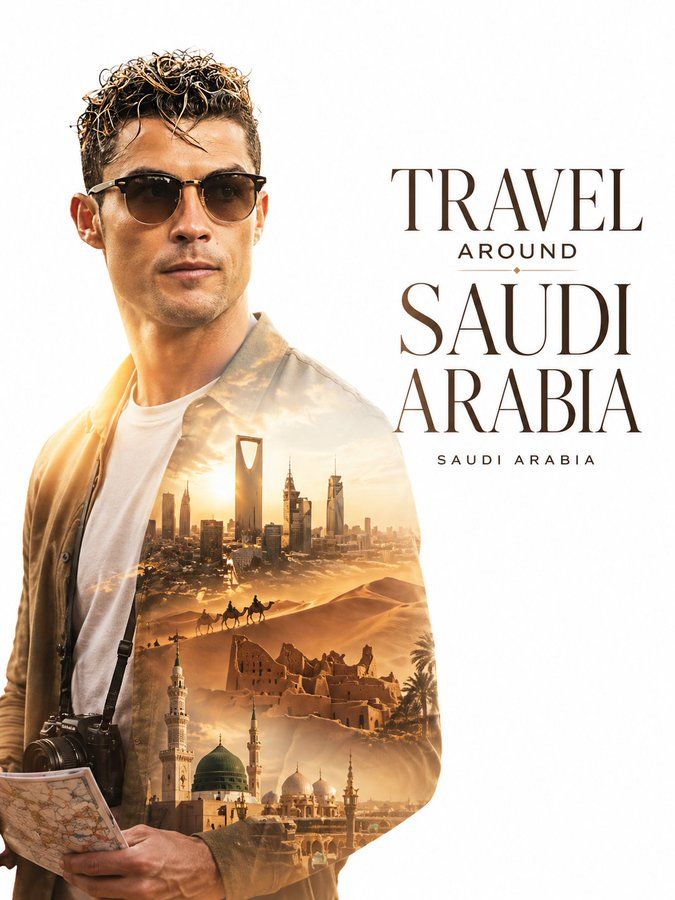
极简双重曝光旅行海报
Prompt
Create a minimalist double exposure travel poster for [COUNTRY NAME].
Layout Composition:
The main subject (based on the attached photo) is placed on the LEFT side of the canvas as a clean, sharp profile silhouette of a stylish international traveler. The face should be recognizable from the uploaded image.
The traveler wears modern, minimal travel fashion (simple outfit, neat style), with subtle accessories like sunglasses, a camera strap, or holding a folded map.
Double Exposure Effect (Inside Silhouette):
Fill the silhouette with a soft, cinematic double exposure of iconic [COUNTRY NAME] visuals, including:
[CITY SKYLINE / LANDMARKS]
[NATURAL LANDSCAPES]
[TRADITIONAL ARCHITECTURE]
[CULTURAL ELEMENTS]
[COUNTRY-SPECIFIC COLOR TONES & ATMOSPHERE]
The composition inside should be soft, blended, not cluttered, with smooth transitions and clear visual hierarchy.
⸻
RIGHT SIDE (Text Area):
Keep the right side clean with strong negative space for typography.
Add a modern editorial headline in large, crisp font:
“TRAVEL AROUND [COUNTRY NAME]”
Below it, add a smaller subtext:
“[COUNTRY NAME]”
Typography style:
Clean, premium, magazine-style
Balanced spacing
High-end travel campaign aesthetic
⸻
Background & Style:
Bright or pure white background
Soft gradient lighting and glow
Cinematic, elegant tone
Minimal distractions
Smooth blending between subject and background
⸻
Final Look:
Sophisticated, modern double exposure poster, premium travel campaign style, ultra-detailed, clean composition, balanced negative space, print-ready, 4K resolution. Face and body exactly same as uploaded image.
Make the aspect ratio 3:4
- Category
- Charts & Infographics
- Model
- ChatGPT
- Creator
- @Goodmanprotocol
- Source ID
- 13931
- Published
- May 3, 2026
Views198