18

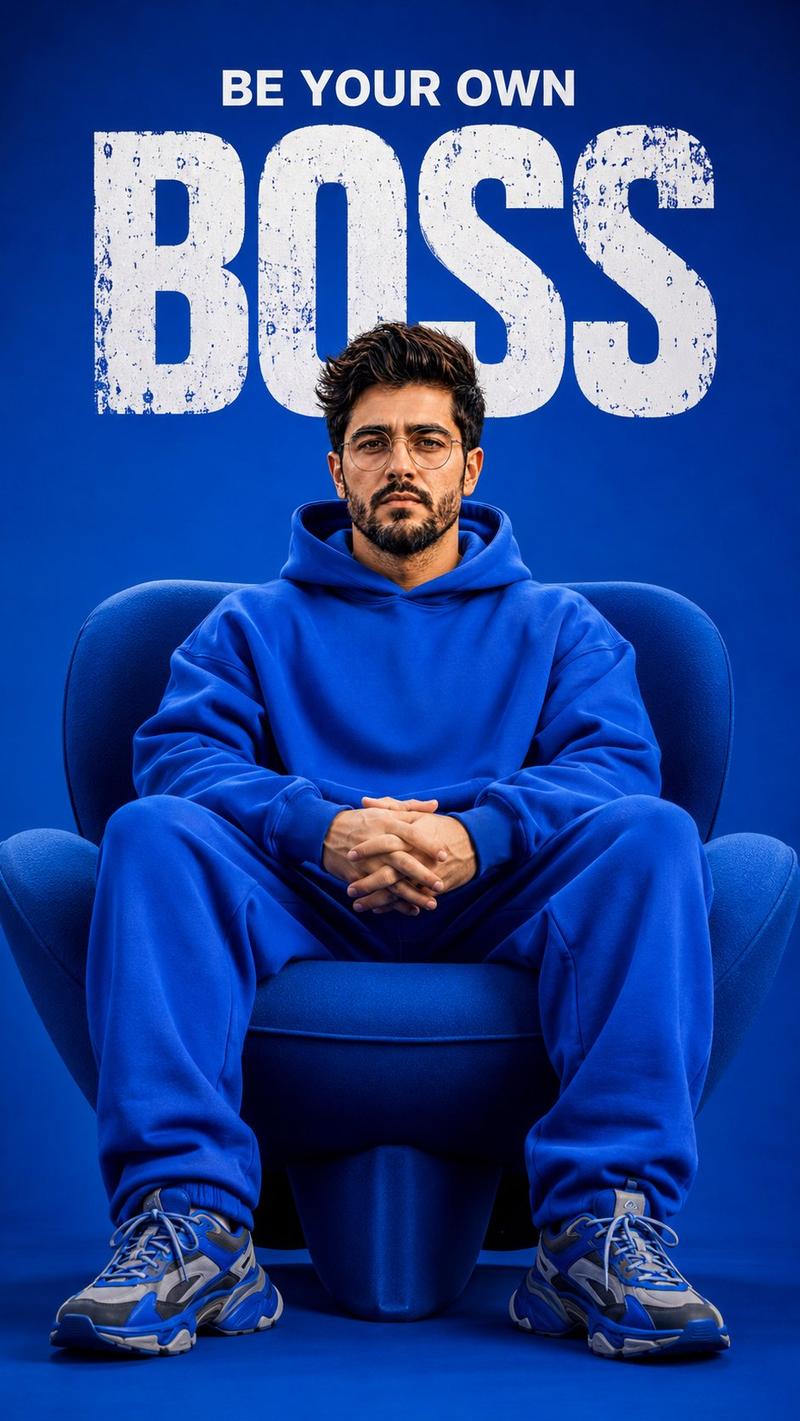
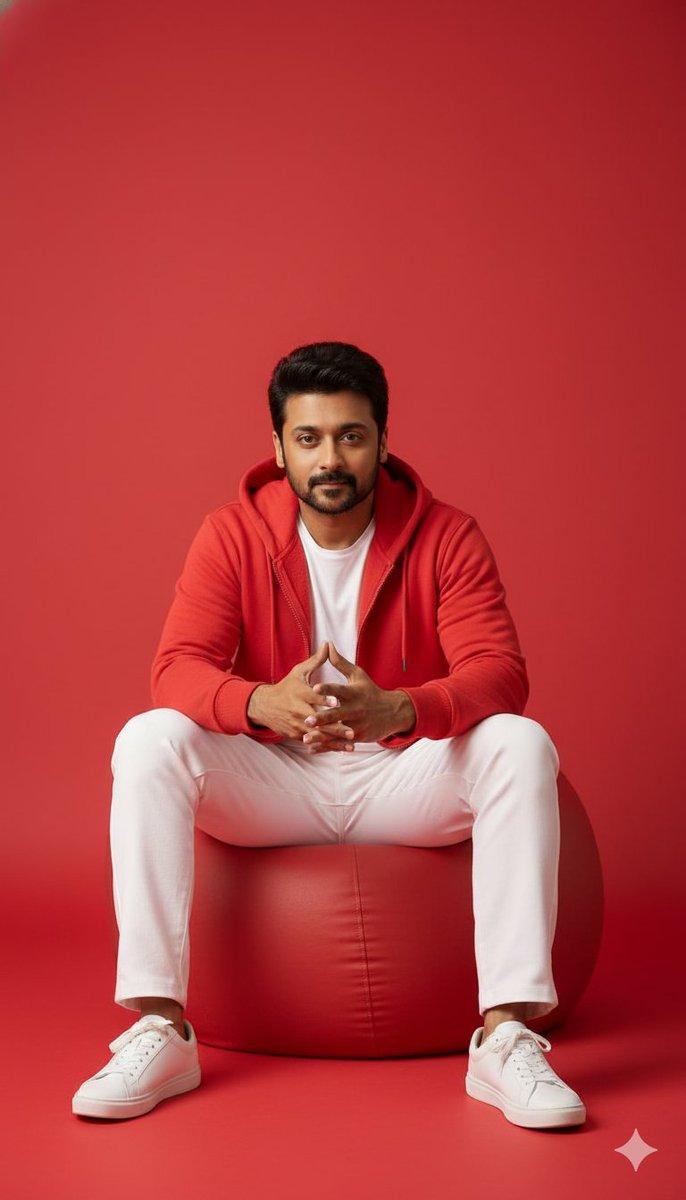
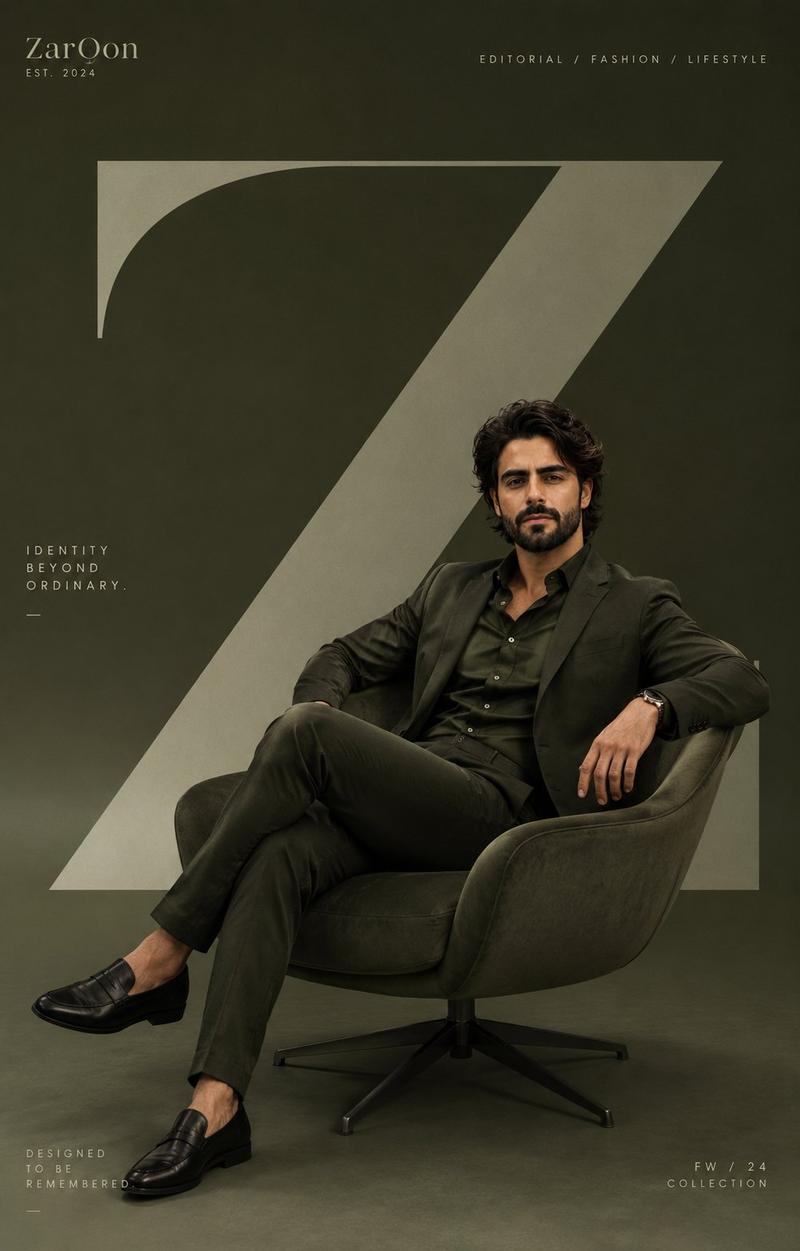
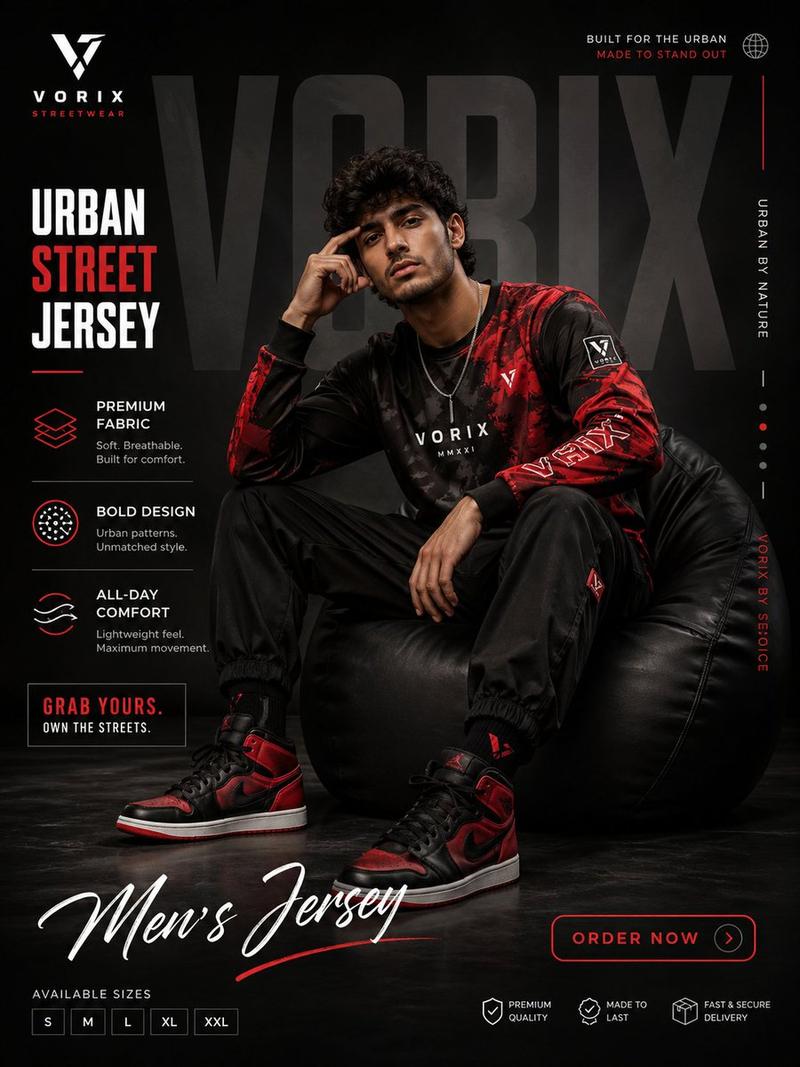
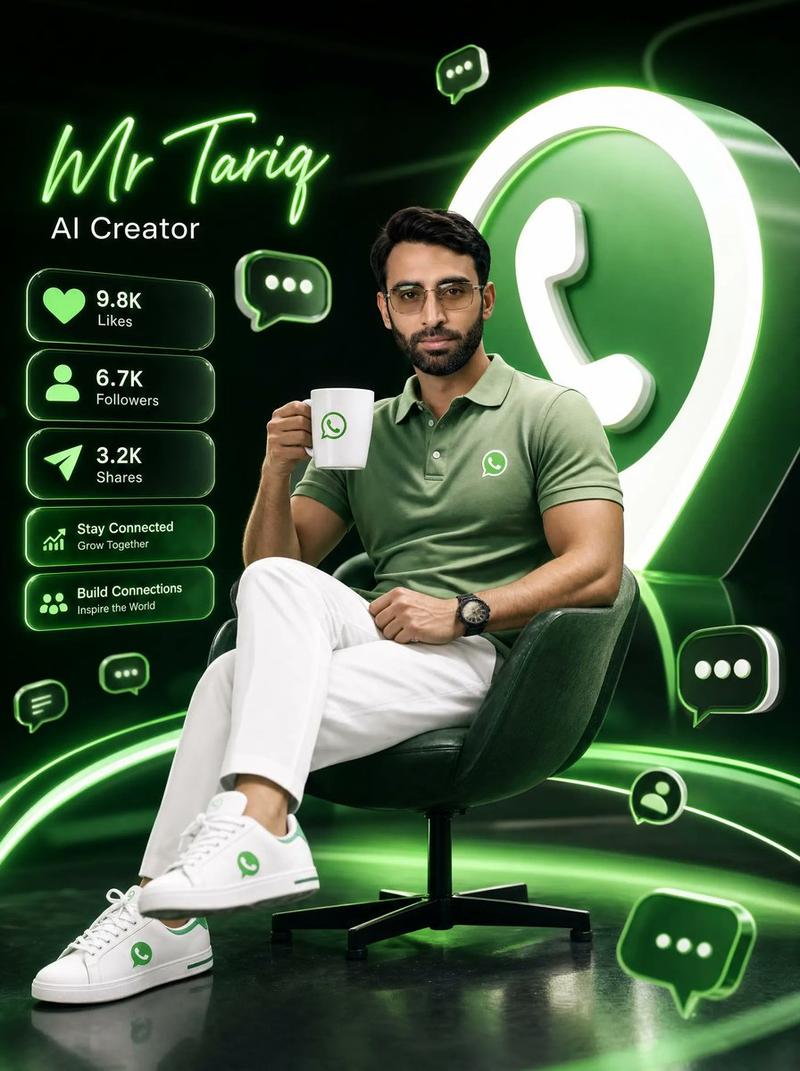
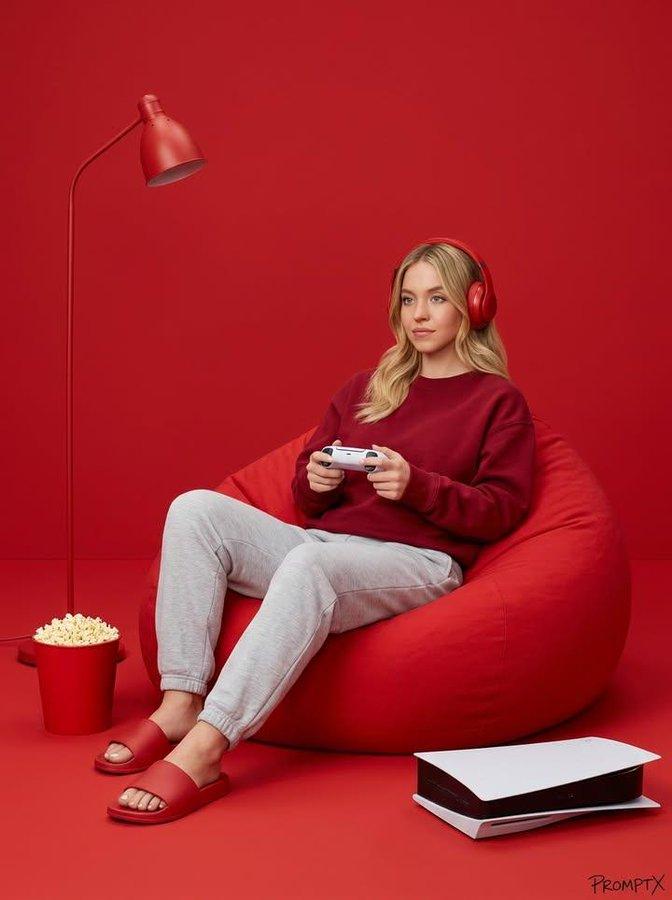
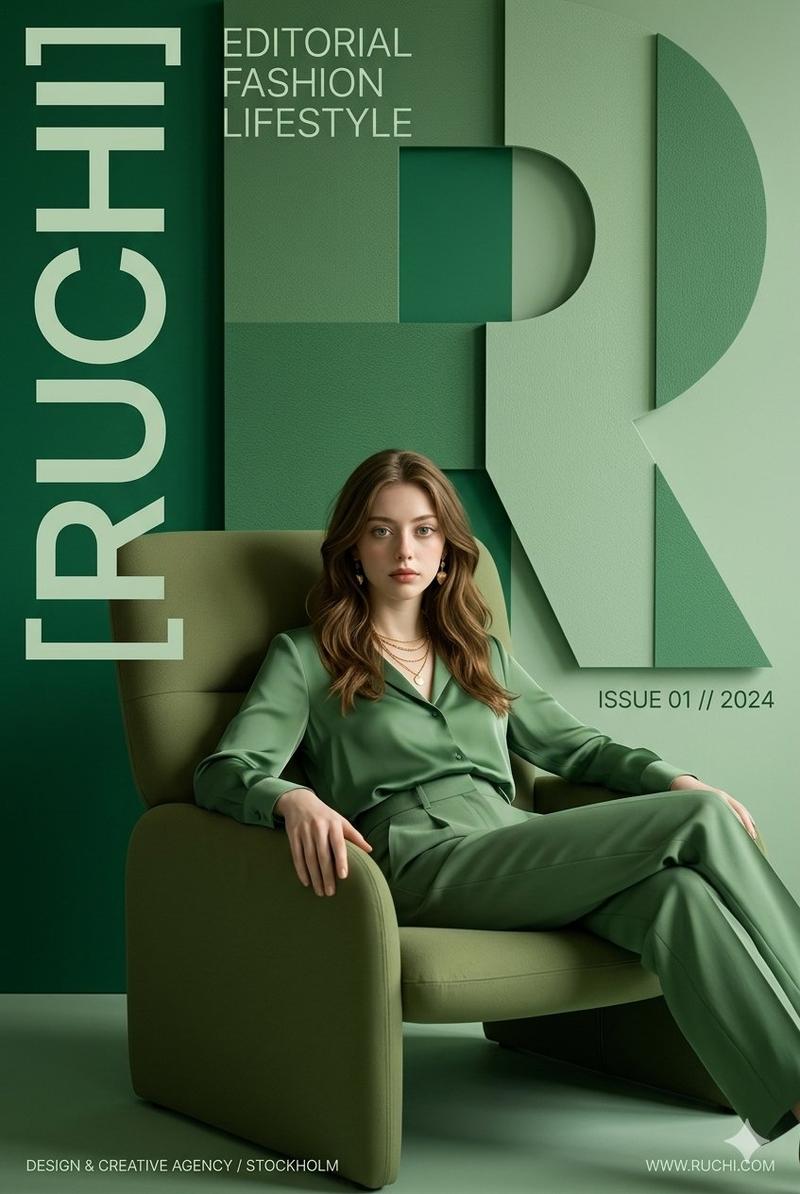
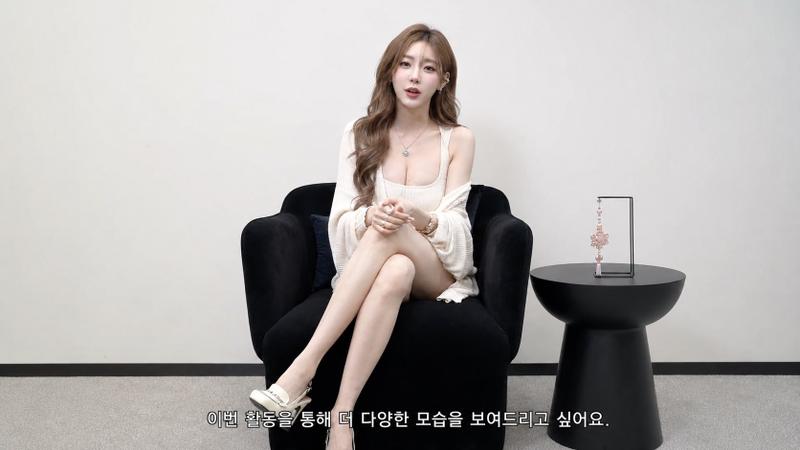
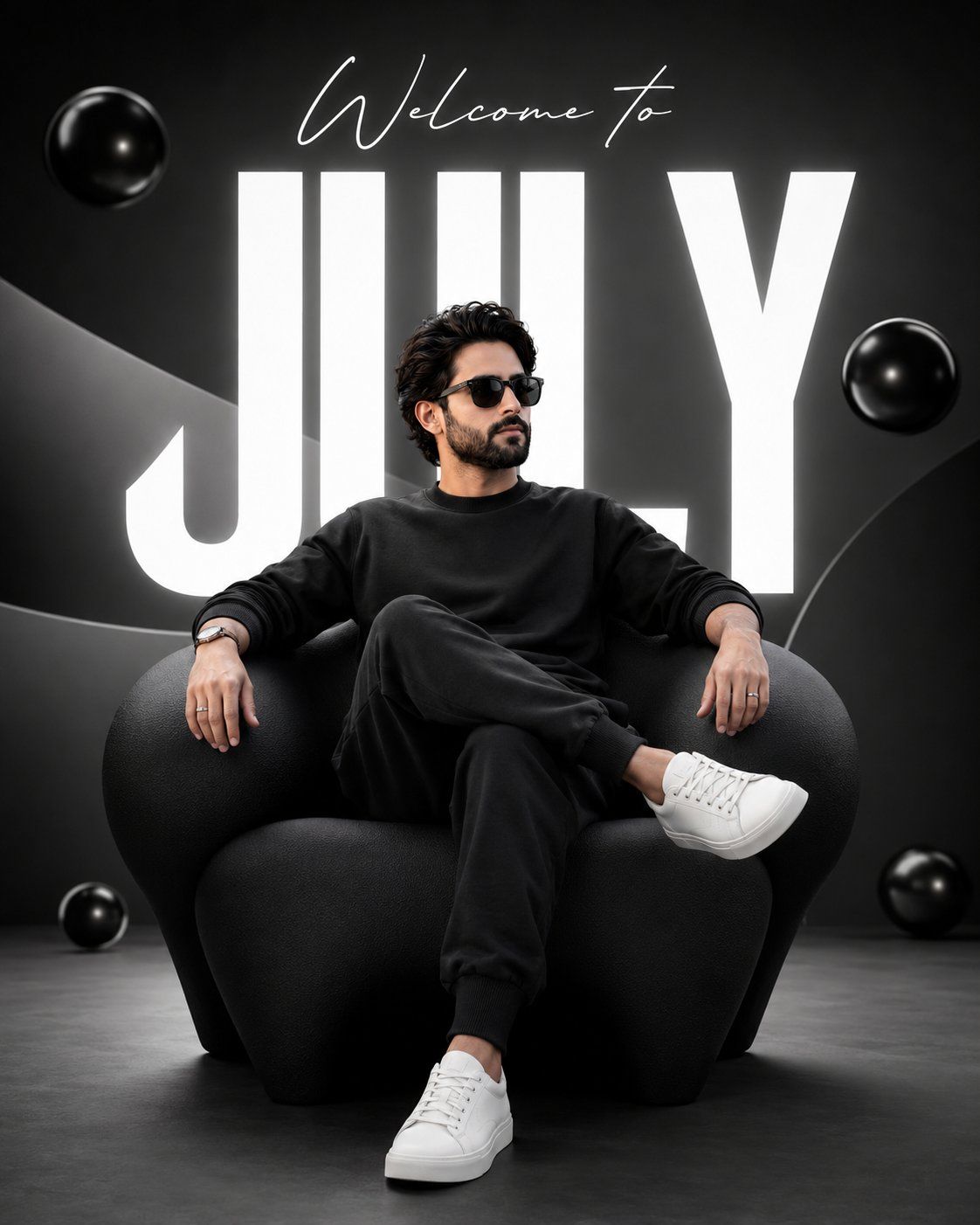
现代3D极简高端人物宣传海报
Enlarge

现代3D极简高端人物宣传海报

Prompt
Create a modern 3D promotional poster using my uploaded photo as the facial reference. Preserve my exact facial features, skin tone, and face shape. Place me sitting confidently on a stylish oversized dark black sculptural chair, wearing dark black sweatshirt and sweatpant outfit with white sneakers. Use a clean gradient black background with soft abstract 3D shapes, floating glossy spheres, and subtle studio lighting. Add large, bold white typography behind me that reads "JULY", with elegant handwritten text above it saying "Welcome to". Do not include any other text, logos, dates, watermarks, or branding. The composition should be minimal, premium, vibrant, and social-media-ready with a luxury graphic design aesthetic, ultra-sharp details, soft shadows, photorealistic quality, and 8K resolution.
Category
Charts & Infographics
Model
ChatGPT
Creator
@Xaroon_x
Views0
Source ID
17316
Published
Jul 3, 2026

Guide

About "现代3D极简高端人物宣传海报"

What is this prompt for?

"现代3D极简高端人物宣传海报" AI image prompt for ChatGPT (Charts & Infographics). 使用我上传的照片作为面部参考,创作一张现代3D宣传海报。保留我精确的面部特征、肤色和脸型。让我自信地坐在一把时尚的超大深黑色雕塑椅上,穿着深黑色运动衫和运动裤套装,搭配白色运动鞋…

The full copyable prompt and example visuals above are ready for AI image generation or one-click recreate in Picva.

How to use this prompt

  1. Step 1

    Open the prompt detail

    Review the example visuals, category, and full prompt text for "现代3D极简高端人物宣传海报".

  2. Step 2

    Copy the prompt

    Copy the prompt body from this page, or load it directly in Studio.

  3. Step 3

    Pick a model (ChatGPT)

    Prefer ChatGPT. If you switch models, keep subject and composition and tweak style terms.

  4. Step 4

    Generate and export

    Recreate the look in Picva, or export into your workflow for editing and publishing.

FAQ

What is the "现代3D极简高端人物宣传海报" prompt?
It is an AI image-generation prompt for ChatGPT in the Charts & Infographics category. This page includes the full prompt text, example visuals, and a one-click recreate path in Picva.
How do I use this prompt to generate an image?
Copy the prompt from this page, or use Generate / Studio. Paste it into a compatible image model, or recreate the look in Picva with optional reference images.
Which model is this prompt for?
This page lists ChatGPT. Most descriptive prompts also transfer to nearby image models such as GPT Image, Flux, or Midjourney with light style tweaks.
Can I use the result commercially?
You can usually copy the prompt for creation, but commercial use of the final image depends on the model terms, reference-image rights, and the generated content. Follow the source author and platform rules.