霓虹风格 WhatsApp AI 创作者海报
Prompt
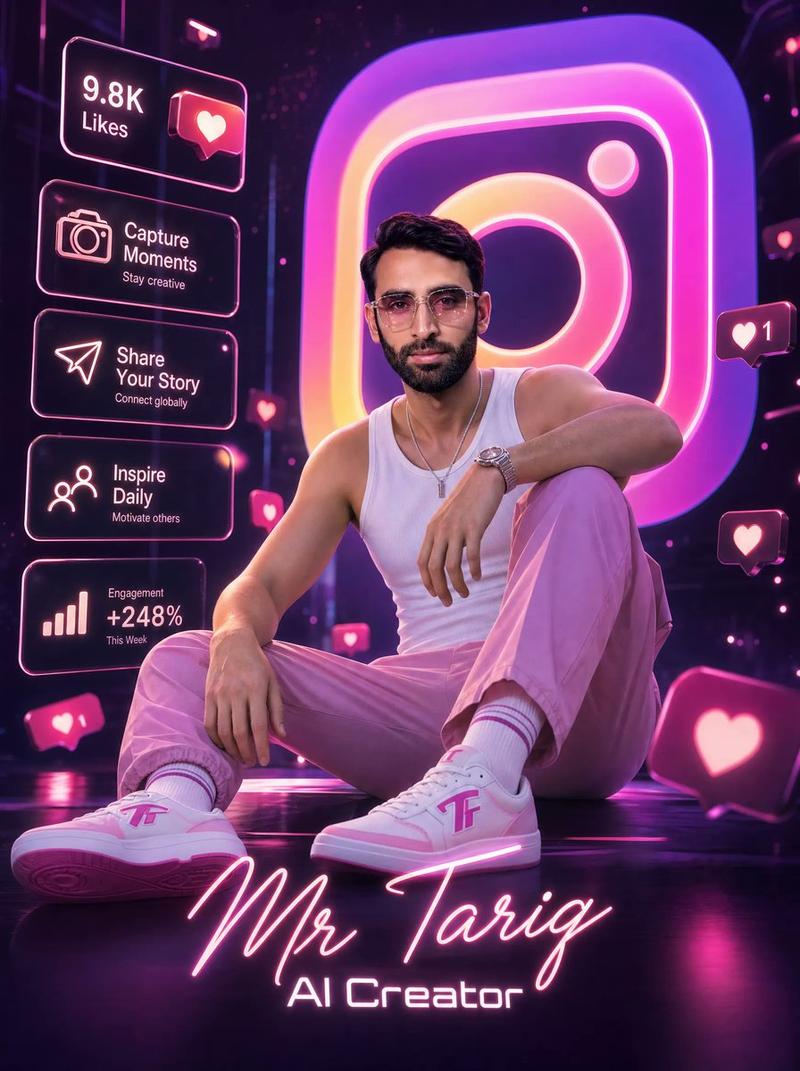
Goal: Create an ultra-high-quality cinematic 3D digital poster for a personal brand profile, featuring {argument name="character name" default="Mr Tariq"} as an {argument name="profession title" default="AI Creator"} with a glossy WhatsApp-inspired neon green theme.

Canvas: Vertical 4:5 poster composition, dark black-to-deep-green studio background, reflective floor, dramatic rim lighting, high contrast, premium social-media promotional look.

Main subject: A stylish young adult man seated in a relaxed professional pose on a dark green modern swivel lounge chair. He wears modern glasses if visible, a light sage-green polo shirt with a small WhatsApp logo on the chest, crisp white trousers, and white low-top sneakers with green accents and small WhatsApp logos. He holds a white coffee mug in his right hand, also printed with a small green WhatsApp logo. His legs are crossed casually, one hand resting near his lap, wearing a dark wristwatch. Use a photorealistic 3D-rendered body with polished cinematic lighting; keep the face unobtrusive or customizable rather than highly detailed.

Background focal element: A huge glossy 3D WhatsApp-style icon behind the subject on the right, glowing with a bright white rim and green circular body, partially cropped by the canvas edge. Add luminous green rings and arcs sweeping around the floor and background to create depth and motion.

Text content: In the upper left, write the name {argument name="character name" default="Mr Tariq"} in large neon handwritten script, glowing bright green. Directly below it, write {argument name="profession title" default="AI Creator"} in clean white sans-serif text.

Left-side social stats panel: Include exactly 5 stacked rounded glassmorphism cards with neon green outlines and soft glow. Card 1 has a heart icon and text "9.8K" with label "Likes". Card 2 has a user icon and text "6.7K" with label "Followers". Card 3 has a paper-plane icon and text "3.2K" with label "Shares". Card 4 has an upward chart icon and text "Stay Connected" with smaller line "Grow Together". Card 5 has a group/network icon and text "Build Connections" with smaller line "Inspire the World".

Floating icons: Add exactly 7 floating chat/message elements around the poster: one small chat bubble near the top center, one medium chat bubble left of the subject near the upper torso, one small chat bubble near the lower left edge, one small chat bubble near the left side of the subject's knee area, one medium chat bubble on the right side near the chair arm, one circular profile-chat icon near the lower right of the subject, and one larger tilted chat bubble near the bottom right corner. All should be glossy dark green with neon green outlines and white dot/message details.

Visual style: Hyper-real cinematic 3D render, glossy surfaces, volumetric green glow, premium tech influencer aesthetic, shallow depth of field, sharp subject, realistic clothing folds, clean typography, black and neon-green palette with white accents.

Constraints: Use only WhatsApp-inspired visual branding without adding extra logos beyond the shirt, mug, shoes, large background icon, and floating chat motifs. Keep the layout clean and readable, no watermark, no extra people, no additional statistics beyond the 5 listed cards.- Category
- Charts & Infographics
- Model
- GPT Image 2
- Creator
- Mr. Tariq
- Source ID
- 21178
- Published
- May 17, 2026
Views9