18

母亲节波莉人像与趣味3D场景
Enlarge

母亲节波莉人像与趣味3D场景

Prompt
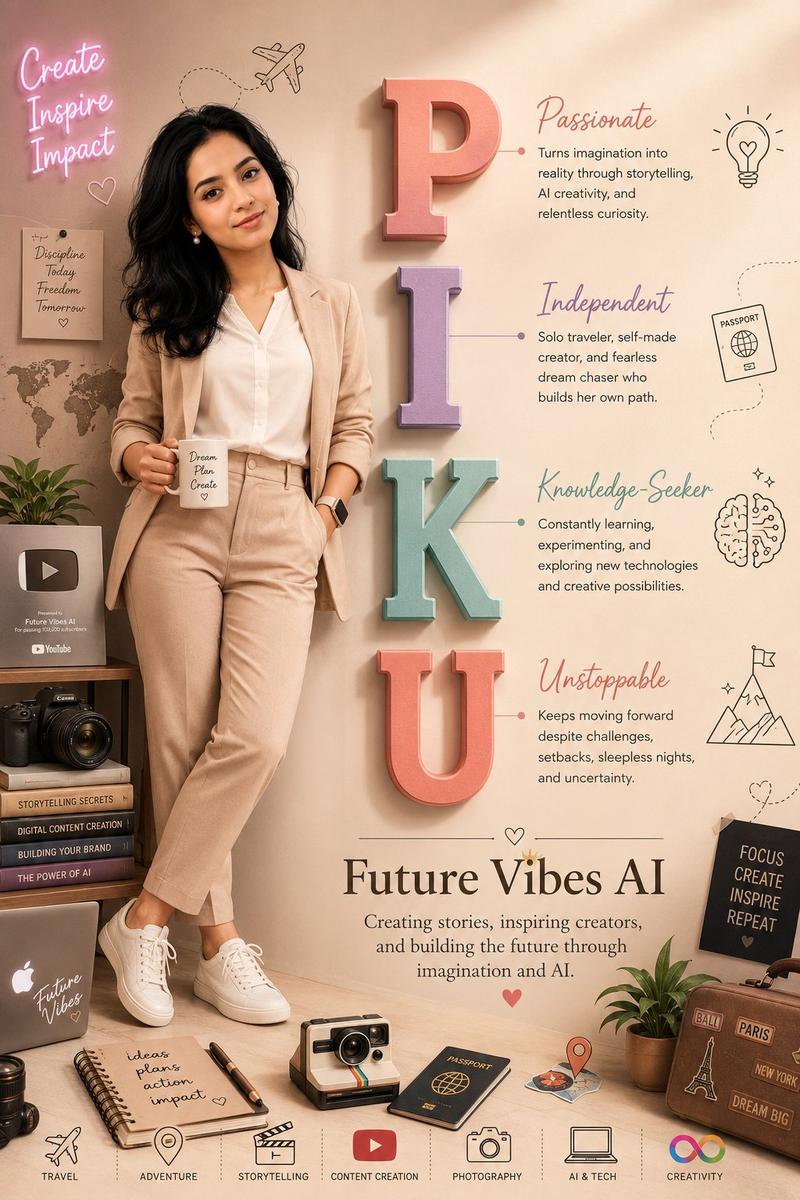
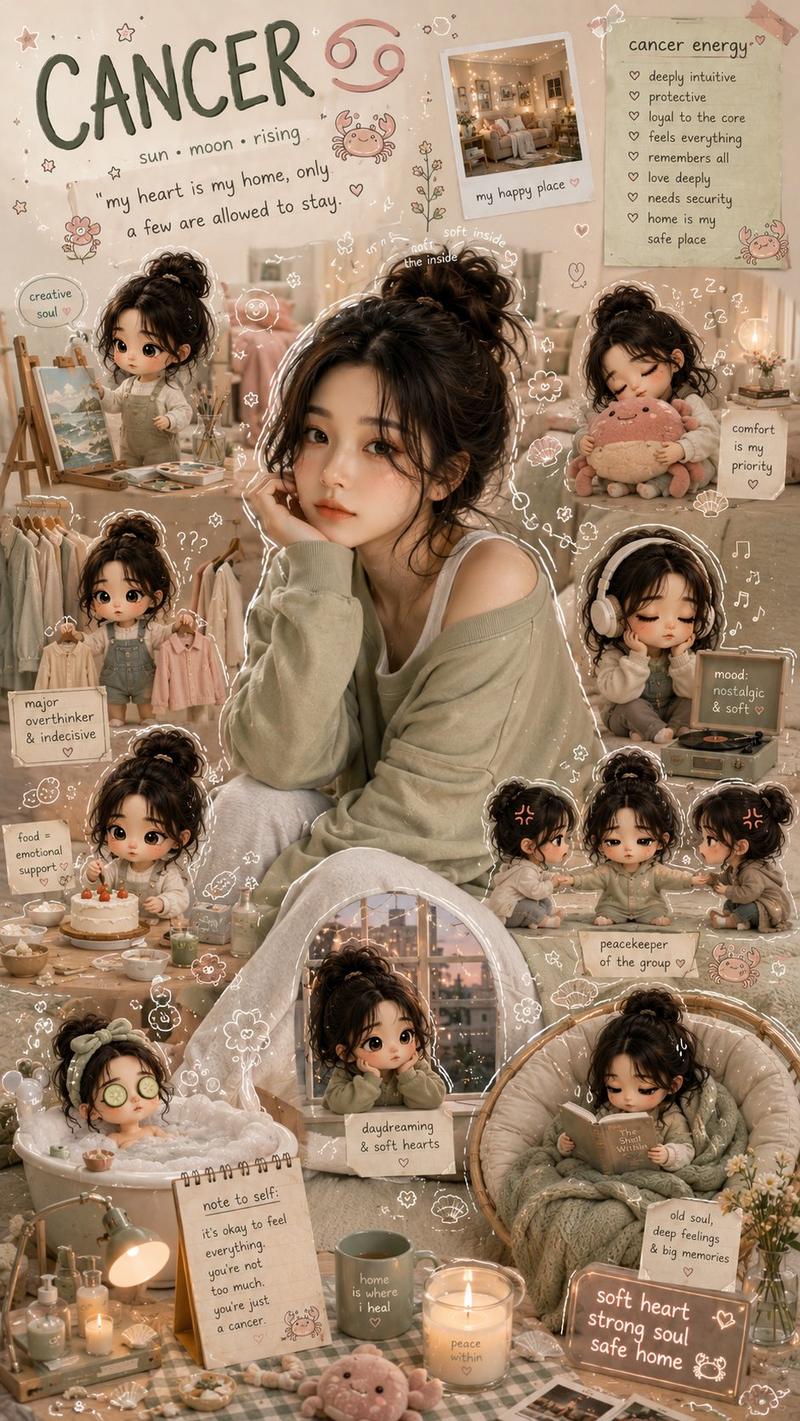
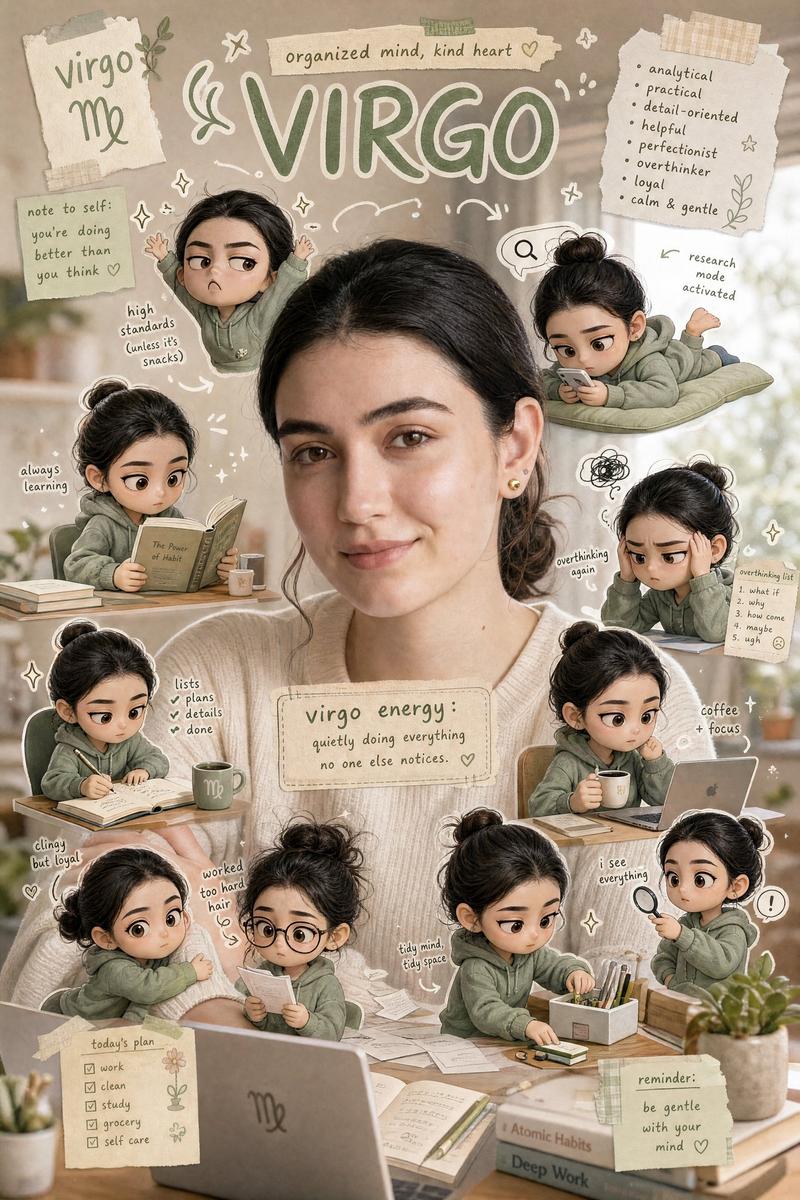
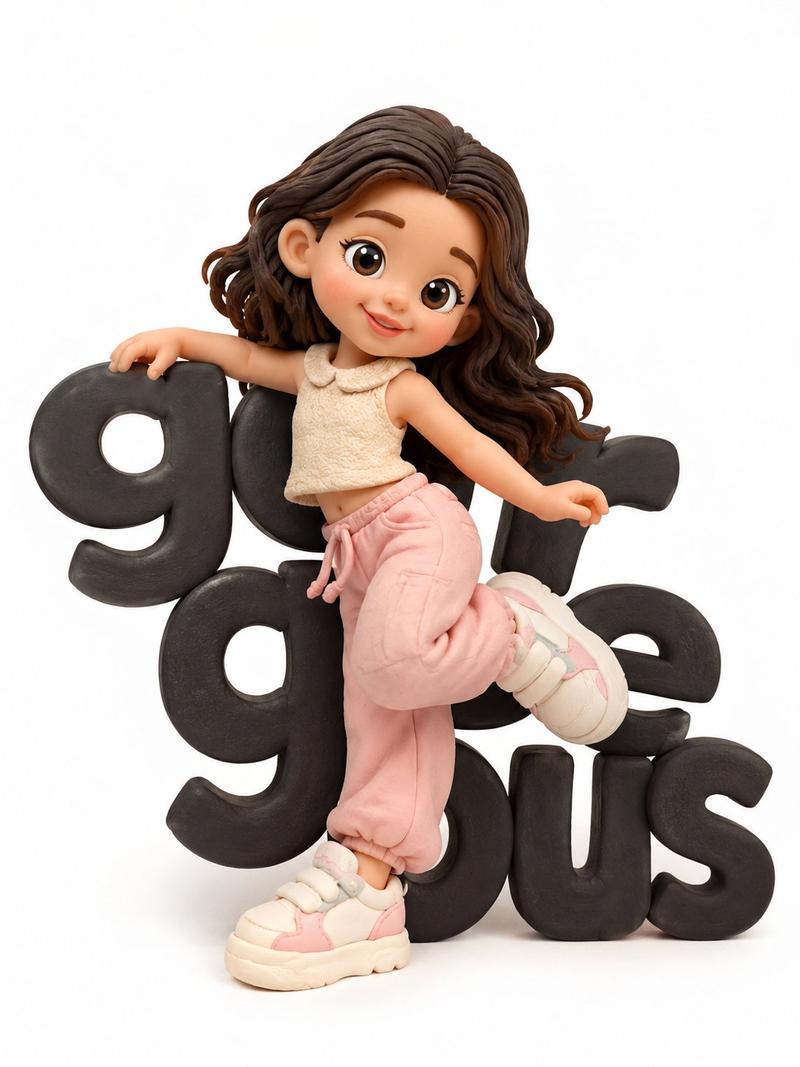
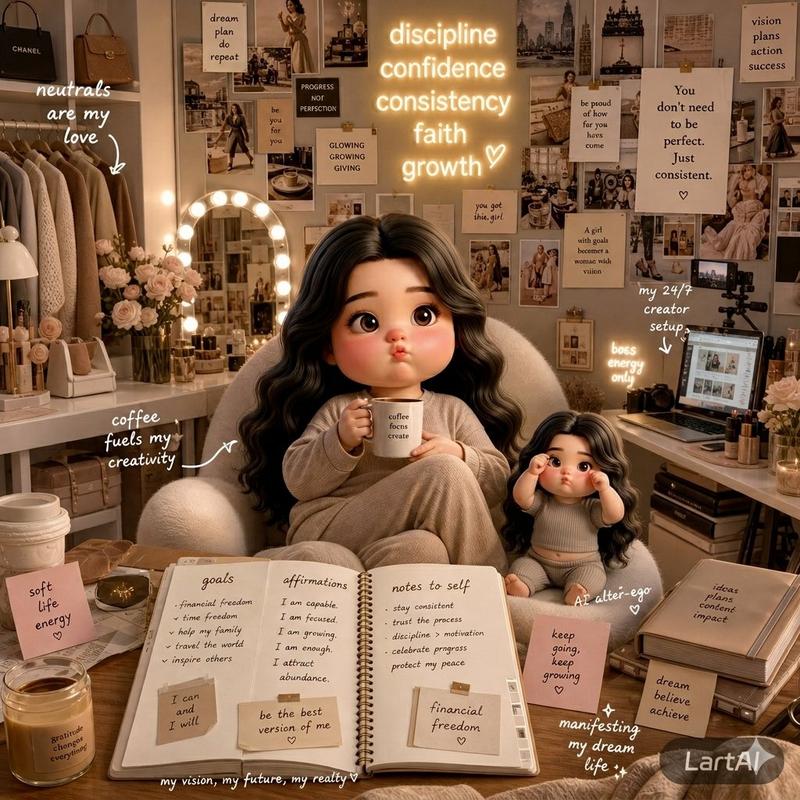
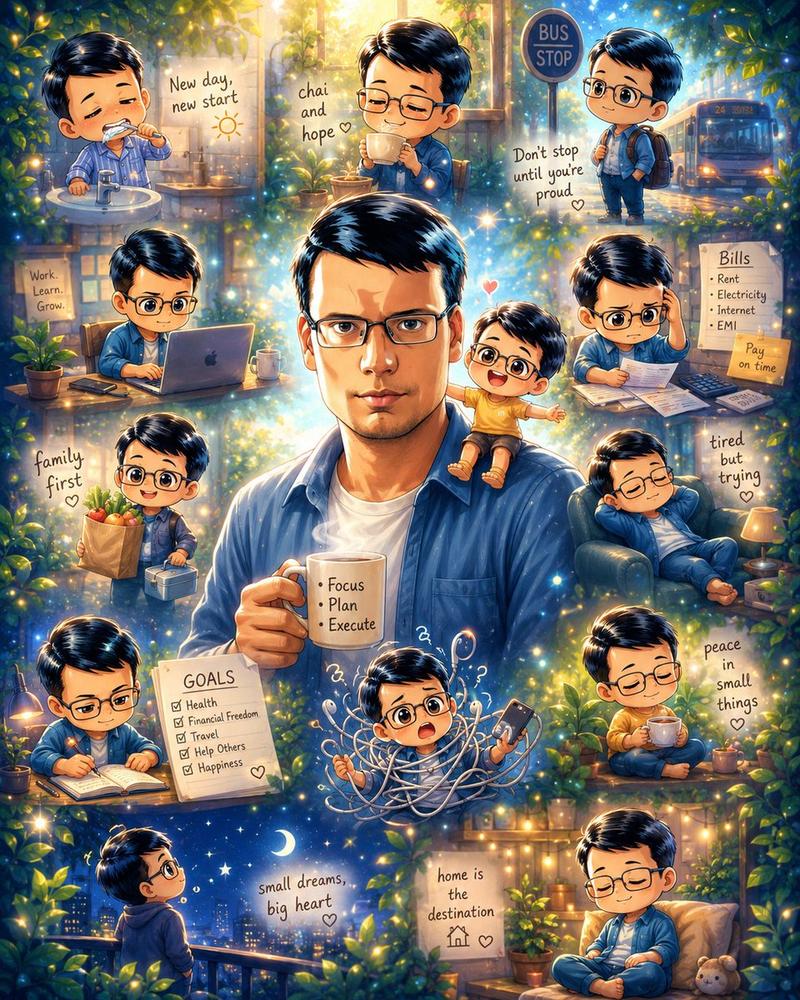
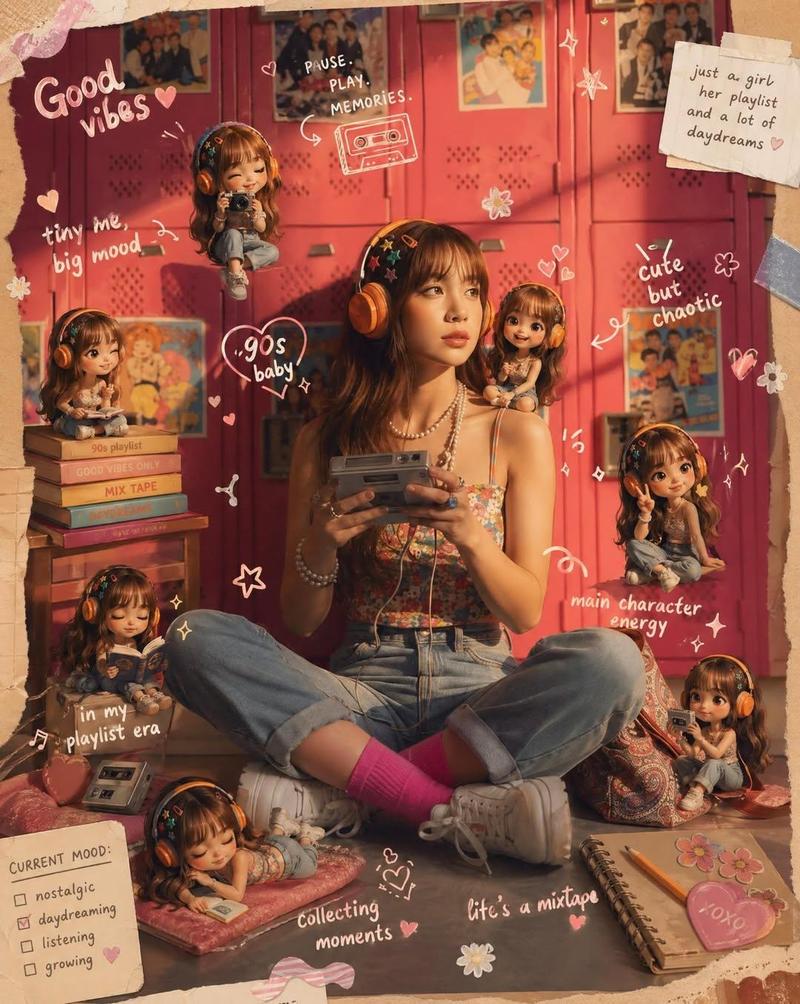
Create a 4:5 portrait of a young woman based on the reference photo, maintaining her exact facial features and short, curly hair. She is standing confidently, wearing a pastel-colored sweatshirt, mini shorts, and sneakers, with her arms crossed and a smile on her face. Place large, colorful, and bright block letters spelling "Polly" next to her, arranged vertically. Add small inspirational words to each letter of Polly. Include cute 3D chibi characters interacting with the letters (working, eating, sweeping, drinking coffee, cooking, doing laundry). Add cozy background elements, such as a 788 sticker saying "I'm a Super Mom!", teddy bears, cooking recipes, cleaning supplies, children's toys, and everyday items a stay-at-home mom might find. Use soft, warm lighting, pastel tones, depth of field, and a clean, cinematic composition for a welcoming, vibrant, and special aesthetic for Mother's Day.
Category
Products & E-commerce
Model
ChatGPT
Views78
Source ID
14634
Published
May 18, 2026

Guide

About "母亲节波莉人像与趣味3D场景"

What is this prompt for?

"母亲节波莉人像与趣味3D场景" AI image prompt for ChatGPT (Products & E-commerce). 根据参考照片创建一张年轻女性的 4:5 肖像,保持其精确的面部特征和短卷发。她自信地站着,穿着淡雅色调的运动衫、超短裤和运动鞋,双臂交叉,面带微笑。在她旁边垂直排列着拼写为“Po…

The full copyable prompt and example visuals above are ready for AI image generation or one-click recreate in Picva.

How to use this prompt

  1. Step 1

    Open the prompt detail

    Review the example visuals, category, and full prompt text for "母亲节波莉人像与趣味3D场景".

  2. Step 2

    Copy the prompt

    Copy the prompt body from this page, or load it directly in Studio.

  3. Step 3

    Pick a model (ChatGPT)

    Prefer ChatGPT. If you switch models, keep subject and composition and tweak style terms.

  4. Step 4

    Generate and export

    Recreate the look in Picva, or export into your workflow for editing and publishing.

FAQ

What is the "母亲节波莉人像与趣味3D场景" prompt?
It is an AI image-generation prompt for ChatGPT in the Products & E-commerce category. This page includes the full prompt text, example visuals, and a one-click recreate path in Picva.
How do I use this prompt to generate an image?
Copy the prompt from this page, or use Generate / Studio. Paste it into a compatible image model, or recreate the look in Picva with optional reference images.
Which model is this prompt for?
This page lists ChatGPT. Most descriptive prompts also transfer to nearby image models such as GPT Image, Flux, or Midjourney with light style tweaks.
Can I use the result commercially?
You can usually copy the prompt for creation, but commercial use of the final image depends on the model terms, reference-image rights, and the generated content. Follow the source author and platform rules.