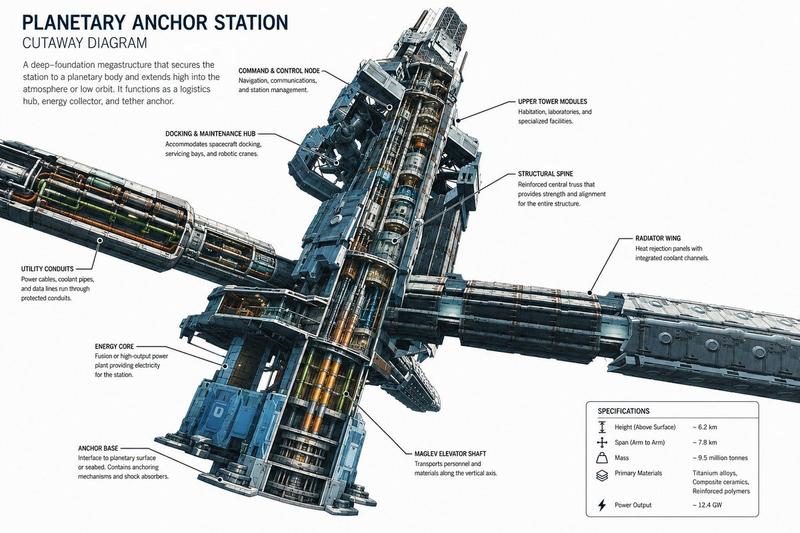
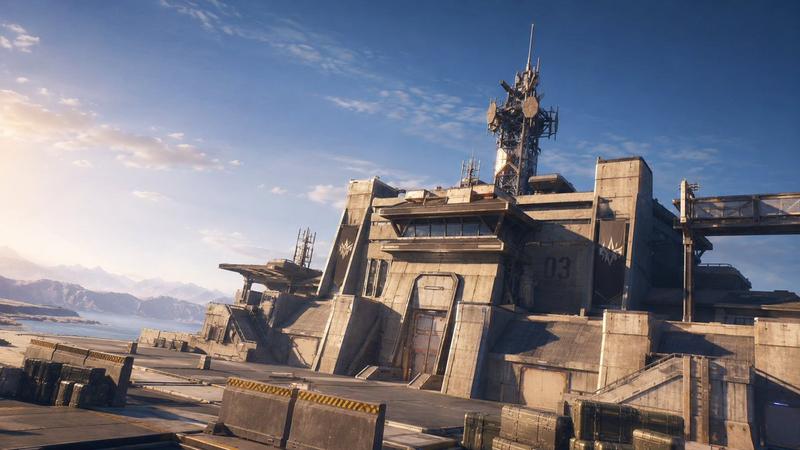
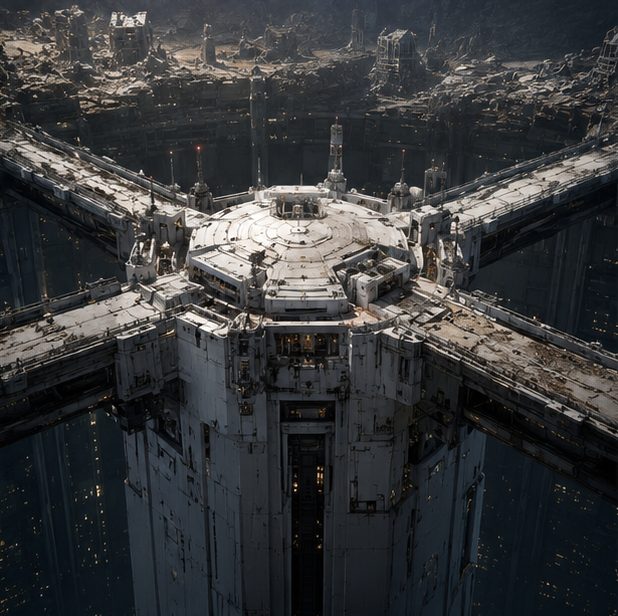
行星勘测前哨站剖面图
Prompt
Goal: Create a clean sci-fi technical cutaway infographic for a No Man's Sky–inspired facility titled {argument name="headline text" default="PLANETARY SURVEY OUTPOST"}, showing a hardened planetary survey base with a large central dome and swept wing structures, as if from an aerospace architecture manual.

Canvas: Wide landscape 16:9 poster on a white background, high-resolution concept-art rendering combined with crisp editorial diagram typography. Use muted olive-gray armor panels, dark graphite structural ribs, warm interior lighting, and purple sensor glow accents.

Main layout: Place the huge facility cross-section across the center, spanning nearly the full width. The center is a semi-circular reinforced dome sliced open to reveal 4 stacked interior levels: 1) top sensor and telescope chamber, 2) crew/lab rooms, 3) operations/control floor with blue monitors, 4) lower power/storage machinery bay. Attach two broad angular wings: the left wing is pale green reinforced armor, the right wing is darker with an open cutaway sensor bay near the tip. Add thin leader lines and small technical labels around the structure.

Top-left text block: Under the headline, add the subtitle {argument name="subtitle text" default="CUTAWAY DIAGRAM"}. Include a short paragraph: "A hardened, low-profile facility built for long-term planetary observation and data collection. The reinforced dome and wing structures house sensors, living quarters, and support systems while withstanding harsh surface conditions."

Callouts: Include exactly 9 labeled callouts around the main cutaway, each with a short description: 1) "REINFORCED WING STRUCTURE" — composite armor and load-bearing struts provide durability and impact resistance; 2) "OBSERVATION BAYS" — deployable sensor pods for atmospheric and terrain analysis; 3) "CENTRAL SENSOR DOME" — rotating sensor array and high-resolution scanning instruments; 4) "COMMUNICATION ARRAY" — high-gain antenna systems for long-range data transmission; 5) "HABITATION DECK" — crew quarters, galley, recreation, and medical facilities; 6) "OPERATIONS DECK" — command center, data analysis labs, and mission planning; 7) "POWER CORE" — compact fission reactor providing power to all systems; 8) "STORAGE & WORKSHOP" — equipment storage, fabrication lab, and maintenance bay; 9) "DEPLOYABLE SENSOR POD" — autonomous pod for atmospheric sampling, terrain mapping, and surface scanning.

Inset panels: Add exactly 3 framed inset panels. Bottom-left panel shows a separate small render of a deployable sensor pod on landing skids labeled "DEPLOYABLE SENSOR POD". Upper-right panel is a "SPECIFICATIONS" card with exactly 6 rows: Diameter (Dome) ~ 68 m; Wingspan ~ 140 m; Height ~ 35 m; Mass ~ 24,000 tonnes; Crew Capacity 24; Power Output ~ 3.2 MW. Bottom-right panel is a top-view facility layout labeled "FACILITY LAYOUT (TOP VIEW)", showing the round central dome and two wings, with labels for Left Wing (Sensor Bays), Right Wing (Comm Array & Support), and Central Dome (Operations & Core).

Visual style: Realistic sci-fi concept art mixed with technical blueprint infographic design, sharp cross-section details, small human-scale rooms and equipment, subtle shadows under the base, thin purple-gray leader lines, compact uppercase sans-serif labels, and a polished magazine-spread composition.

Constraints: Keep all text in English, make the diagram readable and information-dense, do not add logos, watermarks, people in the foreground, or extra inset panels. The subject should feel like a planetary facility from {argument name="game inspiration" default="No Man's Sky"} but remain original.- Category
- Charts & Infographics
- Model
- GPT Image 2
- Creator
- AshParker
- Source ID
- 20331
- Published
- May 14, 2026
Views5