20

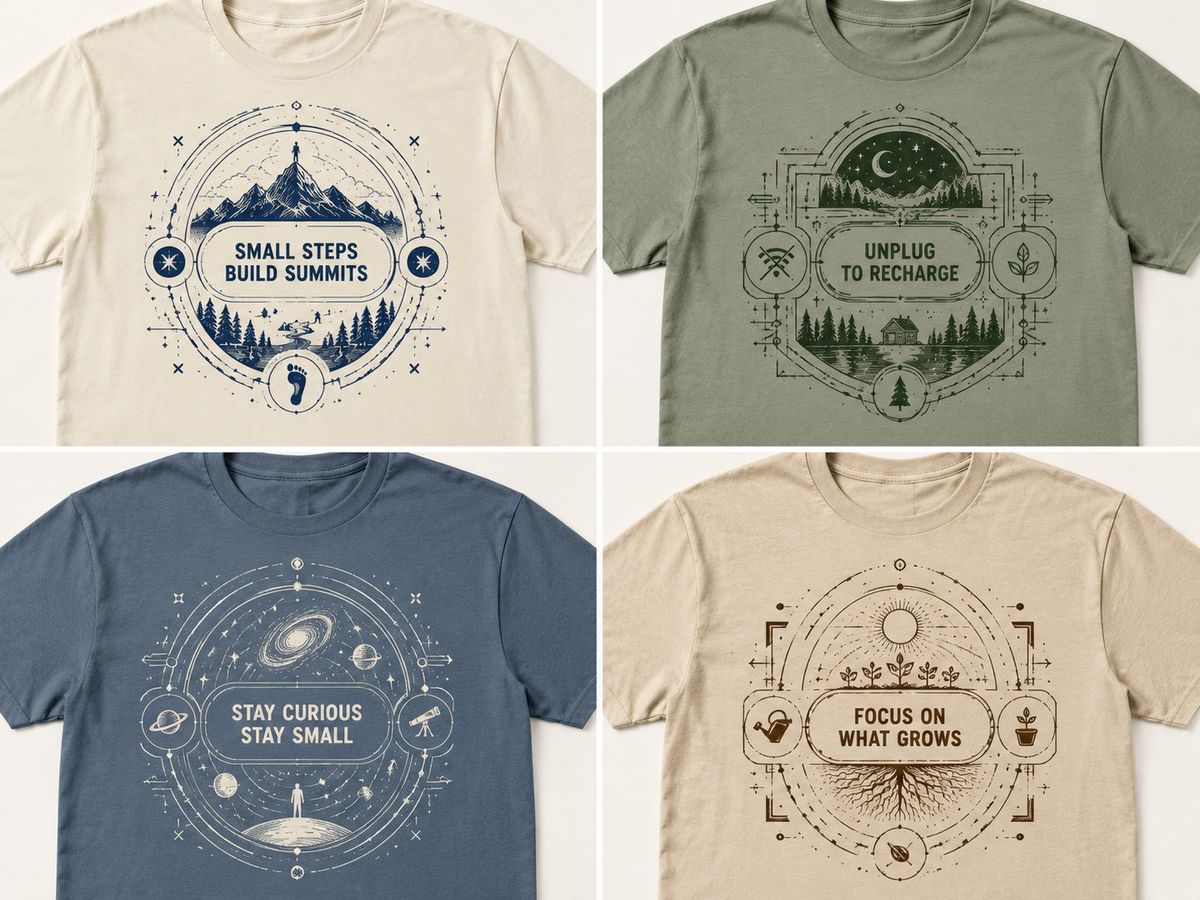
嵌套几何极简微语T恤设计样机
Enlarge

嵌套几何极简微语T恤设计样机

Prompt
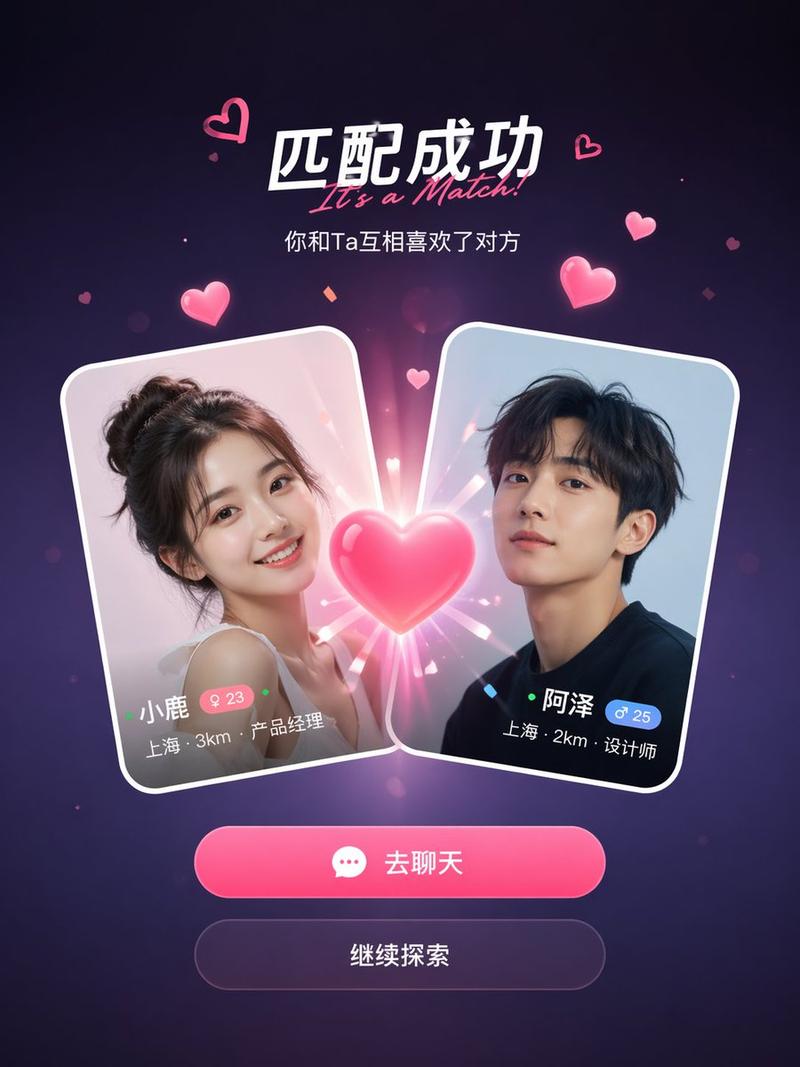
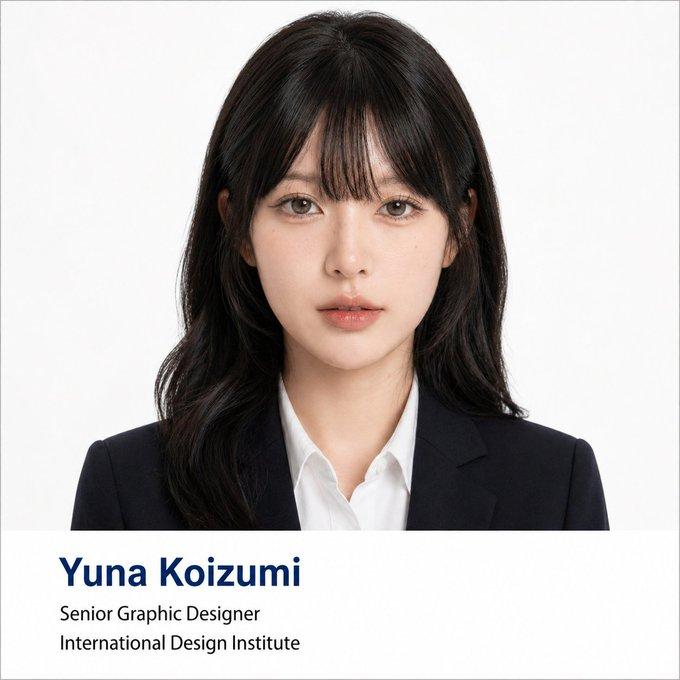
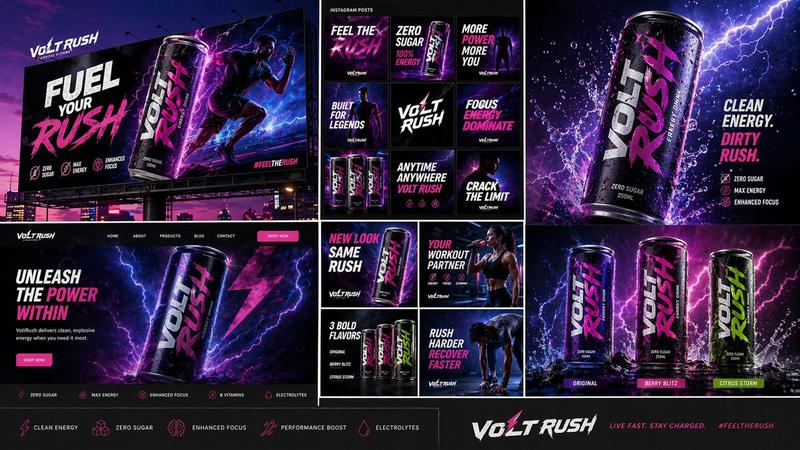
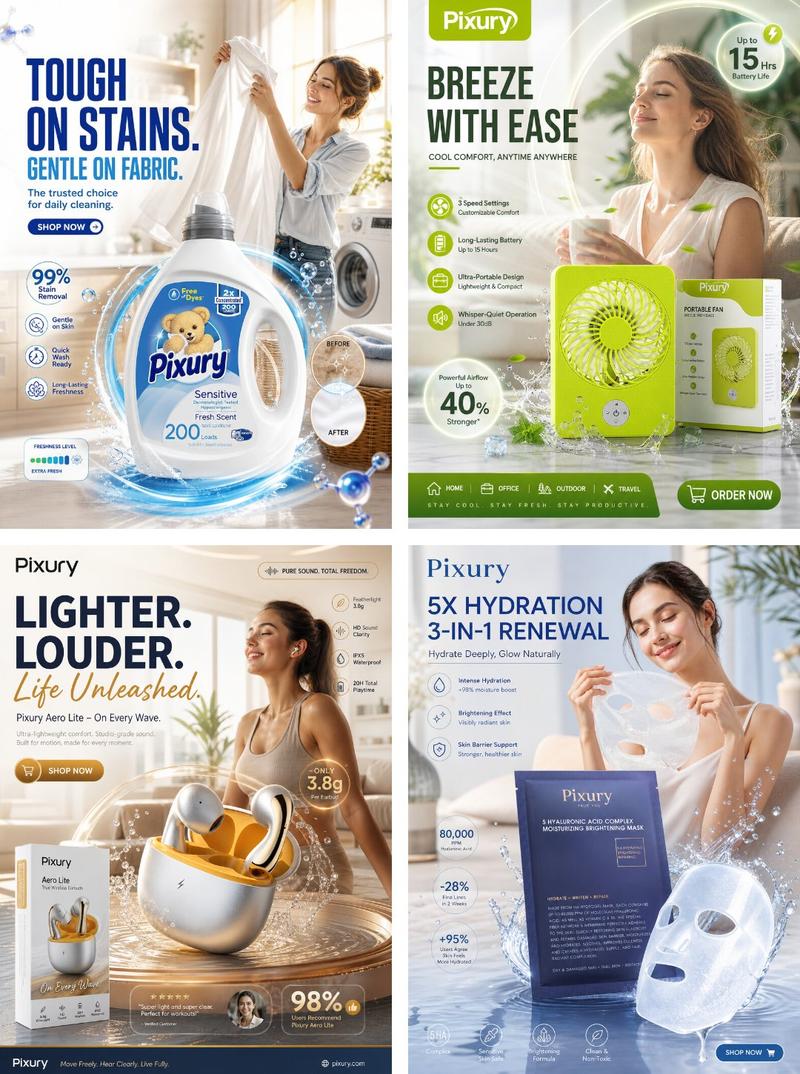
16:9, AI infers, 2x2 grid<instructions: input: [TOPIC]. Generate an original witty micro-thought (2–6 words). Place it inside a series of nested geometric containers—circles, brackets, capsules, or architectural frames—each layer adding another symbolic meaning. AI chooses tiny internal and external motifs to make the design feel layered, intelligent, and visually satisfying. Two inks only: [COLOR1 inferred by AI], [COLOR2 inferred by AI], minimal but dense with meaning, clean edges, premium apparel mockup lighting. Output: one t-shirt front design mockup </instructions>
Category
UI & Interfaces
Model
ChatGPT
Creator
@Gdgtify
Views9
Source ID
17157
Published
Jun 30, 2026

Guide

About "嵌套几何极简微语T恤设计样机"

What is this prompt for?

"嵌套几何极简微语T恤设计样机" AI image prompt for ChatGPT (UI & Interfaces). 16:9,AI推断,2x2网格 Copy it on Picva and recreate the look in one click.

The full copyable prompt and example visuals above are ready for AI image generation or one-click recreate in Picva.

How to use this prompt

  1. Step 1

    Open the prompt detail

    Review the example visuals, category, and full prompt text for "嵌套几何极简微语T恤设计样机".

  2. Step 2

    Copy the prompt

    Copy the prompt body from this page, or load it directly in Studio.

  3. Step 3

    Pick a model (ChatGPT)

    Prefer ChatGPT. If you switch models, keep subject and composition and tweak style terms.

  4. Step 4

    Generate and export

    Recreate the look in Picva, or export into your workflow for editing and publishing.

FAQ

What is the "嵌套几何极简微语T恤设计样机" prompt?
It is an AI image-generation prompt for ChatGPT in the UI & Interfaces category. This page includes the full prompt text, example visuals, and a one-click recreate path in Picva.
How do I use this prompt to generate an image?
Copy the prompt from this page, or use Generate / Studio. Paste it into a compatible image model, or recreate the look in Picva with optional reference images.
Which model is this prompt for?
This page lists ChatGPT. Most descriptive prompts also transfer to nearby image models such as GPT Image, Flux, or Midjourney with light style tweaks.
Can I use the result commercially?
You can usually copy the prompt for creation, but commercial use of the final image depends on the model terms, reference-image rights, and the generated content. Follow the source author and platform rules.