17

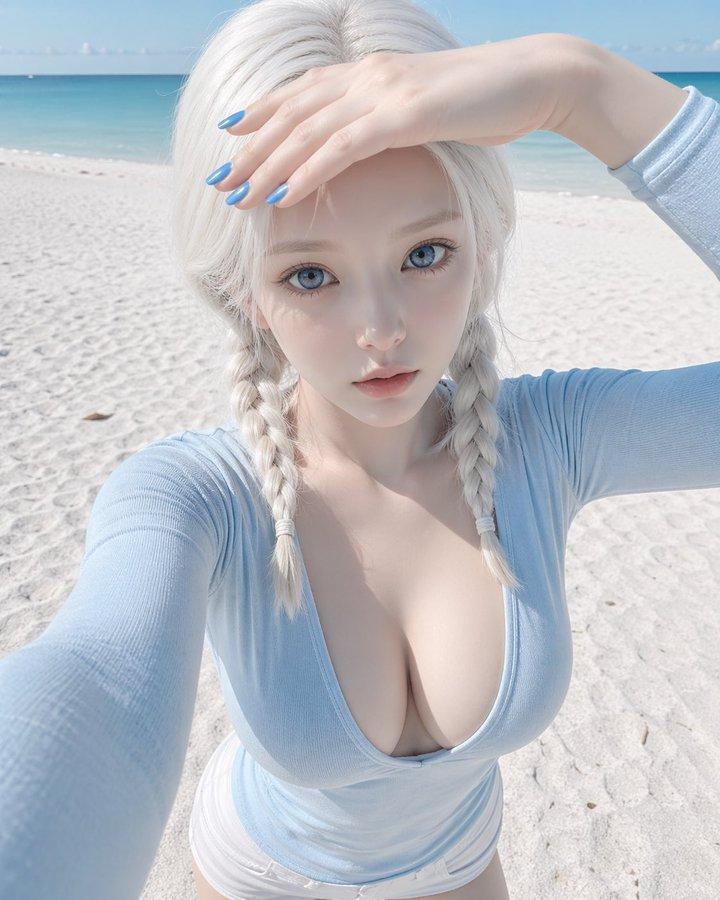
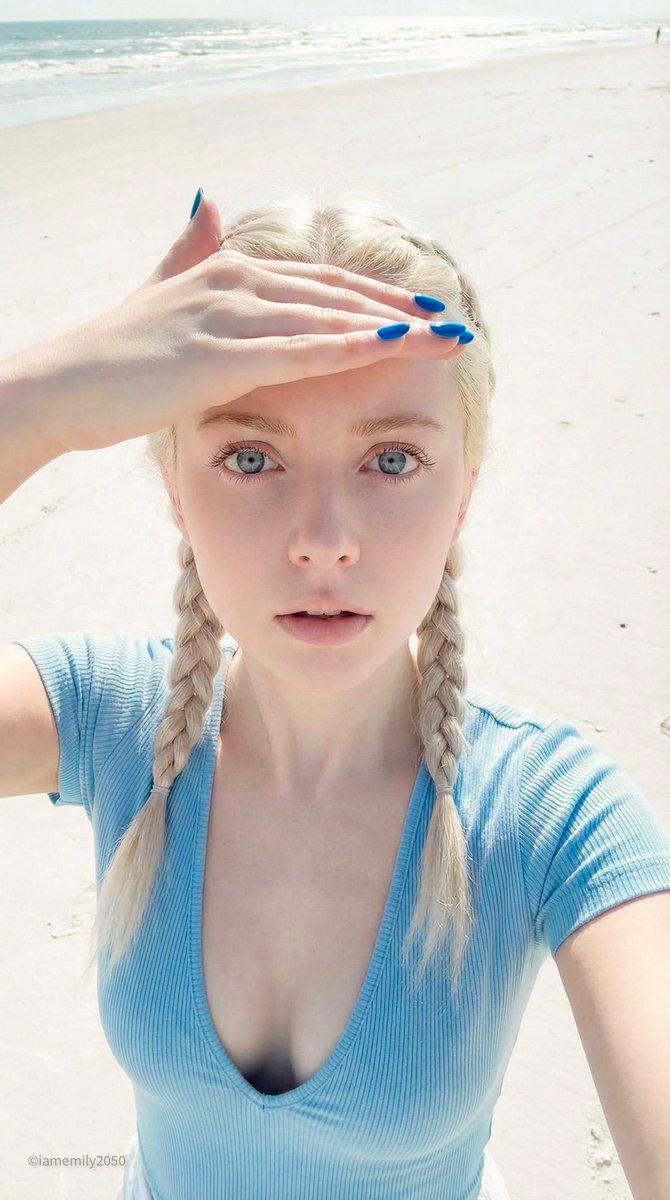
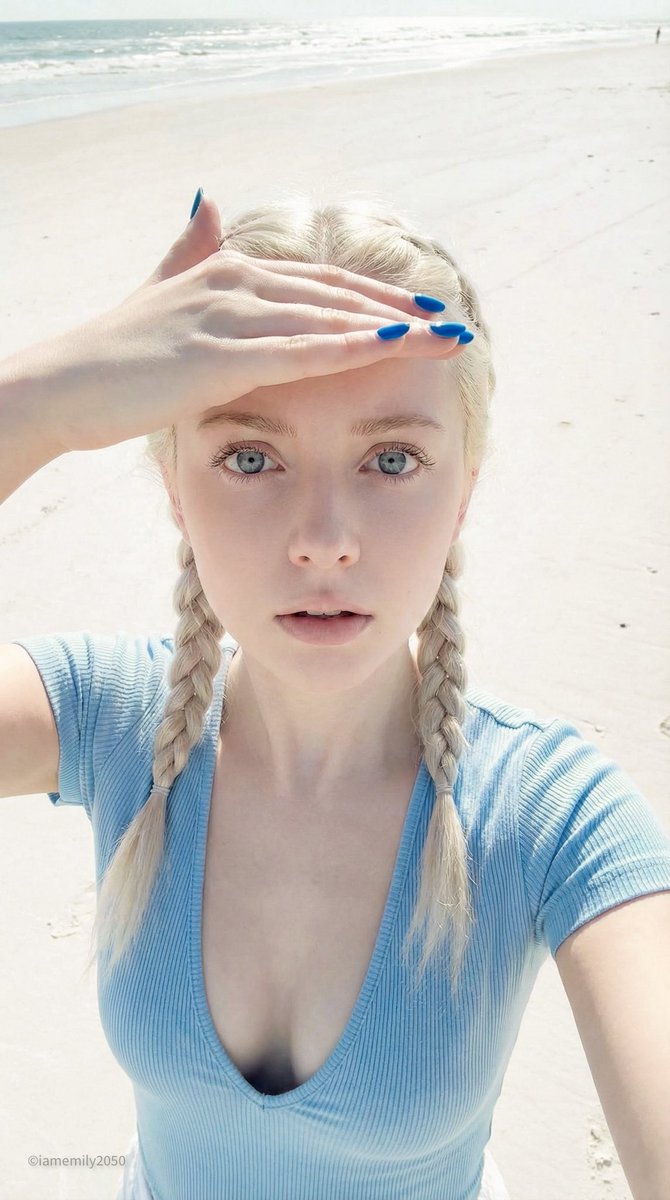
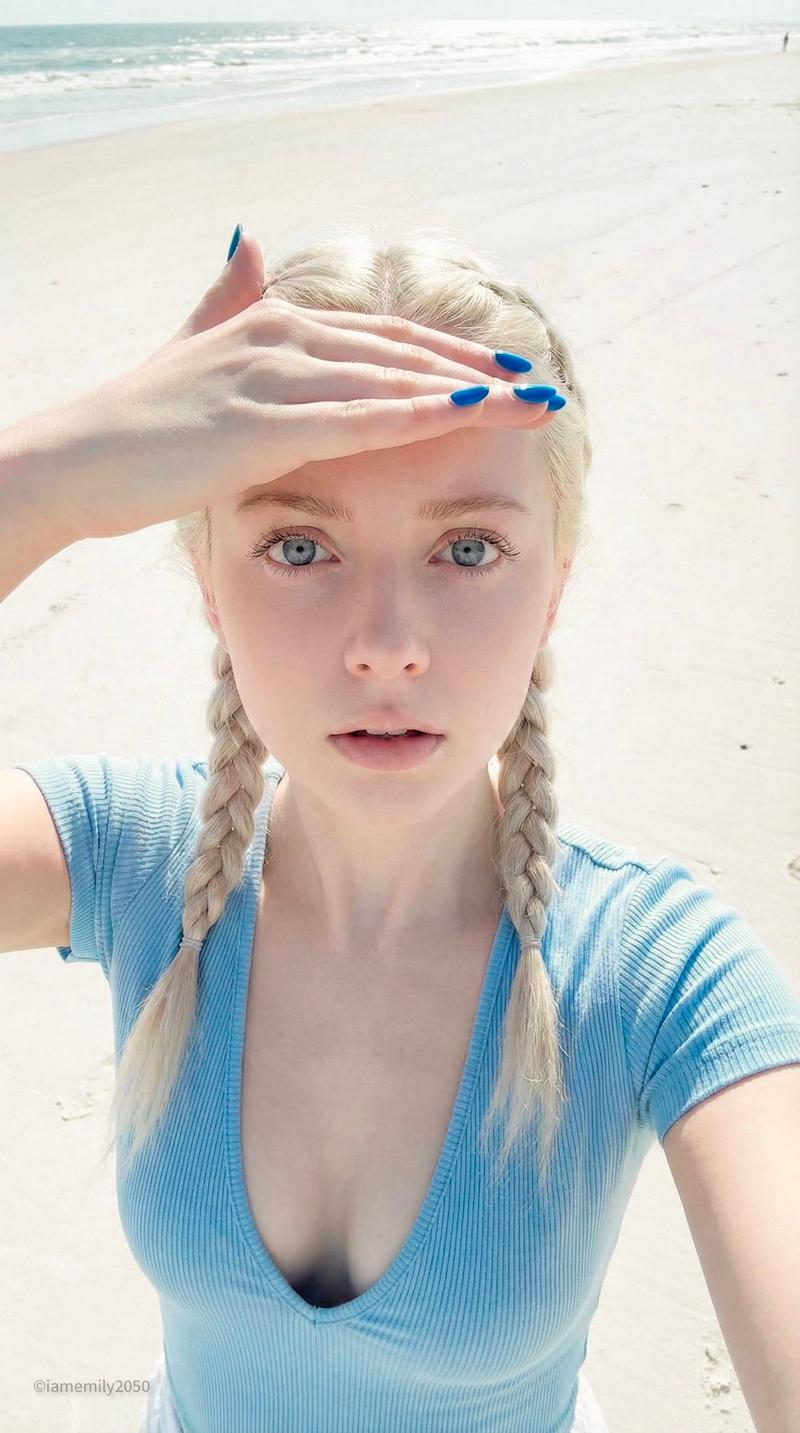
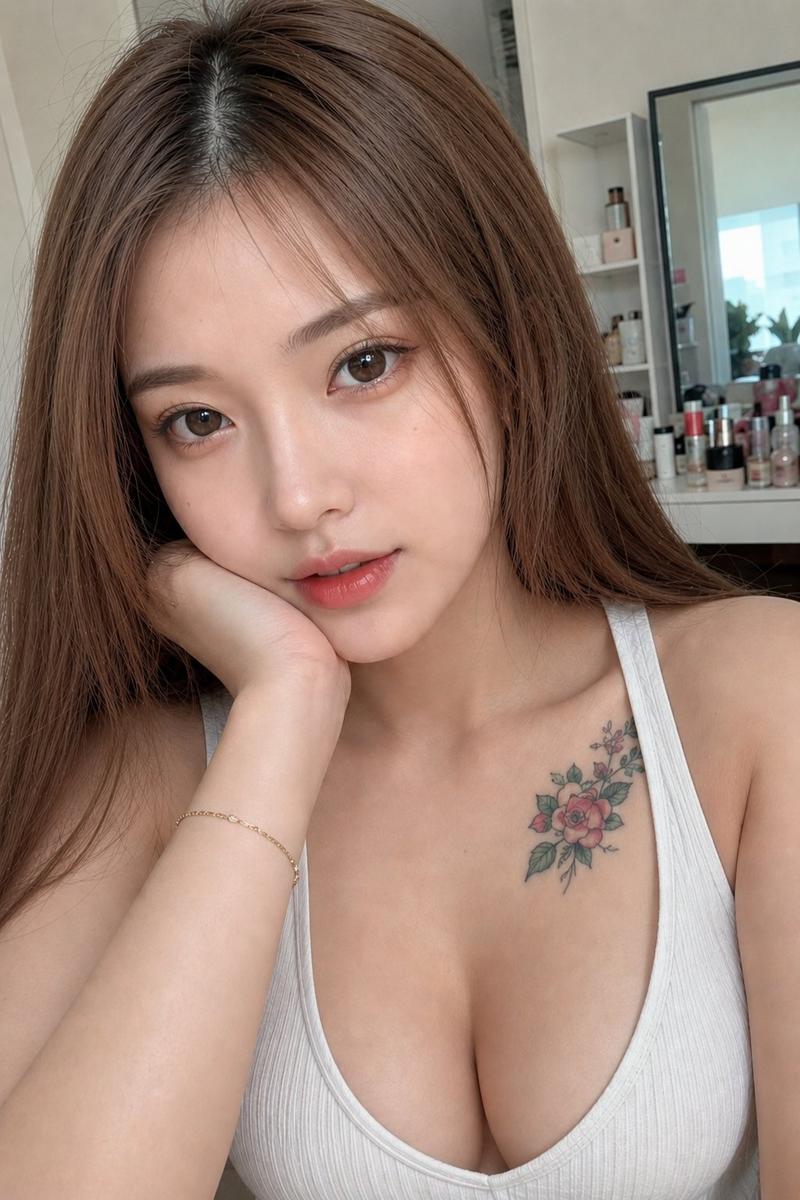
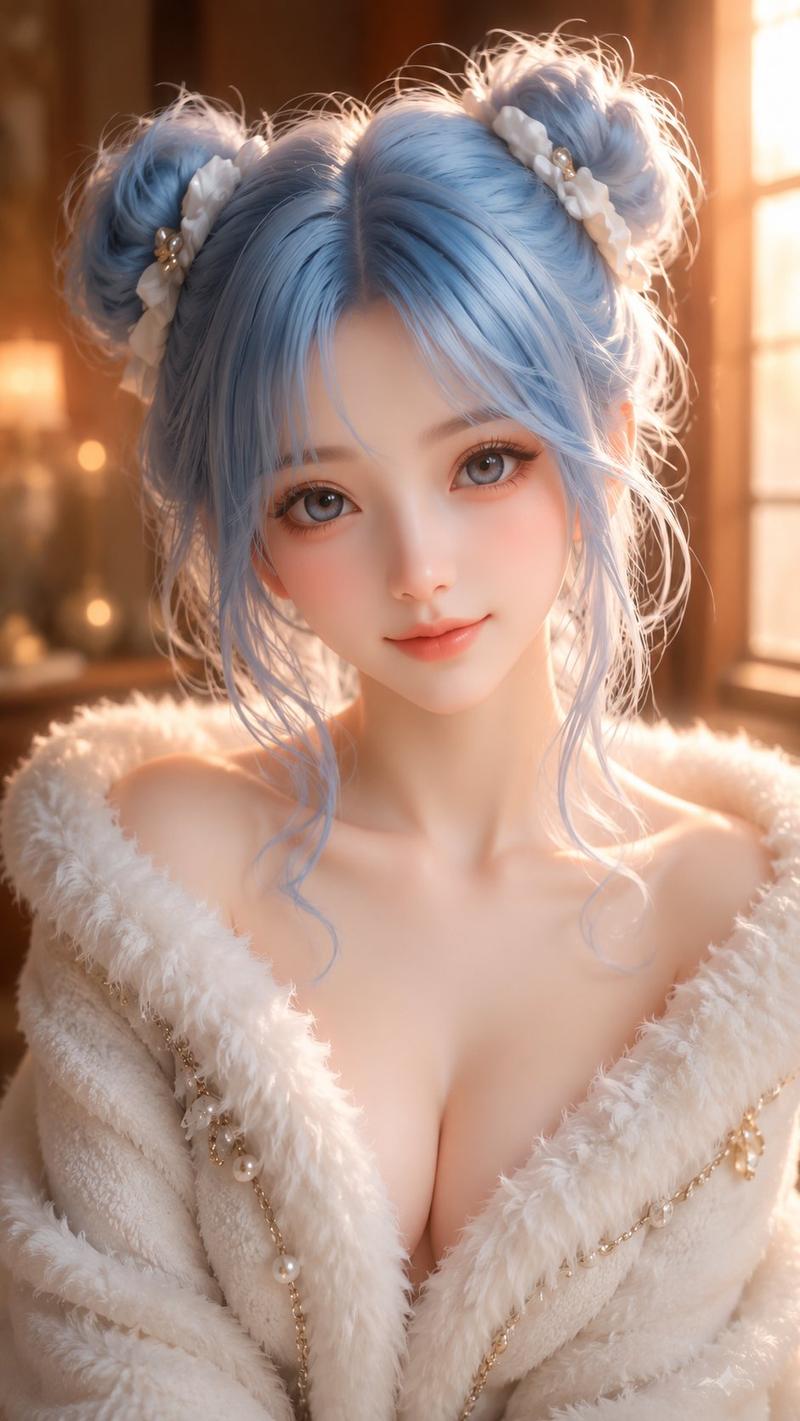
苍白陶瓷娃娃沙滩仰视
Enlarge

苍白陶瓷娃娃沙滩仰视

Prompt
{
  "cameraParameters": {
    "deviceType": "iPhone 15 Pro front selfie",
    "lens": "24mm",
    "composition": "High angle POV (first-person perspective)",
    "postProcessing": "Computational photography style, clear digital readout, deep depth of field"
  },
  "subjectDescription": {
    "features": "Porcelain doll aesthetic, flawless pale skin, huge ice-blue eyes, small nose, slightly upturned natural-colored lips",
    "expression": "Expressionless, hollow, wide-eyed staring",
    "styling": "Platinum blonde tight double braids hairstyle, vibrant blue nail polish",
    "clothing": "Light blue tight stretch cotton top, extremely deep ultra-wide V-neck, deep collarbone and neckline",
    "action": "Looking up at the camera, blocking the glaring sunlight with one hand"
  },
  "environmentAndLighting": {
    "scene": "Vast sandy beach, blurry horizon in the background",
    "lighting": "High-key bright coastal daylight, 5500K color temperature, strong white sand reflection fill, even lighting",
    "texture": "Slightly dewy poreless skin, fine reflective white sand particles"
  },
  "technicalConstraints": {
    "colorScience": "Soft pastel tones, linear neutral colors, high exposure",
    "negativePrompts": [
      "Heavy shadows",
      "Snow",
      "Winter clothing",
      "Red nails",
      "Black top",
      "Conservative neckline",
      "Film grain"
    ]
  }
}
Category
Posters & Typography
Model
ChatGPT
Views757
Source ID
13503
Published
Apr 21, 2026

Guide

About "苍白陶瓷娃娃沙滩仰视"

What is this prompt for?

"苍白陶瓷娃娃沙滩仰视" AI image prompt for ChatGPT (Posters & Typography). { "相机参数": { "设备类型": "iPhone 15 Pro 前置自拍", "镜头": "24mm", "构图": "高角度 POV(第一人称视角)", "后期处理": "计算摄影…

The full copyable prompt and example visuals above are ready for AI image generation or one-click recreate in Picva.

How to use this prompt

  1. Step 1

    Open the prompt detail

    Review the example visuals, category, and full prompt text for "苍白陶瓷娃娃沙滩仰视".

  2. Step 2

    Copy the prompt

    Copy the prompt body from this page, or load it directly in Studio.

  3. Step 3

    Pick a model (ChatGPT)

    Prefer ChatGPT. If you switch models, keep subject and composition and tweak style terms.

  4. Step 4

    Generate and export

    Recreate the look in Picva, or export into your workflow for editing and publishing.

FAQ

What is the "苍白陶瓷娃娃沙滩仰视" prompt?
It is an AI image-generation prompt for ChatGPT in the Posters & Typography category. This page includes the full prompt text, example visuals, and a one-click recreate path in Picva.
How do I use this prompt to generate an image?
Copy the prompt from this page, or use Generate / Studio. Paste it into a compatible image model, or recreate the look in Picva with optional reference images.
Which model is this prompt for?
This page lists ChatGPT. Most descriptive prompts also transfer to nearby image models such as GPT Image, Flux, or Midjourney with light style tweaks.
Can I use the result commercially?
You can usually copy the prompt for creation, but commercial use of the final image depends on the model terms, reference-image rights, and the generated content. Follow the source author and platform rules.