17

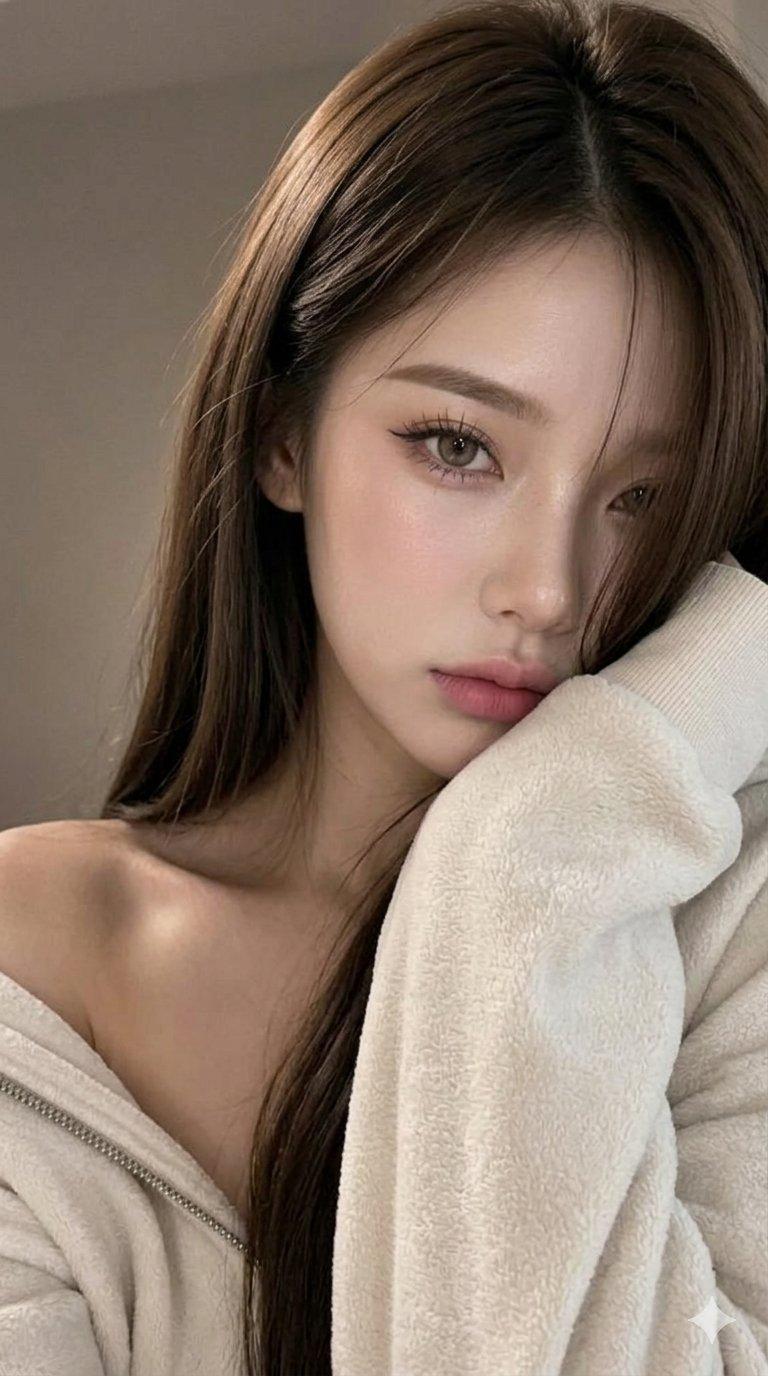
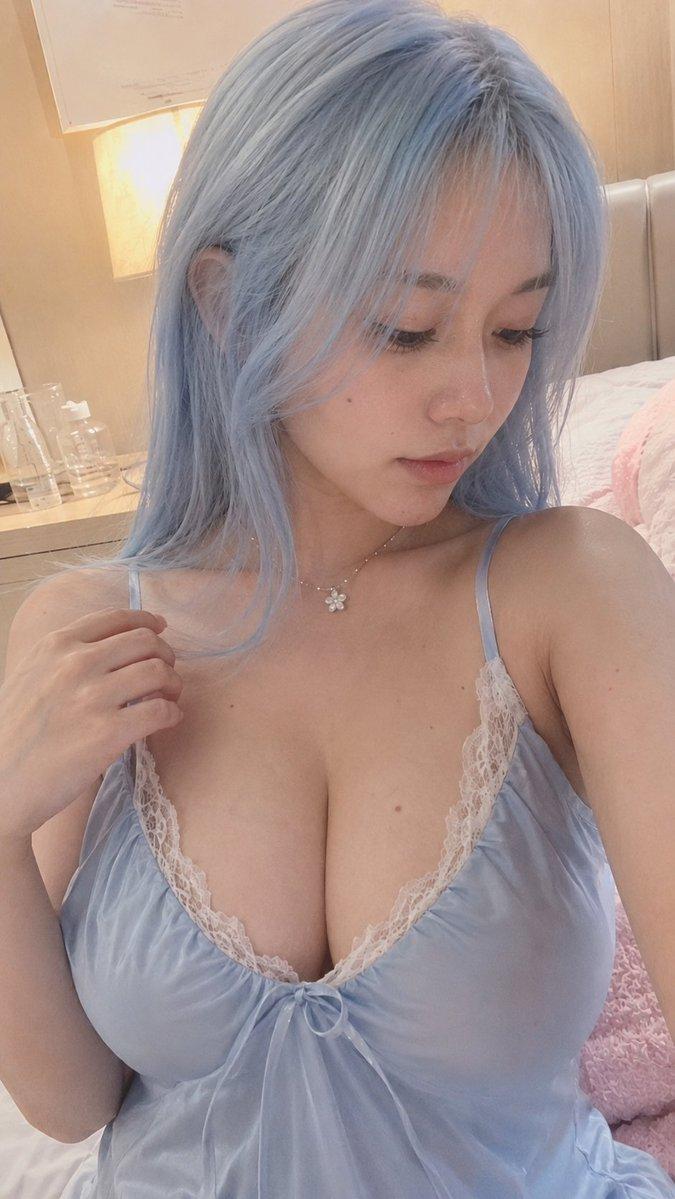
舒适的灰金色自拍肖像
Enlarge

Example images

舒适的灰金色自拍肖像

Prompt
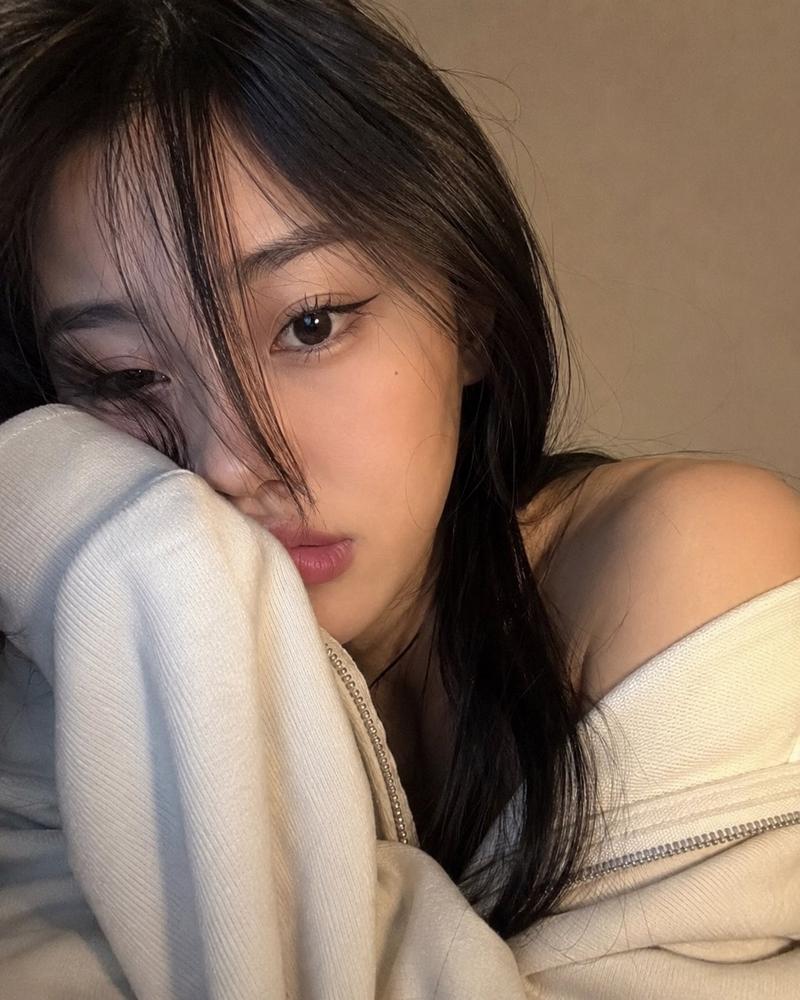
Create a highly realistic, vertical smartphone selfie portrait of a young adult woman with {argument name="hair color" default="light ash-blonde"} long straight hair, soft curtain bangs, pale smooth skin, large glossy gray-brown eyes, delicate makeup, subtle blush, natural pink lips, and a tiny beauty mark on one cheek. She is indoors in a cozy bedroom, leaning close to the camera with her left cheek resting on her hand, gazing directly at the viewer with a calm, slightly wistful expression. She wears an oversized fuzzy {argument name="sweater color" default="heather gray"} knit cardigan slipping off one shoulder over a matching low-cut ribbed knit top, with soft fabric texture and relaxed folds visible. Frame her from the chest up in a close intimate composition, head near the top edge, one shoulder exposed, long hair falling over both sides of her face and down her chest. Background: softly blurred beige wall, bed or blanket on the right, and a dark dresser or shelf on the left with two visible small cosmetic bottles and thin reed diffuser sticks. Use soft warm indoor lighting, muted beige-gray color grading, shallow depth of field, natural skin texture, realistic hair strands, subtle film grain, and a candid social-media selfie aesthetic. No text, no watermark, no exaggerated anime features, no extra people.
Category
Architecture & Spaces
Model
GPT Image 2
Views3
Source ID
27372
Published
Jul 1, 2026

Guide

About "舒适的灰金色自拍肖像"

What is this prompt for?

"舒适的灰金色自拍肖像" AI image prompt for GPT Image 2 (Architecture & Spaces). 一张逼真的室内自拍风格肖像,主角是一位身着灰色针织衫的时尚年轻女性,适用于写实 AI 美学图像。 Copy it on Picva and recreate the look i…

The full copyable prompt and example visuals above are ready for AI image generation or one-click recreate in Picva.

How to use this prompt

  1. Step 1

    Open the prompt detail

    Review the example visuals, category, and full prompt text for "舒适的灰金色自拍肖像".

  2. Step 2

    Copy the prompt

    Copy the prompt body from this page, or load it directly in Studio.

  3. Step 3

    Pick a model (GPT Image 2)

    Prefer GPT Image 2. If you switch models, keep subject and composition and tweak style terms.

  4. Step 4

    Generate and export

    Recreate the look in Picva, or export into your workflow for editing and publishing.

FAQ

What is the "舒适的灰金色自拍肖像" prompt?
It is an AI image-generation prompt for GPT Image 2 in the Architecture & Spaces category. This page includes the full prompt text, example visuals, and a one-click recreate path in Picva.
How do I use this prompt to generate an image?
Copy the prompt from this page, or use Generate / Studio. Paste it into a compatible image model, or recreate the look in Picva with optional reference images.
Which model is this prompt for?
This page lists GPT Image 2. Most descriptive prompts also transfer to nearby image models such as GPT Image, Flux, or Midjourney with light style tweaks.
Can I use the result commercially?
You can usually copy the prompt for creation, but commercial use of the final image depends on the model terms, reference-image rights, and the generated content. Follow the source author and platform rules.