19

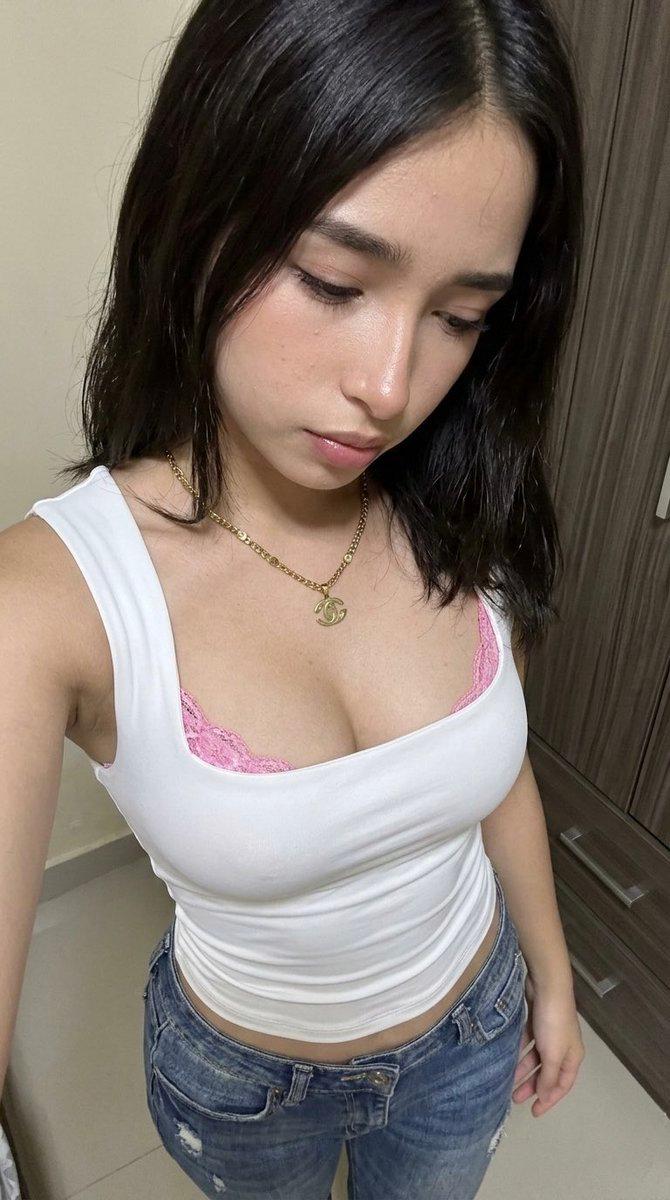
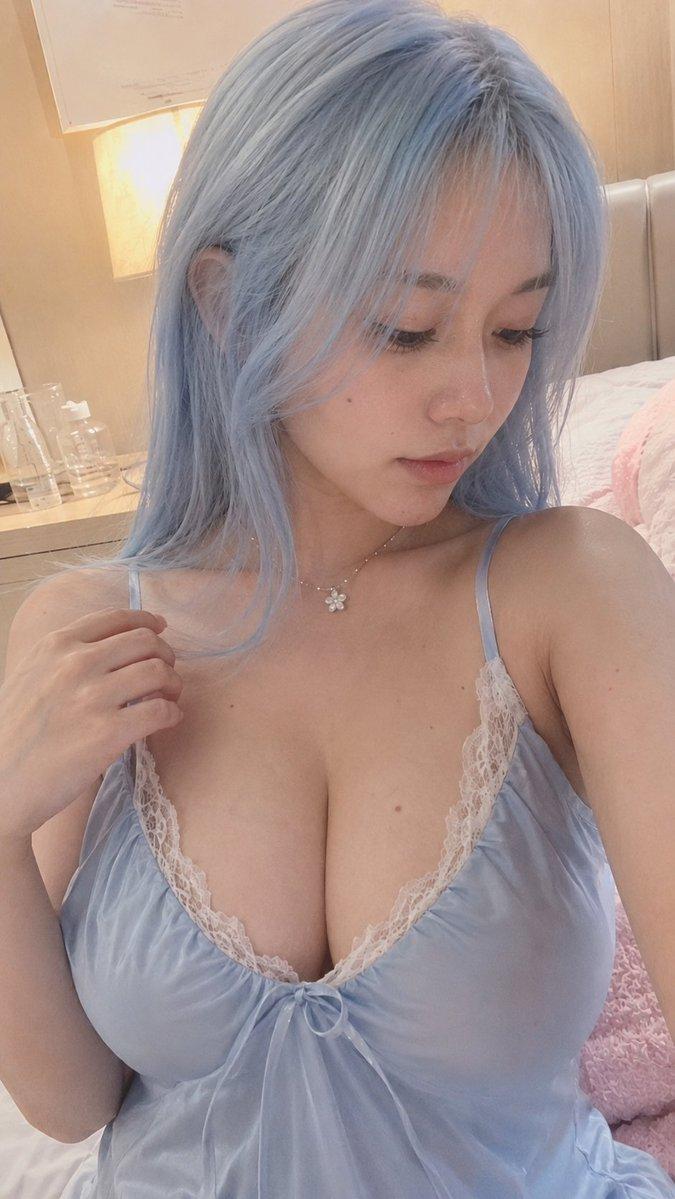
卧室梳妆台前的年轻东亚女性写实自拍
Enlarge

卧室梳妆台前的年轻东亚女性写实自拍

Prompt
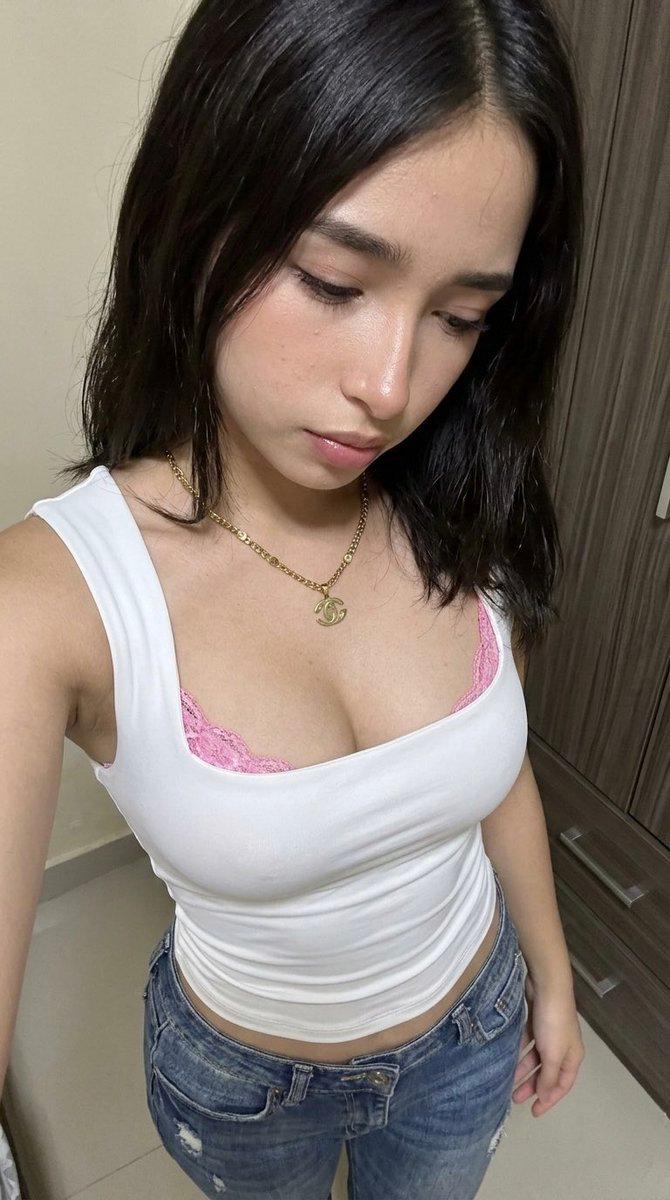
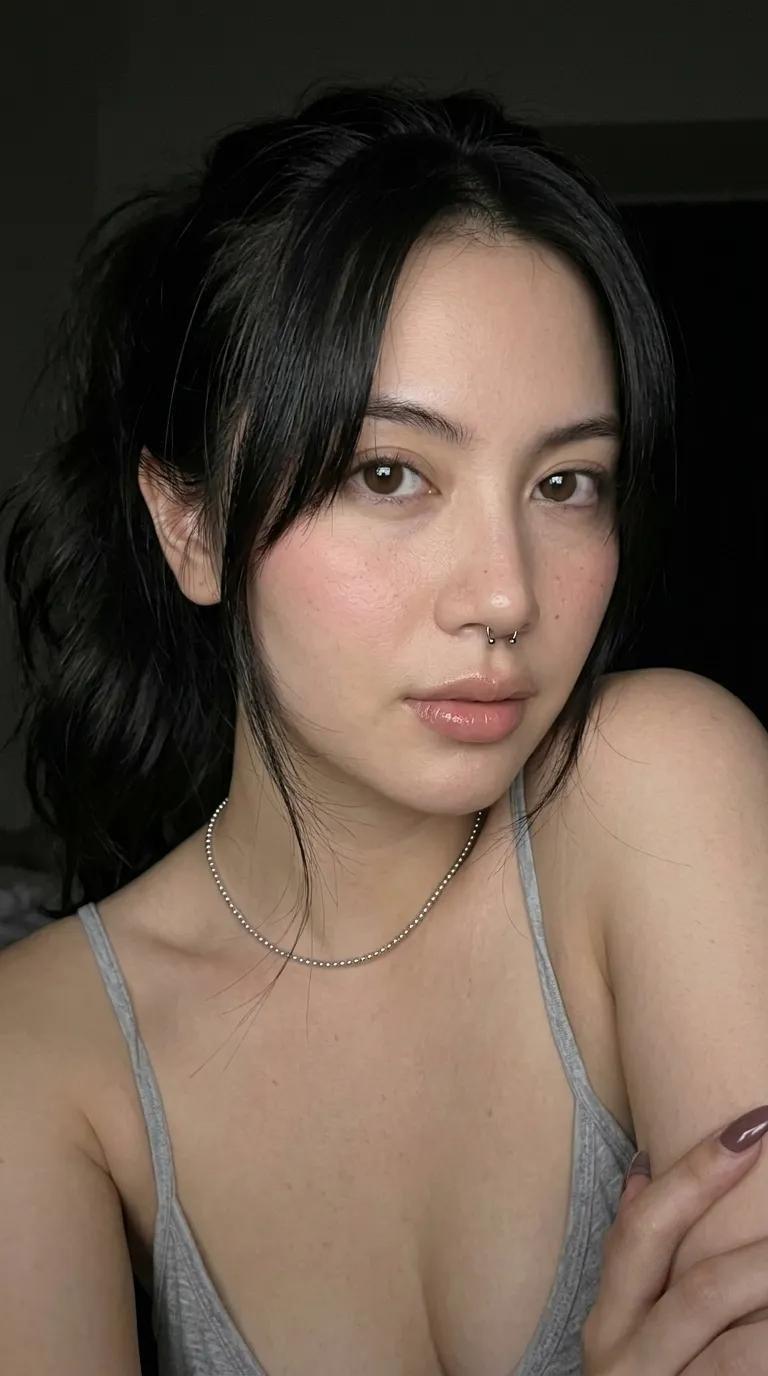
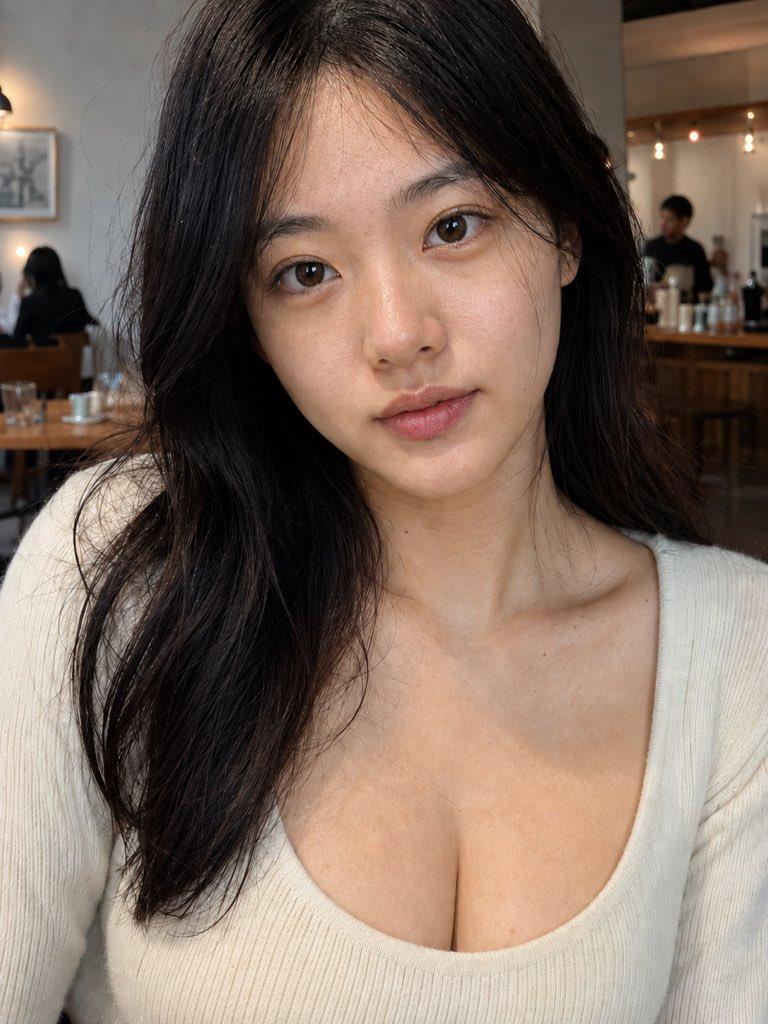
photorealistic close-up selfie portrait of a beautiful young East Asian woman in her early twenties resting her chin on the back of her hand, gazing directly into the camera with a calm soft expression. She has long straight light brown hair parted in the middle falling over her shoulders, fair flawless skin, delicate natural makeup with soft brown eyes and rosy lips slightly parted. She wears a white ribbed knit sleeveless tank top with a deep low scoop neckline showing natural cleavage. A colorful rose and green-leaf floral tattoo sits on her upper left chest near the collarbone. A thin delicate gold chain bracelet on her wrist. Indoor bedroom vanity setting with a dressing table, mirror and blurred cosmetics on shelves in the soft background. Realistic skin texture, sharp focus, high detail, natural indoor lighting, candid intimate selfie, professional photography, young east asian woman, photorealistic.
Category
Charts & Infographics
Model
ChatGPT
Views95
Source ID
17151
Published
Jun 30, 2026

Guide

About "卧室梳妆台前的年轻东亚女性写实自拍"

What is this prompt for?

"卧室梳妆台前的年轻东亚女性写实自拍" AI image prompt for ChatGPT (Charts & Infographics). 一位二十岁出头的美丽年轻东亚女性的写实特写自拍肖像,她将下巴托在手背上,带着平静柔和的神情直视镜头。她留着长而直的浅棕色头发,从中缝分开披在肩上,皮肤白皙无瑕,精致的自然妆…

The full copyable prompt and example visuals above are ready for AI image generation or one-click recreate in Picva.

How to use this prompt

  1. Step 1

    Open the prompt detail

    Review the example visuals, category, and full prompt text for "卧室梳妆台前的年轻东亚女性写实自拍".

  2. Step 2

    Copy the prompt

    Copy the prompt body from this page, or load it directly in Studio.

  3. Step 3

    Pick a model (ChatGPT)

    Prefer ChatGPT. If you switch models, keep subject and composition and tweak style terms.

  4. Step 4

    Generate and export

    Recreate the look in Picva, or export into your workflow for editing and publishing.

FAQ

What is the "卧室梳妆台前的年轻东亚女性写实自拍" prompt?
It is an AI image-generation prompt for ChatGPT in the Charts & Infographics category. This page includes the full prompt text, example visuals, and a one-click recreate path in Picva.
How do I use this prompt to generate an image?
Copy the prompt from this page, or use Generate / Studio. Paste it into a compatible image model, or recreate the look in Picva with optional reference images.
Which model is this prompt for?
This page lists ChatGPT. Most descriptive prompts also transfer to nearby image models such as GPT Image, Flux, or Midjourney with light style tweaks.
Can I use the result commercially?
You can usually copy the prompt for creation, but commercial use of the final image depends on the model terms, reference-image rights, and the generated content. Follow the source author and platform rules.