14

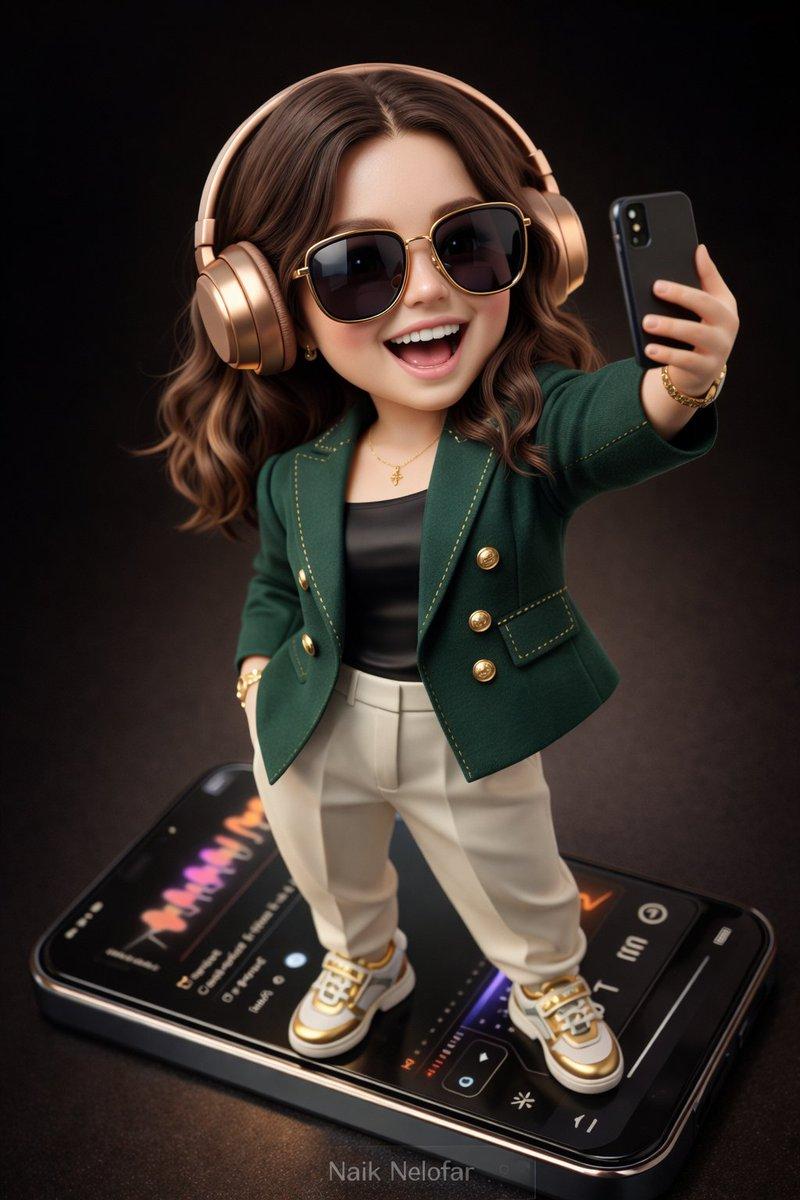
冲破手机屏幕的皮克斯风时尚少女
Enlarge

冲破手机屏幕的皮克斯风时尚少女

Prompt
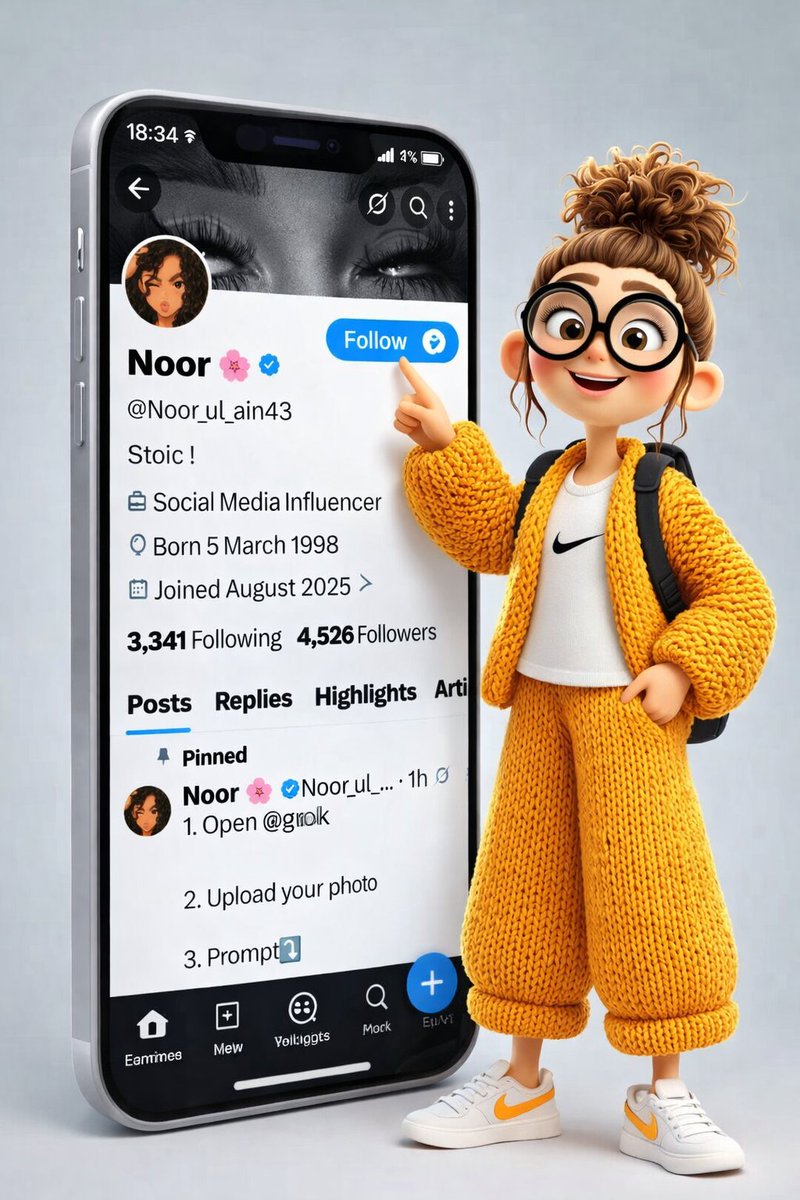
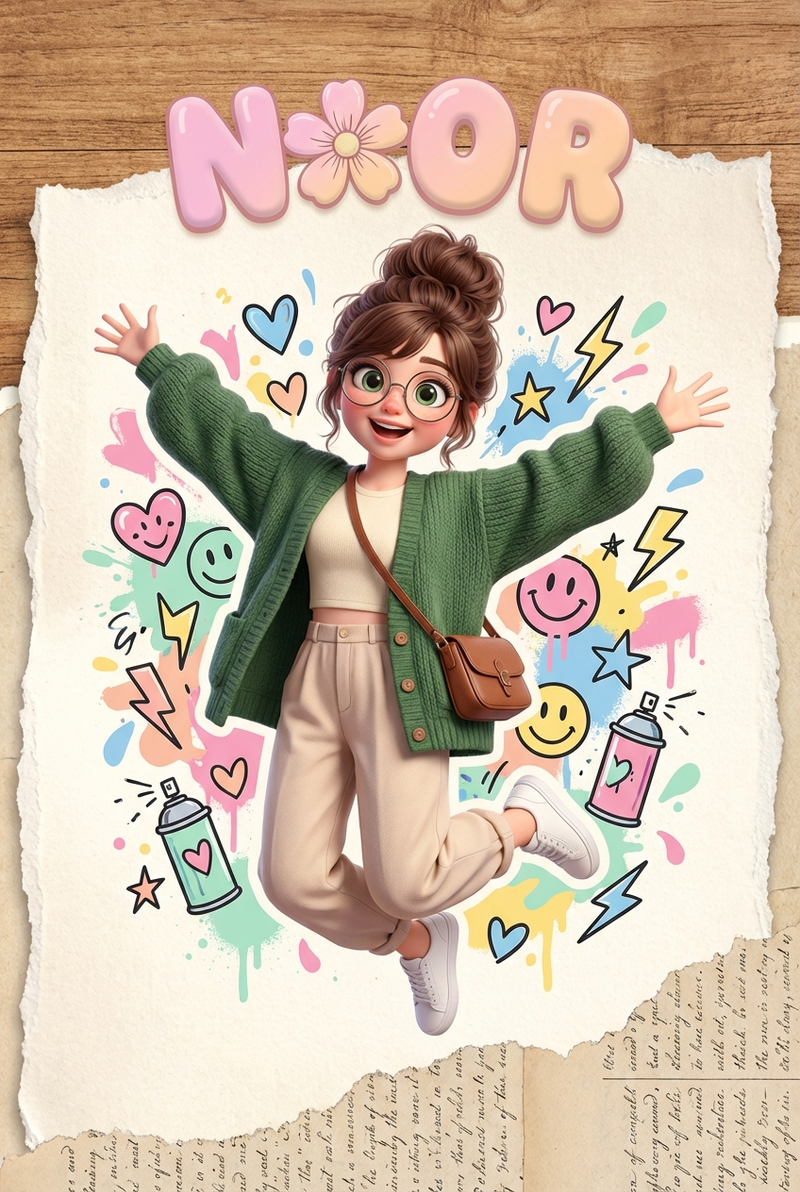
A dynamic cinematic 3D illustration of a cute cartoon girl with a messy bun hairstyle and oversized round black glasses, wearing a cream knitted sweater, black cargo pants, rolled-up cuffs, white sneakers, and a small brown crossbody bag.
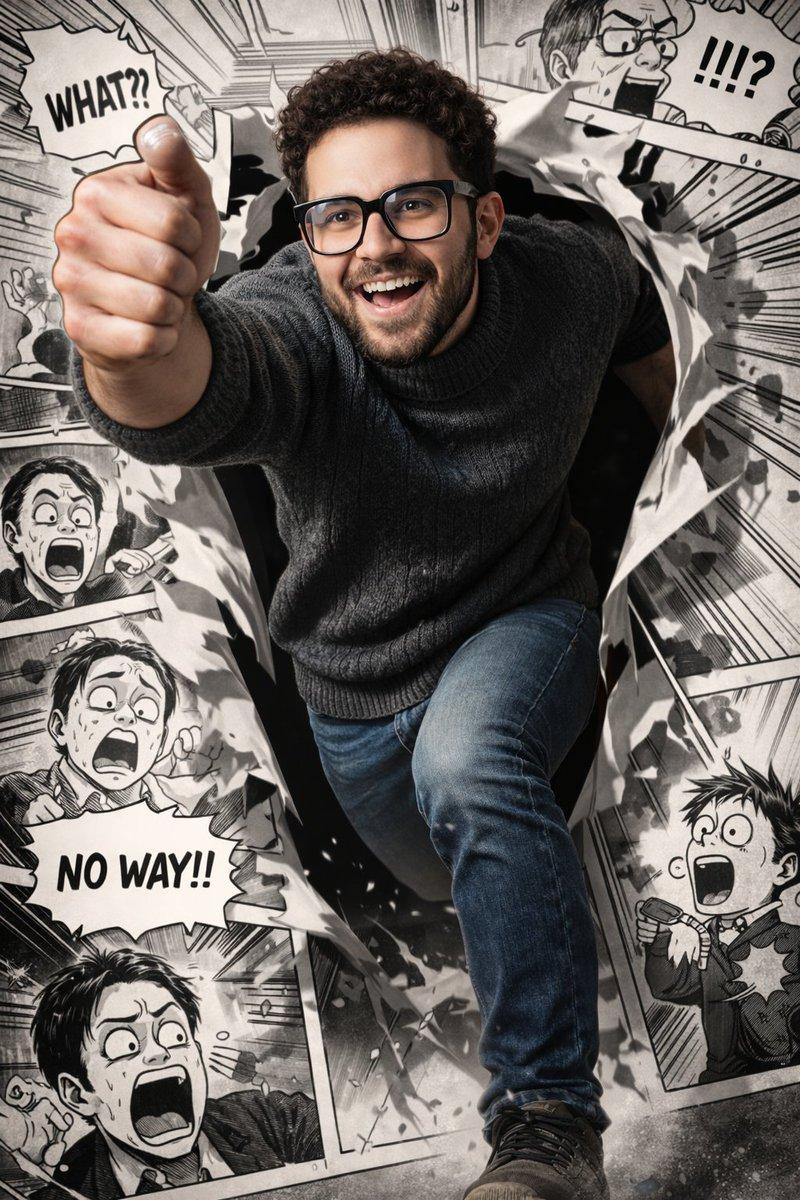
She is bursting forward in an action pose with one fist extended toward the camera, jumping out from a giant smartphone screen displaying a social media X profile page.
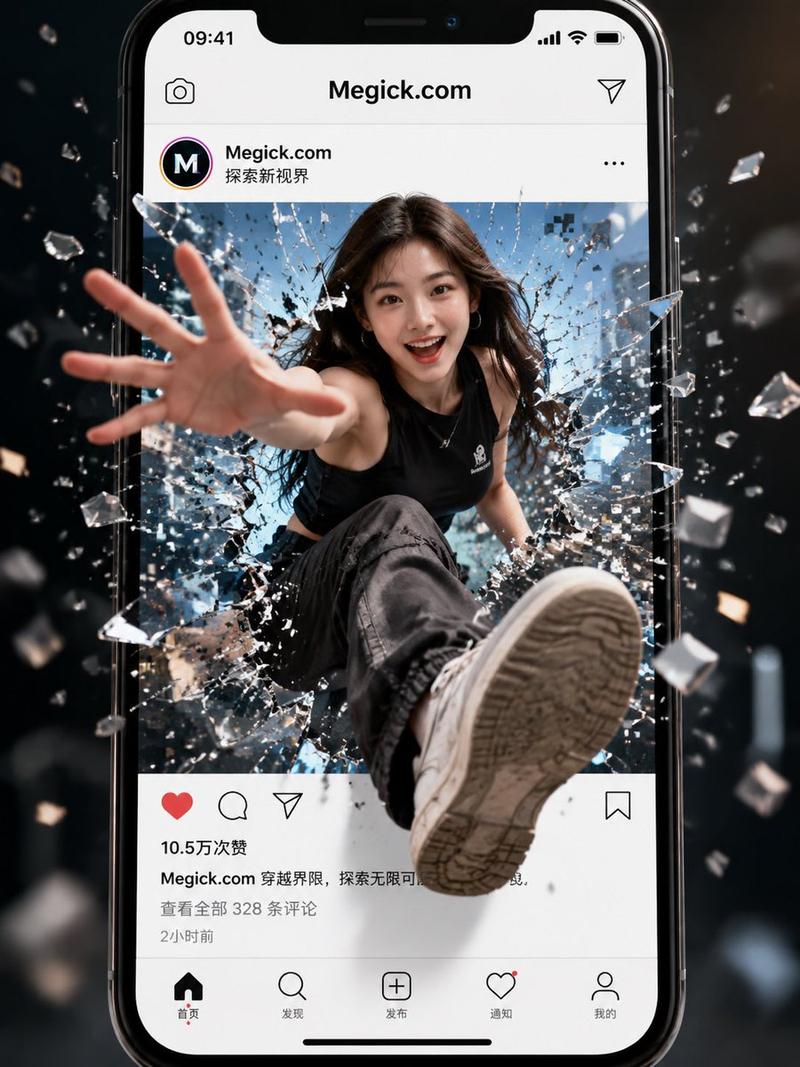
The phone screen is dramatically torn open from the center, with shattered glass, flying paper fragments, and glowing debris exploding outward.
The perspective is dynamic and close-up, with depth of field and motion blur. Add comic-style reaction bubbles like “WHAT?!” and “NO WAY!” around the scene.
Cinematic lighting, dramatic shadows, high contrast, ultra-detailed textures, Pixar-style 3D rendering, hyper realistic lighting, action movie poster vibe, 8K resolution, sharp focus, energetic and powerful composition.
Category
Posters & Typography
Model
Grok
Views243
Source ID
2756
Published
Mar 1, 2026

Guide

About "冲破手机屏幕的皮克斯风时尚少女"

What is this prompt for?

"冲破手机屏幕的皮克斯风时尚少女" AI image prompt for Grok (Posters & Typography). 一幅充满动感的电影级 3D 插画,画中是一个可爱的卡通女孩,留着凌乱的丸子头发型,戴着超大的圆形黑框眼镜,身穿米色针织毛衣、黑色工装裤,裤脚卷起,脚踩白色运动鞋,背着一个小巧的棕色斜挎…

The full copyable prompt and example visuals above are ready for AI image generation or one-click recreate in Picva.

How to use this prompt

  1. Step 1

    Open the prompt detail

    Review the example visuals, category, and full prompt text for "冲破手机屏幕的皮克斯风时尚少女".

  2. Step 2

    Copy the prompt

    Copy the prompt body from this page, or load it directly in Studio.

  3. Step 3

    Pick a model (Grok)

    Prefer Grok. If you switch models, keep subject and composition and tweak style terms.

  4. Step 4

    Generate and export

    Recreate the look in Picva, or export into your workflow for editing and publishing.

FAQ

What is the "冲破手机屏幕的皮克斯风时尚少女" prompt?
It is an AI image-generation prompt for Grok in the Posters & Typography category. This page includes the full prompt text, example visuals, and a one-click recreate path in Picva.
How do I use this prompt to generate an image?
Copy the prompt from this page, or use Generate / Studio. Paste it into a compatible image model, or recreate the look in Picva with optional reference images.
Which model is this prompt for?
This page lists Grok. Most descriptive prompts also transfer to nearby image models such as GPT Image, Flux, or Midjourney with light style tweaks.
Can I use the result commercially?
You can usually copy the prompt for creation, but commercial use of the final image depends on the model terms, reference-image rights, and the generated content. Follow the source author and platform rules.