16

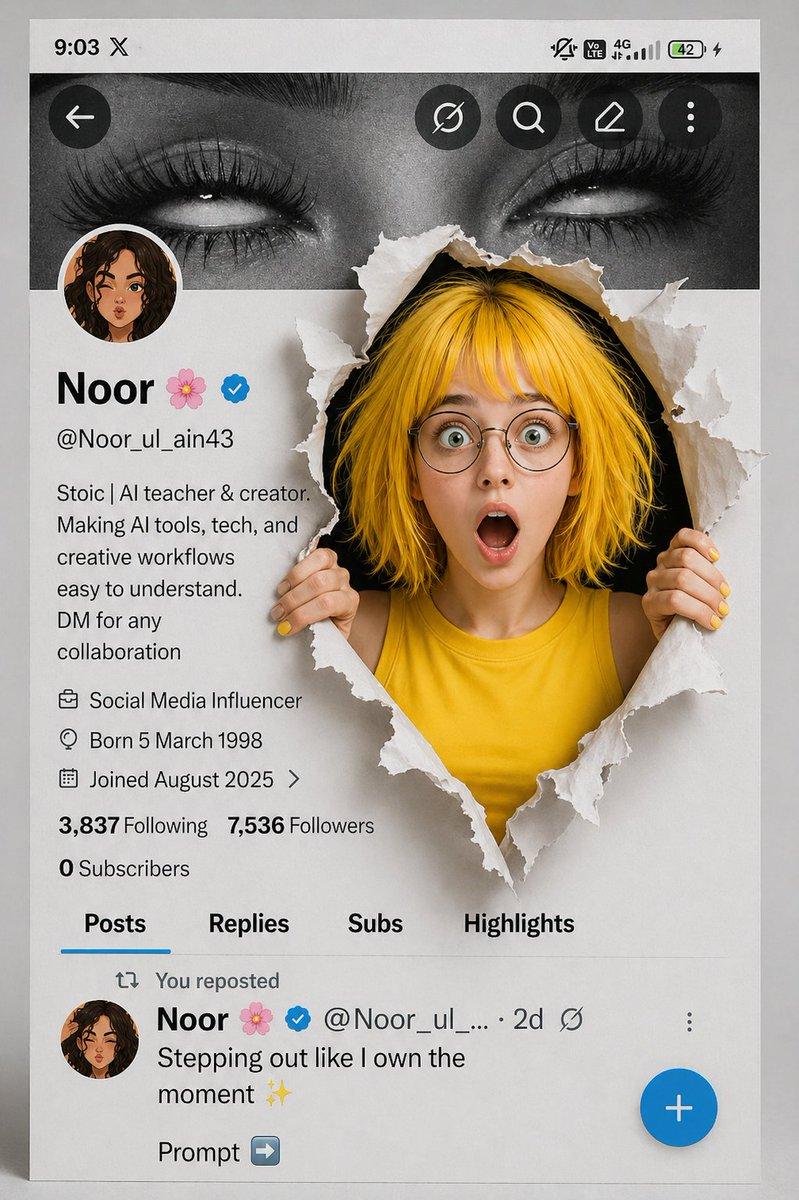
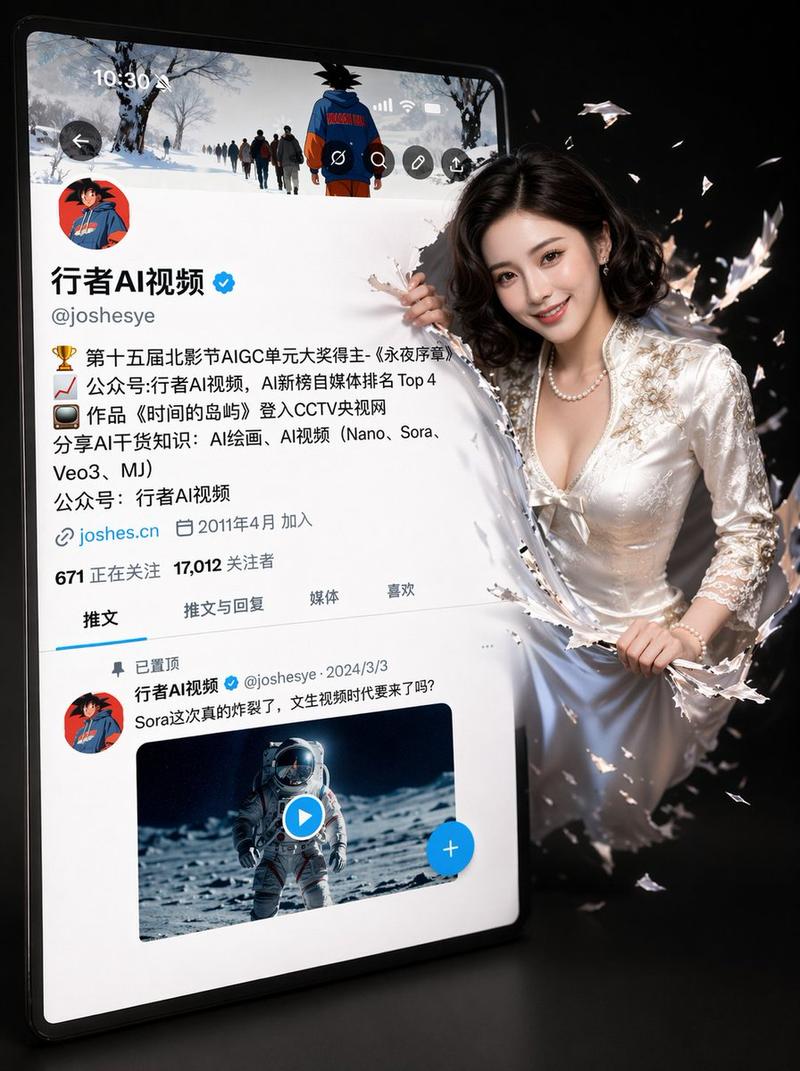
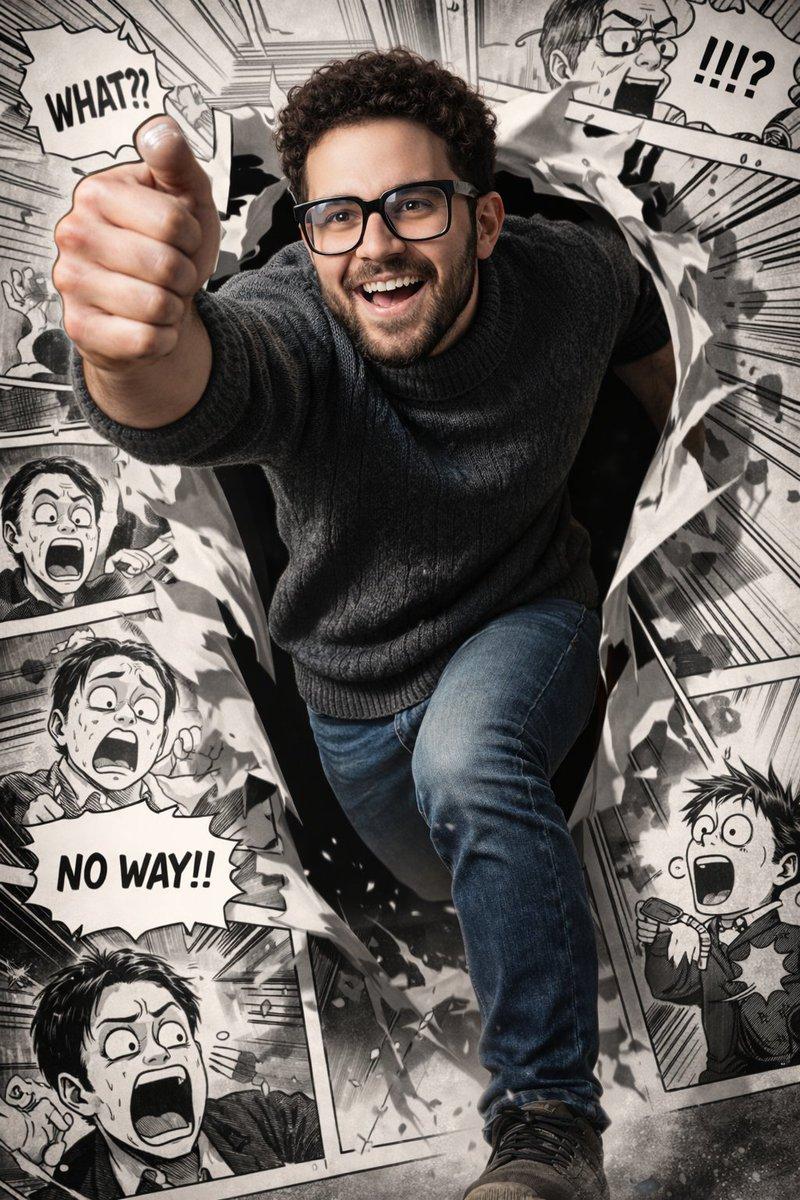
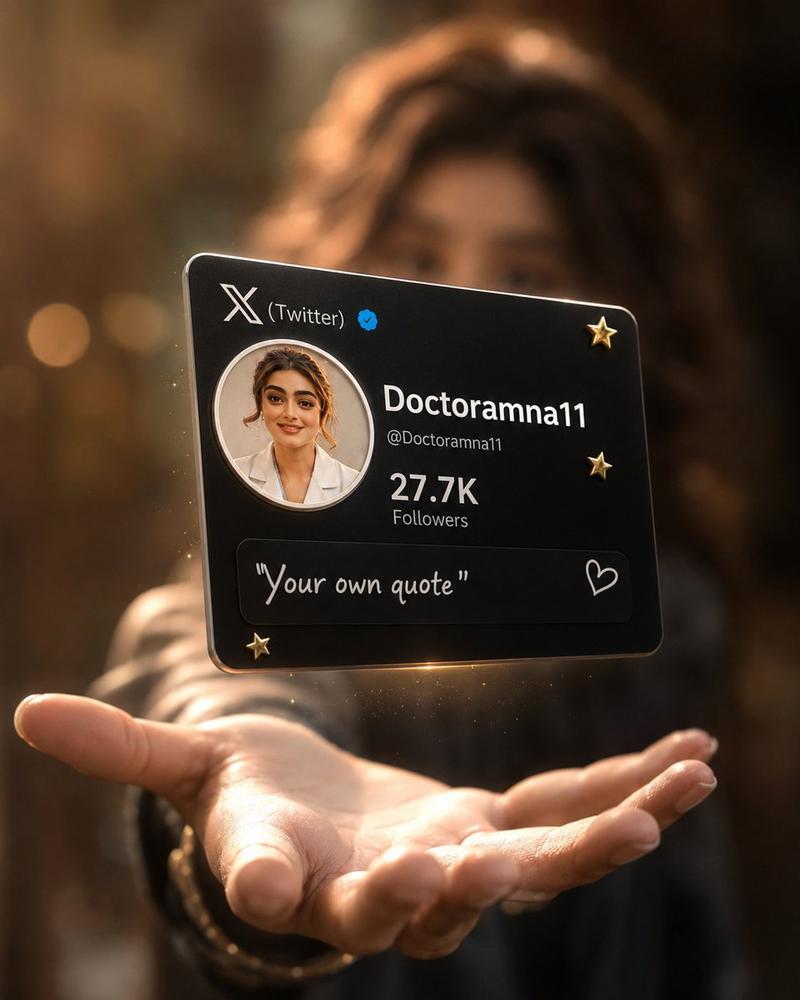
3D 写实风格 X 个人主页界面
Enlarge

Example images

3D 写实风格 X 个人主页界面

Prompt
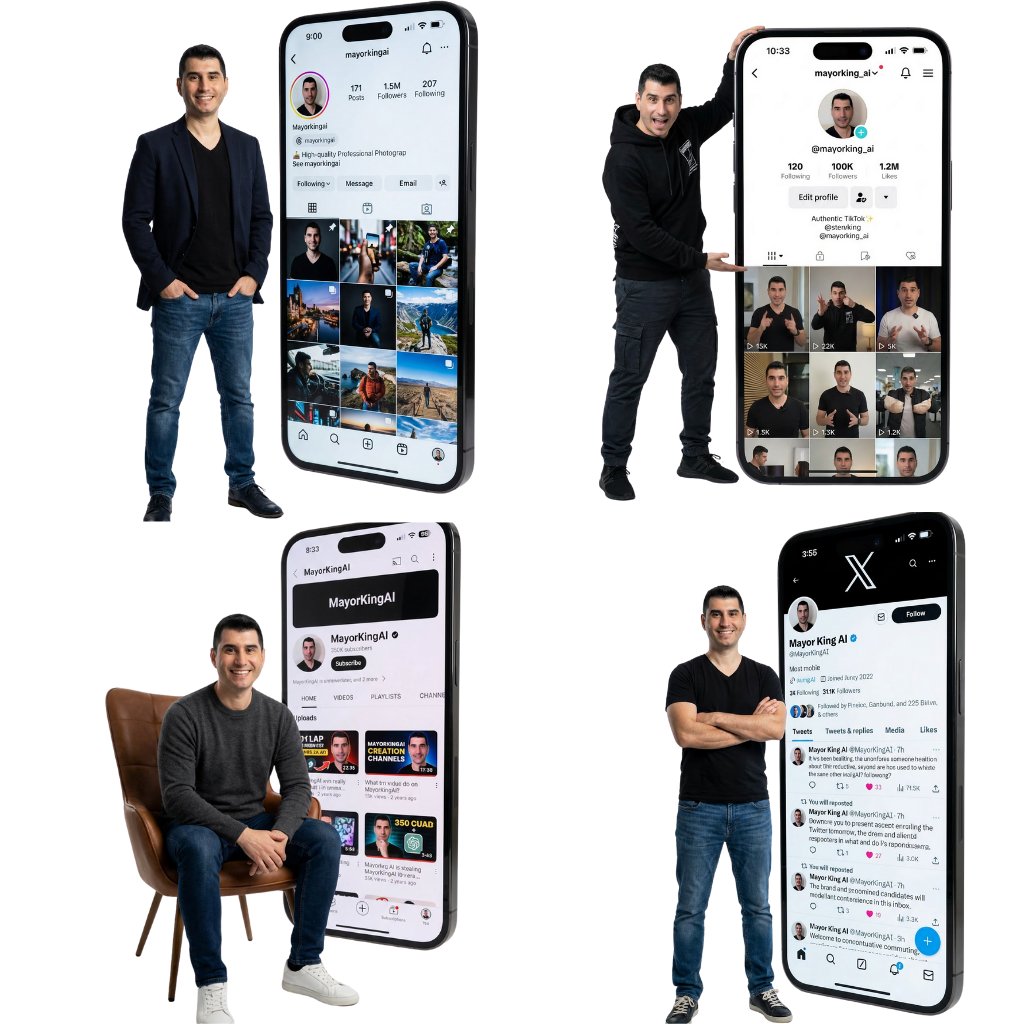
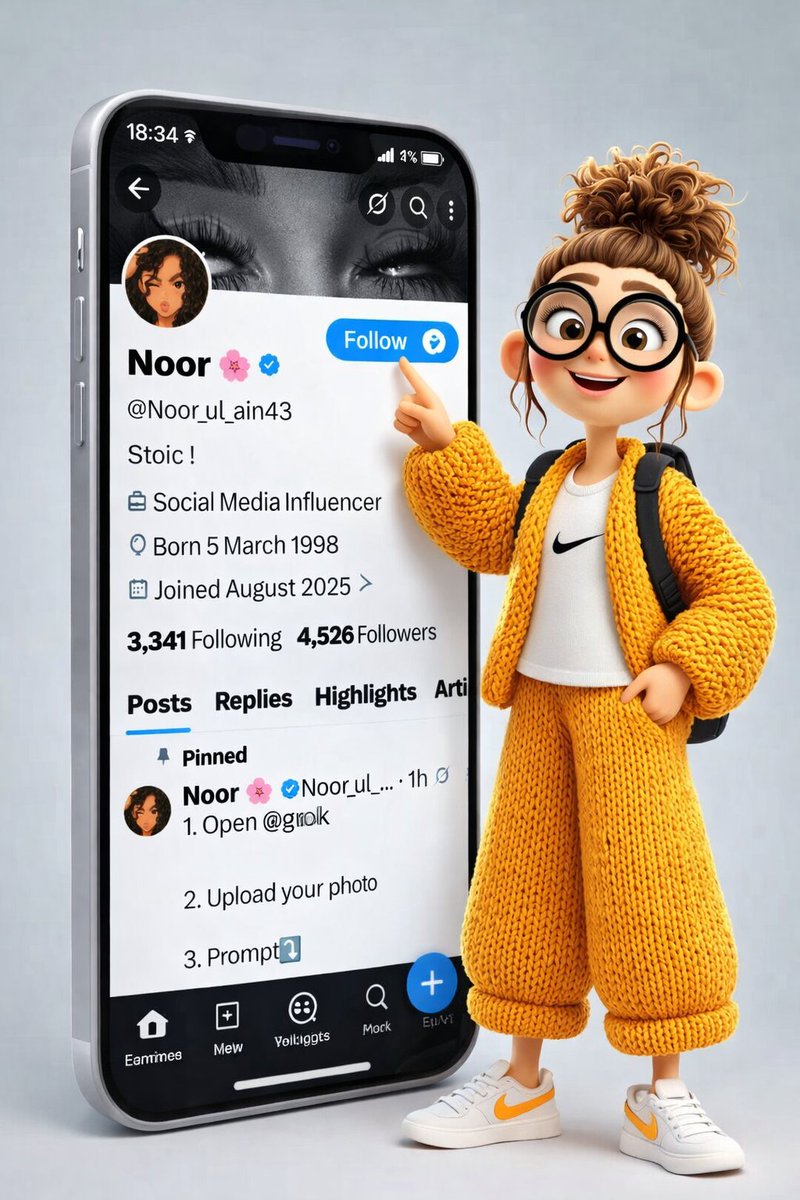
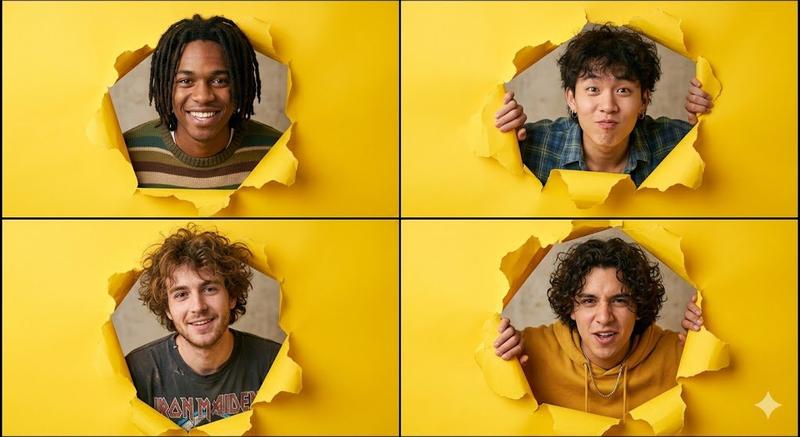
根据上传的我的X个人主页截图,生成一幅{argument name="风格" default="超写实"}的3D推特/X个人资料界面插图,略微倾斜,背景干净简洁,灰色极简。原始头像保持不变。个人资料界面完全匹配一张真实的X截图,屏幕右侧边缘,根据上传头像图片中的人物,他正冲破破损的纸张。他的面部特征完全相同(不改变脸部),但现在拥有了自然的灿烂笑容、富有表现力的眼睛和柔和发光的皮肤。他手握着撕裂的纸边,画面中呈现出动态的3D效果。 纸片飞溅,营造出逼真的突破幻觉。灯光是柔和的摄影棚灯光,带有电影般的阴影和景深。超细致,4K,写实+皮克斯风格的混色,清晰对焦。重要提示:- 不要更改头像(DP) - 保持完全相同的 X 界面布局和文本样式 - 保持他们的原始面貌身份 - 仅能将表情增强为自然的微笑 - 比例 {argument name="比例" default="9:16"}
Category
UI & Interfaces
Model
GPT Image 2
Views4
Source ID
13855
Published
Apr 17, 2026

Guide

About "3D 写实风格 X 个人主页界面"

What is this prompt for?

"3D 写实风格 X 个人主页界面" AI image prompt for GPT Image 2 (UI & Interfaces). 一份详细的提示词,用于根据参考截图和特定人物表情,生成超写实的 3D 社交媒体个人主页界面。 Copy it on Picva and recreate the look in…

The full copyable prompt and example visuals above are ready for AI image generation or one-click recreate in Picva.

How to use this prompt

  1. Step 1

    Open the prompt detail

    Review the example visuals, category, and full prompt text for "3D 写实风格 X 个人主页界面".

  2. Step 2

    Copy the prompt

    Copy the prompt body from this page, or load it directly in Studio.

  3. Step 3

    Pick a model (GPT Image 2)

    Prefer GPT Image 2. If you switch models, keep subject and composition and tweak style terms.

  4. Step 4

    Generate and export

    Recreate the look in Picva, or export into your workflow for editing and publishing.

FAQ

What is the "3D 写实风格 X 个人主页界面" prompt?
It is an AI image-generation prompt for GPT Image 2 in the UI & Interfaces category. This page includes the full prompt text, example visuals, and a one-click recreate path in Picva.
How do I use this prompt to generate an image?
Copy the prompt from this page, or use Generate / Studio. Paste it into a compatible image model, or recreate the look in Picva with optional reference images.
Which model is this prompt for?
This page lists GPT Image 2. Most descriptive prompts also transfer to nearby image models such as GPT Image, Flux, or Midjourney with light style tweaks.
Can I use the result commercially?
You can usually copy the prompt for creation, but commercial use of the final image depends on the model terms, reference-image rights, and the generated content. Follow the source author and platform rules.