17

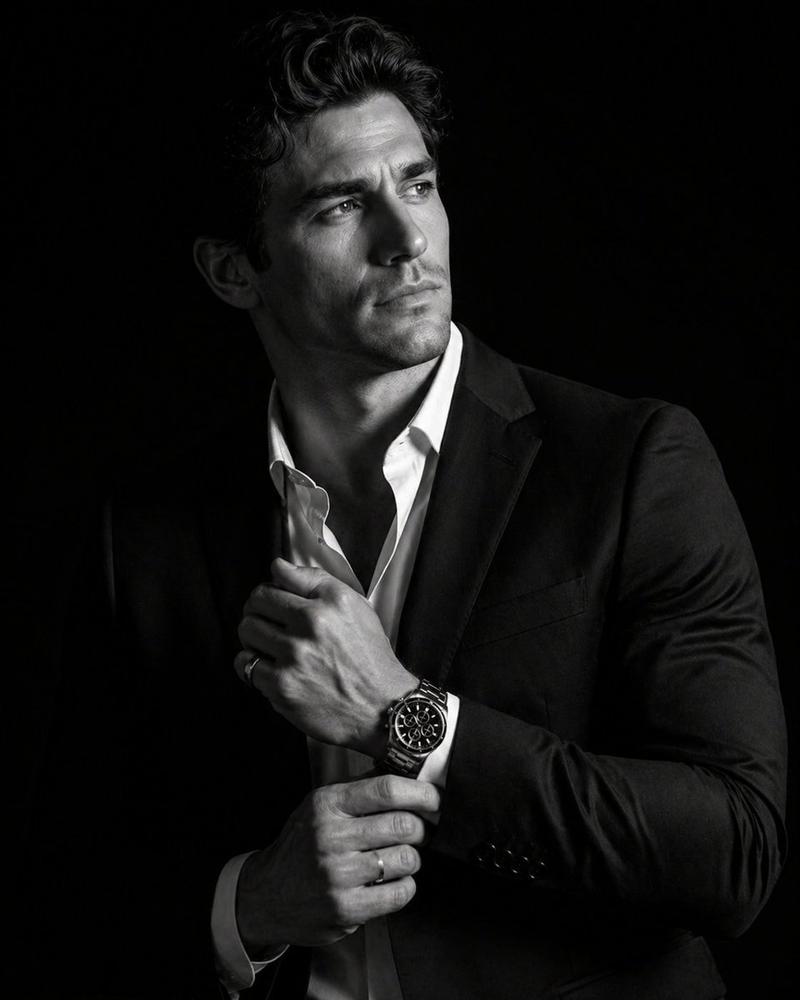
极致黑白高定商务大片
Enlarge

极致黑白高定商务大片

Prompt
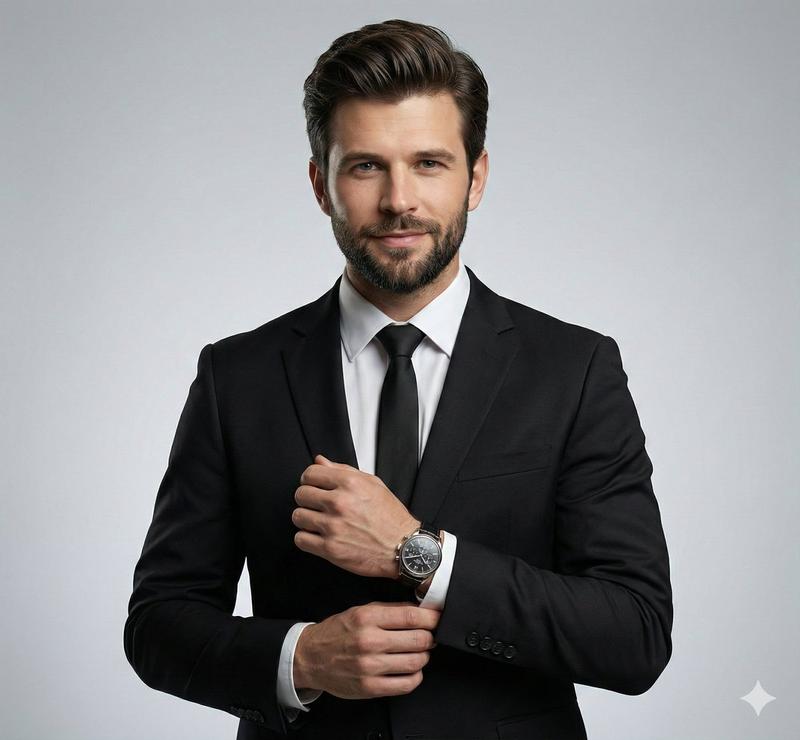
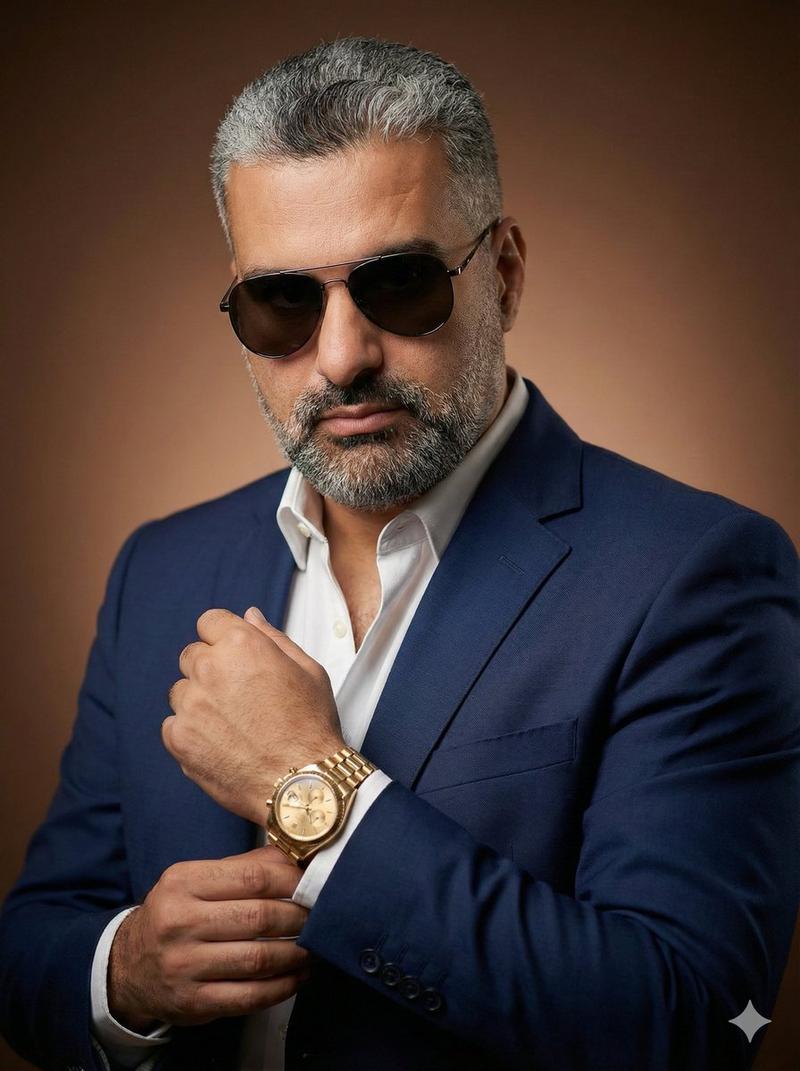
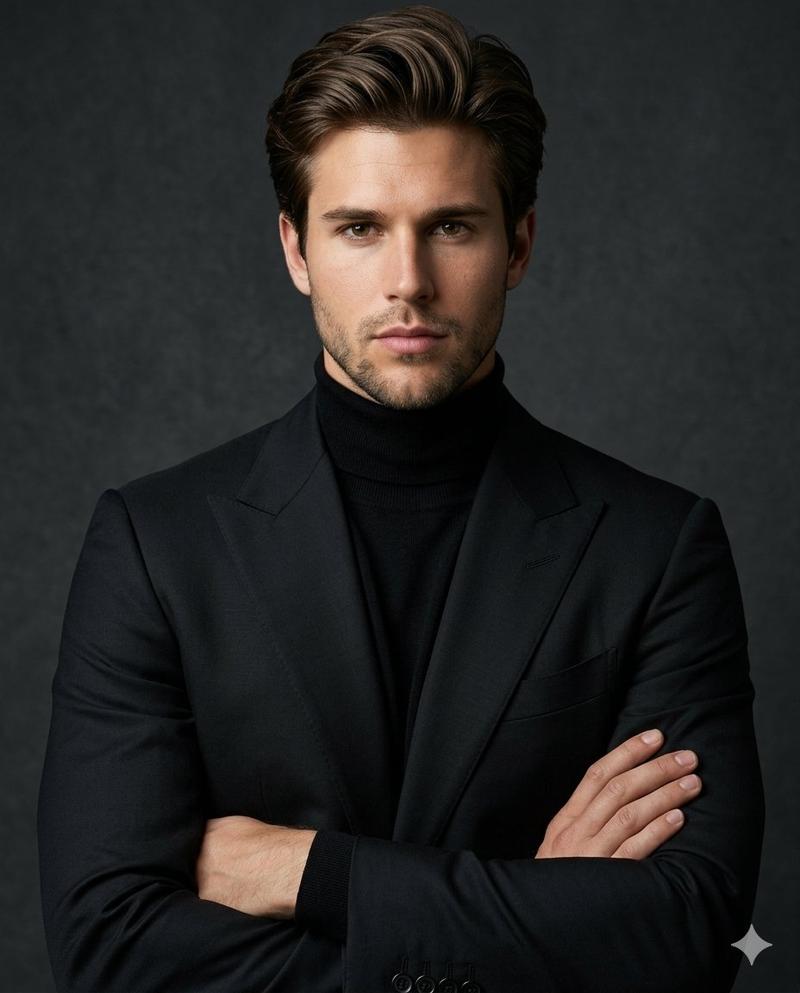
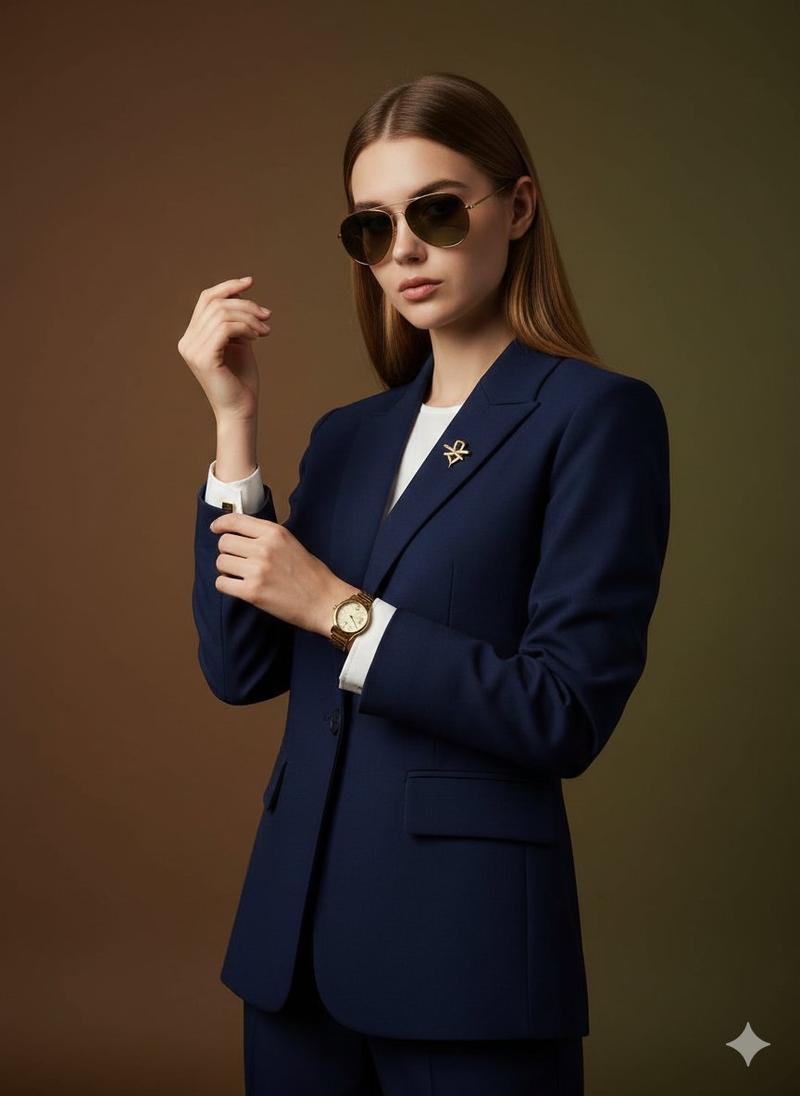
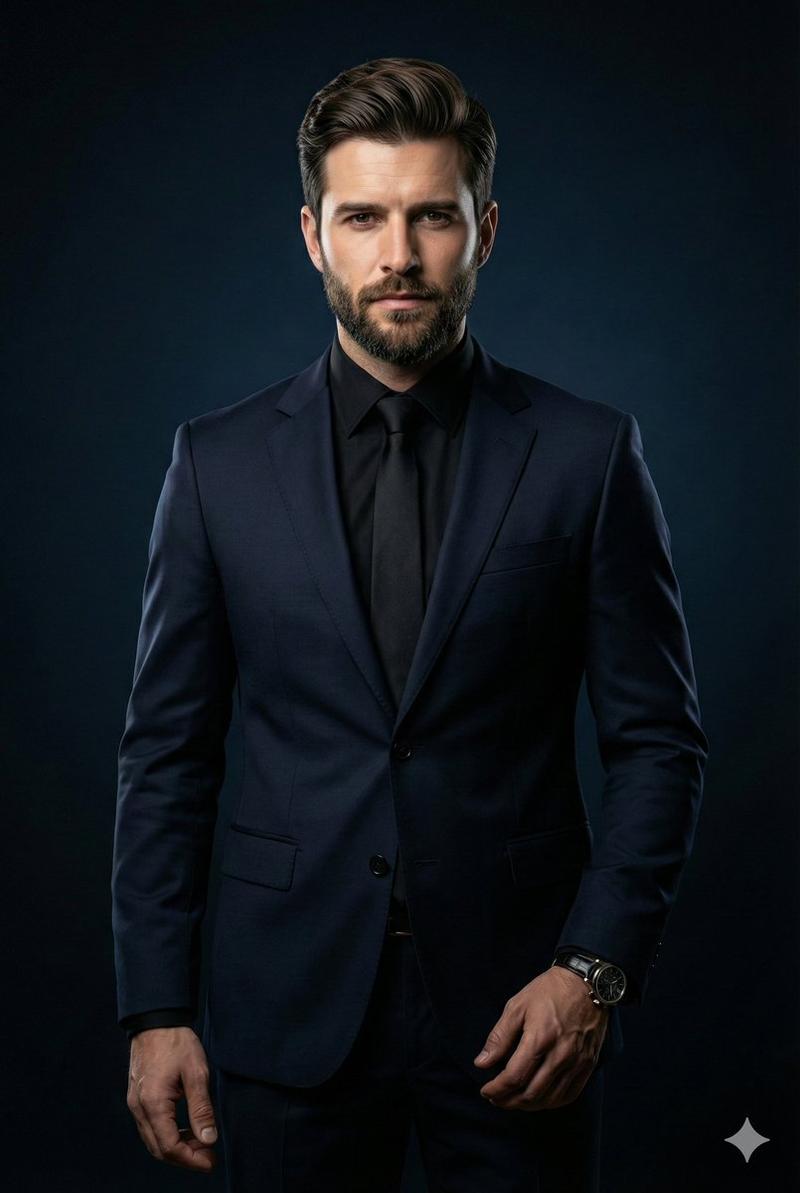
High contrast black-and-white luxury editorial photograph of a confident Elon Musk wearing a perfectly tailored suit, standing against a clean studio backdrop. He is adjusting his wristwatch with his right hand on his left wrist in a poised, powerful gesture, drawing strong visual focus to an elegant luxury wristwatch displayed in full color. Sharp, dramatic studio lighting with deep shadows, sculpted jawline, high definition facial contours, crisp textures of premium suit fabric, refined masculine energy. Cinematic contrast, shallow depth of field, ultra sharp details, hyper-real clarity, photorealistic finish, premium European aesthetics, timeless and sleek composition, ultr polished luxury watch advertisement style, no noise, no blur, no imperfections, high dynamic range, and image size 4 5.
Category
Posters & Typography
Model
Nano Banana Pro
Views143
Source ID
2350
Published
Jan 31, 2026

Guide

About "极致黑白高定商务大片"

What is this prompt for?

"极致黑白高定商务大片" AI image prompt for Nano Banana Pro (Posters & Typography). 高对比度黑白奢华时尚编辑摄影,自信满满的埃隆·马斯克身着剪裁完美的西装,立于干净的工作室背景前。他以右手调整左腕腕表,姿态优雅有力,将强烈视觉焦点集中于全彩展示的优雅奢华腕…

The full copyable prompt and example visuals above are ready for AI image generation or one-click recreate in Picva.

How to use this prompt

  1. Step 1

    Open the prompt detail

    Review the example visuals, category, and full prompt text for "极致黑白高定商务大片".

  2. Step 2

    Copy the prompt

    Copy the prompt body from this page, or load it directly in Studio.

  3. Step 3

    Pick a model (Nano Banana Pro)

    Prefer Nano Banana Pro. If you switch models, keep subject and composition and tweak style terms.

  4. Step 4

    Generate and export

    Recreate the look in Picva, or export into your workflow for editing and publishing.

FAQ

What is the "极致黑白高定商务大片" prompt?
It is an AI image-generation prompt for Nano Banana Pro in the Posters & Typography category. This page includes the full prompt text, example visuals, and a one-click recreate path in Picva.
How do I use this prompt to generate an image?
Copy the prompt from this page, or use Generate / Studio. Paste it into a compatible image model, or recreate the look in Picva with optional reference images.
Which model is this prompt for?
This page lists Nano Banana Pro. Most descriptive prompts also transfer to nearby image models such as GPT Image, Flux, or Midjourney with light style tweaks.
Can I use the result commercially?
You can usually copy the prompt for creation, but commercial use of the final image depends on the model terms, reference-image rights, and the generated content. Follow the source author and platform rules.