20

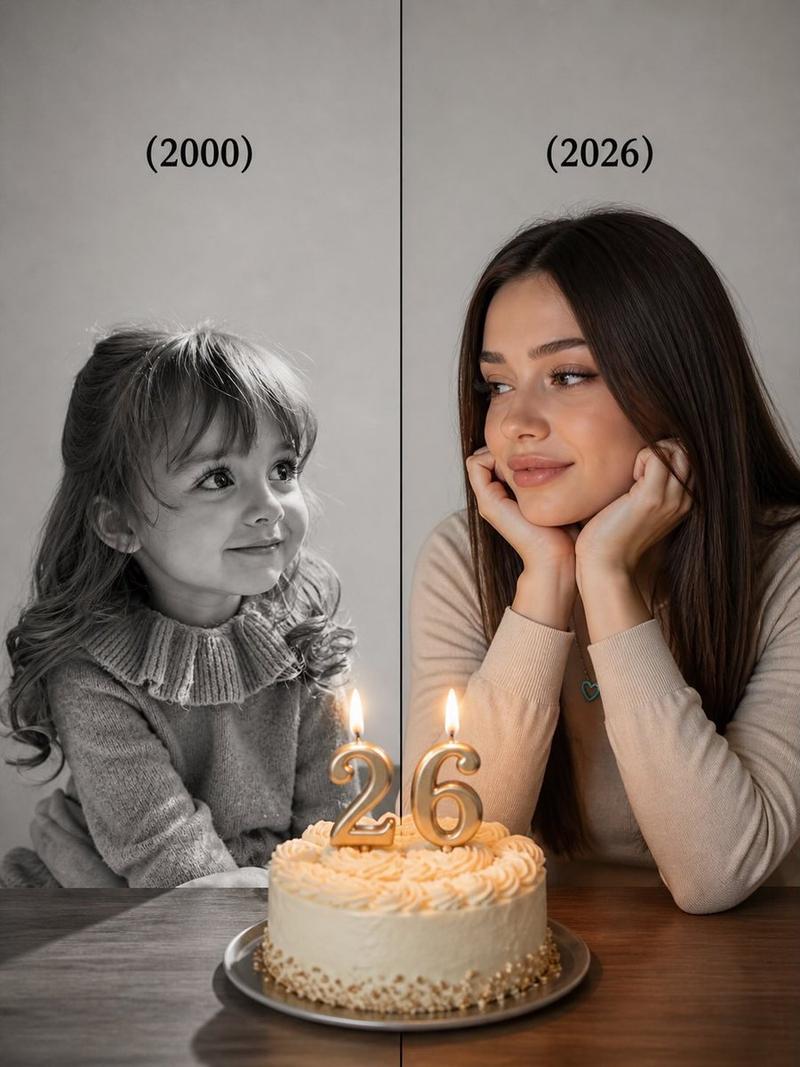
温馨的室内生日庆祝拼贴画
Enlarge

温馨的室内生日庆祝拼贴画

Prompt
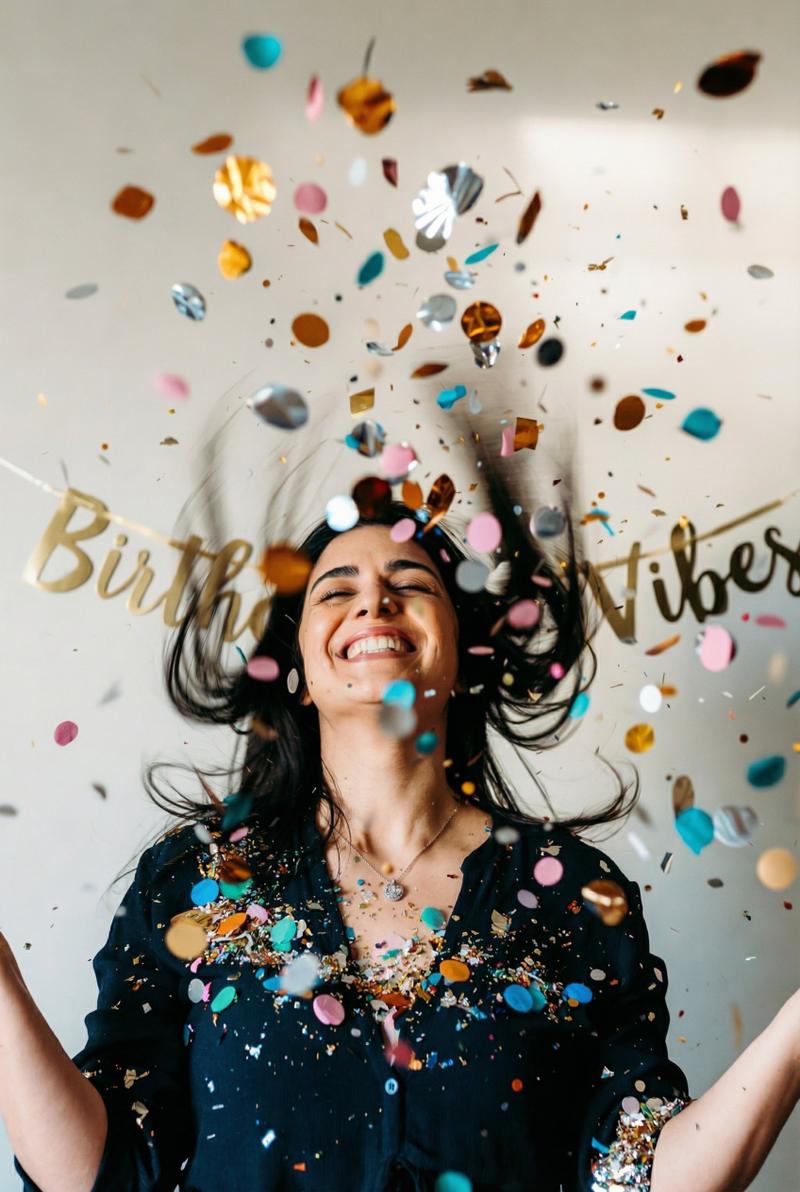
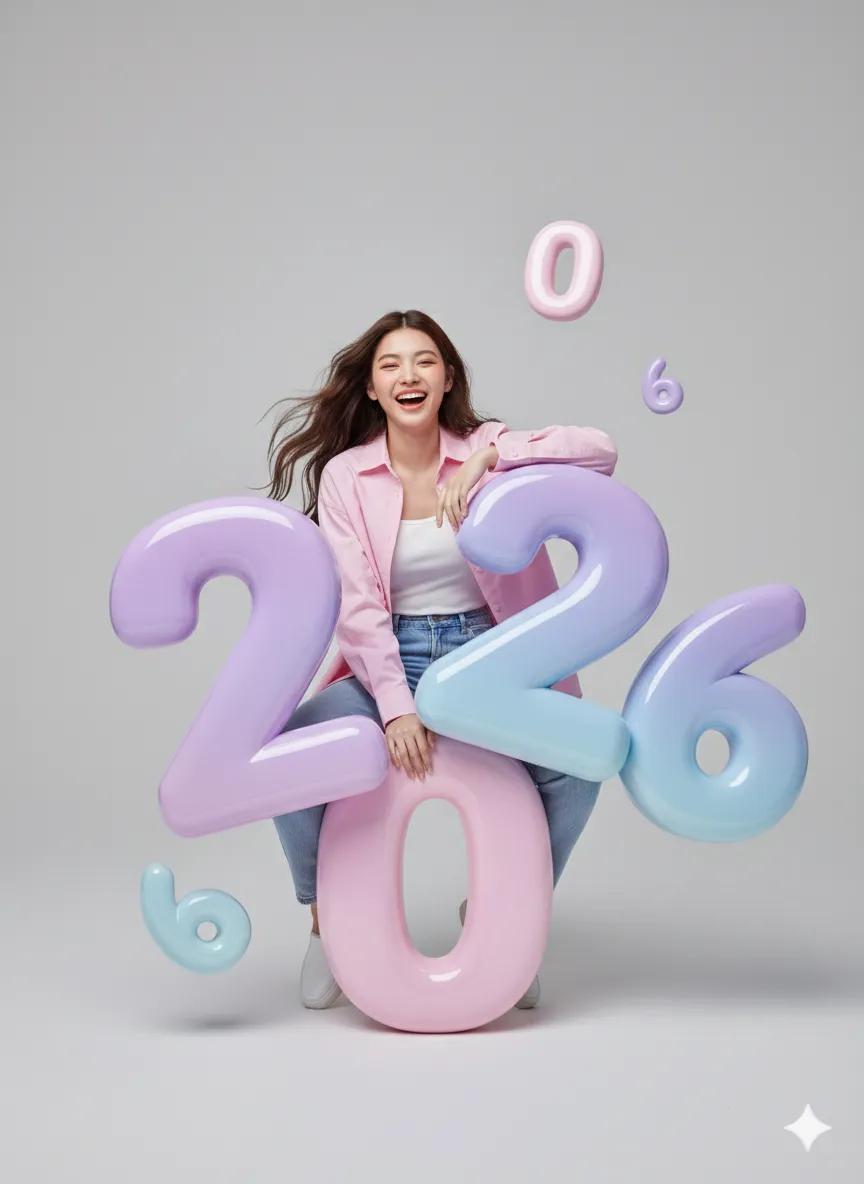
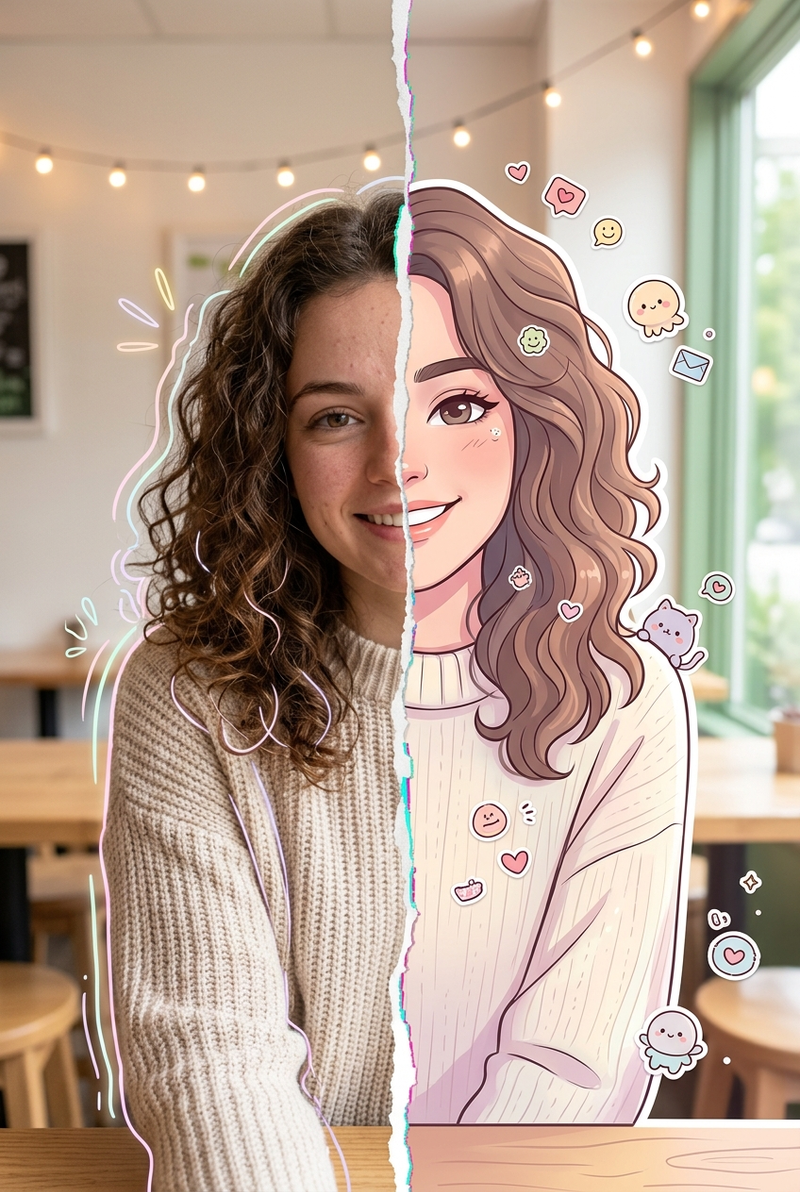
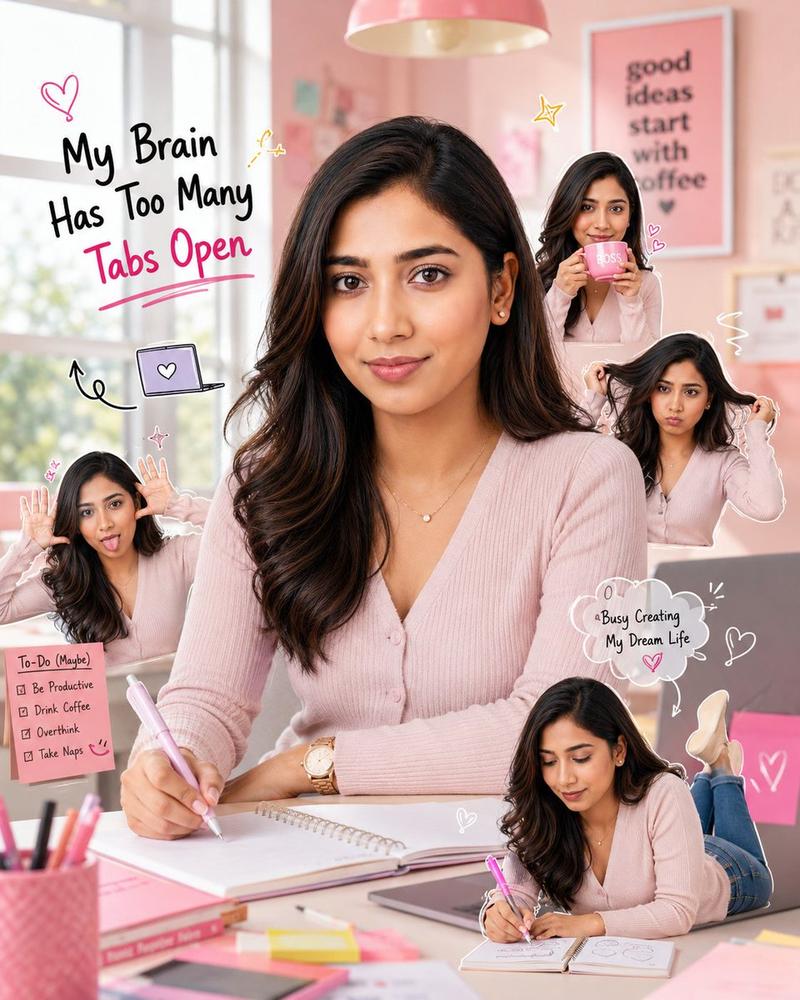
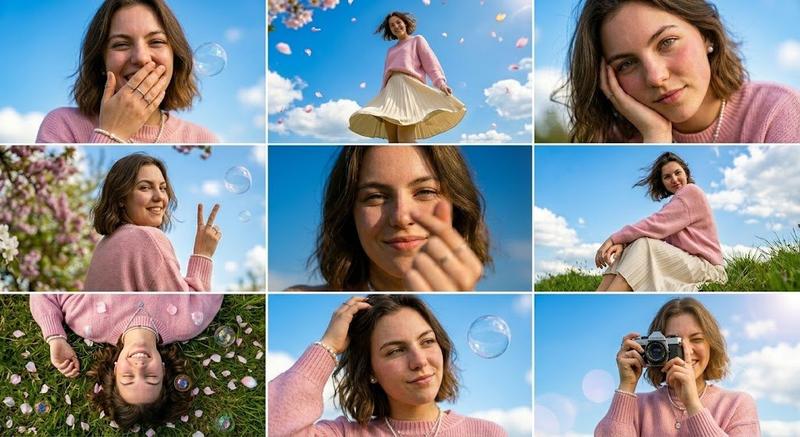
A cozy indoor birthday celebration collage featuring the same woman in multiple moments. Warm, soft-lit living room with neutral beige tones. Colorful “HAPPY BIRTHDAY” decorative banner hanging on the wall as party décor. In one frame, she sits cross-legged on a couch holding transparent confetti balloons and solid color balloons, smiling warmly. In another frame, she raises a large arch of colorful balloons above her head, celebrating joyfully as confetti falls. In another frame, she sits on the couch blowing out candles on a birthday cake placed on a wooden coffee table in front of her, holding balloons in one hand. Casual cozy outfit, natural expressions, realistic skin tones, warm ambient lighting, festive yet intimate home celebration mood, lifestyle photography style, clean composition, ultra-realistic, 1:1 aspect ratio.
Category
Posters & Typography
Model
Nano Banana Pro
Views87
Source ID
1847
Published
Jan 8, 2026

Guide

About "温馨的室内生日庆祝拼贴画"

What is this prompt for?

"温馨的室内生日庆祝拼贴画" AI image prompt for Nano Banana Pro (Posters & Typography). 一组温馨的室内生日庆祝拼贴画,展现了同一位女士的多个瞬间。温暖柔和的客厅灯光,以中性米色调为主。墙上悬挂着色彩缤纷的“生日快乐”装饰横幅,作为派对装饰。其中一张照片中,…

The full copyable prompt and example visuals above are ready for AI image generation or one-click recreate in Picva.

How to use this prompt

  1. Step 1

    Open the prompt detail

    Review the example visuals, category, and full prompt text for "温馨的室内生日庆祝拼贴画".

  2. Step 2

    Copy the prompt

    Copy the prompt body from this page, or load it directly in Studio.

  3. Step 3

    Pick a model (Nano Banana Pro)

    Prefer Nano Banana Pro. If you switch models, keep subject and composition and tweak style terms.

  4. Step 4

    Generate and export

    Recreate the look in Picva, or export into your workflow for editing and publishing.

FAQ

What is the "温馨的室内生日庆祝拼贴画" prompt?
It is an AI image-generation prompt for Nano Banana Pro in the Posters & Typography category. This page includes the full prompt text, example visuals, and a one-click recreate path in Picva.
How do I use this prompt to generate an image?
Copy the prompt from this page, or use Generate / Studio. Paste it into a compatible image model, or recreate the look in Picva with optional reference images.
Which model is this prompt for?
This page lists Nano Banana Pro. Most descriptive prompts also transfer to nearby image models such as GPT Image, Flux, or Midjourney with light style tweaks.
Can I use the result commercially?
You can usually copy the prompt for creation, but commercial use of the final image depends on the model terms, reference-image rights, and the generated content. Follow the source author and platform rules.