17

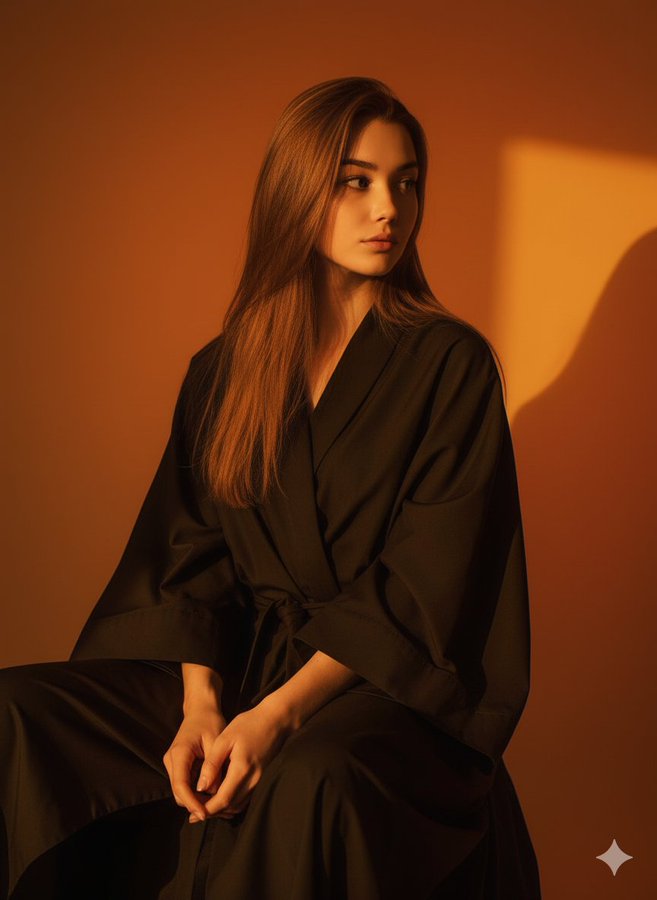
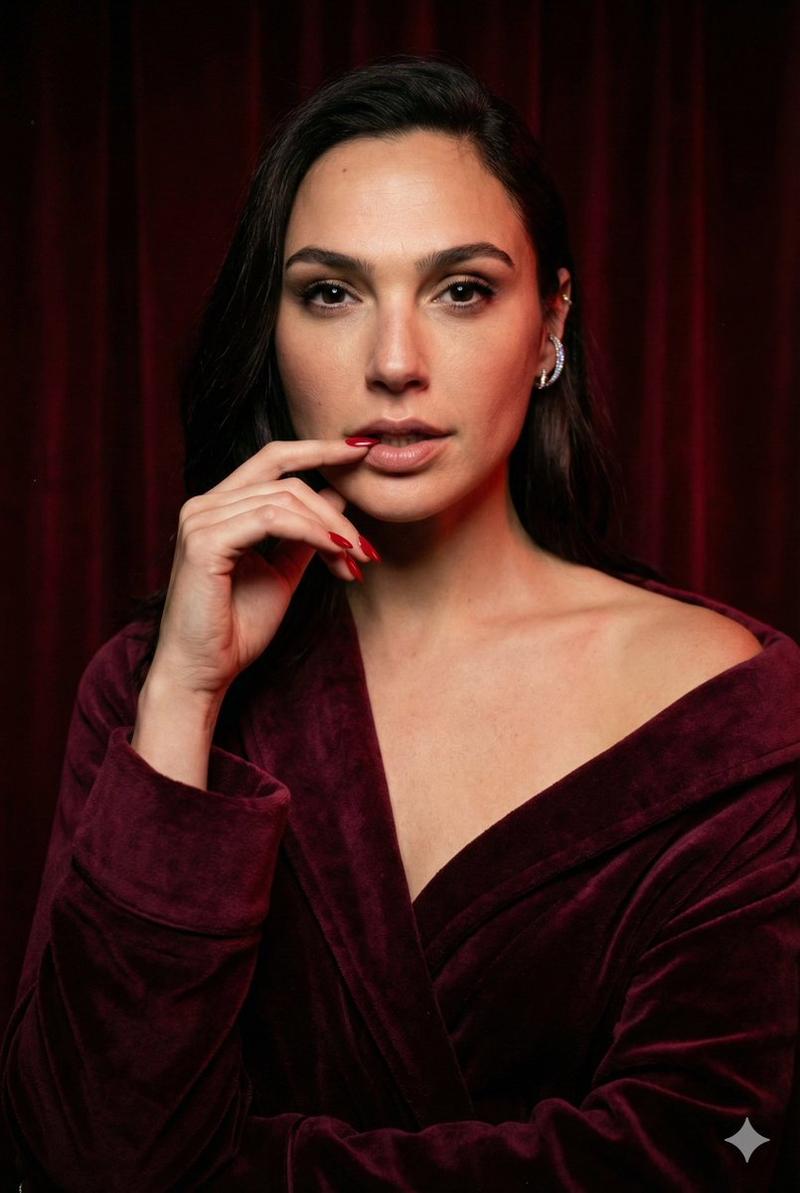
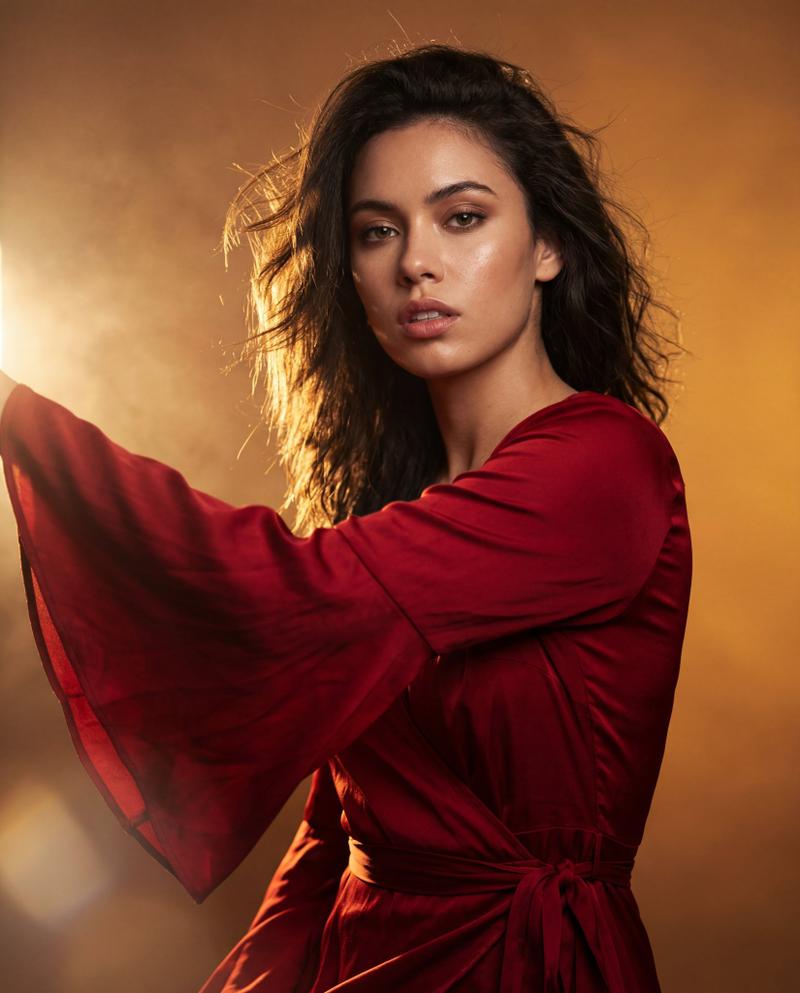
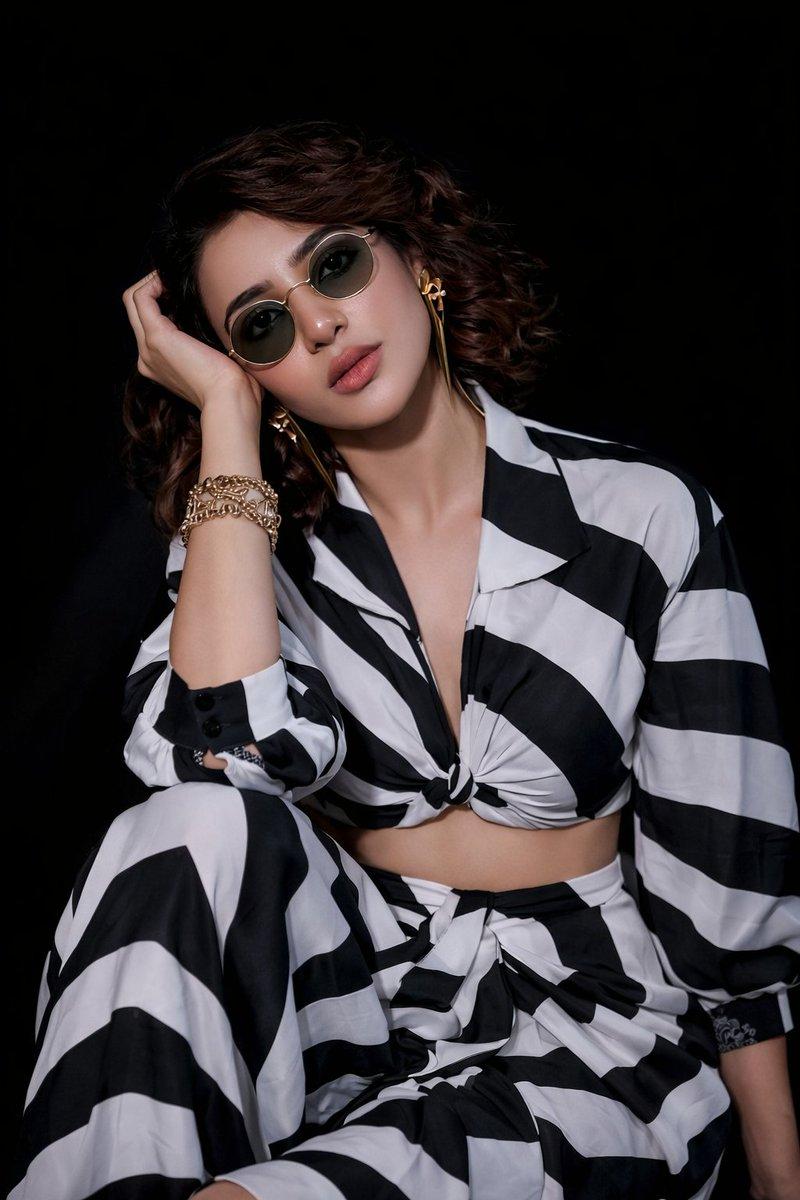
美女竖拍肖像
Enlarge

美女竖拍肖像

Prompt
A hyper-realistic 4K UHD vertical potrait (3:4) of me, preserving my exact original face and features. i am seated , slightly leaned forward with relaxed and calm expression. the background is a smooth, rich gradient of oranve and yellow tones, casting soft but vivid warm ambiet light around me, lighting is studio-grade , creating a glowing cinematic effect with gentle shadow behind me. i wear a loose , dark robe or fabric that drapes naturally. the mood is artistic and slightly surreal , with a moody, high-contrast look and a golden , warm color palette. the overall style is realistic , cinematic , and softly lit - with stunning UHD detail.
Category
Photography & Realism
Model
GPT Image 2
Views72
Source ID
1099
Published
Jan 8, 2026

Guide

About "美女竖拍肖像"

What is this prompt for?

"美女竖拍肖像" AI image prompt for GPT Image 2 (Photography & Realism). 这是一张超现实的 4K UHD 竖拍肖像(3:4),保留了我原本的面容和特征。我坐着,身体微微前倾,表情放松而平静。背景是平滑、丰富的橙色和黄色渐变色调,在我周围投射出柔和而生动的温暖氛…

The full copyable prompt and example visuals above are ready for AI image generation or one-click recreate in Picva.

How to use this prompt

  1. Step 1

    Open the prompt detail

    Review the example visuals, category, and full prompt text for "美女竖拍肖像".

  2. Step 2

    Copy the prompt

    Copy the prompt body from this page, or load it directly in Studio.

  3. Step 3

    Pick a model (GPT Image 2)

    Prefer GPT Image 2. If you switch models, keep subject and composition and tweak style terms.

  4. Step 4

    Generate and export

    Recreate the look in Picva, or export into your workflow for editing and publishing.

FAQ

What is the "美女竖拍肖像" prompt?
It is an AI image-generation prompt for GPT Image 2 in the Photography & Realism category. This page includes the full prompt text, example visuals, and a one-click recreate path in Picva.
How do I use this prompt to generate an image?
Copy the prompt from this page, or use Generate / Studio. Paste it into a compatible image model, or recreate the look in Picva with optional reference images.
Which model is this prompt for?
This page lists GPT Image 2. Most descriptive prompts also transfer to nearby image models such as GPT Image, Flux, or Midjourney with light style tweaks.
Can I use the result commercially?
You can usually copy the prompt for creation, but commercial use of the final image depends on the model terms, reference-image rights, and the generated content. Follow the source author and platform rules.