15

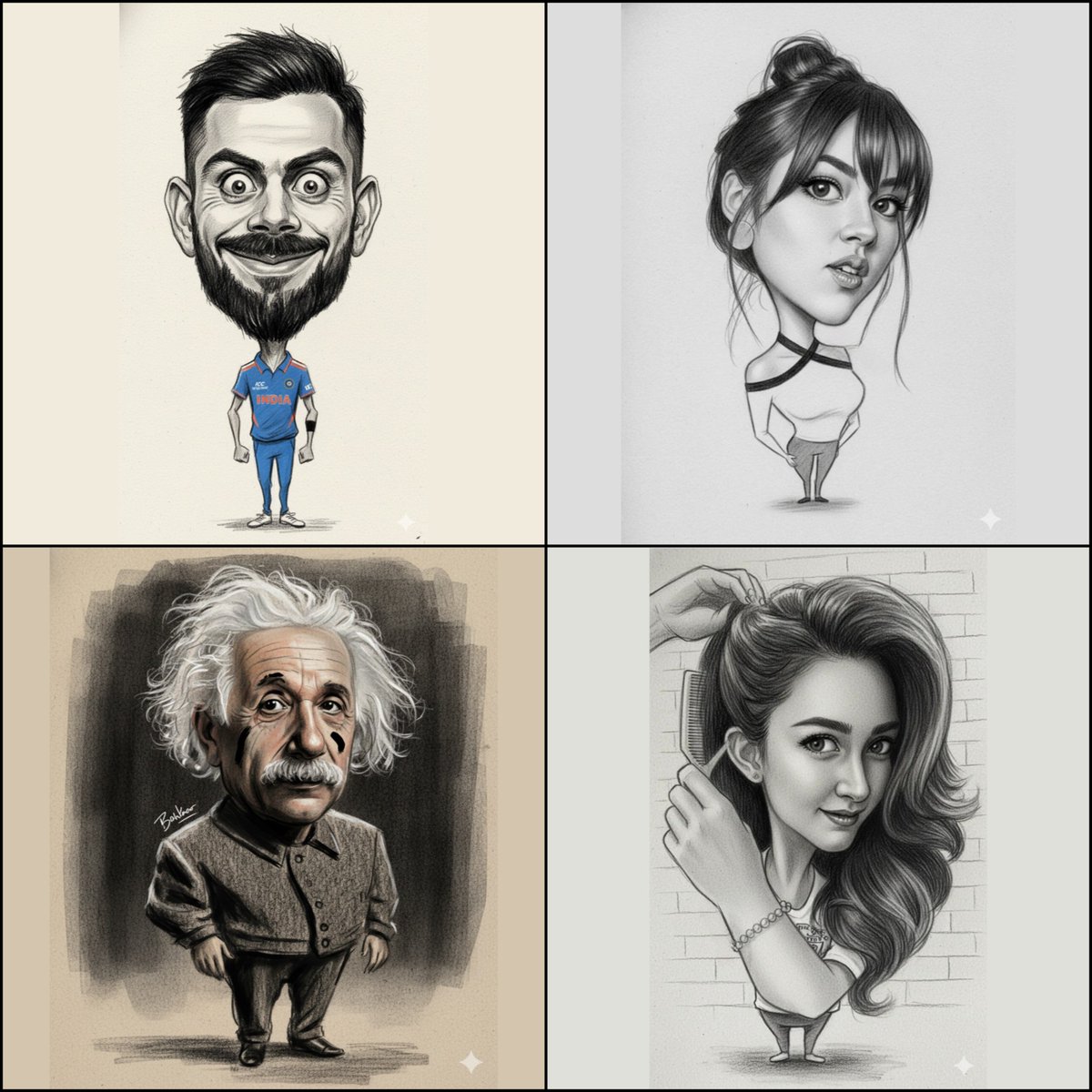
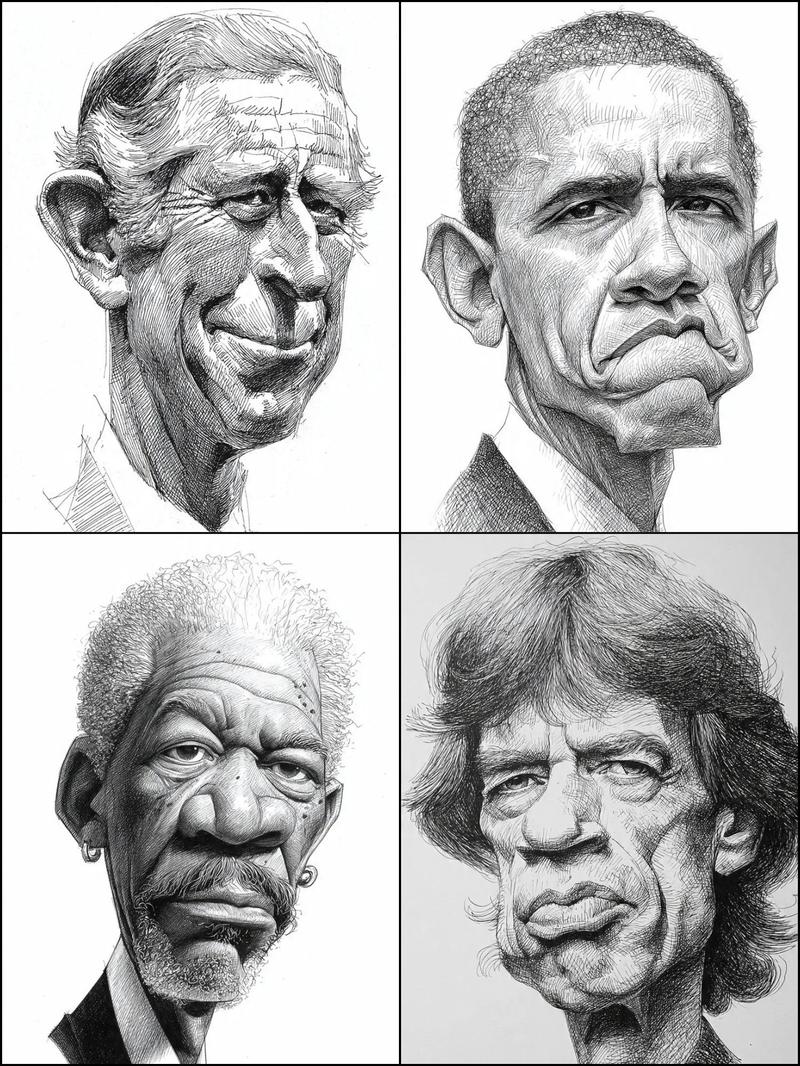
铅笔风格的大头漫画
Enlarge

铅笔风格的大头漫画

Prompt
{
"image_edit": {

"subject": "uploaded_image",

"Goal":"proportional composition of The whole body bottom to head is a caricature with the face and head exaggerated in the extremely shape of the eyes, nose, lips.",

"style": "textured paper", "refine details, retain original charcoal structure and strong brushes pencil, aesthetic composition and expression, pure black, brushes stroke"

{"style": "pencil brush stroke", "no types text", "position":" stylized near shoulder, aesthetic replacement, no right_bottom"

},

{

"output":

"a big head caricature." Ensure to create an image with a noticeably exaggerated head size for the caricature effect you desire, while retaining the charcoal and brush stroke style"

}

}
Category
Posters & Typography
Model
GPT Image 2
Views52
Source ID
1183
Published
Jan 8, 2026

Guide

About "铅笔风格的大头漫画"

What is this prompt for?

"铅笔风格的大头漫画" AI image prompt for GPT Image 2 (Posters & Typography). { "image_edit": { 主题:上传的图片, “目标”:“从下到头,全身比例构成一幅漫画,脸部和头部被极度夸张,眼睛、鼻子、嘴唇的形状都极度突出。” “风格”:“纹理纸”,…

The full copyable prompt and example visuals above are ready for AI image generation or one-click recreate in Picva.

How to use this prompt

  1. Step 1

    Open the prompt detail

    Review the example visuals, category, and full prompt text for "铅笔风格的大头漫画".

  2. Step 2

    Copy the prompt

    Copy the prompt body from this page, or load it directly in Studio.

  3. Step 3

    Pick a model (GPT Image 2)

    Prefer GPT Image 2. If you switch models, keep subject and composition and tweak style terms.

  4. Step 4

    Generate and export

    Recreate the look in Picva, or export into your workflow for editing and publishing.

FAQ

What is the "铅笔风格的大头漫画" prompt?
It is an AI image-generation prompt for GPT Image 2 in the Posters & Typography category. This page includes the full prompt text, example visuals, and a one-click recreate path in Picva.
How do I use this prompt to generate an image?
Copy the prompt from this page, or use Generate / Studio. Paste it into a compatible image model, or recreate the look in Picva with optional reference images.
Which model is this prompt for?
This page lists GPT Image 2. Most descriptive prompts also transfer to nearby image models such as GPT Image, Flux, or Midjourney with light style tweaks.
Can I use the result commercially?
You can usually copy the prompt for creation, but commercial use of the final image depends on the model terms, reference-image rights, and the generated content. Follow the source author and platform rules.