19

东京街头极速狂飙与霓虹幻影

Prompt
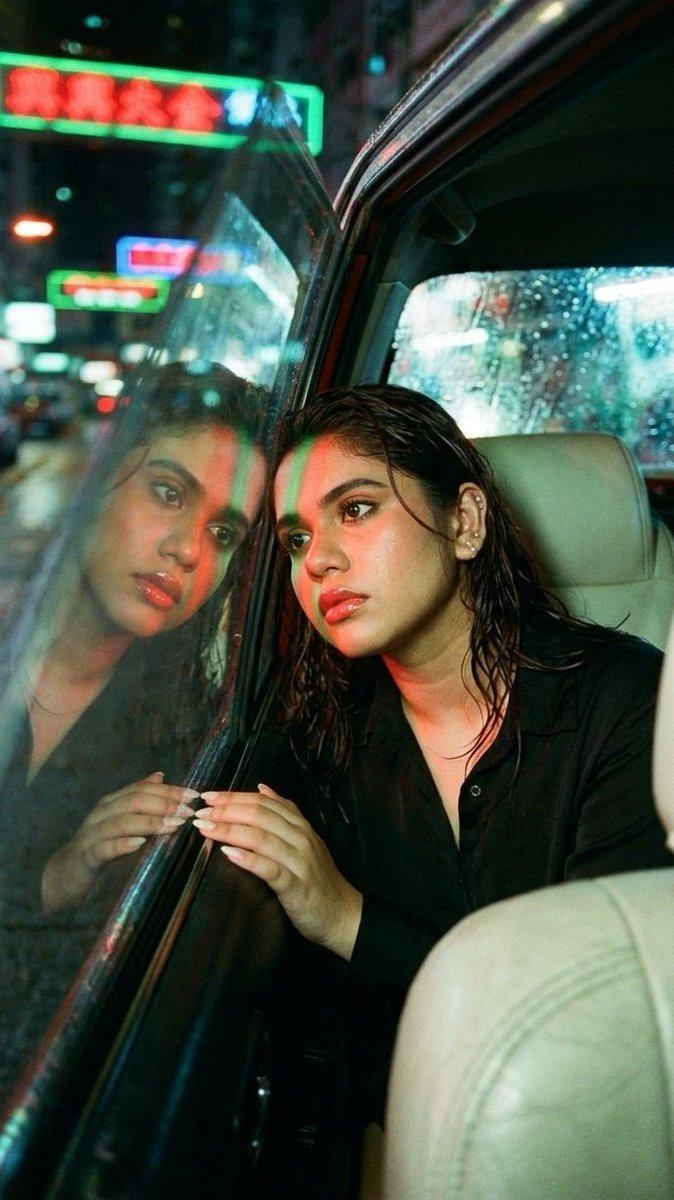
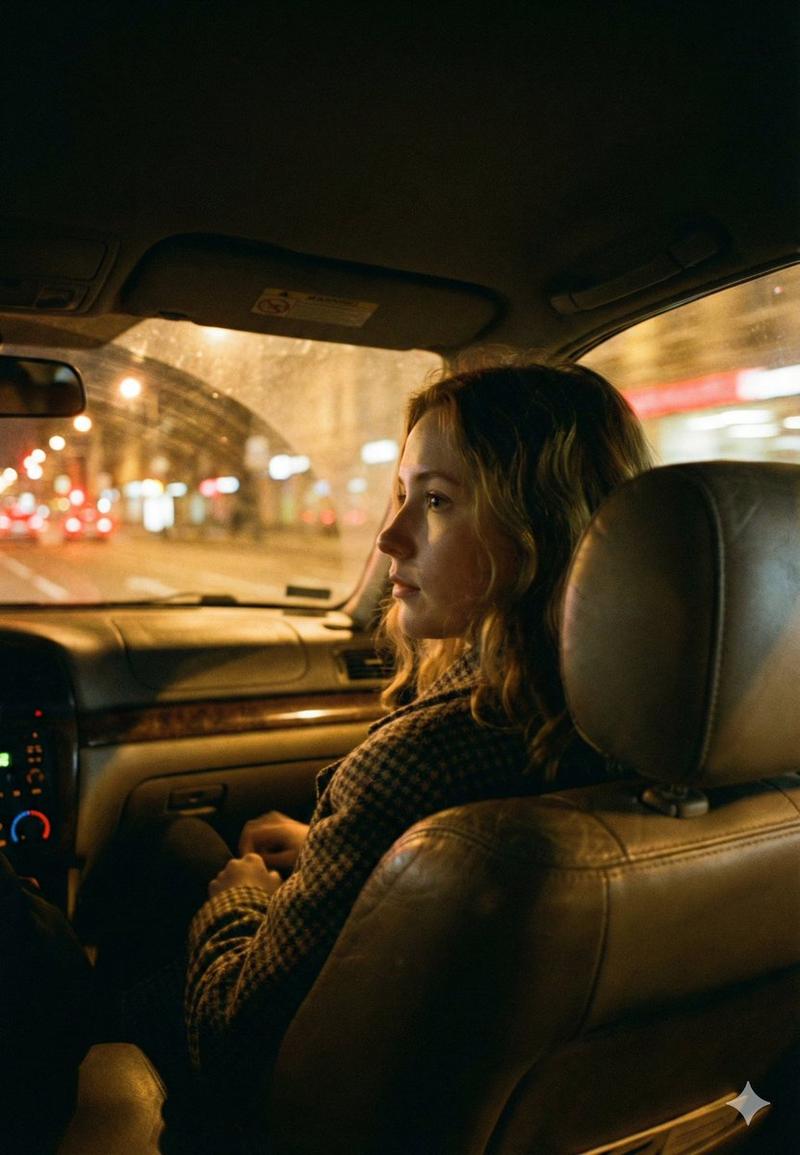
SHOT1 Close-up inside the cockpit, a male driver in his 30s grips the suede steering wheel of a low-slung race car. He’s focused, sweat on his temple, lit only by blue dashboard LEDs and passing neon reflections from outside. Tokyo’s city lights flicker across the windshield. Camera slowly pushes in, locked on his intense gaze through the rearview mirror. SHOT2 Side profile mid shot, from the passenger seat view. The driver shifts gears with a snap, neon signage from outside streaks across his face in sharp reflections. The city races by — puddles splash under the tires. Camera pans with him as he leans forward, eyes narrowing. SHOT3 Exterior low rear shot, the car’s tail lights flare as he slams the NOS button. Blue flames erupt from the exhaust. The car launches forward, disappearing into the glowing Tokyo streets. Camera tracks behind, lights blurring, engine scream echoing in the distance.
Category
Video Prompts
Model
Seedance 2.0
Views218
Source ID
3049
Published
Mar 20, 2026

Guide

About "东京街头极速狂飙与霓虹幻影"

What is this prompt for?

"东京街头极速狂飙与霓虹幻影" AI image prompt for Seedance 2.0 (Video Prompts). 镜头1 驾驶舱内特写,一名30多岁的男性车手紧握着低矮赛车的麂皮方向盘。他全神贯注,太阳穴上有汗水,仅由蓝色的仪表盘LED灯和外部经过的霓虹反射光照亮。东京的城市灯光在挡风玻璃上闪烁。镜…

The full copyable prompt and example visuals above are ready for AI image generation or one-click recreate in Picva.

How to use this prompt

  1. Step 1

    Open the prompt detail

    Review the example visuals, category, and full prompt text for "东京街头极速狂飙与霓虹幻影".

  2. Step 2

    Copy the prompt

    Copy the prompt body from this page, or load it directly in Studio.

  3. Step 3

    Pick a model (Seedance 2.0)

    Prefer Seedance 2.0. If you switch models, keep subject and composition and tweak style terms.

  4. Step 4

    Generate and export

    Recreate the look in Picva, or export into your workflow for editing and publishing.

FAQ

What is the "东京街头极速狂飙与霓虹幻影" prompt?
It is an AI image-generation prompt for Seedance 2.0 in the Video Prompts category. This page includes the full prompt text, example visuals, and a one-click recreate path in Picva.
How do I use this prompt to generate an image?
Copy the prompt from this page, or use Generate / Studio. Paste it into a compatible image model, or recreate the look in Picva with optional reference images.
Which model is this prompt for?
This page lists Seedance 2.0. Most descriptive prompts also transfer to nearby image models such as GPT Image, Flux, or Midjourney with light style tweaks.
Can I use the result commercially?
You can usually copy the prompt for creation, but commercial use of the final image depends on the model terms, reference-image rights, and the generated content. Follow the source author and platform rules.