18

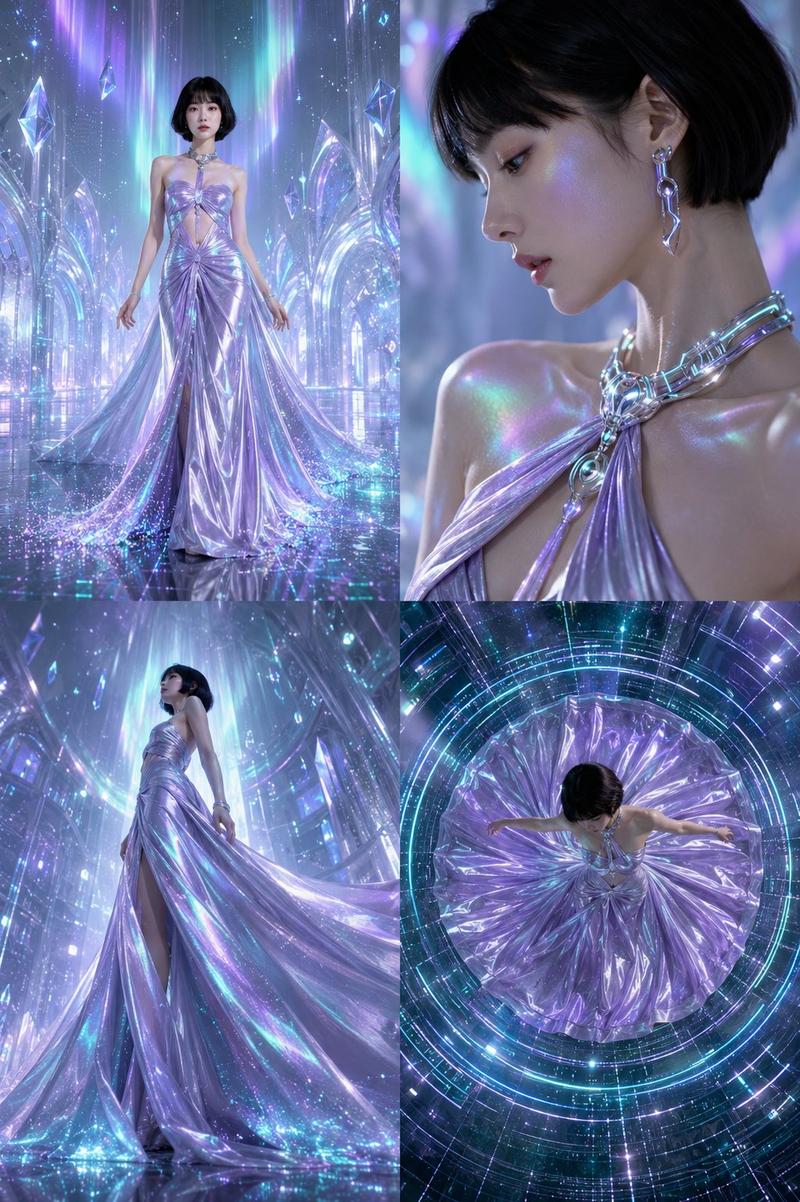
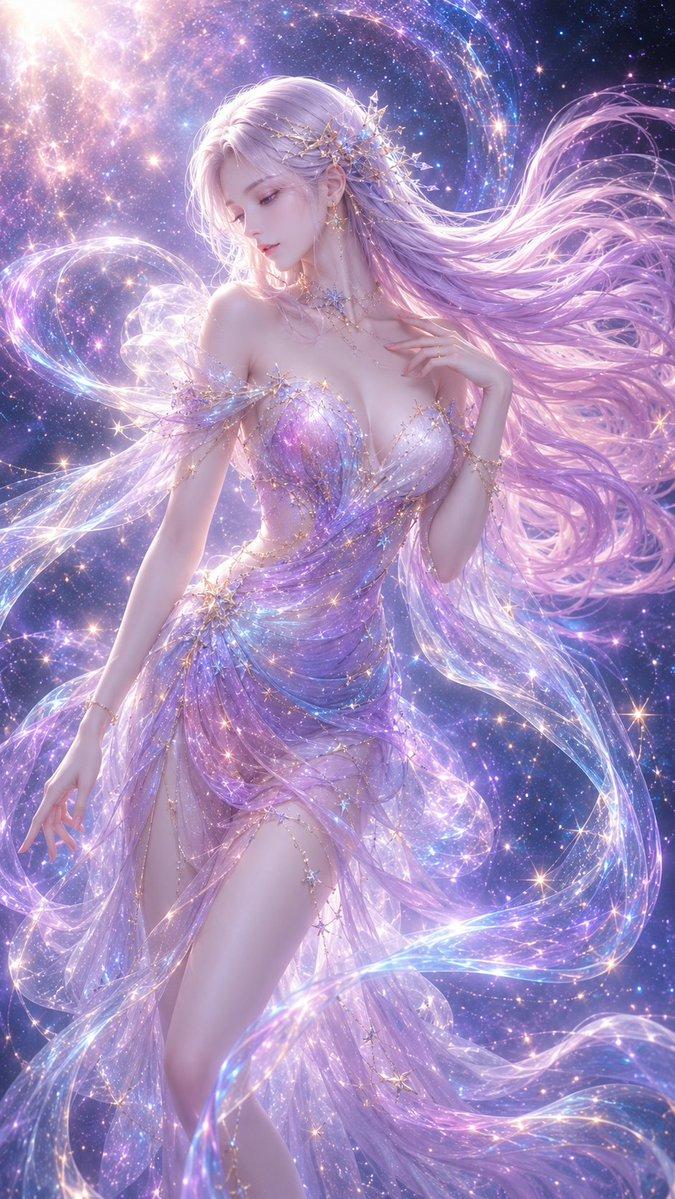
超写实幻想杂志封面水母长裙韩国女性
Enlarge

超写实幻想杂志封面水母长裙韩国女性

Prompt
Ultra-realistic fantasy editorial magazine cover featuring a breathtaking Korean woman in a floor-length gown constructed entirely of translucent bioluminescent jellyfish-tentacle fabric with a structured bodice and cascading iridescent layers. Her dark hair billows weightlessly around her. Flawless skin with a subtle aqua-tinted luminous glow, deep navy kohl eyes, sea-glass iridescent lips. Ethereal pearl and aquamarine jewelry — scale-like ear pieces, coral-branch necklace. Background: deep ocean ballroom — soft teal-blue bioluminescent underwater light, drifting silver bubbles, dark abyss below. "NUMÉRO" in elegant editorial serif typography. 85mm macro lens feel, ultra-detailed translucent fabric shimmer, 8K photorealistic underwater cinematic. 

Negative: cartoon, anime, blurry, cheap CGI, harsh light, watermark. 1744x2336
Category
Posters & Typography
Model
ChatGPT
Views4
Source ID
15283
Published
Jun 3, 2026

Guide

About "超写实幻想杂志封面水母长裙韩国女性"

What is this prompt for?

"超写实幻想杂志封面水母长裙韩国女性" AI image prompt for ChatGPT (Posters & Typography). 超现实主义幻想社论杂志封面,主角是一位令人屏息的韩国女性,身着一件完全由半透明生物发光水母触手织物制成的落地长裙,配有结构化的紧身胸衣和层叠的虹彩层。她的黑发在身体周围无重力…

The full copyable prompt and example visuals above are ready for AI image generation or one-click recreate in Picva.

How to use this prompt

  1. Step 1

    Open the prompt detail

    Review the example visuals, category, and full prompt text for "超写实幻想杂志封面水母长裙韩国女性".

  2. Step 2

    Copy the prompt

    Copy the prompt body from this page, or load it directly in Studio.

  3. Step 3

    Pick a model (ChatGPT)

    Prefer ChatGPT. If you switch models, keep subject and composition and tweak style terms.

  4. Step 4

    Generate and export

    Recreate the look in Picva, or export into your workflow for editing and publishing.

FAQ

What is the "超写实幻想杂志封面水母长裙韩国女性" prompt?
It is an AI image-generation prompt for ChatGPT in the Posters & Typography category. This page includes the full prompt text, example visuals, and a one-click recreate path in Picva.
How do I use this prompt to generate an image?
Copy the prompt from this page, or use Generate / Studio. Paste it into a compatible image model, or recreate the look in Picva with optional reference images.
Which model is this prompt for?
This page lists ChatGPT. Most descriptive prompts also transfer to nearby image models such as GPT Image, Flux, or Midjourney with light style tweaks.
Can I use the result commercially?
You can usually copy the prompt for creation, but commercial use of the final image depends on the model terms, reference-image rights, and the generated content. Follow the source author and platform rules.