18

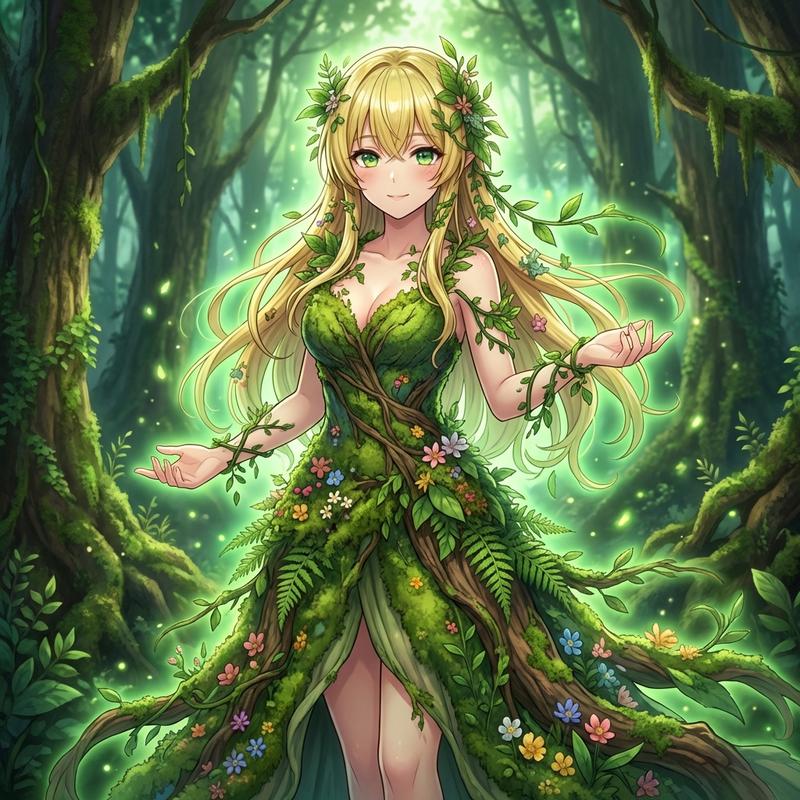
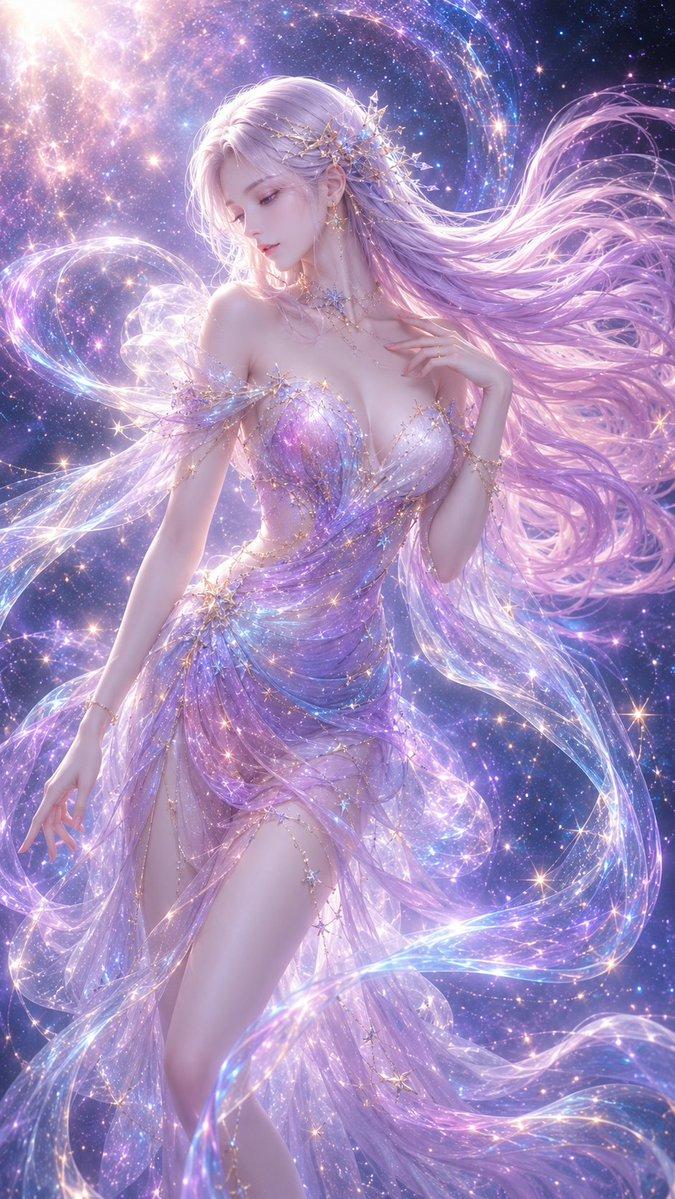
Aisha Wing 角色变身
Enlarge

Aisha Wing 角色变身

Prompt
# 将原始角色转换为 "{argument name="character name" default="Aisha Wing"}" 的提示词

## 优先级规则
- 仅根据附件中的角色图像进行修改(如果存在)。
- 若未上传图像,绝对不要开始图像生成。
- 若未上传图像,请停止处理并要求用户提供性别说明。
- 在未指定性别之前,不得开始图像生成、设计创作或角色制作。

---

## 未上传图像时的强制消息
务必准确显示以下消息:

"未检测到角色图像。请在发送前于对话中输入所需的性别、发型、发色、瞳色、特征、背景等信息。"

---

## 角色变身
- 仅将原始角色的服装更改为迷人且精致的设计。
- 若判定为女性,则转换为美丽优雅的 "{argument name="female vibe" default="成熟御姐"}" 风格。
- 若判定为男性,则转换为时尚且极具吸引力的 "{argument name="male vibe" default="高冷型男"}" 风格。
- 在背部生长出美丽的蝴蝶翅膀,要求华丽、空灵,并具有 {argument name="wing style" default="彩色玻璃般的图案"}。
- 确保翅膀大小适中,能够完整呈现在画面内。

---

## 背景
- 使用与主体(特别是翅膀颜色)不冲突的精美背景。
- 禁止使用蓝屏或纯白背景。

---

## 姿势
- 使用能让角色看起来更出色的酷炫姿势。
- 禁止使用立正(Nio-dachi)姿势。

---

## 摄像机角度
- 使用最适合场景的摄像机角度。
- 采用极具戏剧性的构图,例如低角度或高角度拍摄。

---

### 纵横比
- 9:16

---

## 严格要求
- 不要直接在原始图像上生长翅膀。
- 将翅膀放置在自然的高度,从胸部附近生长出来。
- 确保呈现全身、正面且姿势酷炫的画面。
Category
Characters & People
Model
GPT Image 2
Views3
Source ID
19484
Published
May 10, 2026

Guide

About "Aisha Wing 角色变身"

What is this prompt for?

"Aisha Wing 角色变身" AI image prompt for GPT Image 2 (Characters & People). 一个用于 GPT Image 2 的结构化系统提示词,旨在将现有角色图像修改为“Aisha Wing”设计,并呈现彩色玻璃质感的蝴蝶翅膀。 Copy it on Picva…

The full copyable prompt and example visuals above are ready for AI image generation or one-click recreate in Picva.

How to use this prompt

  1. Step 1

    Open the prompt detail

    Review the example visuals, category, and full prompt text for "Aisha Wing 角色变身".

  2. Step 2

    Copy the prompt

    Copy the prompt body from this page, or load it directly in Studio.

  3. Step 3

    Pick a model (GPT Image 2)

    Prefer GPT Image 2. If you switch models, keep subject and composition and tweak style terms.

  4. Step 4

    Generate and export

    Recreate the look in Picva, or export into your workflow for editing and publishing.

FAQ

What is the "Aisha Wing 角色变身" prompt?
It is an AI image-generation prompt for GPT Image 2 in the Characters & People category. This page includes the full prompt text, example visuals, and a one-click recreate path in Picva.
How do I use this prompt to generate an image?
Copy the prompt from this page, or use Generate / Studio. Paste it into a compatible image model, or recreate the look in Picva with optional reference images.
Which model is this prompt for?
This page lists GPT Image 2. Most descriptive prompts also transfer to nearby image models such as GPT Image, Flux, or Midjourney with light style tweaks.
Can I use the result commercially?
You can usually copy the prompt for creation, but commercial use of the final image depends on the model terms, reference-image rights, and the generated content. Follow the source author and platform rules.