16

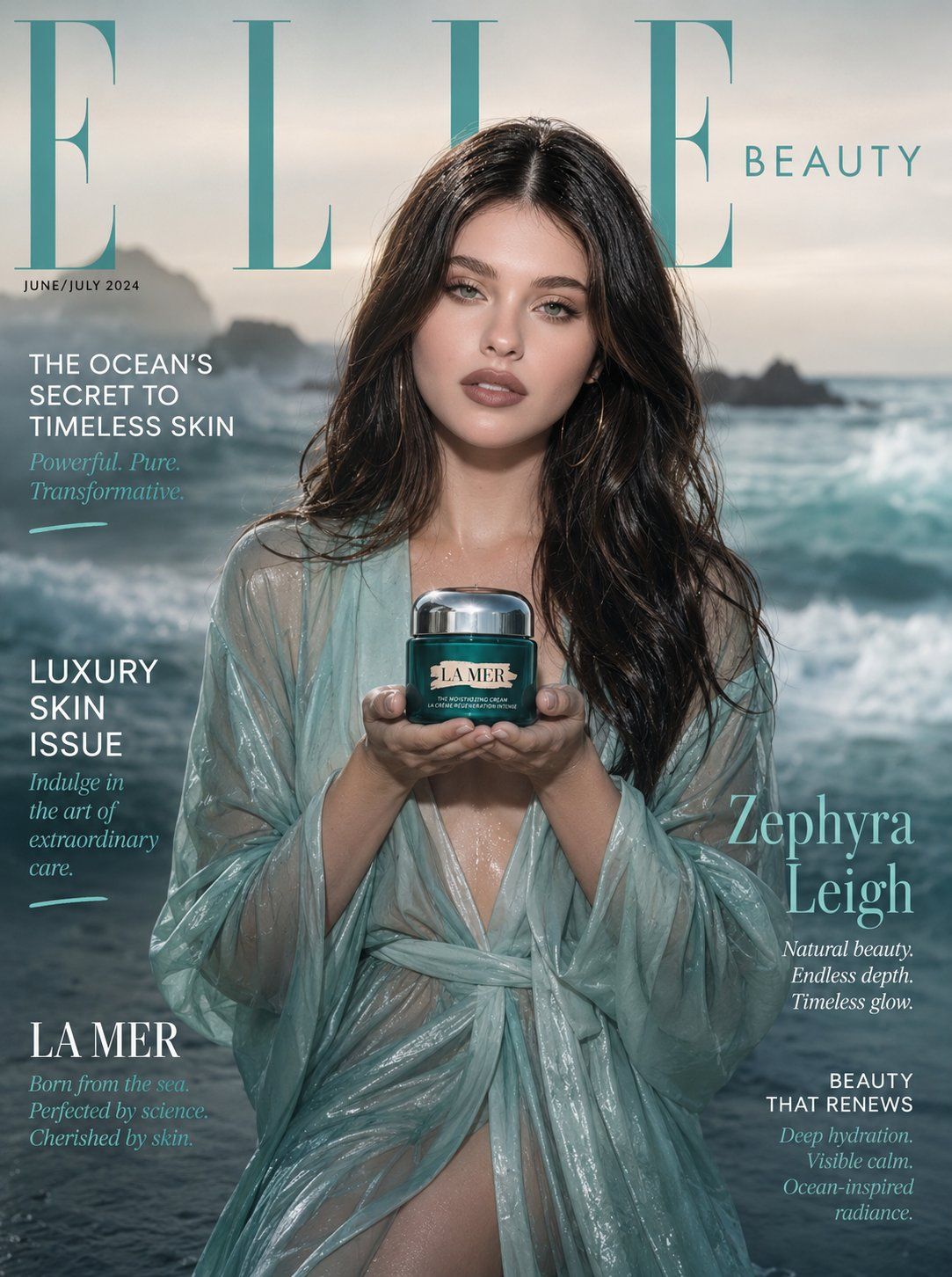
极简奢华海洋美妆杂志封面
Enlarge

极简奢华海洋美妆杂志封面

Prompt
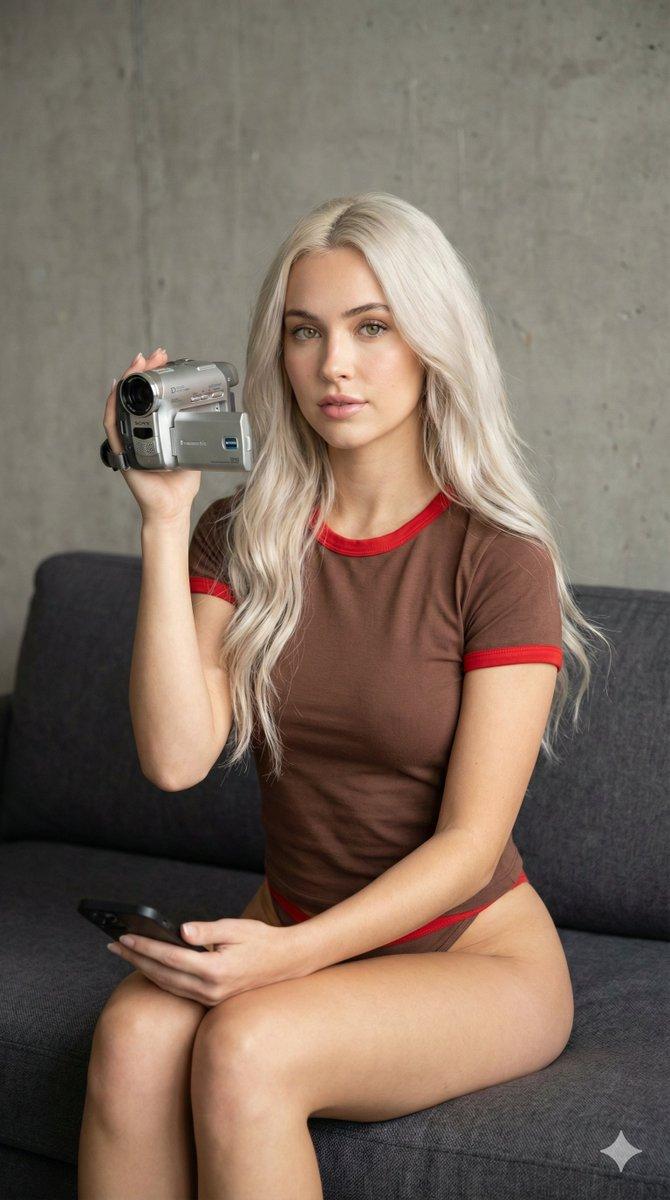
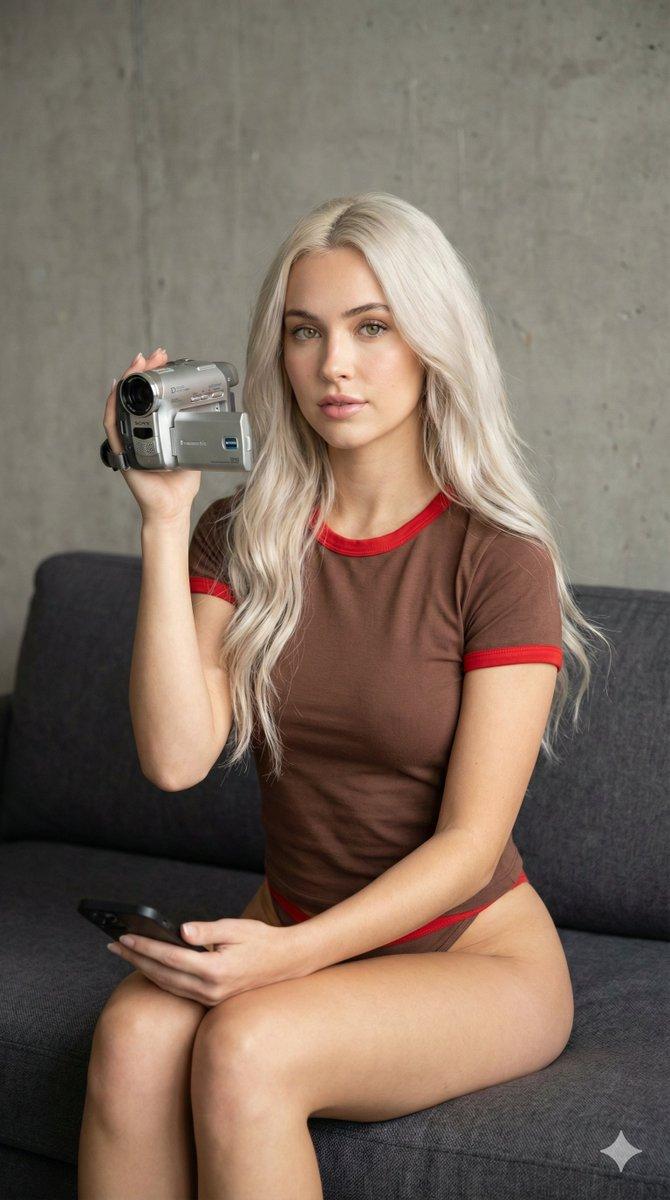
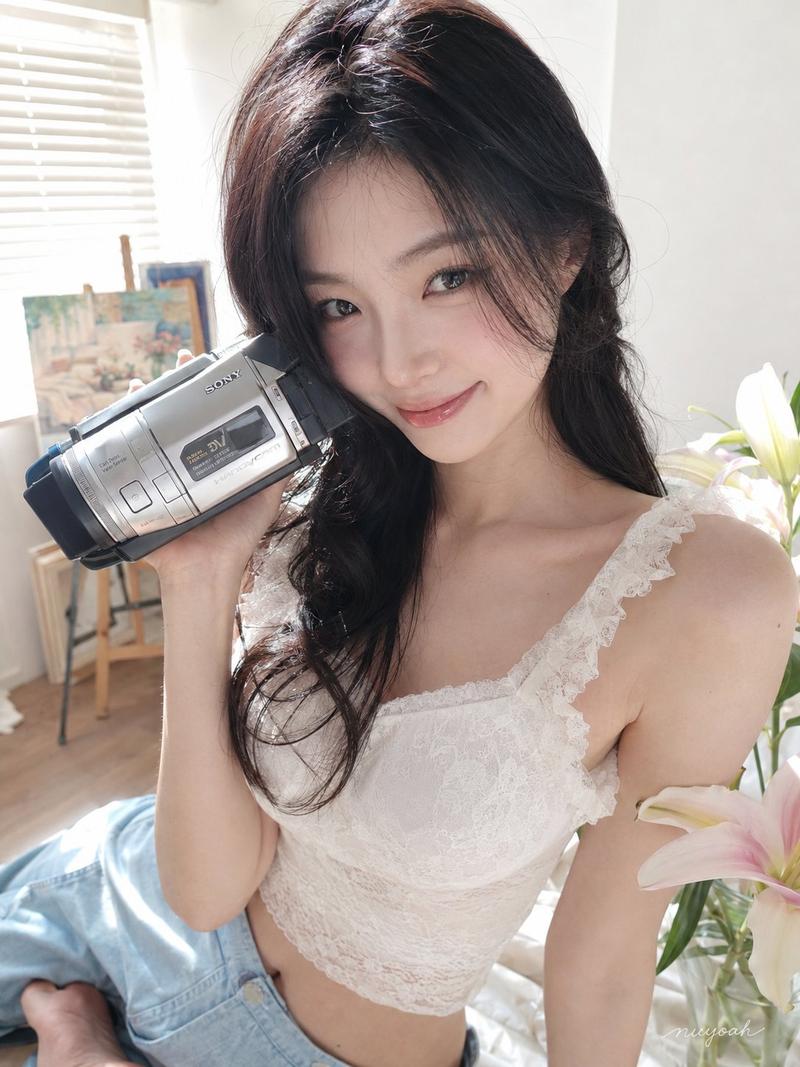
[Reference Image]
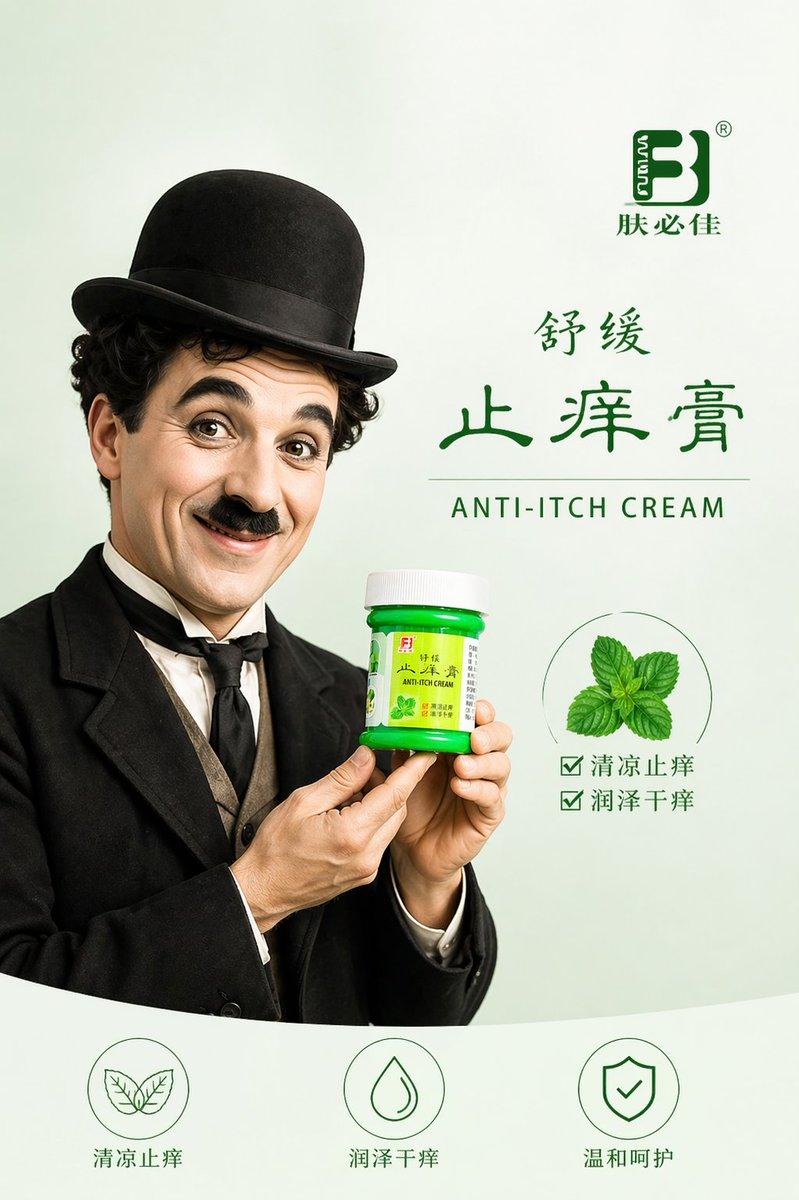
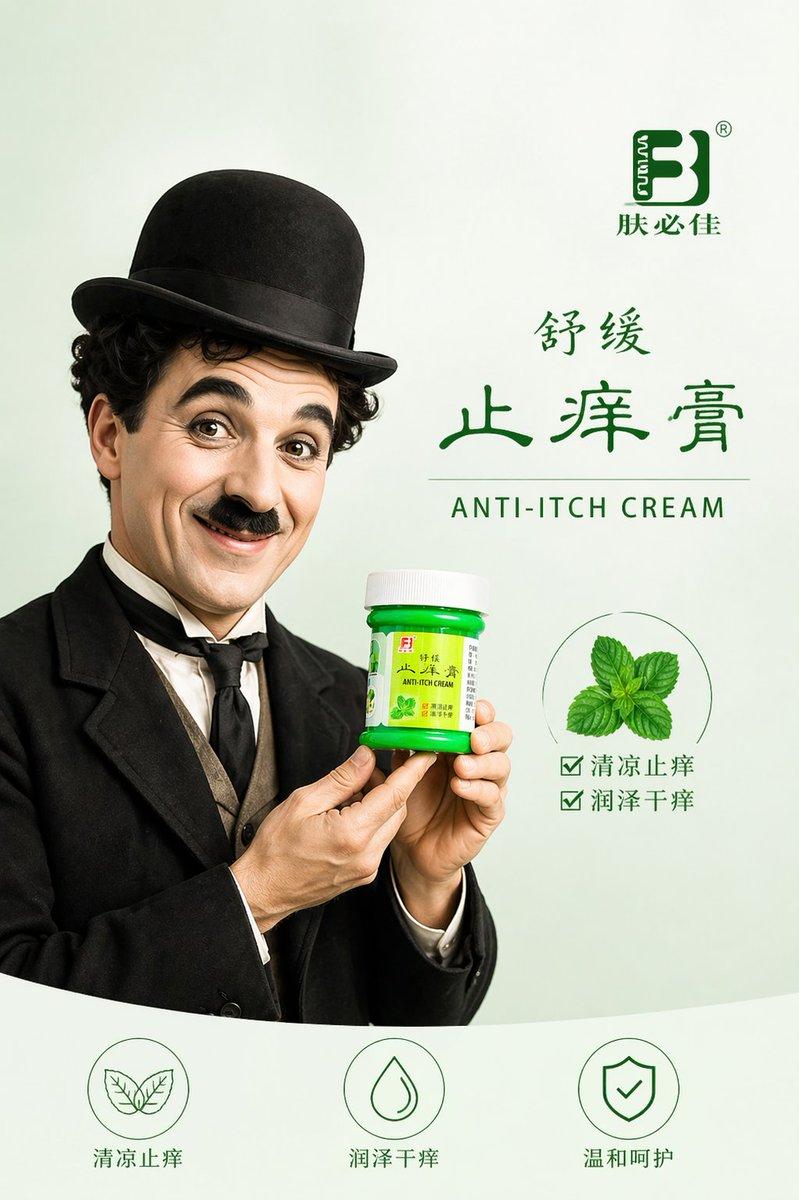
Use the reference photo while keeping the face completely unchanged and identical to the original subject, Ultra-realistic ocean-luxury beauty campaign magazine cover featuring an ethereal Korean woman in a sheer sea-glass green silk robe standing barefoot on wet dark sand, holding an iconic La Mer cream teal jar cupped in both hands like a precious object, ocean mist softly surrounding her. Dewy translucent skin, fresh no-makeup look, barely-there gloss. Loose windswept dark waves. Background: cinematic ocean shoreline at dawn — soft teal-silver sea, mist rolling in, pale sky gradient, dreamy depth of field. "ELLE BEAUTY" masthead in aqua-tinted elegant serif with "LUXURY SKIN ISSUE" callout. 85mm lens, ultra-detailed jar product label and ocean mist atmosphere, 8K photorealistic luxury beauty.

Negative: cartoon, blurry, harsh studio feel, watermark, distorted.
Category
Posters & Typography
Model
ChatGPT
Views4
Source ID
17624
Published
Jul 9, 2026

Guide

About "极简奢华海洋美妆杂志封面"

What is this prompt for?

"极简奢华海洋美妆杂志封面" AI image prompt for ChatGPT (Posters & Typography). [参考图片] 使用参考照片,同时保持面部完全不改变,并与原始主体完全一致。超写实海洋奢华美妆活动杂志封面,主角是一位空灵的韩国女性,穿着半透明海玻璃绿丝绸长袍,赤脚站在潮湿的深色沙滩上…

The full copyable prompt and example visuals above are ready for AI image generation or one-click recreate in Picva.

How to use this prompt

  1. Step 1

    Open the prompt detail

    Review the example visuals, category, and full prompt text for "极简奢华海洋美妆杂志封面".

  2. Step 2

    Copy the prompt

    Copy the prompt body from this page, or load it directly in Studio.

  3. Step 3

    Pick a model (ChatGPT)

    Prefer ChatGPT. If you switch models, keep subject and composition and tweak style terms.

  4. Step 4

    Generate and export

    Recreate the look in Picva, or export into your workflow for editing and publishing.

FAQ

What is the "极简奢华海洋美妆杂志封面" prompt?
It is an AI image-generation prompt for ChatGPT in the Posters & Typography category. This page includes the full prompt text, example visuals, and a one-click recreate path in Picva.
How do I use this prompt to generate an image?
Copy the prompt from this page, or use Generate / Studio. Paste it into a compatible image model, or recreate the look in Picva with optional reference images.
Which model is this prompt for?
This page lists ChatGPT. Most descriptive prompts also transfer to nearby image models such as GPT Image, Flux, or Midjourney with light style tweaks.
Can I use the result commercially?
You can usually copy the prompt for creation, but commercial use of the final image depends on the model terms, reference-image rights, and the generated content. Follow the source author and platform rules.