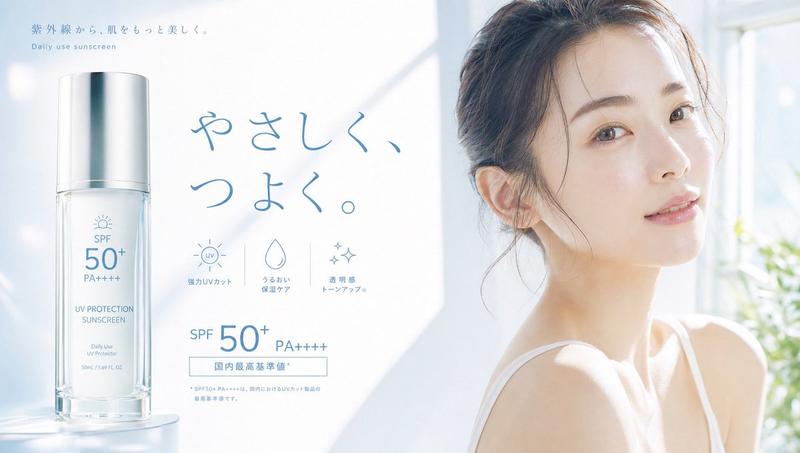
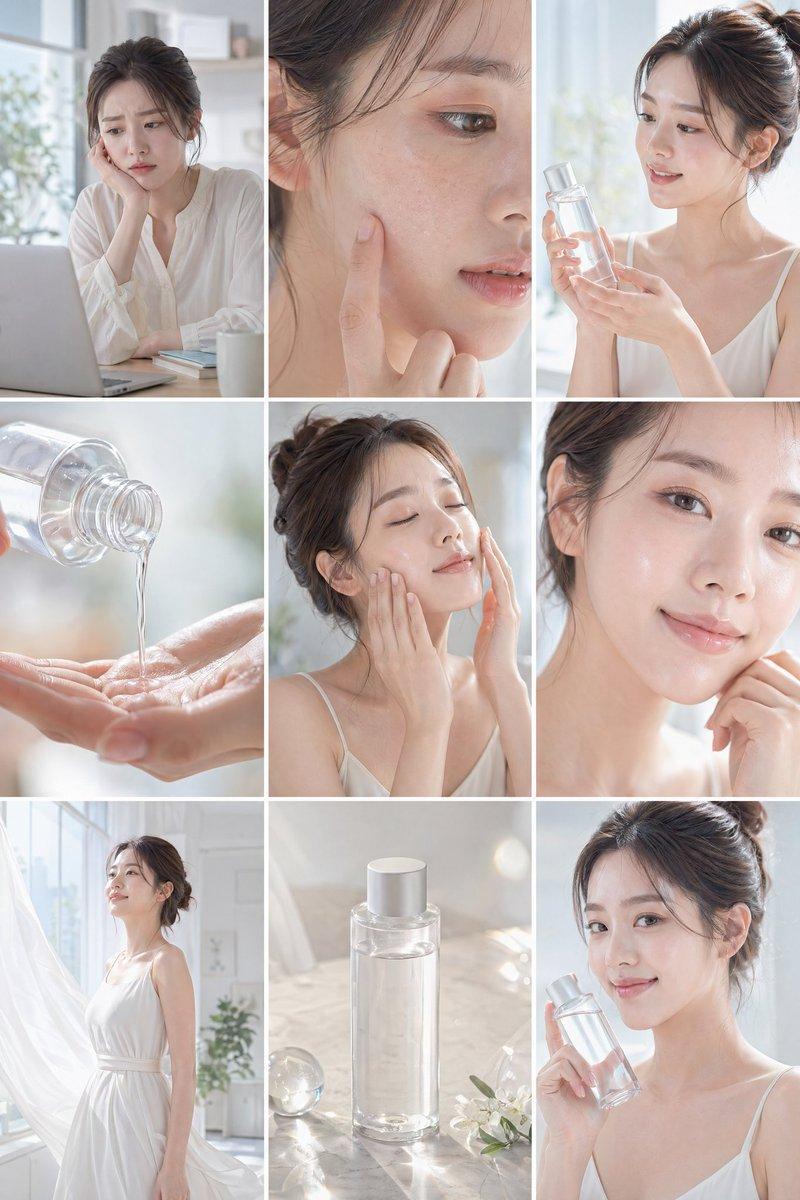
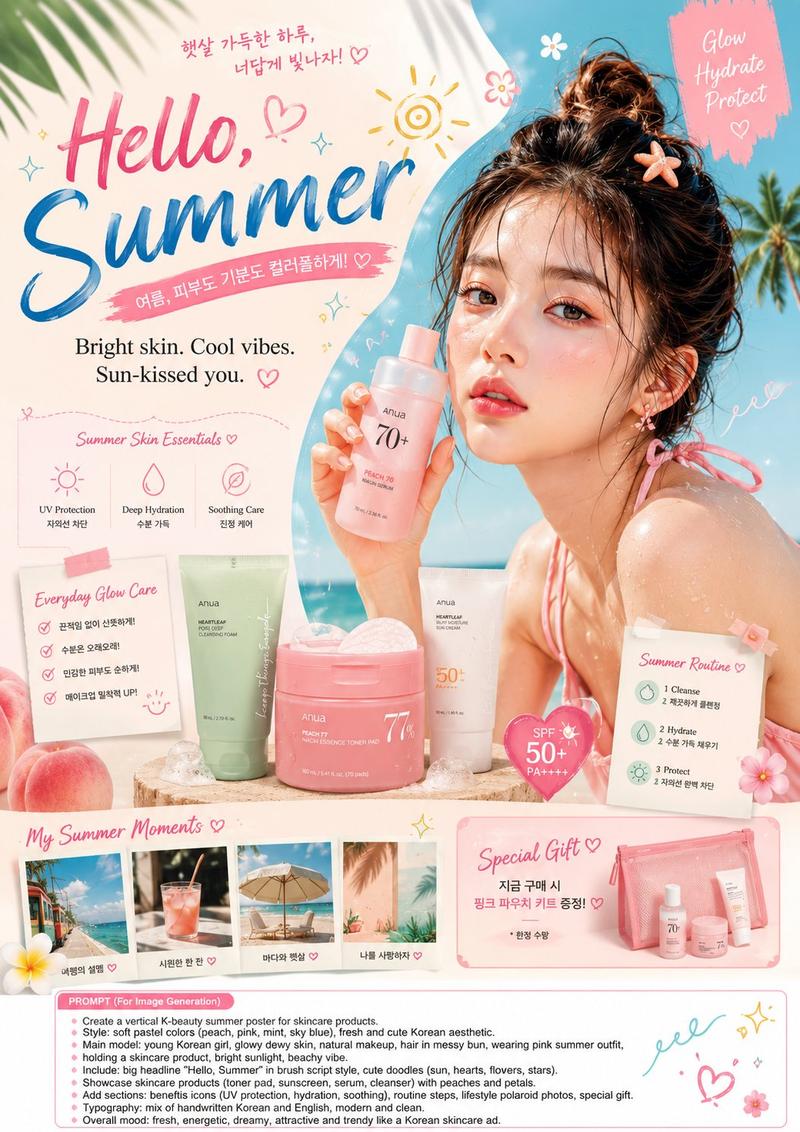
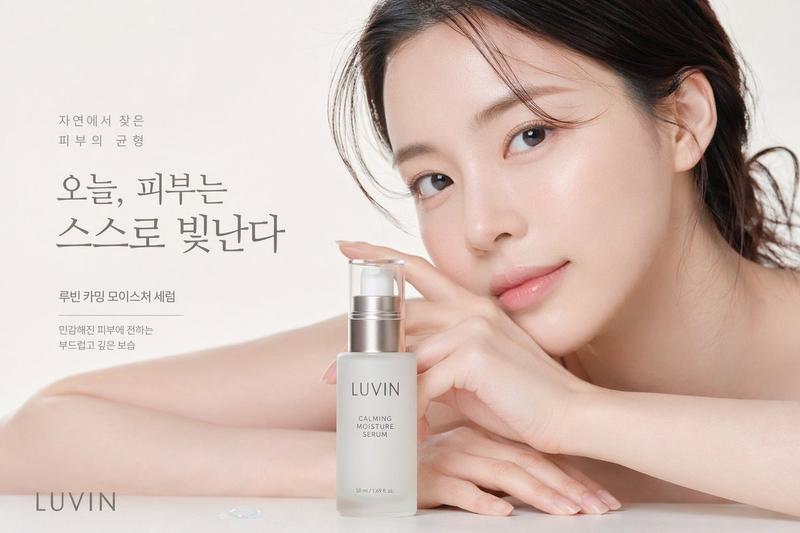
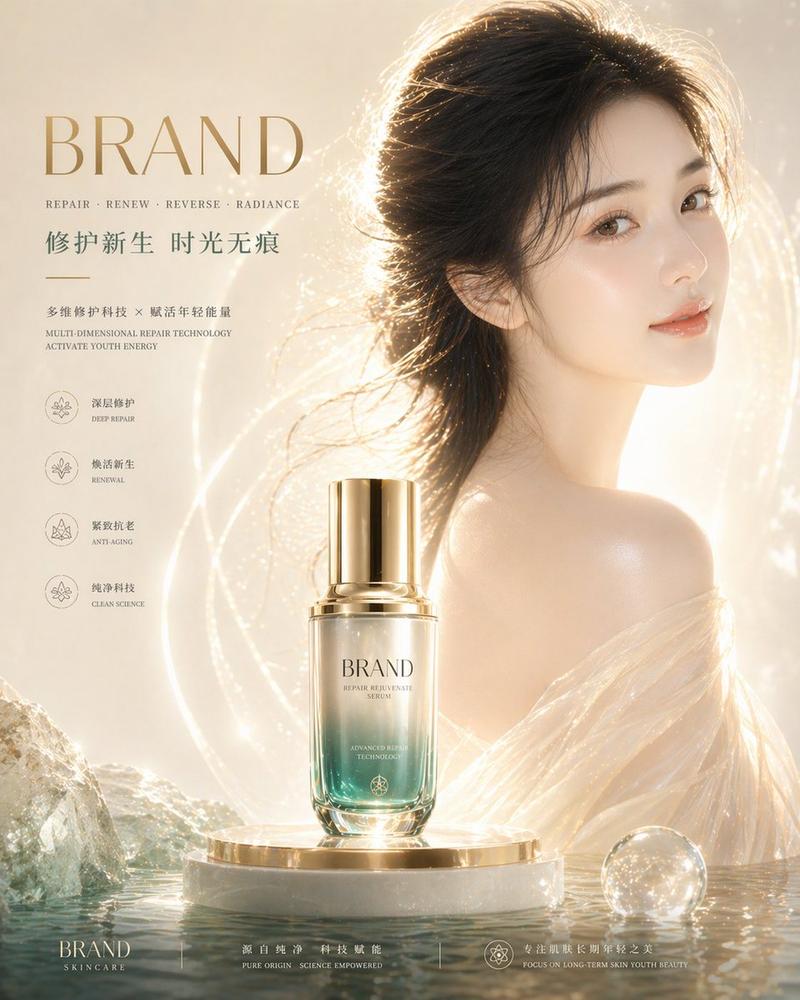
韩式水感面霜夏季广告
Prompt
{"type":"Korean skincare advertising poster","format":"single vertical social media ad, 4:5 aspect ratio","style":"premium photorealistic summer beauty commercial, bright airy blue-and-white palette, clean Korean cosmetics layout, glossy water reflections, soft sunlight, shallow depth of field","scene":{"background":"sunlit outdoor pool or seaside spa setting with sparkling blue water bokeh, pale sky, soft green tropical leaves entering from the upper-right and lower-right corners","model":"young woman with wet dark hair and bare shoulders in water, positioned on the left half, hand touching cheek, dewy skin with water droplets, face covered by a large semi-opaque square privacy placeholder in muted beige-gray gradient, placeholder centered over the face and upper neck","mood":"cool, refreshing, hydrated, calm summer morning"},"product":{"item":"transparent turquoise cosmetic jar filled with aqua gel cream","position":"lower-right foreground on a wet stone or pool ledge","label text":"{argument name=\"product label text\" default=\"LIGHT AQUA\\nWATER CREAM\\nHydrating & Refreshing\\n50 ml / 1.69 fl. oz.\"}","appearance":"open glass jar with screw-top rim, blue-tinted water cream mounded into a glossy icy peak, condensation droplets on the jar, realistic refractions and highlights"},"typography":{"language":"Korean","font style":"modern clean sans serif, large bold blue headline with lighter supporting text","main headline":"{argument name=\"headline text\" default=\"여름 아침을 깨우는\\n산뜻한 수분\"}","subheadline":"{argument name=\"subheadline text\" default=\"가볍게 스며들고, 끈적임 없이 촉촉하게\"}","product ribbon":"{argument name=\"product ribbon text\" default=\"라이트 아쿠아 수분크림\"}"},"layout":{"top-right text block":"headline at upper right, subheadline below, light blue rectangular ribbon beneath","benefit icons":{"count":3,"position":"center-right above product jar","style":"thin blue line icons inside faint circles","items":[{"icon":"water droplet","label":"투명 젤 텍스처"},{"icon":"leaf","label":"여름철 산뜻 보습"},{"icon":"snowflake","label":"쿨링감 있는 사용감"}]},"bottom information panel":{"count":2,"position":"bottom third, translucent white rounded rectangle spanning almost full width","cards":[{"title":"용도","icon":"water droplet","body":"여름철 열감으로 지친 피부에 가볍고 산뜻한 수분을 채워주는데 도움을 줍니다."},{"title":"목적","icon":"leaf","body":"무겁지 않은 보습 루틴으로 피부를 편안하고 촉촉하게 유지하도록 제안합니다."}]},"call to action":{"position":"centered at very bottom inside blue rounded pill button","icon":"small water droplet","text":"{argument name=\"button text\" default=\"올여름, 산뜻한 수분 루틴 시작하기\"}"}},"composition":"model fills left side, product jar anchors lower right, headline occupies upper right, UI panel overlays bottom, all elements aligned with generous whitespace and polished ecommerce ad hierarchy","lighting":"high-key natural daylight, cool blue highlights, glossy reflections, realistic moisture and glass caustics","quality":"ultra-realistic advertising photography with crisp product rendering, readable Korean text, no extra logos, no clutter"}- Category
- Charts & Infographics
- Model
- GPT Image 2
- Source ID
- 19361
- Published
- May 9, 2026
Views5